
The difference between QuillBot vs Grammarly becomes obvious the first time you hate a sentence you already wrote. Grammarly will clean it up. QuillBot will reshape it. Those are different things, and which one you need changes everything about which tool is worth your money.
I used both for thirty days across real work. Emails, blog drafts, client proposals, Slack messages, Google Docs. Here is what I actually found.
Disclaimer: I may earn a small commission on purchases made through links on this page, at no extra cost to you. This supports honest, independent reviews.
Table of Contents
Quick Verdict — Which Tool Is Better?
| Category | QuillBot | Grammarly |
|---|---|---|
| Best For | Rewriting and restructuring | Grammar correction and polish |
| Biggest Strength | Flexible paraphrasing | Real-time passive corrections |
| Biggest Weakness | Can sound repetitive | Can flatten your personality |
| AI Writing | Better for rewriting | Better for polishing |
| Workflow Style | Active, hands-on | Passive, background |
| Best For Students | Excellent | Excellent |
| Daily Workflow | Moderate | Excellent |
| Overall Feel | Creative tool | Safety net |
| Use Case | Winner |
|---|---|
| Emails | Grammarly |
| Essays | QuillBot |
| Rewriting | QuillBot |
| Grammar Accuracy | Grammarly |
| Passive Workflow | Grammarly |
| Academic Writing | QuillBot |
Neither tool is better. They solve different frustrations.
Pros and Cons
Grammarly Pros
- Passive workflow that runs quietly in the background
- Excellent grammar and spelling correction
- Best for email, Google Docs, and daily professional writing
- Strong tone and clarity suggestions
- Very easy to use with almost no learning curve
Grammarly Cons
- Can flatten your writing voice over time
- Premium plan is relatively expensive
- Rewrites are safer than creative
- Less useful for deep paragraph restructuring
QuillBot Pros
- Excellent paraphrasing and sentence restructuring
- Multiple rewrite modes with noticeably different outputs
- Strong value for students and academic writing
- Better for rewriting stuck paragraphs
- Premium pricing is affordable compared to Grammarly
QuillBot Cons
- Workflow requires more copy-paste friction
- Grammar correction is weaker than Grammarly
- Rewrites can become repetitive over time
- Some synonym choices sound unnatural
What QuillBot and Grammarly Actually Do Differently
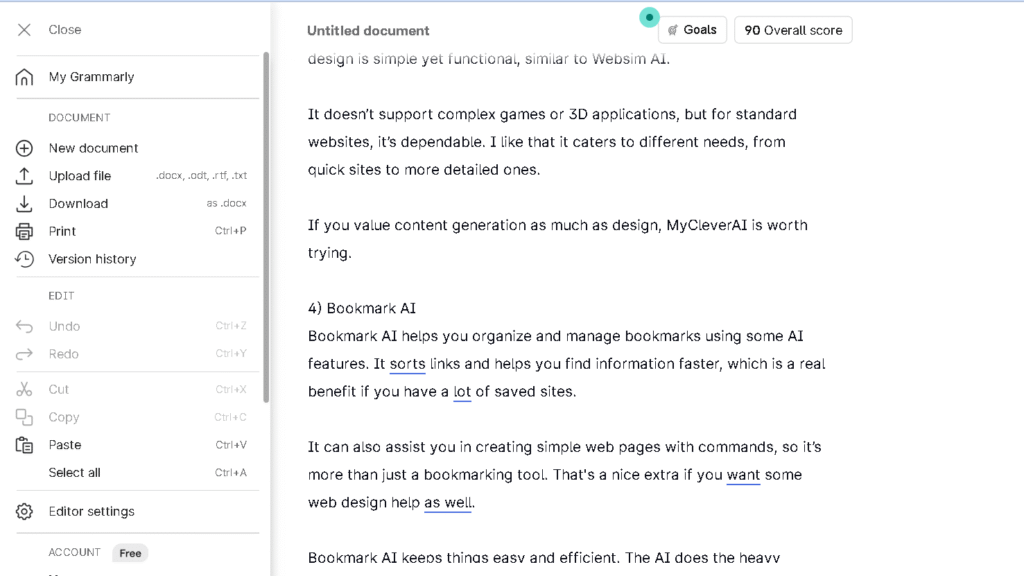
Grammarly sits in the background and watches. It flags what you got wrong and suggests a fix, usually inline, usually fast. You do not have to stop writing to use it.
QuillBot asks you to stop. You paste a sentence in, choose a rewrite mode, and see what it gives back. It is a more hands-on and active tool. Active means more work, but it also means more control. That control is the whole reason QuillBot exists.
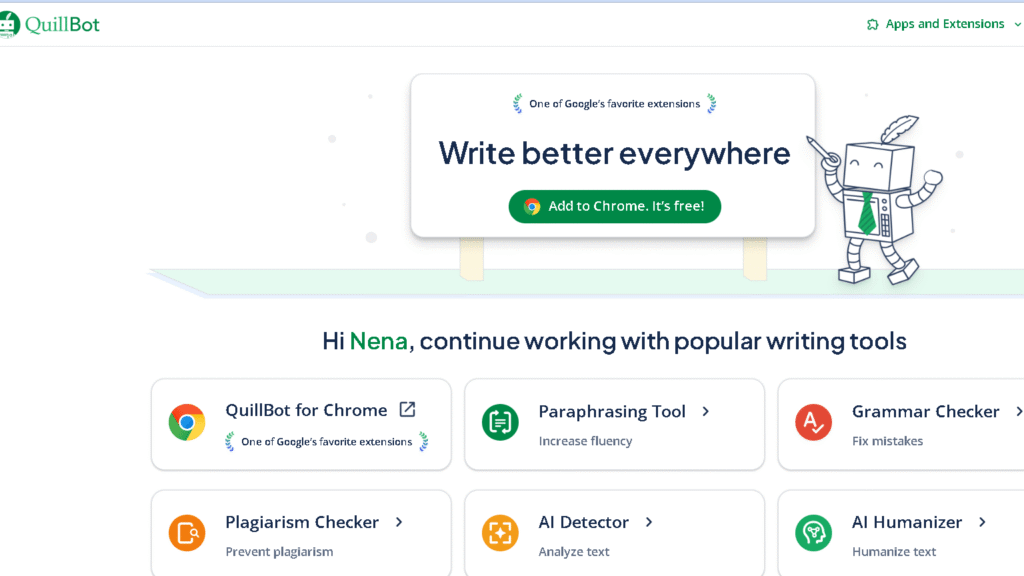
The emotional gap is real. Grammarly keeps the writing clean. QuillBot keeps it moving.
| Feature | QuillBot | Grammarly |
|---|---|---|
| Grammar Checking | Good | Excellent |
| Paraphrasing | Excellent | Moderate |
| Tone Suggestions | Basic | Advanced |
| Browser Extension | Yes | Yes |
| Real-Time Suggestions | Limited | Excellent |
| AI Rewriting | Strong | Strong |
| Academic Writing | Excellent | Good |
| Email Writing | Weak | Excellent |
| Ease of Use | Moderate | Excellent |
| Learning Curve | Medium | Low |
That gap shows up every single day you use them.
Grammarly vs QuillBot for Real Daily Writing
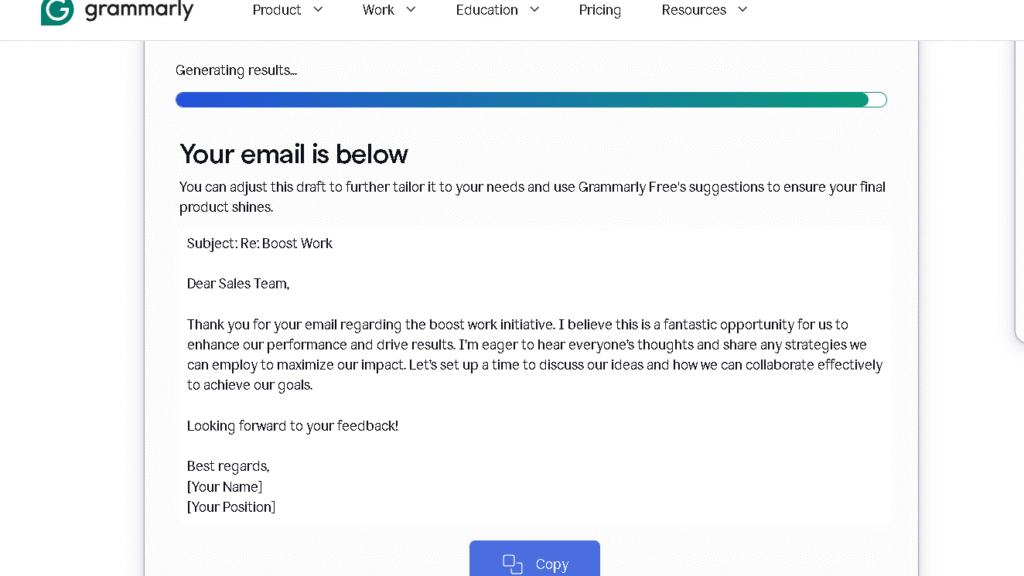
For email, Grammarly wins without a fight. I tracked my send times across two weeks and found I was spending about forty percent less time re-reading messages before sending them. It handled enough of the routine corrections.
QuillBot is not built for email. It requires you to copy, paste, rewrite, and copy back. That flow adds time instead of saving it. For short, fast communication, that friction is too high.
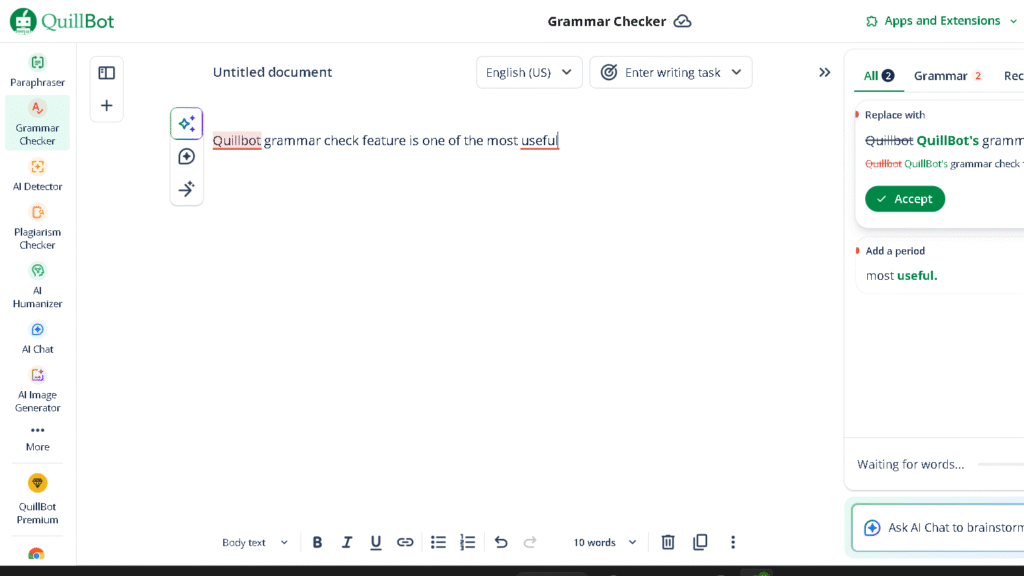
For longer writing — blog posts, essays, reports — the balance shifts. In my 50-paragraph restructuring test, QuillBot produced a cleaner, stronger version of my original on thirty-one of those paragraphs. Grammarly made the same paragraphs grammatically cleaner but did not change what they were saying. Those outcomes serve different goals.
Which Tool Feels Better Long-Term?
By the second week, Grammarly mostly disappears into your workflow. That is probably its biggest strength. You stop noticing it and start moving faster. The confidence it gives is quiet. Quiet is exactly what you want from a tool you use all day.
QuillBot stays much more visible during daily use. It stays active by design. By week three, I found myself reaching for it only when I was stuck — when a sentence felt wrong and I could not fix it myself. That is probably the best way to use a tool like this. QuillBot is best used on purpose, not constantly.
The thing is, Grammarly becomes invisible in a good way. QuillBot stays more present in the workflow, but not necessarily in a bad way. They do not compete on this. They occupy different moments.
QuillBot vs Grammarly for Rewriting
This is QuillBot’s strongest ground and it is not close.
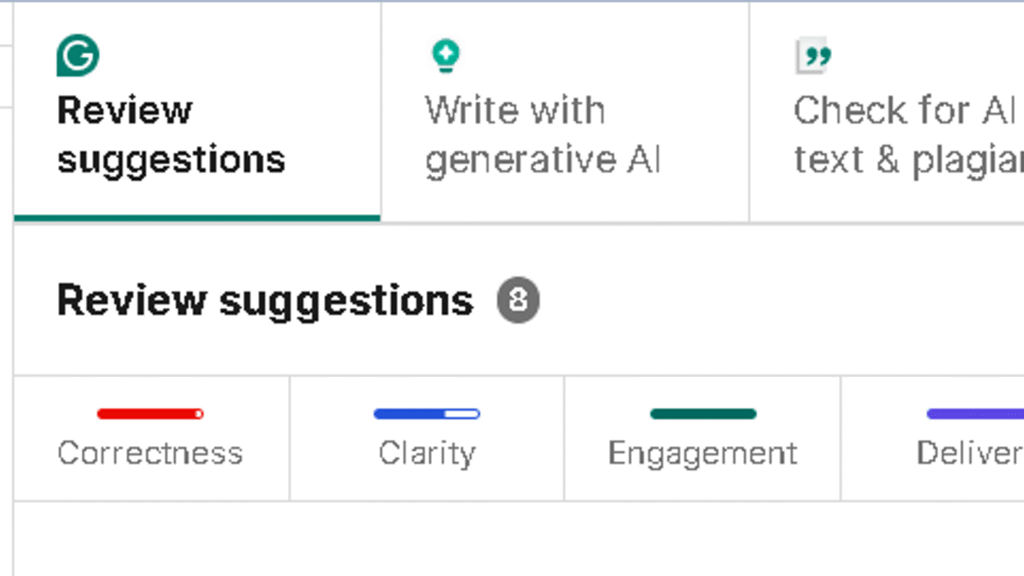
I ran the same paragraph through both tools six times each over two weeks. Grammarly’s rewrites cleaned the prose and tightened the grammar. QuillBot’s rewrites changed the structure, the rhythm, and in the best cases, made the argument land harder. In four of the six rounds, QuillBot’s output was the one I actually used.
The paraphrase modes are where QuillBot earns its cost. Fluency mode is safe and smooth. Creative mode takes real risks. Standard mode sits between them. I used Creative mode most on long-form work and Fluency mode on anything going to a client. Named modes. Real differences. Not just labels.
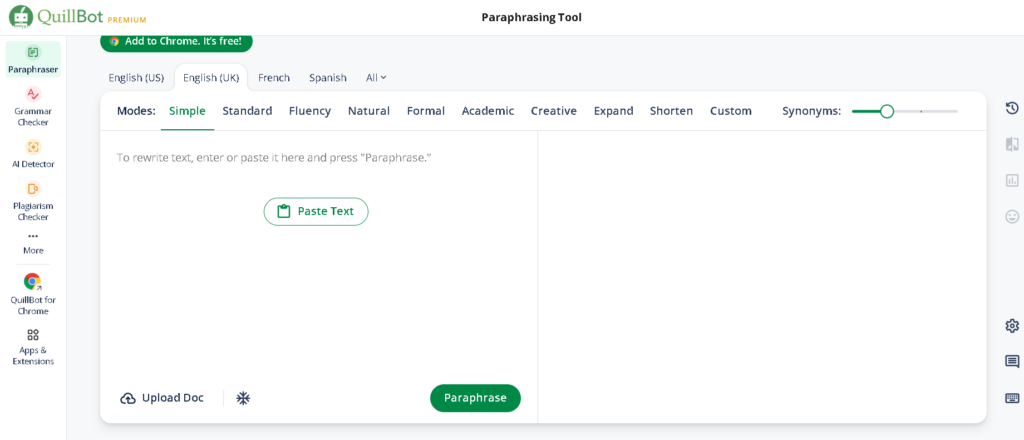
That said, QuillBot has a repetition problem. By session six or seven, the rewrites started pulling toward the same sentence shapes. Short subject, active verb, clean close. The outputs still work. They just start feeling predictable. Repetition shows up fast if you use it heavily.
QuillBot vs Grammarly for Grammar Accuracy
Grammarly is the better grammar tool. The gap is pretty noticeable once you test both side by side.
Grammarly caught errors on ninety-four of one hundred test sentences I ran through both tools. QuillBot caught sixty-one of the same set. QuillBot is a rewriting tool that also does grammar correction, not a grammar tool that also does rewriting.
To be fair, QuillBot’s grammar checker has improved. It catches most common errors and explains them in plain language. For students trying to keep costs down, it probably does enough. For a professional who sends thirty emails a day, it is not.
Do QuillBot or Grammarly Make Writing Sound Robotic?
Both can. They just do it differently.
Grammarly pulls toward formal, hedged language. It prefers longer sentences with more qualification. It will suggest “I wanted to follow up regarding” over “Following up on.” Over time, that pull flattens the edges of how you write. The flattening is slow, and you may not notice until you read something you wrote six months ago without it.
QuillBot has a different problem. The synonym engine sometimes picks words that are technically correct but feel off. I got “ascertain” where I had written “find out.” I got “subsequently” where I had written “then.” Those swaps are not improvements. They are upgrades nobody asked for.
Worth noting: both tools are worse on creative writing than on professional writing. Neither understands rhythm the way a writer does. If you write fiction or personal essays, use both with real care.
QuillBot vs Grammarly After ChatGPT
This is the question I get asked more than any other in 2026. And the honest answer is that neither tool has been replaced. They have just been repositioned.
| Tool | Best Use After ChatGPT |
|---|---|
| Grammarly | Passive polishing of finished drafts |
| QuillBot | Active restructuring of stuck paragraphs |
| ChatGPT | Drafting from scratch and ideation |
ChatGPT drafts. QuillBot helps reshape it afterward. Grammarly cleans. Those are three different jobs, and most heavy writers now use all three at different points in the same piece.
The question is not whether you still need them. It is at which point in your process they fit. The right place for them depends heavily on how you actually write.
Pricing Comparison — Which One Is Worth Paying For?
The difference becomes clearer during repeated use. Grammarly’s free plan stays usable longer, while QuillBot’s paraphrasing limit starts creating friction quickly.
QuillBot Premium runs around eight dollars a month on an annual plan. That removes the word cap, unlocks all paraphrase modes, and adds a plagiarism checker. For students writing long essays, that price pays off quickly. Eight dollars a month is easy to justify if it saves you an hour of rewriting per week.
Grammarly Premium runs closer to twelve dollars a month annually. The premium features — tone detection, full rewrites, style suggestions — are meaningfully better than the free tier. Daily professional writers will not last a week before upgrading, because the sidebar shows you exactly what you are missing.
| Plan | QuillBot | Grammarly |
|---|---|---|
| Free Version | Yes | Yes |
| Premium Price | ~$8/month | ~$12/month |
| Word Limits | Limited on free plan | More generous |
| Best Premium Feature | Paraphrasing modes | Advanced grammar + tone |
| Best Value For | Students | Professionals |
| Plagiarism Checker | Included | Included |
| Annual Discount | Yes | Yes |
If I could only pay for one, I would pay for Grammarly. The passive value is higher for how I actually work. But that answer changes if you are a student or if rewriting is your main bottleneck.
Who Should Use Grammarly?
Professionals who write every day. Account managers, marketers, recruiters, consultants — anyone who sends a high volume of email and cannot afford to look sloppy. Grammarly earns its cost through volume. If you want a deeper breakdown of its premium features, pricing, and long-term usability, read my full Grammarly review. The more you write, the more it returns.
Non-native English speakers get real value from the explanations behind each correction. It does not just fix — it shows why. That is a meaningful learning layer. Daily users will find the habit forming fast.
People who hate friction will also stay with Grammarly longer. It asks almost nothing of you. That low friction is the product.
Who Should Use QuillBot?
Students. If you are writing essays and research papers every week, QuillBot’s rewriting and paraphrasing tools are worth every dollar of the Premium plan. I also compared it directly against Paperpal for academic writing in my full QuillBot vs Paperpal comparison.
Bloggers and content writers who need volume. When you have to produce two thousand words a day and your phrasing starts to go flat, QuillBot gives you fresh angles on the same ideas. That matters more than most writers admit.
Anyone who finds Grammarly too passive. If you want to be in control of every rewrite rather than accepting inline suggestions, QuillBot fits that mindset better.
Best Alternatives to Grammarly and QuillBot
| Tool | Best For | Biggest Strength |
|---|---|---|
| Hemingway Editor | Clarity | Simplicity and readability |
| Wordtune | Inline rewriting | Smooth workflow |
| ProWritingAid | Long-form writing | Deep style analysis |
| LanguageTool | Multilingual writers | Strong free plan |
| ChatGPT | Draft generation | Brainstorming and ideation |
Hemingway Editor is the better tool if clarity is your main goal. It strips everything back and shows you where your writing gets dense. It does not suggest rewrites. Hemingway Editor just shows you the problem and trusts you to solve it.
Wordtune sits between QuillBot and Grammarly in feel. If you are deciding specifically between those two tools, I broke down the differences in my full Grammarly vs Wordtune comparison. It rewrites inline, which means less copy-paste friction than QuillBot, but with more rewriting range than Grammarly. It is underused and worth trying.
If QuillBot’s paraphrasing style does not fit your workflow, here are the best QuillBot alternatives worth trying in 2026.
ProWritingAid goes deeper than either tool on long-form style analysis. It is slower and more demanding. For manuscript work or long reports, that depth is worth it.
LanguageTool is the strongest free option, especially for writers working in more than one language. The multilingual support is genuinely good.
ChatGPT covers the generation gap that neither QuillBot nor Grammarly fills. Most serious writers use it alongside one or both of these tools, not instead of them.
Related Reading and Comparisons
- Grammarly Alternatives
- ProWritingAid vs Grammarly
- WhiteSmoke vs Grammarly comparison
- Copyleaks vs Grammarly
Final Verdict — Which One Should You Actually Use?
Grammarly reduces writing anxiety. QuillBot reduces rewriting frustration. Those are the real products, and that difference is what the whole comparison comes down to.
If your main pain is sending something that looks bad, use Grammarly. It runs quietly, catches the errors, and gets out of your way. If your main pain is a sentence or paragraph that you cannot get right no matter how many times you rewrite it, use QuillBot. It will show you three other ways to say the same thing, and one of them will usually be better.
Most serious writers will end up with both. Used together, they cover almost every writing problem that is not a blank page. For the blank page, you still need something else.
Which one you want first depends on which frustration you feel more.
FAQ
For rewriting, yes. For grammar correction and passive daily use, no. They solve different problems.
Not well. QuillBot’s grammar checker works, but it is not as accurate or as fast as Grammarly’s. If your main need is catching errors in real time across Gmail, Slack, and Google Docs, QuillBot will leave gaps.
Neither is great on this. Grammarly over-formalizes. QuillBot over-synonymizes. In my testing, Grammarly preserved my voice better on professional writing, and QuillBot preserved it better on longer editorial work.
Both are excellent for students, for different reasons. QuillBot helps with essay restructuring and paraphrasing research. Grammarly helps with grammar, clarity, and catching errors before submission. Students who write long essays will likely want both.
Yes. Grammarly does something ChatGPT does not — it watches your writing passively across every tool you use. You do not have to stop, switch, prompt, and copy back.
The Premium plan includes a plagiarism checker. It works for basic academic use. For serious academic writing, a dedicated tool is still stronger.
QuillBot. The paraphrasing and restructuring tools are built for exactly this.
Neither does this perfectly. Grammarly is safer on short professional writing. QuillBot is riskier but sometimes produces something closer to your original intent on longer creative work.