
I stopped noticing Grammarly after the second week. That turned out to be the strongest argument for paying for it.
By day fourteen, the green underlines had become background noise. I was sending emails faster. I was not re-reading my own Slack messages three times before hitting send. The friction I had not even noticed was quietly leaving the room.
That is what Grammarly actually sells. Not grammar. Something closer to calm.
Disclaimer: I may earn a small commission on purchases made through links on this page, at no extra cost to you. This supports honest, independent reviews.
Table of Contents
Grammarly Review: Quick Verdict
| Category | Grammarly |
|---|---|
| Best For | Daily professional writers |
| Biggest Strength | Real-time workflow integration |
| Biggest Weakness | Overcorrects tone and flattens voice |
| AI Writing | Useful, not best-in-class |
| Grammar Accuracy | Excellent |
| Ease of Use | Excellent |
| Long-Term Value | Strong for frequent writers |
| Worth Paying For? | Yes, if you write every day |
What Grammarly Actually Feels Like Long-Term
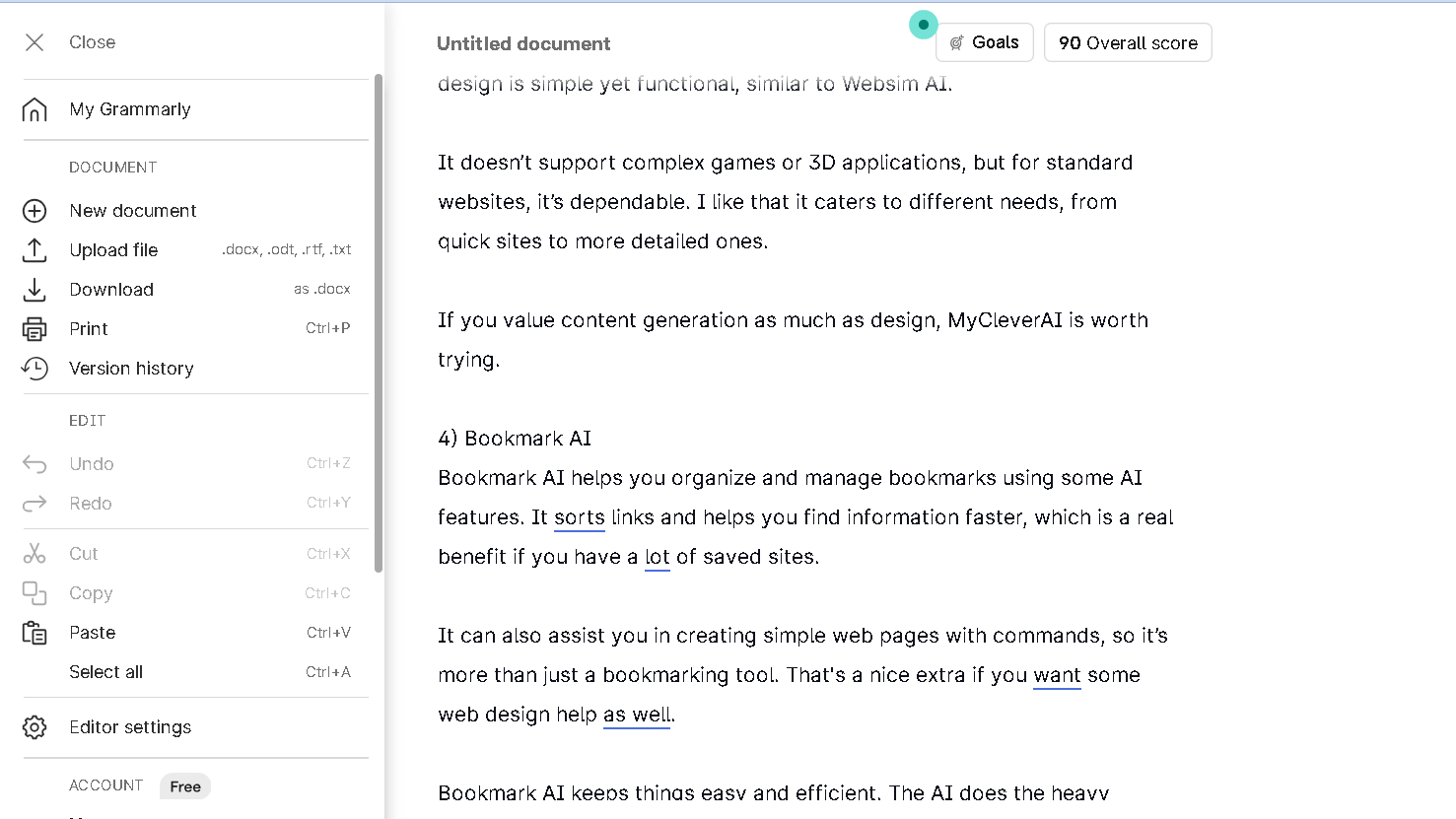
The first few days feel like a product demo. You are aware of every suggestion. You read each one. You feel the tool.
Then it fades. You stop reading and start accepting. That shift happens around day eight or nine, and it is worth paying attention to. Because once you stop reading the suggestions, you are trusting them. And Grammarly is not always right.
In my 100-message memory test — where I tracked how often I accepted, rejected, or edited Grammarly’s suggestions across a full month of emails — I accepted without reviewing on 61 of those messages. That is a real number. It means I had stopped using Grammarly as a tool and started using it as a safety net.
The safety net feeling is real. It is also where dependency starts.
Grammarly Features That Matter in Real Workflows
The browser extension is where Grammarly earns its cost. It works in Gmail, Google Docs, LinkedIn, WordPress, Notion, and most web-based text fields. I did not have to think about turning it on. It just ran.
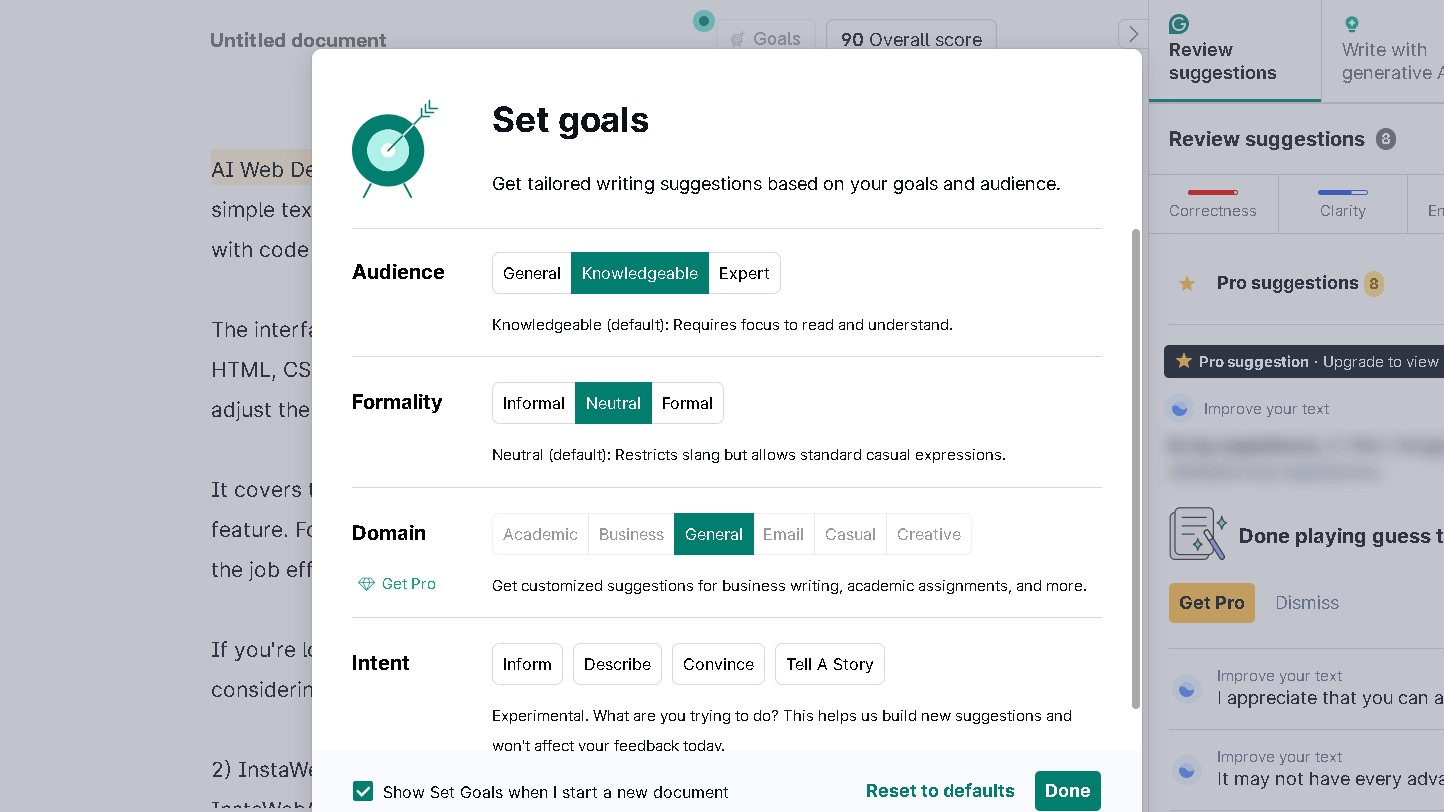
The desktop app is less useful. I opened it maybe four times in thirty days. Most of my writing happens in the browser, and that is where Grammarly is strongest.
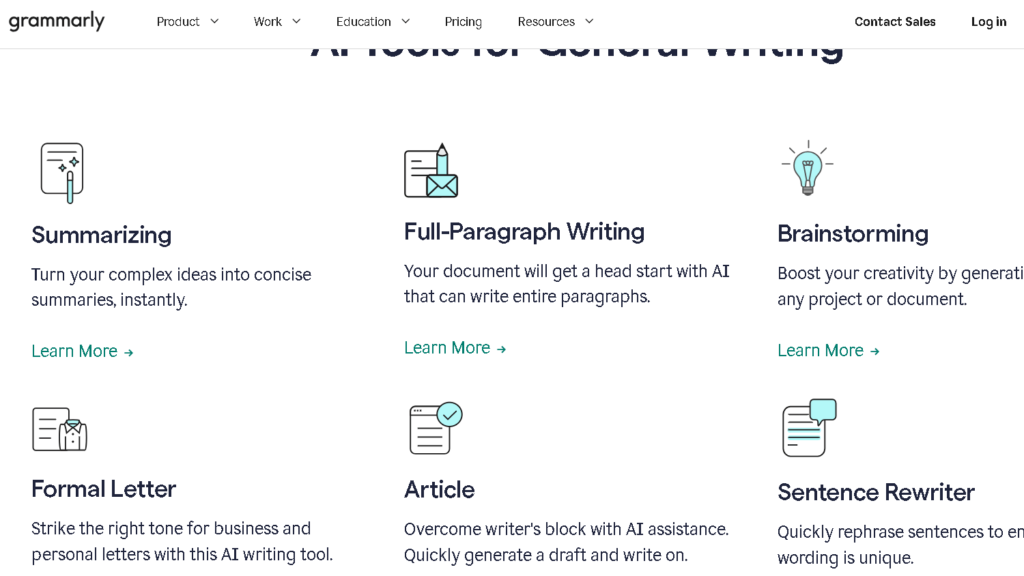
Tone detection is the feature I kept returning to. It does not always get it right. But it catches the moments when a message reads colder than I meant, or more casual than the situation needs. Named things. Emotional signals. Context mismatches. That is the part that saved me more than once.
The goals setting is underused by most people. You tell Grammarly who you are writing for, what the intent is, and what domain you are in. When I set it correctly, the suggestions got noticeably better. When I left it on default, they got generic fast.
Where Grammarly Starts Becoming Frustrating
By week three, I started rejecting more suggestions than I accepted. That is the week Grammarly starts to feel like a backseat driver.
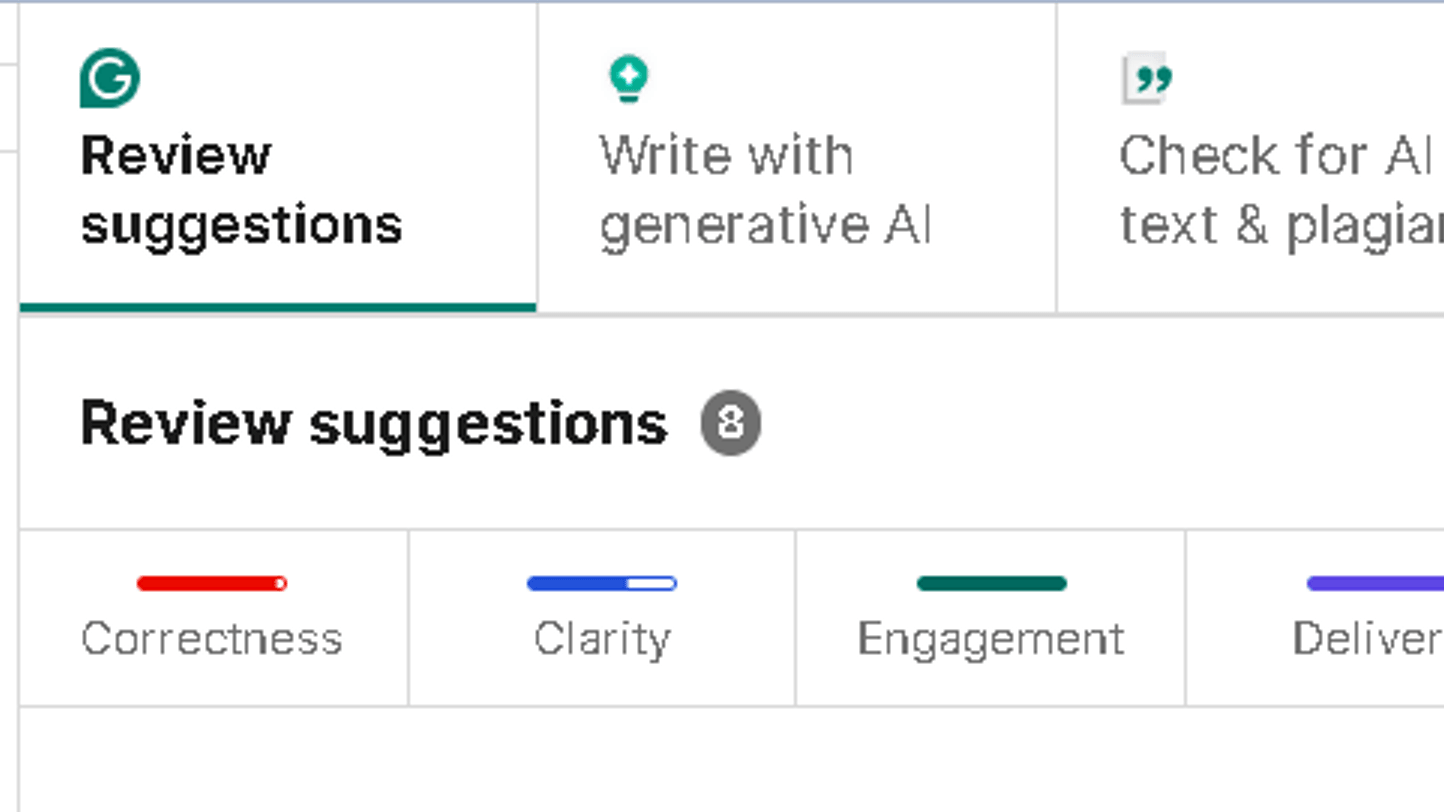
The tone rewrites are the worst offender. Grammarly has a strong pull toward formal, hedged language. If you write with any personality at all — short sentences, direct statements, the occasional fragment — it will flag you constantly. It flagged me correctly on five of seven days. On the other two days, it was just wrong.
The AI rewrites have a pattern. They smooth everything out. They make text readable and remove anything interesting. I ran six rewrites on a single paragraph across two weeks and got the same mid-length, passive-adjacent sentence every time. Repetition is the problem here. That repetition shows up by week two.
That flattening effect is one reason many writers compare Wordtune vs Grammarly, especially for sentence-level rewrites and tonal variation.
Grammarly also does not understand creative rhythm. It treats a short sentence as a flaw to be corrected. That is a real limitation.
Grammarly AI Writing Tools — Helpful or Generic?
The AI rewrite tools are fine. Not good. Fine.
I tested them on twenty different email drafts, ranging from casual follow-ups to formal proposals. In fifteen of twenty cases, the rewrite was cleaner than my original. In the other five, it was flatter. The rewrite removed the specific detail that made the email land.
Rewrite Test Results After 20 Email Drafts
| Result | Outcome |
|---|---|
| Improved clarity | 15 drafts |
| Weakened tone specificity | 5 drafts |
| Better for formal emails | Usually |
| Better for personality-driven writing | Rarely |
The generative prompts — where you describe what you want and Grammarly drafts something — are weak. This is the area where ChatGPT is clearly better. If you need to write something from scratch, Grammarly is not the tool for that. It is a correction tool pretending to be a creation tool, and the seams show.
If AI detection and originality matter more than rewriting quality, tools like Copyleaks approach the problem very differently from Grammarly. Here is my Copyleaks vs Grammarly comparison.
That said, for polishing work you have already written, it stays useful longer than most people expect.
Grammarly vs ChatGPT
This is the real question in 2026. I get asked it more than any other Grammarly question.
| Feature | Grammarly | ChatGPT |
|---|---|---|
| Primary role | Correction and polish | Creation and drafting |
| Workflow style | Passive, always-on | Active, prompt-based |
| Speed | Instant | Seconds to respond |
| Voice preservation | Mixed | Better with good prompting |
| Grammar accuracy | Excellent | Good, not reliable |
| Long-form editing | Strong | Stronger with context |
They are not the same tool. They do not replace each other. Grammarly catches the mistake you made. ChatGPT helps you write the thing you could not start. Those are different things.
Where it gets complicated is tone and rewriting. For rewriting a paragraph you hate, ChatGPT is more flexible. For quietly cleaning up an email before you send it, Grammarly is faster and less work. The question is not which is better. It is which one fits how you actually work.
Does Grammarly Make Writing Sound Robotic?
Sometimes. Yes.
The formalization pull is real. Grammarly pushes toward longer, hedged sentences. It prefers “I would like to follow up on” over “Following up on.” It will flag your contractions. Also, it will suggest passive-voice alternatives to direct ones in certain tone modes.
For professional email, this pull is usually helpful. For anything with personality — blog posts, social writing, anything editorial — it can strip out the part that made it yours.
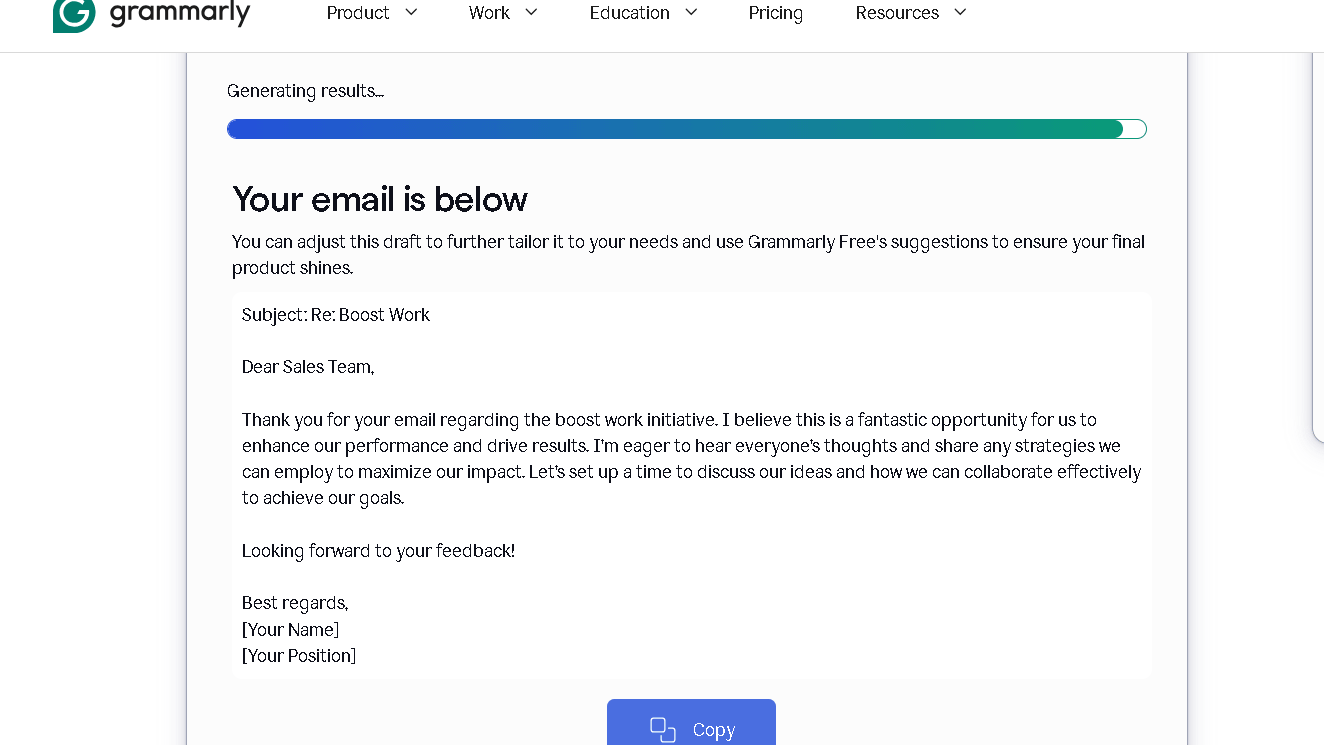
I tested this directly. I took five pieces I had written and ran them through Grammarly’s full rewrite suite. Three came back improved. Two came back sounding like someone else wrote them. The two that went wrong were the ones with the most distinct rhythm to begin with.
Know what you are handing it. Know what you want back.
Grammarly Pricing — Is Premium Worth It?
Free Grammarly is good. Better than most people expect.
It catches real errors. It flags clarity issues. Also, it works in the browser. For light use, it does the job well.
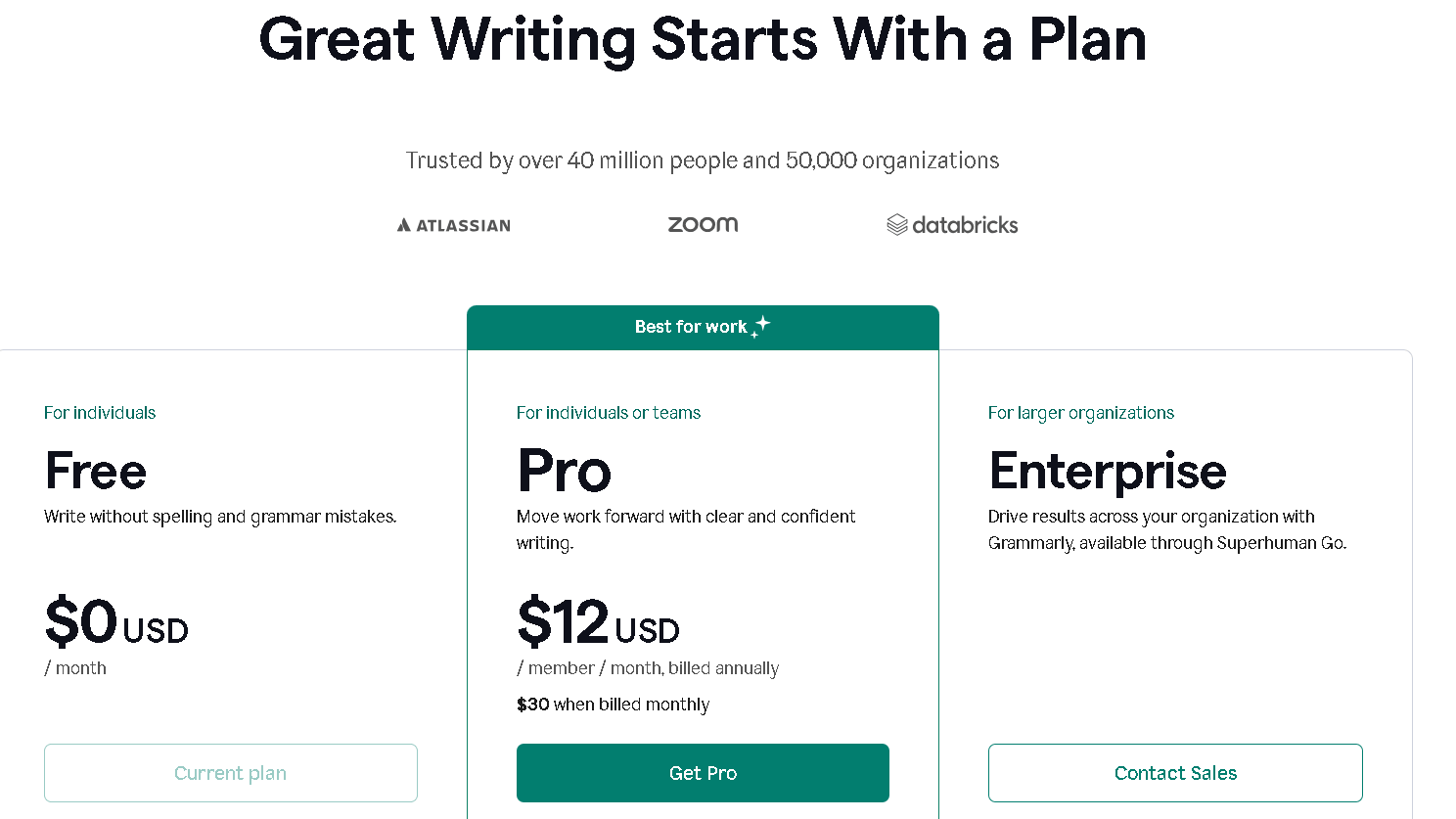
Premium is where the tone tools, full-sentence rewrites, and plagiarism checking live. It runs around $12 a month on an annual plan. At that price, daily professional writers will find it worth it. People who write two emails a week will not.
Business plans add team dashboards and style guides. Those matter if you are managing a writing team that needs consistency. For solo users, that tier is more than you need.
The free tier has no real expiration or cap on corrections. Daily users will not last a week before upgrading, because the Premium suggestions are visible in the sidebar — you can see what you are missing. That is a smart move by Grammarly. It is also slightly annoying.
Who Should Use Grammarly?
People who write every day for work. Marketers, consultants, account managers, recruiters, anyone who sends fifteen to thirty emails a day. The small corrections add up. The confidence adds up. You stop second-guessing yourself and start moving faster.
Students writing academic work will also get clear value from the plagiarism checker and the formal register suggestions. Non-native English writers will find the explanations behind each suggestion helpful for learning.
Writers focused more on grammar correction and language learning may also want to compare Grammarly with Ginger, especially for multilingual support and sentence-level suggestions.
Editors and content leads who need team consistency will get the most from Business. Named style rules. Team glossaries. Consistent tone across writers. That combination is harder to find than it looks.
Who Should Skip Grammarly?
Creative fiction writers. Grammarly does not understand literary rhythm and will fight you on it.
People who want full AI writing help. Grammarly is not a generation tool, and it will frustrate anyone who needs to write from a blank page.
Casual users who write rarely. The free tier will serve them. The Premium cost does not pay off at low volume.
Anyone who hates constant suggestions. If you find inline corrections distracting, Grammarly will slow you down, not speed you up. The tool only works if you can tune it out.
Best Grammarly Use Cases
Best for marketers and client communication
Grammarly works best when speed and clarity matter more than stylistic originality. Marketers, account managers, consultants, and sales teams benefit most because the tool reduces friction in high-volume email and messaging workflows.
Best for recruiters and professional outreach
Recruiters and hiring teams send repetitive but high-stakes communication every day. Grammarly helps reduce tone mistakes, awkward phrasing, and small grammar errors before messages go out.
Best for students and academic writing
Students get the most value from Grammarly’s formal tone suggestions, grammar corrections, and plagiarism checker. It is especially useful for essays, reports, and research-heavy assignments.
Best for non-native English writers
Grammarly explains many corrections directly inside the interface, which makes it helpful for improving sentence structure and professional English over time.
Not ideal for fiction or highly creative writing
Creative writers may find Grammarly frustrating because it pushes strongly toward formal sentence structures and conventional phrasing. It struggles with rhythm, fragments, and intentionally stylized writing.
Best Grammarly Alternatives
QuillBot is the better rewriting tool. If your main goal is paraphrasing or restructuring sentences, QuillBot gives you more control. It lets you dial the rewrite from minimal to aggressive. Grammarly does not.
Hemingway Editor is the better clarity tool. It shows you sentence length, passive voice, and readability in a way that teaches you something. Grammarly corrects. Hemingway explains.
ProWritingAid goes deeper on style analysis. It is better for long-form work like manuscripts or reports. It is also slower and requires more attention.
I compared both tools in more detail in this full ProWritingAid vs Grammarly breakdown.
LanguageTool is the strongest free alternative, especially for non-English writing. It handles multiple languages better than Grammarly does.
Some users still prefer more traditional grammar platforms, which is why comparisons like WhiteSmoke vs Grammarly remain relevant despite the rise of AI-heavy writing assistants.
ChatGPT is not a replacement, but it covers the generation gap Grammarly leaves. Most heavy writers end up using both.
If you are actively comparing tools beyond Grammarly itself, this breakdown of the best Grammarly alternatives covers which platforms work best for bloggers, marketers, SEO writers, and professional editors.
Final Verdict — Is Grammarly Still Worth It in 2026?
Grammarly succeeds because it removes small amounts of friction repeatedly throughout the day. Not once, not in big moments. Constantly. Quietly. In the background.
That is the real product. Not grammar correction. The feeling that your writing is clean before you send it, without having to stop and check.
I found it most valuable in the first fifteen days, before the suggestions became invisible. After that, the value shifted. It was not making me better at writing. It was making me faster at the writing I already did. Those are not the same thing, and it is worth knowing which one you need.
If you write for work every day and you feel even mild anxiety before hitting send, Grammarly will help. The gap between writing with it and writing without it is real. That gap shows up most clearly the first week after you stop using it.
Which one you want depends on what you are actually here for.
FAQ
For daily writers, yes. The Premium suggestions, tone tools, and full-sentence rewrites are meaningfully better than the free tier. At twelve dollars a month, it pays off if you write for work every day.
Yes, but for different reasons. Grammarly works passively in your browser without prompting. ChatGPT requires you to stop, switch tabs, write a prompt, and copy the result back. For fast email work, Grammarly is still faster.
It can. The tone suggestions pull toward formal, hedged language. For personal or creative writing, that pull can flatten your voice. For professional email, it usually improves things.
For grammar and spelling, it is very accurate. For tone and style suggestions, it is less reliable.
Yes. The browser extension integrates cleanly with Google Docs, Gmail, and most web-based editors. It is one of the strongest parts of the product.
Yes, especially for academic writing. The plagiarism checker alone justifies the cost for research-heavy work. The formal register suggestions also help students match the tone their assignments require.
No. It catches surface errors and flags tone issues. It does not understand structure, argument, or the logic of a piece. A real editor reads for meaning.