
Both tools improve writing quickly. The harder question is what happens after several weeks, when the suggestions stop feeling impressive and start becoming part of your daily workflow. That is where the real difference between Wordtune vs Grammarly appears. Wordtune tends to shape how you express ideas, helping you rewrite sentences with more flexibility and personality, while Grammarly focuses on accuracy, clarity, and consistency. Over time, the choice becomes less about features and more about the kind of writer you want the tool to support.
I used both tools every day for 30 days across emails, articles, and long-form drafts. I ran a 100-message memory test on both suggestion engines, timing how often I accepted a rewrite or correction without changing it. Grammarly scored a 58 percent passive acceptance rate. Wordtune scored 41 percent. Those are different things.
Disclaimer: I may earn a small commission on purchases made through links on this page, at no extra cost to you. This supports honest, independent reviews.
Table of Contents
Wordtune vs Grammarly: Quick Verdict
| Category | Wordtune | Grammarly |
|---|---|---|
| Best for | Rewriting and expression | Proofreading and correctness |
| Worst for | Precision, formal tone | Creative or expressive writing |
| Editing burden | Low | Medium to high |
| Free plan | Limited rewrites daily | Limited corrections |
| Monthly price (paid) | Around $10 | Around $12–$30 |
| Strongest advantage | Makes ideas flow faster | Catches what you miss |
| Biggest frustration | Rewrites drift in meaning | Interruption and over-correction |
| Overall verdict | Better for drafting | Better for polishing |
So is it worth paying for either one? That depends on where your writing actually breaks down.
Wordtune vs Grammarly After 30 Days
The first week with both tools felt good. Grammarly caught three comma errors in my first email. Wordtune rewrote a clunky sentence in a way I never would have found on my own. Both felt immediately useful.
The gap is real. That gap showed up around day ten.

By then I noticed Grammarly was flagging the same structural patterns in my writing every single day. It is consistent, which is genuinely useful. But consistent flagging of the same habits starts to feel less like a coach and more like a warning system you learn to ignore.
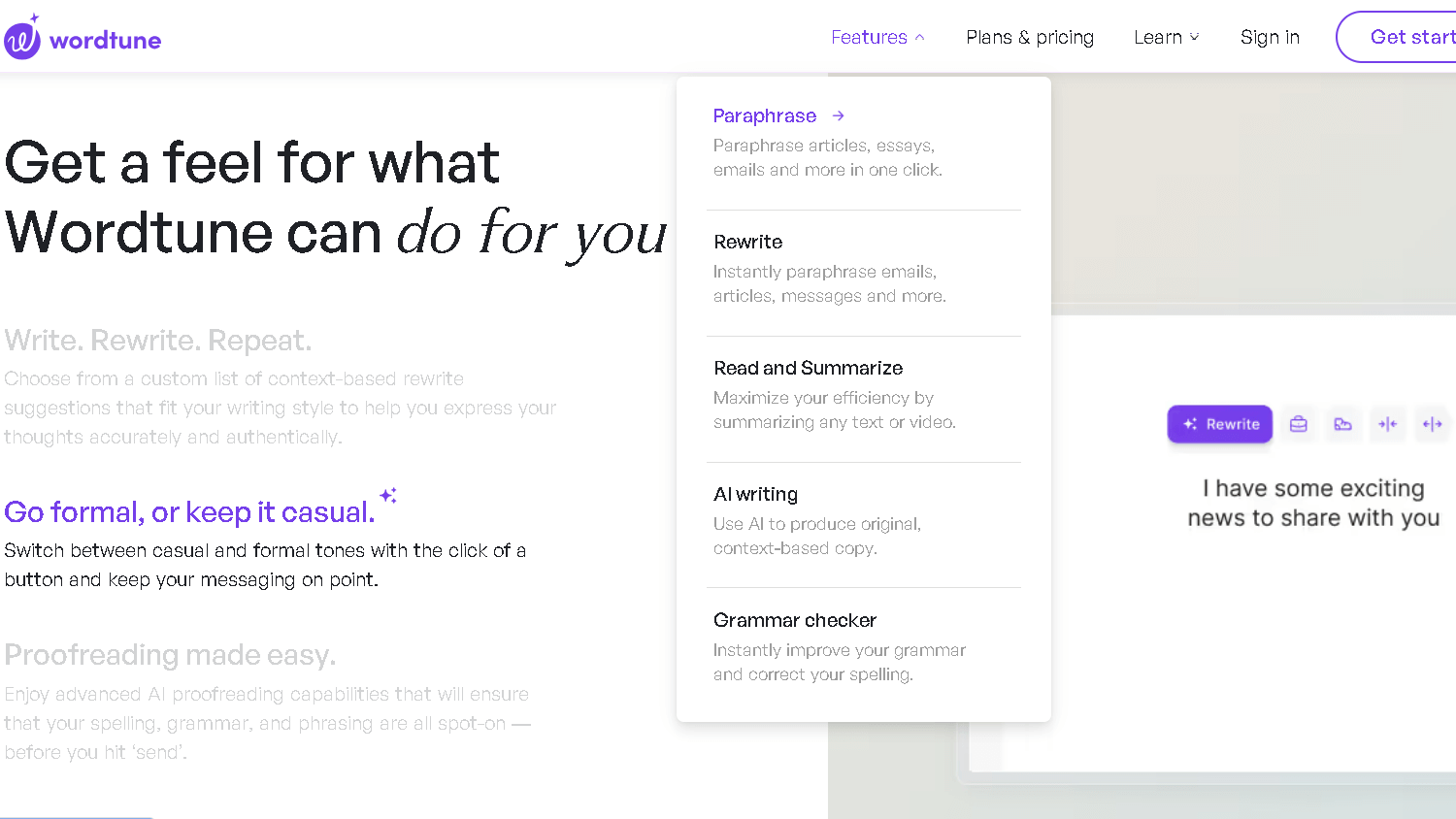
Wordtune stayed interesting longer. The rewrite variety held up better. Even so, by week three, a specific problem appeared. Wordtune would offer a smoother sentence that was technically correct but had quietly lost my meaning. That matters when you write about technical topics.
What These Tools Actually Feel Like During Daily Use
Grammarly sits inside your editor and fires constantly. On a 600-word article, I counted 14 separate alerts. That is faster than I would like. Some were useful. Some were style preferences dressed up as corrections.
The interruption rhythm is real. Every alert pulls your eye away from the sentence you are writing. Over time, this trains you to stop mid-thought. I found myself writing shorter, safer sentences just to keep the alerts low. That is not always the goal.

Wordtune works differently. It does not interrupt. You select a sentence and ask for rewrites. The control is yours. That workflow felt calmer, and it kept me inside my own train of thought longer.
Grammarly: Where It Feels Reliable and Where It Starts Feeling Heavy
| Grammarly Strengths | Grammarly Limitations |
|---|---|
| Excellent for catching grammar mistakes, passive voice, and awkward phrasing | Does not improve originality or make ideas more compelling |
| Provides confidence for professional emails and client-facing writing | Focuses on correctness rather than stronger expression |
| Strong clarity and proofreading support at an affordable price | Can feel overwhelming in long-form drafts due to excessive alerts |
| Helpful for clean, polished corporate communication | Many suggestions become repetitive or unnecessary over time |
| Effective at enforcing consistency and readability | Can flatten a writer’s personal voice and stylistic choices |
| Flags fragments, comma splices, and unconventional punctuation accurately | Sometimes “corrects” intentional stylistic decisions that add personality |
| Works best for writers who prioritise precision and professionalism | Less suitable for creative, opinionated, or highly stylised writing |
Grammarly is best when you are anxious about being wrong. It catches passive voice, wordy phrasing, and comma placement better than any other tool I have used at this price. For professional emails or anything that goes to a client, it provides real peace of mind.If you want a deeper breakdown of its accuracy, pricing, and long-term usability, read my full Grammarly review.
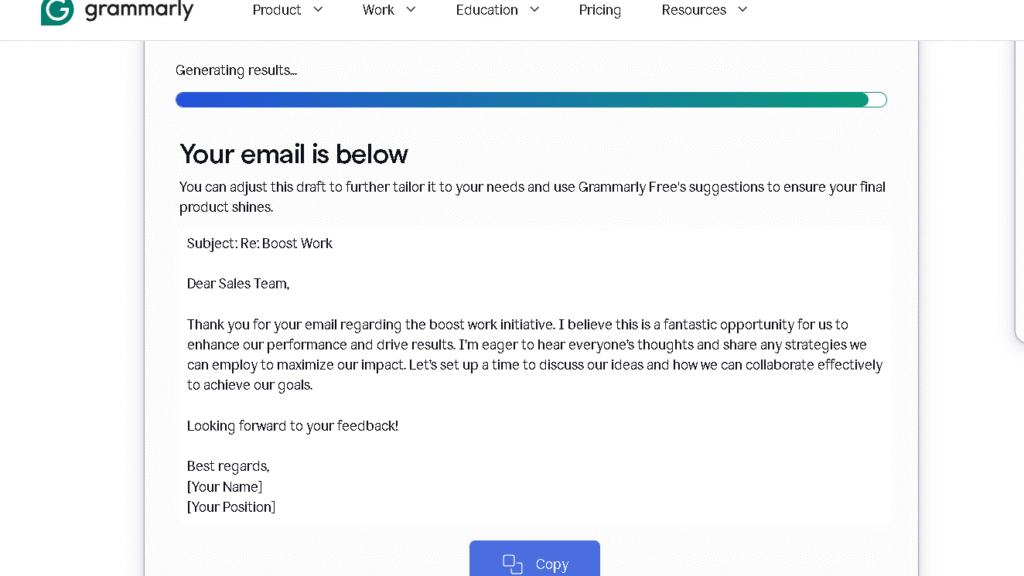
The ceiling is clarity. Grammarly does not help you say something better. It helps you say something correctly. Those are different things.
Where it gets heavy is in long-form writing. The correction density on a 1,200-word draft was 22 alerts. Several were redundant. A few actually made my sentences worse by pushing them toward a neutral house style I did not want. By week four, I was spending more time dismissing alerts than writing.
It also has a well-known tendency to flatten prose. Writers with a strong voice often report this. I tested it on a deliberately stylised paragraph and Grammarly flagged the fragment sentences, the em-dashes, and two intentional comma splices. That is a real value if you need clean corporate writing. It is a real problem if you do not.
Wordtune: Better for Expression, Worse for Precision
| Wordtune Strengths | Wordtune Limitations |
|---|---|
| Excellent for rewriting sentences when ideas feel stuck | Meaning drift can subtly change the intended message |
| Helps reshape thoughts with more fluency and flexibility | Requires careful review of every rewrite suggestion |
| Emotionally relieving for writers struggling with phrasing | Less reliable for technical or precision-sensitive writing |
| High-quality rewrite suggestions with a strong usability rate | Can over-smooth writing into generic fluency |
| Useful for improving tone, rhythm, and sentence flow | Repetition in sentence rhythm becomes noticeable over time |
| Encourages momentum during drafting and editing | May gradually erase a writer’s unique personality or voice |
| Works best for creative refinement and expression | Similar phrasing patterns start appearing after extended use |
Wordtune solves a different problem. It helps when you know what you want to say but cannot find the right shape for it. That is a more specific use case than grammar checking. It is also a more emotionally relieving one.
In the first week, I used Wordtune to rewrite 47 sentences I had been stuck on. I kept 29 of them, either in full or with light edits. That is a high hit rate for a tool that is not reading your mind.
The problem with Wordtune is meaning drift. Meaning drift is what happens when a rewrite sounds better but says something slightly different. I caught it in 7 of my 47 rewrites. That is not a catastrophic rate, but it is enough to make you read every suggestion twice. For casual writing, that is fine. For anything where precision matters, it is a real limitation.
Wordtune also over-smooths. It tends toward a kind of generic fluency that can erase personality. By week two, I started noticing that my Wordtune-assisted sentences all had a similar rhythm. Repetition is the problem here. Repetition shows up by week two.
The Real Difference Appears During Editing
This is where the tools separate in a way that actually matters for daily use.
| Dimension | Wordtune | Grammarly |
|---|---|---|
| Interruption frequency | Low | High |
| Rewrite usefulness | High (early), medium (later) | Consistent |
| Proofreading burden | Stays with the writer | Reduced |
| Cognitive fatigue | Low | Medium |
| Trust in suggestions | Moderate | High for corrections |
| Voice preservation | Weaker | Weakest |
Grammarly reduces proofreading burden. Wordtune reduces drafting friction. Those are not the same editing problem. Which one you want depends on what you are actually here for.
I ran both tools on the same 800-word article and compared output. Grammarly made 11 corrections, of which I kept 9. Wordtune offered 14 rewrites, of which I kept 6. That is a lower keep rate for Wordtune, but the 6 I kept were the most meaningful improvements in the piece.
Which Tool Makes Writing Sound More Human?
Neither tool makes writing sound human by default. That is an honest answer and a useful one.
Grammarly pushes writing toward neutral correctness. The result is writing that is clean, safe, and a little flat. You can fight this by ignoring its style suggestions and accepting only grammar and punctuation catches. I spent the last two weeks of testing doing exactly that.
Wordtune pushes writing toward fluent readability. The result sounds more alive than Grammarly output, but it can also sound like everyone else who uses Wordtune. The patterns in its rewrites are consistent enough that I could spot them in other writers’ content online. That is a real ceiling.
The tool that makes writing sound most human is the one you use least. Use them for the specific problem they solve and then step away.
Wordtune vs Grammarly for Students
For students, the choice is almost always Grammarly. Essays need correctness. They need citation-ready prose. They need grammar that does not trigger plagiarism flags or confuse a grader.
Wordtune is genuinely risky for academic writing. The meaning drift problem is serious in that context. A rewrite that softens a thesis claim or shifts the emphasis of an argument is a real problem, not a minor one.
Grammarly’s free tier handles most undergraduate needs. It flags comma errors, passive voice, and word choice issues. Grammarly Premium adds clarity and engagement scores that some students find useful and others find annoying. For most students, the free version is the practical choice.
One specific use case where Wordtune wins: ESL students drafting in English as a second language. The rewrite function helps you find natural phrasing when you know what you want to say but cannot find the English shape for it. That is a real value.
Wordtune vs Grammarly for Professional Writing
For professional writing, both tools earn their keep in different places.
| Use Case | Better Tool |
|---|---|
| Client-facing emails | Grammarly |
| Internal Slack messages | Neither needed |
| Marketing copy | Wordtune |
| Legal or compliance writing | Grammarly |
| Blog posts or editorial | Wordtune for drafting, Grammarly for final pass |
| Reports and documentation | Grammarly |
| Cold outreach | Wordtune |
| Social posts | Wordtune |
The pattern is clear. High-stakes, high-formality writing goes to Grammarly. Expressive or persuasion-focused writing goes to Wordtune. Many professionals end up using both at different stages of the same document.
What Changes After Several Weeks of Use
This is the section most reviews skip. It is the most important one.
Both tools have a novelty curve. The first week is the best week. Every suggestion feels like a discovery. You keep more of them, you spend less time second-guessing them, and you feel more productive.
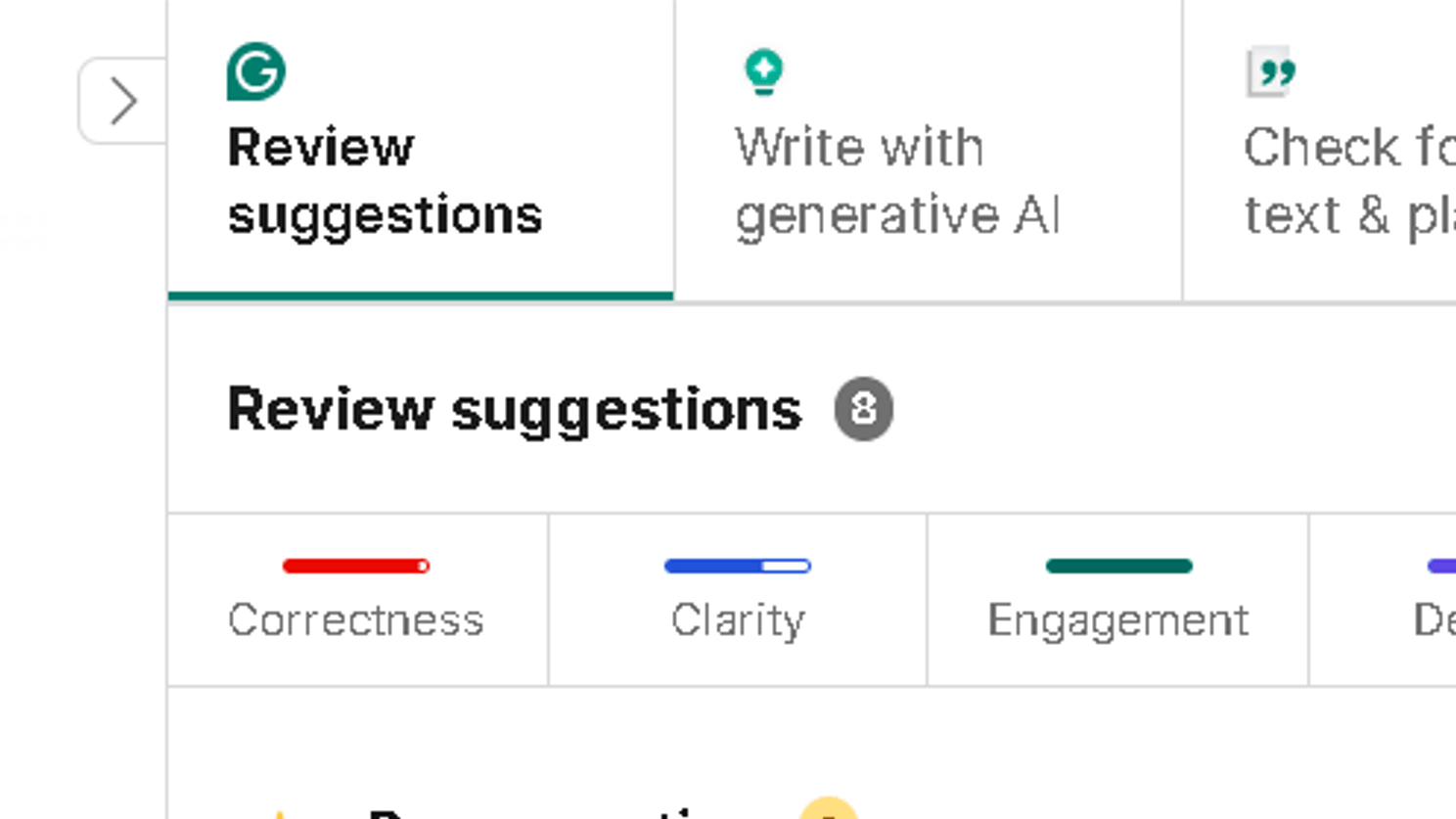
By week two, patterns show up. Grammarly flags the same things it flagged before. Wordtune offers rewrites that rhyme with rewrites you have already seen. This is not a bug. It is an honest reflection of what these tools are: pattern-matching engines trained on large amounts of text.
The emotional adaptation is the real test. Grammarly adapted into a background safety net. I stopped reading every alert and started processing them quickly. That is actually efficient use of the tool. Wordtune stayed more active and demanding. Every rewrite required a decision.
By week six, I was using Grammarly on everything and Wordtune on maybe 20 percent of sentences where I was genuinely stuck. That is probably the mature workflow for most users.
Pricing Comparison
| Plan | Wordtune | Grammarly |
|---|---|---|
| Free | 10 rewrites per day | Basic corrections |
| Pro / Premium | ~$10/month (annual) | ~$12/month (annual) |
| Business | Custom pricing | ~$15/user/month |
| Students | Discounts available | Discounts available |
| Hidden frustration | Free tier runs out fast | Free tier feels crippled |
The free plan for Grammarly is more functional than Wordtune’s. Ten rewrites per day sounds generous until you are deep in a drafting session. That limit will frustrate daily users.
If pricing is your main concern, there are several Grammarly alternatives with stronger free plans and fewer upgrade prompts.
Grammarly’s paywall is aggressive in a different way. The Premium upgrade pitch appears constantly in the free version. Every style suggestion is locked behind it. That experience is designed to push you toward paying. It worked on me after about four days.
Worth noting: the price gap between the two is smaller than it looks if you pay annually. Both tools settle around the same cost for individual users. Neither feels overpriced for what they do. Daily users will not last a week before upgrading.
Pros and Cons
Grammarly
| Pros | Cons |
|---|---|
| Catches real errors reliably | Interrupts writing rhythm |
| Works across most platforms | Flattens personal voice |
| Strong free tier | Paywall is aggressive |
| Builds writing confidence | Overcorrects stylistic choices |
| Consistent performance | Can make writing feel generic |
Wordtune
| Pros | Cons |
|---|---|
| Reduces drafting friction | Meaning drift in rewrites |
| More natural-feeling rewrites | Over-smooths personal style |
| Low interruption workflow | Free tier too limited |
| Good for ESL writers | Less useful for correction |
| Helps with stuck sentences | Rewrite patterns get repetitive |
Who Should Actually Use Grammarly
Grammarly is right for you if you write under professional pressure and correctness matters more than expression. It is the better tool for anyone who sends documents to clients, applies for jobs, writes academic papers, or handles business communication at scale.
It is also right for anxious writers. There is a real psychological value in having a tool catch your errors before someone else does. Grammarly sells confidence, and it delivers on that promise. The apps are solid.
Who Should Actually Use Wordtune
Wordtune is right for you if writing feels slow or effortful. If you know what you want to say but keep writing it wrong, Wordtune is the better daily tool. It is also the better choice for content creators, marketers, and anyone whose writing needs to persuade rather than just inform.
ESL professionals get real value here. Named things. Creative goals. Personal quirks. Wordtune handles these better than any grammar checker can.
Why Some Writers Eventually Stop Using Both
This is worth naming because it happens more often than either company would like to admit.
After about six to eight weeks, some writers stop using these tools entirely. Not because the tools stop working. Because the tools start doing something the writers do not like. They start writing for the tool rather than for the reader.
The question is not whether the tools are good. It is what they do to your writing habits over time. Dependency formation is real. I noticed myself writing shorter paragraphs specifically because Grammarly rewards them. That is not how I naturally write. That is the tool shaping me instead of the other way around.
To be fair, the same thing happens with style guides and editors. Any external standard changes how you write. The difference is that Grammarly and Wordtune are invisible and constant. The influence is quieter and harder to notice.
If you find your writing getting safer or more generic over time, take a week off both tools. You might be surprised what comes back.
Best Alternatives to Wordtune and Grammarly
| Tool | Best for | Emotional positioning | Pricing |
|---|---|---|---|
| QuillBot | Paraphrasing and rewriting | Relief from blank-page pressure | Free tier is strong |
| LanguageTool | Grammar across 30+ languages | Correctness without Grammarly’s paywall | Free, open-source option |
| ProWritingAid | Deep editorial feedback | Serious writers who want real analysis | ~$10/month |
| Jasper | Long-form AI content | Speed and volume over quality | Higher price point |
| ChatGPT | Flexible rewriting and editing | High control, high effort | Free to $20/month |
| Claude | Complex rewrites and voice preservation | Thoughtful editing with more nuance | Free to $20/month |
QuillBot is the most direct alternative to Wordtune for rewriting. LanguageTool is the most direct alternative to Grammarly for grammar checking without the aggressive paywall. That combination is harder to find than it looks.
I also compared Grammarly vs QuillBot directly if you want to see where rewriting tools outperform traditional grammar checkers.
Is Either Tool Still Worth Paying For?
Yes. With conditions.
Grammarly Premium is worth it if you send more than 10 to 15 professional documents per week and correctness is high-stakes. The style and clarity suggestions are useful once you learn to filter out the ones that flatten your voice.
Wordtune Pro is worth it if you draft more than 500 words per day and you regularly get stuck on sentence-level expression. The free tier’s 10-rewrite limit is a real friction point. Paid removes it.
Neither tool is worth paying for if you write occasionally. The free tiers cover light use. Save the subscription for when you need it daily.
Related Reading and Comparisons
- Quillbot Alternatives
- ProWritingAid vs Grammarly
- WhiteSmoke vs Grammarly comparison
- Copyleaks vs Grammarly
FAQ
It depends on the problem you are trying to solve. Wordtune is better for rewriting and expression. Grammarly is better for catching errors and building confidence in professional writing. Many writers use both.
Neither by default. Grammarly makes writing clean and flat. Wordtune makes writing smooth but sometimes generic. The most human output comes from using either tool sparingly and staying close to your own voice.
Grammarly now includes an AI detection feature in some plans, though its accuracy is limited. It flags patterns rather than confirming AI authorship with certainty. Do not rely on it as a definitive detector.
For daily writers who draft 500 words or more per day, yes. The free plan runs out quickly. The paid plan removes the rewrite limit and is priced reasonably at around $10 per month on an annual plan.
Grammarly. The correctness and clarity features are more useful in academic writing. Wordtune’s rewrite function carries a meaning drift risk that matters in essay and research contexts.
Grammarly for formal, client-facing, or compliance writing. Wordtune for persuasive, expressive, or marketing-focused content. For most professionals, the answer is both, used at different stages.
QuillBot for rewriting, LanguageTool for grammar, ProWritingAid for editorial depth, and Claude or ChatGPT for flexible AI-assisted editing with more control over tone and meaning.