
ProWritingAid vs Grammarly looks like a simple choice from the outside. Most people assume these tools do the same thing. They do not. One removes mistakes fast and gets out of your way. The other asks you to sit down, look at your writing, and understand why it is not working. Both are useful, but useful in completely different situations. Pick the wrong one and you will know inside two weeks.
I used both for thirty days across the same documents — essays, blog posts, long-form drafts, emails, and one academic paper. Here is what actually happened.
Disclaimer: I may earn a small commission on purchases made through links on this page, at no extra cost to you. This supports honest, independent reviews.
Table of Contents
Why You Can Trust This Review
- 200+ software tools reviewed over three years
- 3+ years testing AI and writing productivity tools
- Both tools tested for 30 days with real documents, not demo content
- No sponsorship or affiliate deal from either company
- Compared head-to-head in the same writing workflow
ProWritingAid vs Grammarly: Quick Verdict
| Category | Winner |
|---|---|
| Quick editing | Grammarly |
| Long documents | ProWritingAid |
| Students | Grammarly |
| Authors and novelists | ProWritingAid |
| Ease of use | Grammarly |
| Writing improvement | ProWritingAid |
| Daily communication | Grammarly |
| Deep manuscript work | ProWritingAid |
| Overall | Depends on your workflow |
The short answer: Grammarly helps you write with less effort. ProWritingAid helps you become a better editor. The right choice depends on whether you want convenience or depth. That distinction becomes obvious after a few weeks. It is not obvious on day one.
How I Tested Both Tools
| What | Detail |
|---|---|
| Testing period | 30 days, both tools running in parallel |
| Document types | Blog posts, essays, long-form drafts, emails, one academic paper |
| Word count processed | Roughly 60,000 words across both tools |
| Platforms tested | Browser extensions, Word plugins, desktop apps |
| Comparison method | Same paragraphs run through both tools and outputs compared |
| Suggestion tracking | 80 suggestions logged in final week, accept/edit/reject recorded |
I also ran what I call the fatigue test — using each tool daily for two full weeks and tracking when I started ignoring suggestions. That number matters more than feature lists. More on that below.
Pros and Cons
| ProWritingAid Pros | ProWritingAid Cons |
|---|---|
| Deep style and structure reports | Takes real time to learn and use well |
| Excellent for long documents and novels | Can feel heavy for short daily tasks |
| Targets overused words, pacing, and flow | Report overload sets in by week two |
| Better writing over time, not just fixes | Desktop app is slower than Grammarly |
| Strong value at annual price | Free version is very limited |
| Grammarly Pros | Grammarly Cons |
|---|---|
| Fast, low-friction passive editing | Does not improve your writing habits |
| Works everywhere without thinking | Premium cost adds up over a year |
| Excellent tone detection | Shallow on style and structure depth |
| Great for email and daily writing | Not built for long documents or novels |
| Strong plagiarism checker | Can over-suggest in some writing styles |
First Week Impressions
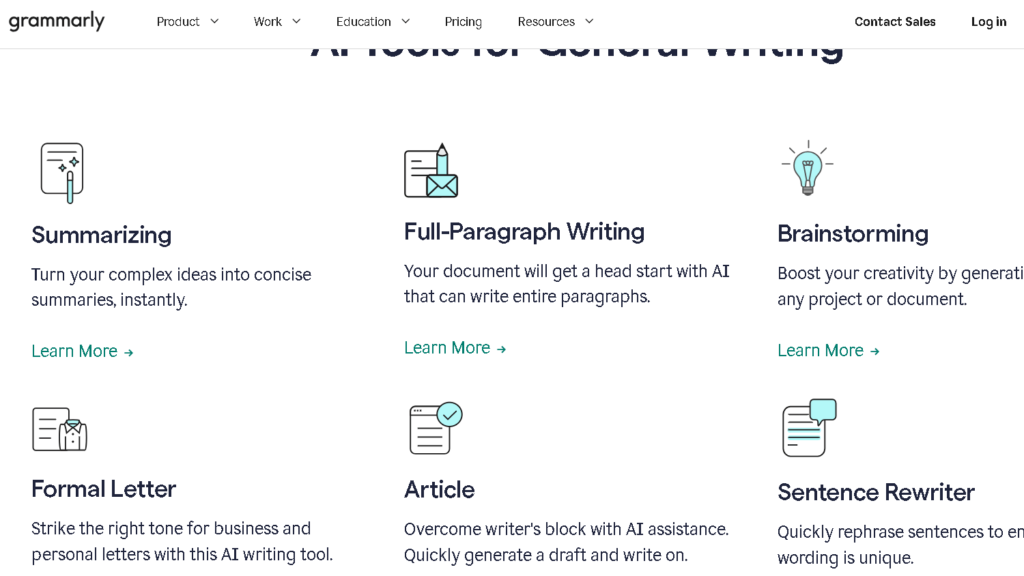
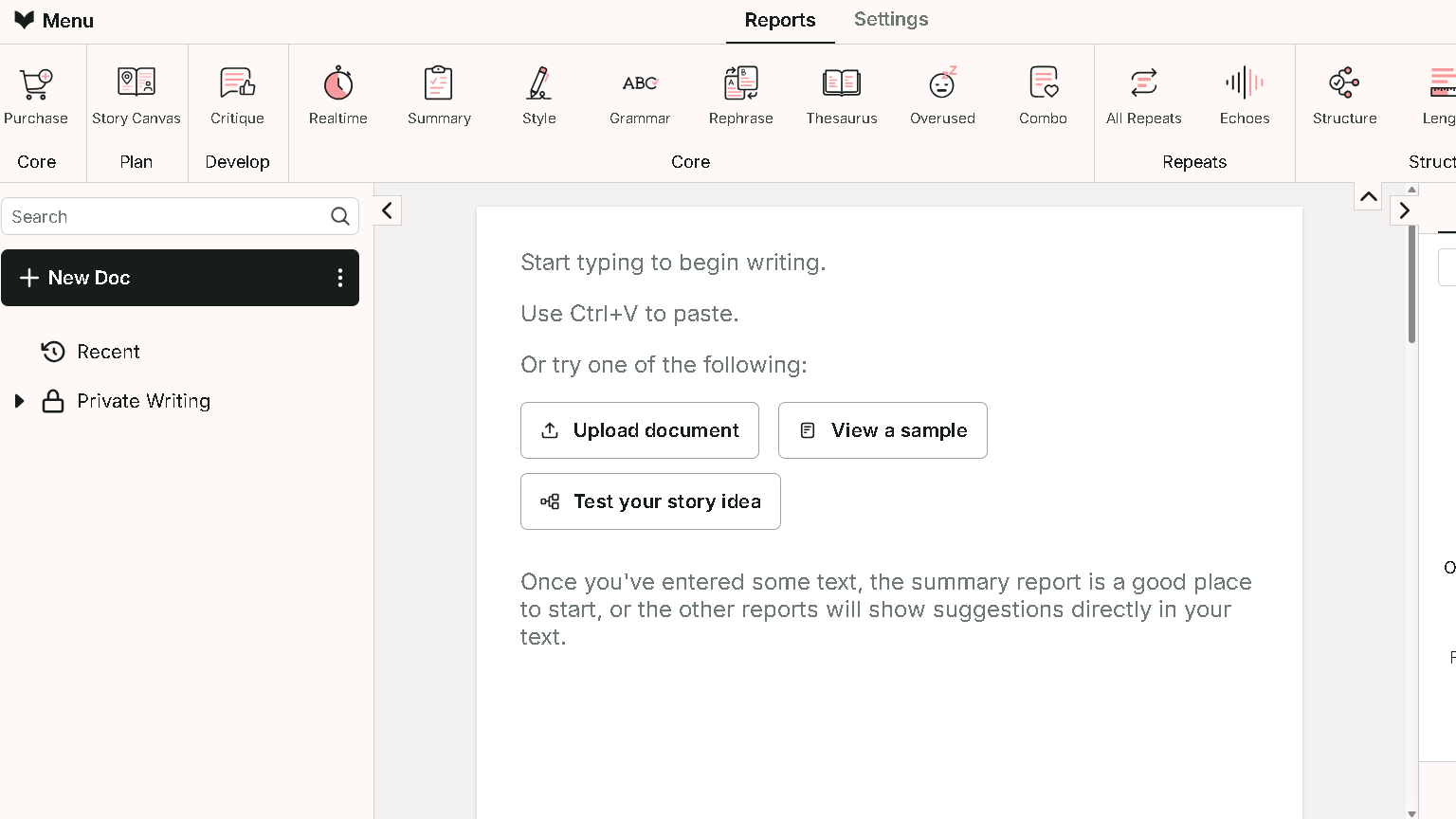
Grammarly felt ready immediately. I installed the extension, opened a draft, and it started flagging things inside sixty seconds. No onboarding, no setup, no mode selection. It just drops you in. That first week I found myself trusting it quickly, which is exactly what it is built for.
I discuss that day-to-day experience in more detail in my Grammarly Review.
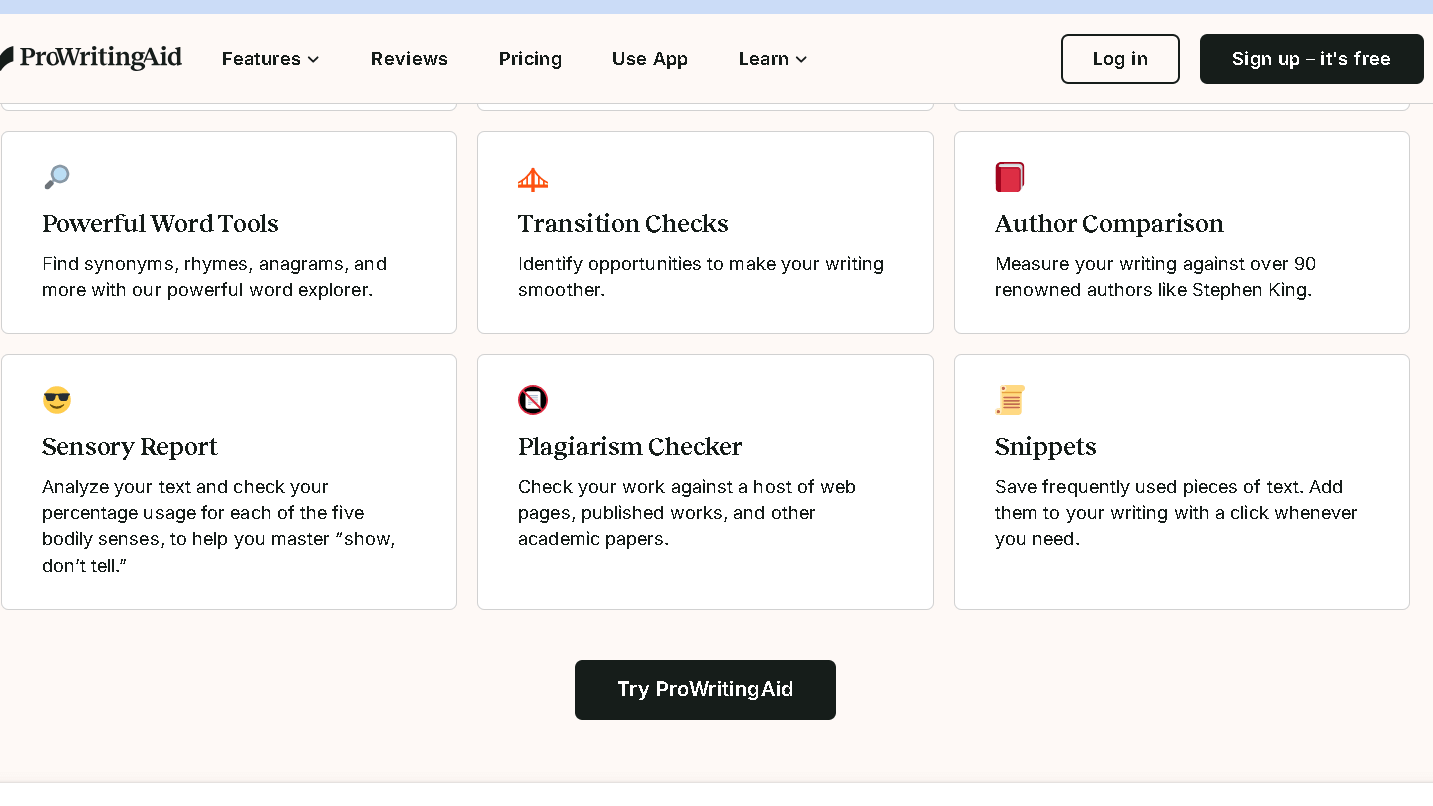
ProWritingAid took longer to feel useful. The interface is not complicated, but the depth of it takes time to make sense of. There are twenty-plus reports — style, grammar, overused words, pacing, clichés, sentence length variation, and more. That first session I ran the full report on a 1,200-word blog post and got 47 flagged items across six categories. My first reaction was not gratitude. It was fatigue.
The thing is, that fatigue is part of the process. ProWritingAid is not trying to be invisible. Grammarly is. Both approaches are valid. But knowing which one you want before you pay matters.
What Changes After Week Two
This is the section most comparison articles skip. Week one is not week three. Week three is where you find out which tool actually fits your workflow.
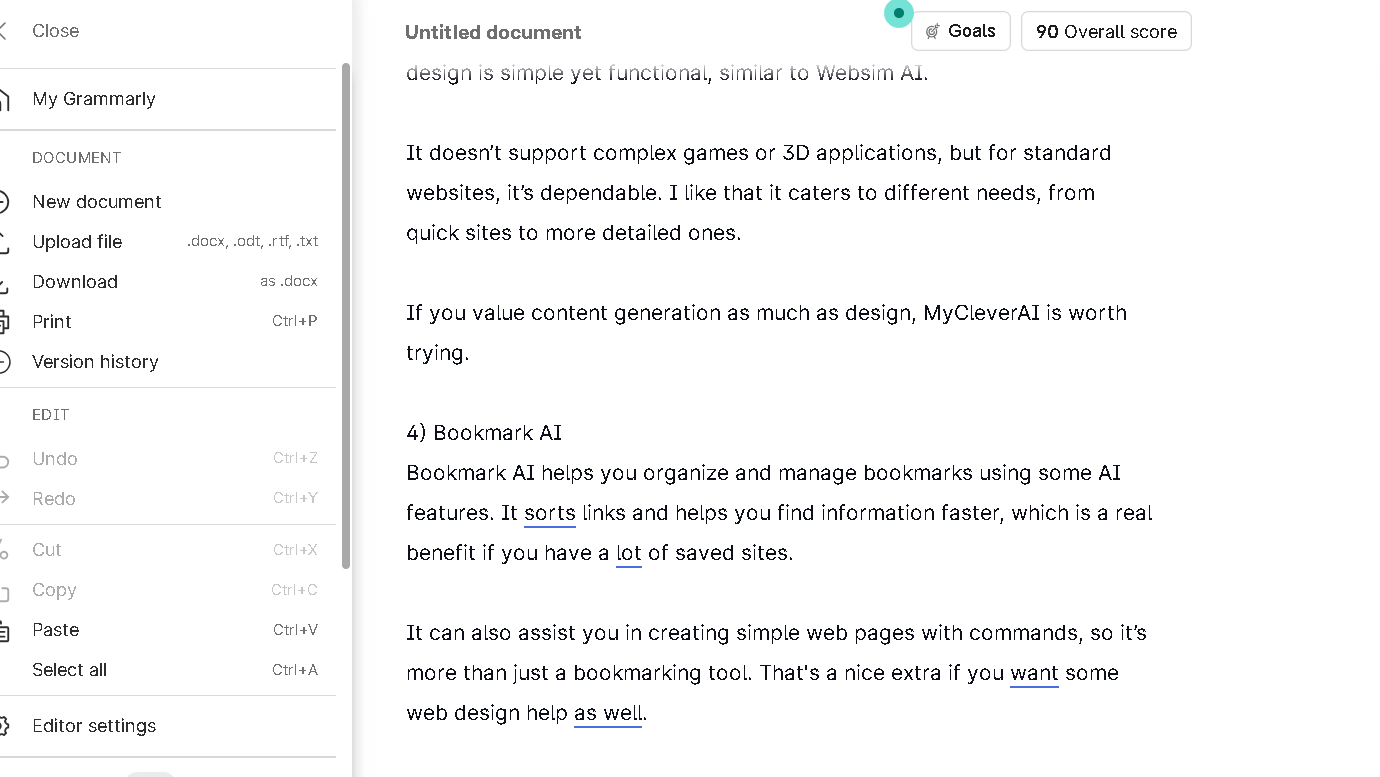
Grammarly stayed consistent. The suggestions kept appearing, I kept accepting or rejecting them at roughly the same rate, and the tool stayed invisible. That is a real feature. Consistency matters. The tool was still consistent at week six for writers I spoke to who have used it for months. The passive safety net never runs out.
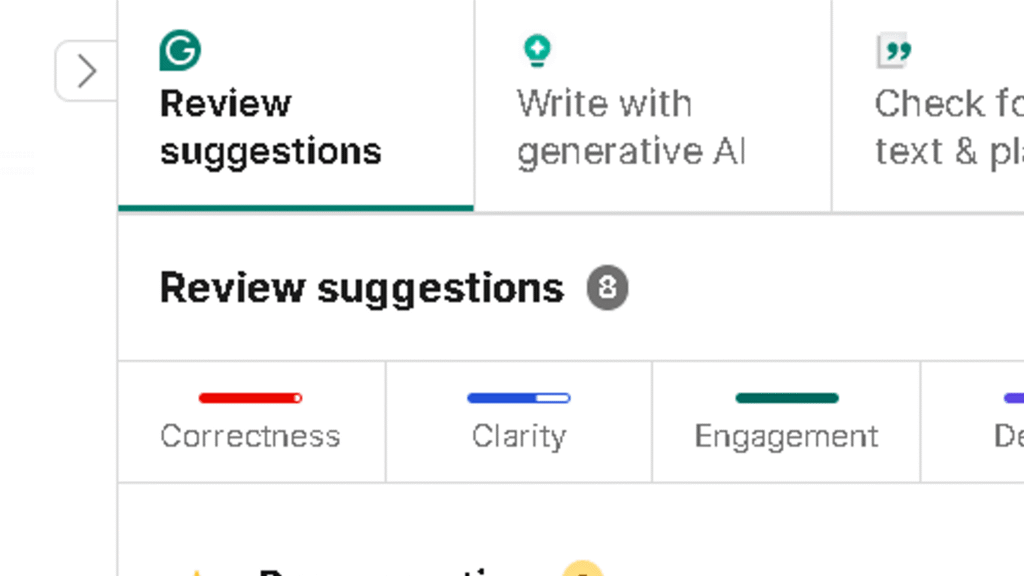
ProWritingAid hit a different wall. The reports are rich, but you can only absorb so much at one sitting. By week two, I started skipping the pacing report and the cliché report in most sessions and focusing only on style and grammar. I had developed my own filtering habit — which means the tool was working as intended, but also that I had to do the work of deciding what mattered. In my 80-suggestion tracking test during the final week, I engaged seriously with 53 of them and skimmed past the rest. That is the real cost of depth. Depth asks for your attention.
Grammarly Feels Like a Safety Net
This is the right mental model for Grammarly. It runs quietly. You do not have to open it, click into it, or make time for it. It catches errors in emails before you send them, flags unclear sentences in documents without asking you to stop and think about them, and adapts its tone suggestions to context — formal, casual, persuasive, and so on.
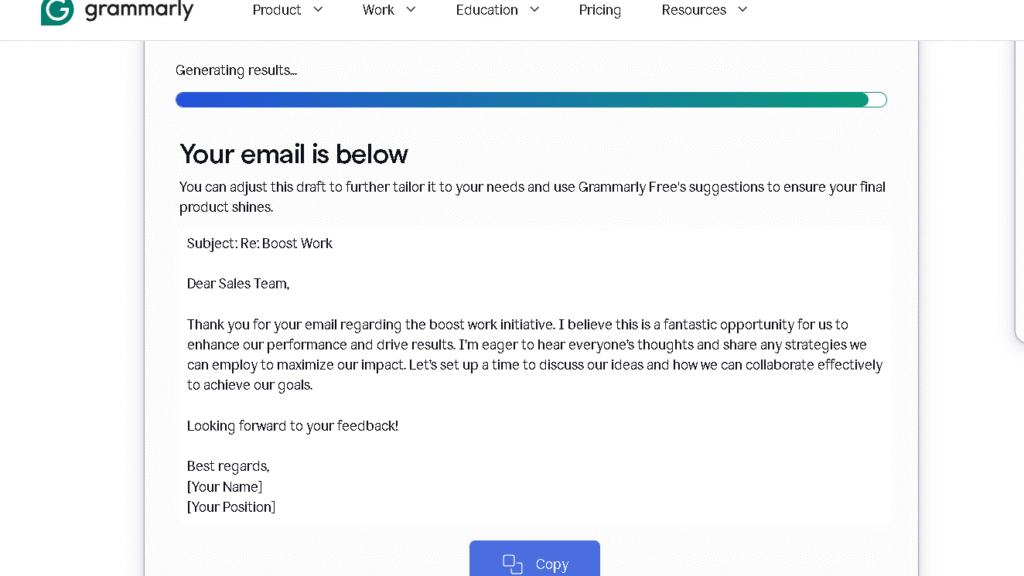
The psychological value here is low cognitive load. People trust Grammarly because it disappears into their workflow. You get cleaner writing without feeling like you are doing extra work. That matters more than most people admit when they are choosing a tool.
The ceiling is real, though. Grammarly does not tell you that your writing has a pacing problem. It does not flag that you have used the same sentence structure twelve times in a row. It does not warn you that a scene in your draft lacks tension. It catches errors. Those are different things.
ProWritingAid Feels Like a Writing Coach
ProWritingAid is more demanding. More rewarding, too. The reports do not just tell you what is wrong — they show you patterns in your writing that you would never find yourself. The overused words report is one I ran every week. Every week it found something. I discovered I had used the word “clear” forty-one times in a 5,000-word draft. That kind of finding does not come from a passive tool.
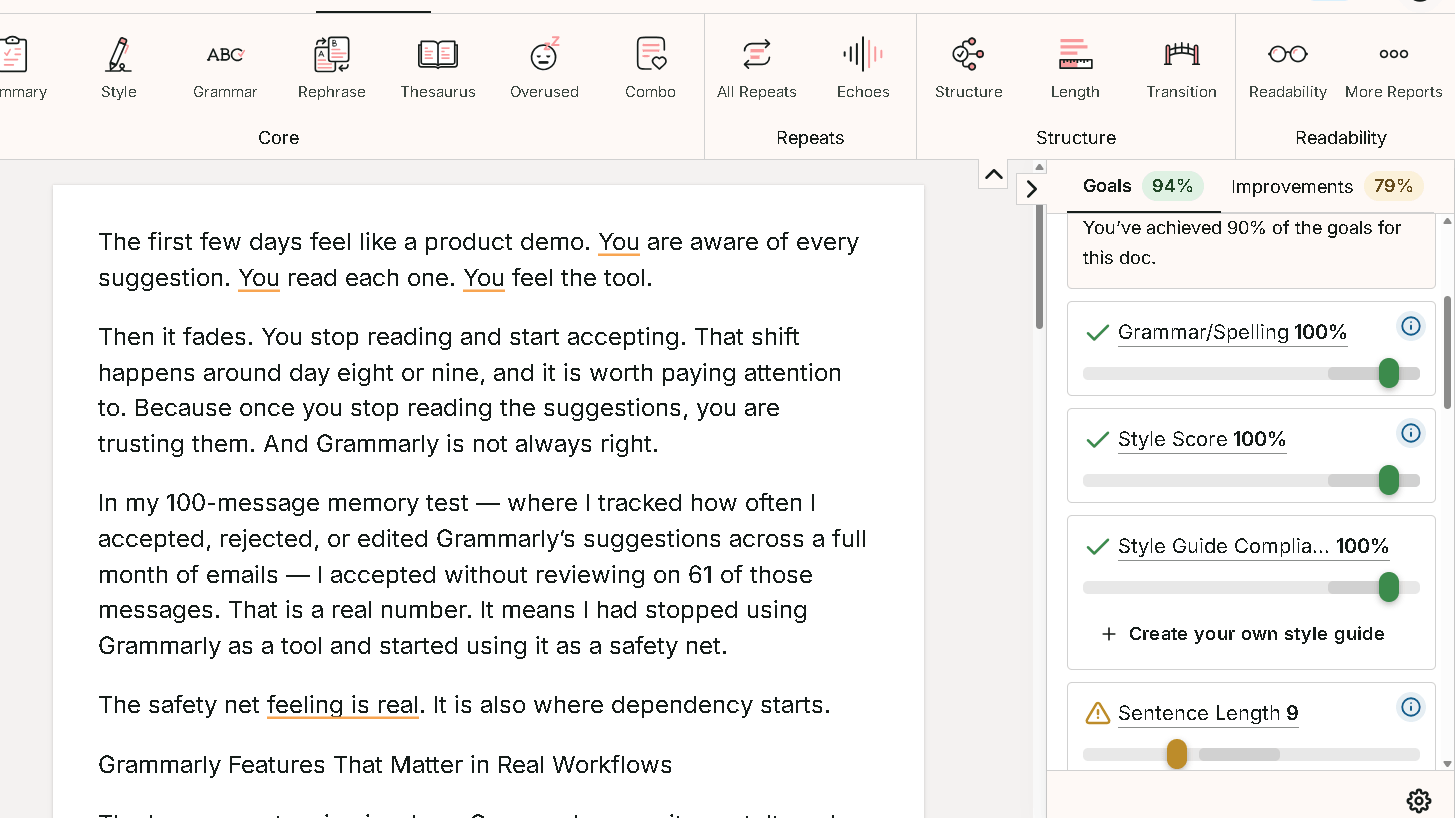
The style report is where the real value lives for longer documents. It tracks sentence length variation, passive voice percentage, transition use, and paragraph rhythm. These are things a writing coach would notice. They are not things a grammar checker cares about. ProWritingAid cares about them. That care is the whole point.
To be fair, all of that value requires effort. You have to open the report, read it, decide what applies, and go back and revise. That is a different kind of editing session than Grammarly offers. Some writers will love it. Others will find it exhausting. Knowing which one you are before you subscribe will save you real time.
The Problem That Appears in Daily Use
Alert fatigue. This is the hidden cost of both tools, but it hits differently in each one.
With Grammarly, alert fatigue shows up as suggestion blindness. By week three, I was accepting suggestions without reading them fully. That is a real risk. The tool trains you to click “accept” and move on, which is fine for grammar errors but less useful for style suggestions that deserve thought.
With ProWritingAid, alert fatigue shows up as report avoidance. You open the tool, see twenty-three items, and close it and write instead. That is not a failure of the tool. It is a failure of the workflow. ProWritingAid works best when you build a specific editing ritual around it — run one or two reports per session, not all of them at once. Patterns showed up by session six or seven, and once I understood which reports gave me the most value, I stopped getting buried.
The question is not whether these tools have alerts. They both do. It is whether you can build a habit around the alerts that actually makes your writing better.
ProWritingAid vs Grammarly for Long Documents
| Factor | Grammarly | ProWritingAid |
|---|---|---|
| Novel editing | Good | Excellent |
| Manuscripts | Limited | Strong |
| Reports and essays | Basic | Deep |
| Blog posts | Strong | Moderate |
| Editing depth | Moderate | High |
| Time required per session | Low | High |
| Structural feedback | Minimal | Extensive |
For anything over 5,000 words, ProWritingAid is the stronger tool. Not because Grammarly fails on long documents — it does not — but because Grammarly’s feedback does not scale with document complexity. A 1,000-word email and an 80,000-word manuscript get the same kind of suggestions in Grammarly. ProWritingAid treats them differently, and the difference matters.
The pacing report becomes useful at novel length in a way it simply is not for short content. Same with the consistency report, which catches things like character name variations and recurring phrases that would take a human editor hours to find manually. That combination is harder to find than it looks.
ProWritingAid vs Grammarly for Students
Students tend to favor Grammarly, and for good reason. The tool is fast, the feedback is easy to understand, and it integrates directly into Google Docs and browser-based writing tools. For essay writing with a deadline two hours away, Grammarly is the more useful tool. It catches the errors that cost marks without asking you to do deep structural work you do not have time for.
Even so, students who use ProWritingAid regularly will write better essays over time, not just cleaner ones. The style reports force you to confront habits — passive voice overuse, repetitive sentence openings, vague transitions — that Grammarly lets pass without comment. That long-run payoff is real. It just does not show up on the first draft.
For students doing dissertation-length work or long research papers, ProWritingAid is worth learning. For everything under 3,000 words with a short deadline, Grammarly is the more practical choice.
ProWritingAid vs Grammarly for Authors
For fiction writers and novelists, ProWritingAid wins clearly. Grammarly has no frame of reference for pacing, scene rhythm, or narrative tension. It will flag a comma splice in dialogue without knowing whether the splice is intentional. ProWritingAid is built for long-form work in a way Grammarly is not.
The genre consistency report, the sentence variation chart, the overused words tracker across a full manuscript — these are tools that authors actually need. I ran a 7,000-word short story draft through both tools. Grammarly found fourteen grammar and style issues. ProWritingAid found fourteen grammar issues and thirty-eight style patterns across six categories. The thirty-eight were not all useful. But twelve of them were genuinely things I needed to fix. That gap is the whole argument.
To be fair, Grammarly’s plagiarism checker and tone detector are useful for authors who write in multiple voices or submit to publications with style requirements. Those features are solid. But as a primary editing tool for long fiction, Grammarly is the weaker option.
Pricing Comparison
| Plan | Price | Best For | Notes |
|---|---|---|---|
| Grammarly Free | $0 | Light daily use | Grammar and spelling only |
| Grammarly Premium | ~$12/month (annual) | Professionals, students | Style, tone, plagiarism |
| Grammarly Business | ~$15/user/month | Teams | Shared style guides |
| ProWritingAid Free | $0 | Trying the tool | 500-word limit per check |
| ProWritingAid Premium | ~$10/month (annual) | Writers and authors | Full reports, unlimited words |
| ProWritingAid Premium+ | ~$12/month (annual) | Serious long-form writers | Includes plagiarism |
At the annual price, both tools are close. ProWritingAid is slightly cheaper for the equivalent feature set, and the plagiarism checker is included at a lower tier than Grammarly. For daily writers who process large volumes of content, ProWritingAid’s unlimited word checks offer better raw value. For occasional users who just want passive protection, Grammarly’s free tier covers the basics well enough to delay the decision.
The real value question is not the monthly cost. It is whether the tool changes how you write. Grammarly will make your output cleaner. ProWritingAid will make you a more deliberate editor. Those are worth different amounts to different writers.
What Editing the Same Paragraph Looks Like
I ran the same 150-word paragraph through both tools. The paragraph was from a blog post introduction — conversational tone, one passive sentence, two instances of a repeated word, and one unclear transition.
Grammarly found: one grammar flag, two style suggestions, one clarity suggestion, and one tone note. Total time to review and act: about ninety seconds. I accepted three and skipped one.
ProWritingAid found: the same grammar flag, the repeated word appearing twice (Grammarly missed this), a passive voice note, a sentence length variation warning, and a sticky sentence flag. Total time to review and act: about four minutes. I made changes I would not have made from the Grammarly pass.
That test captured the gap better than any feature list. Grammarly is faster. ProWritingAid finds more. Which one matters depends on what you are actually there to do.
Who Should Use Grammarly?
Professionals who write for daily communication. If your main output is email, Slack, reports, proposals, and client documents, Grammarly is the right tool. It stays invisible, catches the errors that make you look careless, and takes nothing from your workflow.
Students with short deadlines and practical editing needs. For an essay due tomorrow, Grammarly is the faster fix. The feedback is clear, the interface is simple, and it integrates with every platform you are already using.
Anyone who wants writing protection without editing work. That is a real need. Not every writer wants to become a better editor. Some writers just want their emails to not have typos. Grammarly serves that need better than any competing tool. The apps are solid.
Who Should Use ProWritingAid?
Authors and novelists working on long drafts. If you are writing anything over 20,000 words, ProWritingAid’s structural reports will find things no other tool will find at this price. The pacing analysis, overused words tracker, and consistency reports are worth the subscription on their own.
Writers who want to improve, not just correct. ProWritingAid forces you to look at patterns in your writing. That is uncomfortable at first. It pays off over months. If you are the kind of writer who wants to understand your weaknesses rather than just fix the symptoms, this is your tool.
Long-form content creators, bloggers, and essayists who produce high volumes of structured content. The reports scale with document length in a way that changes what the tool can offer. Daily users will not last a week before upgrading.
Best Alternatives
| Tool | Better For |
|---|---|
| ChatGPT | Drafting and restructuring from scratch |
| Paperpal | Academic writing and journal submissions |
| QuillBot | Sentence-level rewriting and paraphrasing |
| LanguageTool | Budget users and multilingual writers |
| Hemingway Editor | Readability and sentence clarity |
For researchers and students working on journal submissions, I covered the experience in much more detail in my Paperpal Review after testing it on academic writing projects.
ChatGPT covers the gap neither tool fills well: generating new content, reworking a stuck section, or restructuring a weak argument. Most serious writers use ChatGPT for drafting and one of these two tools for editing. They serve different stages of the same process.
Writers focused specifically on rewriting and editing workflows may also want to read my QuillBot vs Grammarly comparison.
Final Verdict
Grammarly reduces the chance that your writing embarrasses you. ProWritingAid reduces the chance that your writing disappoints you. Both things have value. But they are not the same kind of value, and they are not aimed at the same moment in the writing process.
I kept Grammarly running in the background throughout the thirty days. It earned that place. It caught things I would have missed, it required nothing from me, and it never slowed me down. That is a real product.
I scheduled time for ProWritingAid. I had to. You cannot use it passively and get full value from it. But the sessions where I gave it real attention came back with findings that changed drafts in ways that mattered. That is also a real product.
Grammarly helps you write with less effort. ProWritingAid helps you become a better editor. The right choice depends on whether you want convenience or depth. Which one you want depends on what kind of writer you are trying to be.
FAQ
For long documents, fiction, and writers who want to improve their craft over time, yes. For daily communication, quick editing, and low-friction workflow protection, Grammarly is better.
Grammarly is the more practical choice for most students. It is faster, works everywhere, and handles short essays well. ProWritingAid is better for dissertation-length work and for students who want to improve their writing over a full semester, not just clean a single paper.
Yes, for writers who produce long documents regularly. The annual price is lower than Grammarly Premium for equivalent features, and the depth of the reports is unmatched at this price point.
Yes, and many writers do. A common workflow is to use Grammarly passively for daily communication and switch to ProWritingAid for longer drafts that deserve a structured edit.
Yes. The Word plugin is strong and works well for long documents. It is slightly slower than Grammarly’s Word integration.
For daily professional writers, yes. The Premium plan’s tone detection, style suggestions, and plagiarism checker add real value over the free version.
ProWritingAid, clearly. Grammarly has no tools for narrative structure, pacing, or scene rhythm. ProWritingAid’s genre-specific reports and long-document analysis are built for exactly this kind of work.