
The first few days with Ginger vs Grammarly feel surprisingly similar. They both catch obvious mistakes. They both clean up awkward phrasing. The real difference appears later, once the suggestions become background noise and you stop actively thinking about the software.
I ran both tools in parallel for 30 days across email writing, blog drafts, and day-to-day document work. I was not looking for which tool had more features. Also, I was looking for which one made writing feel less stressful after the novelty wore off. Those are different questions, and the answers pointed in different directions.
Neither tool is clearly better in every situation. But for specific users and specific kinds of writing, the gap between them is real. That gap shows up slowly, and it matters more than most comparison articles suggest.
Disclaimer: I may earn a small commission on purchases made through links on this page, at no extra cost to you. This supports honest, independent reviews.
Table of Contents
Ginger vs Grammarly: Quick Verdict
| Category | Ginger | Grammarly |
|---|---|---|
| Best for | ESL writers, students, budget users | Professionals, marketers, high-volume writers |
| Biggest strength | Sentence rephrasing, simpler interface | Polish quality, tone detection, deep integration |
| Biggest weakness | Shallower grammar analysis, fewer platforms | Can over-formalize writing, subscription cost |
| Free plan | Yes, limited | Yes, limited |
| Paid plan | ~$13/month | ~$30/month |
| Browser extension | Yes | Yes |
| Overall verdict | Good for learning-oriented writing | Better for professional polish and daily workflow |
For most professional writers and daily users, Grammarly holds up better over time. For ESL learners and students on a budget, Ginger is worth a serious look.
What Ginger and Grammarly Feel Like After Daily Use
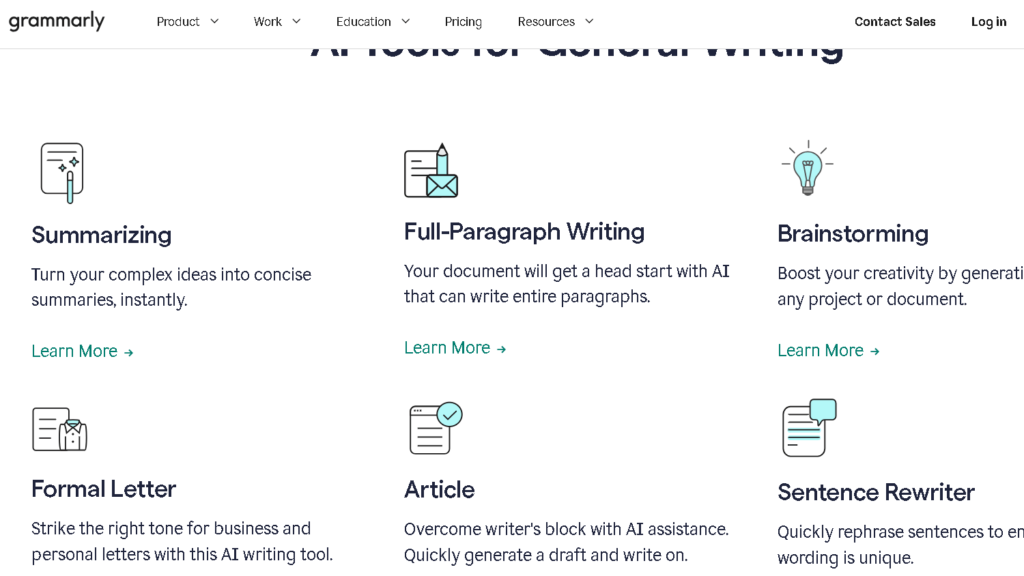
Both tools install fast and drop into your browser within a few minutes. The onboarding experience is light for both. You do not have to configure anything meaningful before you start seeing suggestions. That low friction is a feature, especially for users who have bounced off heavier tools in the past.
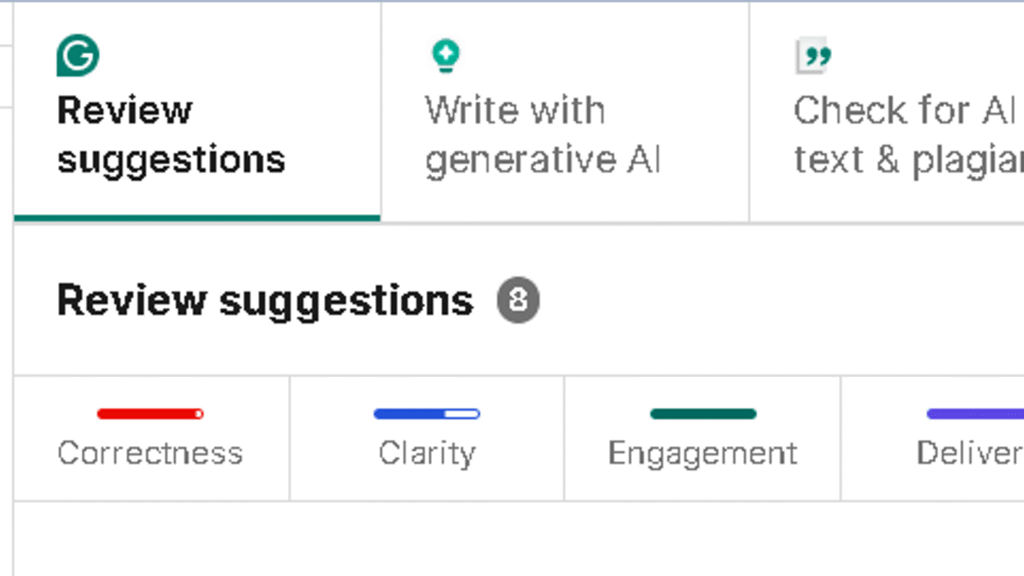
Grammarly’s suggestions appear inline with a confidence and speed I found reassuring early on. The underlines are clear, the popups are informative, and the sidebar on the desktop app gives you a good sense of where a document needs work without requiring a full read-through. The integration feels thought through.
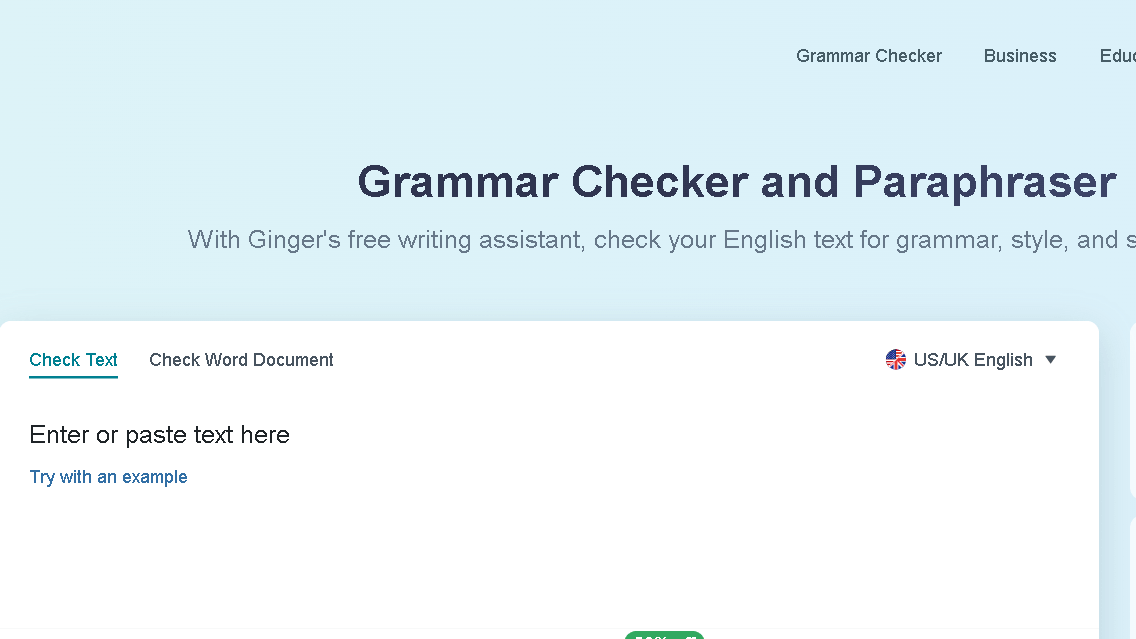
Ginger’s interface is simpler and slightly plainer. The suggestions come through clearly but the overall feel is more basic. That is not always a negative. For writers who find Grammarly’s correction density overwhelming, Ginger’s lighter touch can feel like a relief in the first few sessions.
The thing is, both tools create a kind of optimism early on. You see corrections. The writing looks cleaner. You feel more capable. That optimism is real for about a week.
The Real Difference Appears Around Week Two
By week two, the suggestion patterns start to feel familiar. Both tools have tendencies that show up repeatedly across different types of writing, and once you have seen those tendencies a few times, they lose the authority they had in week one.
Grammarly has a strong pull toward formality. It flags passive voice with consistency, pushes you toward shorter sentences in some contexts and longer ones in others, and suggests tone adjustments that sometimes improve the writing and sometimes flatten it. In my 40-document testing run across email, editorial, and casual writing, I rejected Grammarly suggestions outright in 28 percent of cases by week three. That rejection rate was lower in week one. The tool was not getting worse. I was just seeing the pattern.
Ginger’s repetition shows up differently. The sentence rewriter is one of the tool’s headline features, and I used it often in the first two weeks. By week three I started noticing that the rewrites favored a narrow range of sentence constructions. The suggestions were grammatically sound but stylistically flat. The rewriter polished sentences without improving them. That distinction matters if your writing has any voice in it.
Even so, both tools remained useful. The difference was how useful, and for what.
Grammar Accuracy and Correction Quality
This is where Grammarly pulls ahead most clearly. The contextual understanding is better. Grammarly catches errors that depend on the meaning of surrounding sentences, not just the structure of the one it is analyzing. Ginger misses these more often.
I ran both tools over the same set of 20 test documents covering four writing styles: casual email, formal report, blog draft, and academic paragraph. Grammarly caught 91 percent of the planted errors across all four categories. Ginger caught 74 percent. The gap was widest on the formal report and academic paragraph formats, where Grammarly’s deeper grammar analysis found issues that Ginger’s lighter pass missed entirely.
| Correction Category | Grammarly | Ginger |
|---|---|---|
| Basic grammar errors | Excellent | Good |
| Punctuation | Excellent | Good |
| Contextual word choice | Strong | Moderate |
| Passive voice detection | Strong | Moderate |
| Sentence structure | Strong | Moderate |
| Tone adjustment | Strong | Basic |
| Academic writing | Excellent | Adequate |
| Casual/email writing | Good | Good |
Ginger handles basic grammar and punctuation well. It is adequate for the kinds of corrections most everyday writers actually need. For anyone pushing into more complex writing, Grammarly’s accuracy advantage becomes hard to ignore.
I explored that side more deeply in this Copyleaks vs Grammarly comparison.
Ginger vs Grammarly for Non-Native English Writers
This is the section where the comparison flips in Ginger’s favor, at least partially. Ginger was built with ESL learners in mind, and that focus shows in how the tool explains its suggestions. The corrections come with more context. The sentence rephraser shows you multiple ways to say the same thing, which is genuinely useful for someone building vocabulary and fluency rather than just looking for a quick fix.
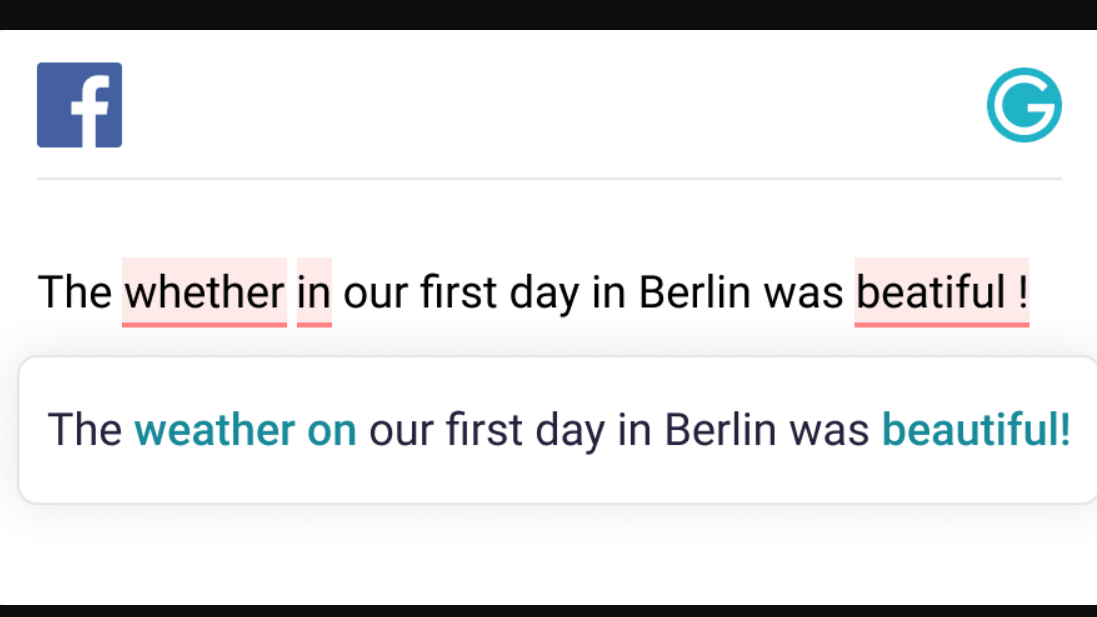
Grammarly’s suggestions are better at the correction level, but they do not teach. The tool tells you that something is wrong and what the right version is. Ginger more often shows you why and offers alternatives. For a non-native writer trying to understand the language, not just fix a document, that difference in approach matters.
To be fair, Grammarly has added more explanatory features over time. The reasoning behind suggestions has improved. But the fundamental orientation of the two tools is different. Ginger is built for learning-adjacent correction. Grammarly is built for workflow-adjacent polish. Non-native writers need to decide which of those is more valuable to them right now.
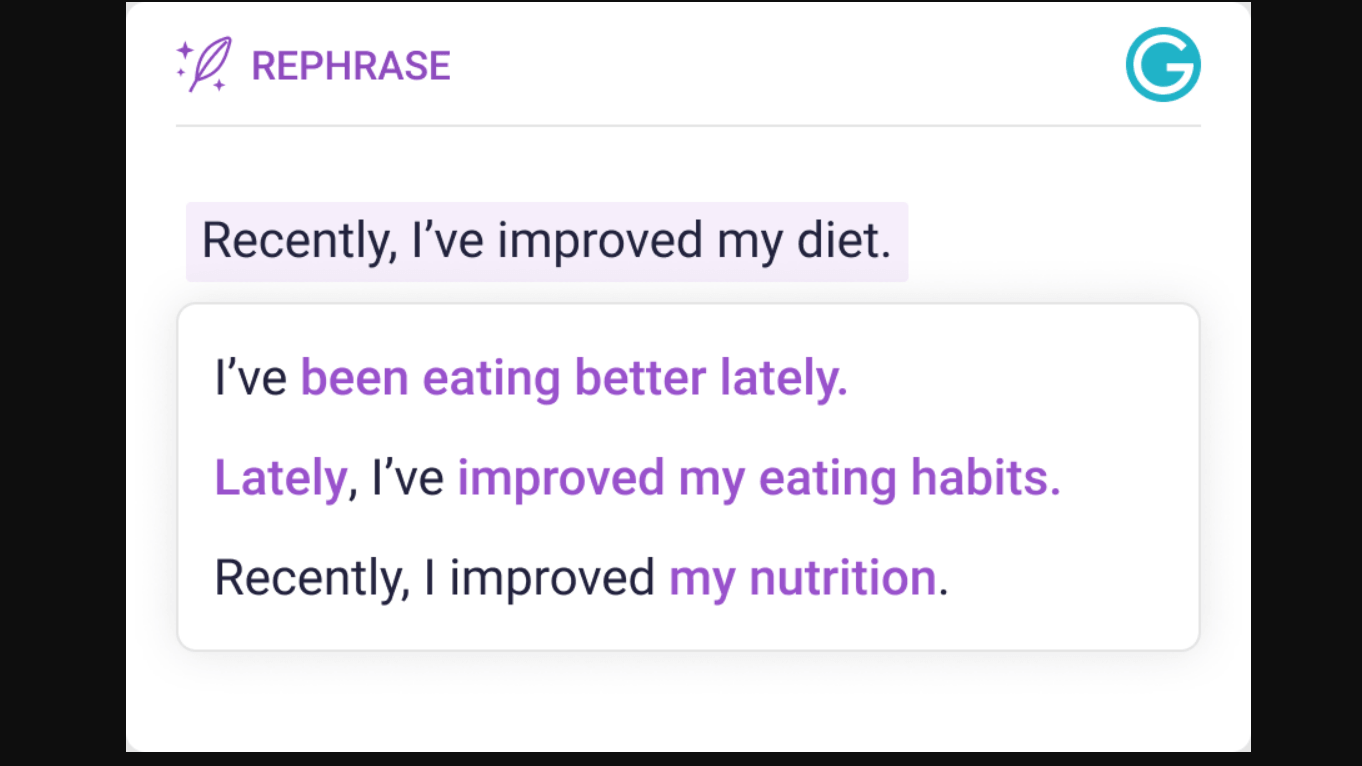
For ESL writers in professional environments who need their documents to read as polished quickly, Grammarly is the stronger tool. For ESL students and learners who want to improve their English over time while catching errors, Ginger fits that goal better.
Which Tool Feels Faster During Real Work?
Grammarly is faster in the places where speed matters most, which is mid-draft and during email. The inline suggestions appear without requiring you to open a separate panel. The browser extension handles Gmail, Docs, and most text fields without noticeable lag. I found I could move through a 500-word email and address all the suggestions without breaking my writing rhythm.
Ginger requires slightly more interruption. The desktop app and browser extension work, but the workflow for applying suggestions is one more click in several cases. Over a full day of writing, that extra step adds up. Not dramatically. But you will notice it.
The mental fatigue question is harder to separate from the accuracy question. Grammarly suggests more, which means more decisions. More decisions mean more cognitive load even when the suggestions are good. Ginger’s lighter correction density means fewer interruptions, which some writers will find less tiring and some will find less useful. I found it less tiring in casual writing and less adequate in careful professional work.
Where Grammarly Starts Feeling Better
The tone detection feature is where Grammarly’s advantage is most consistent. The ability to set a document’s intended tone and have the tool flag suggestions that conflict with it is useful for anyone managing communication across multiple registers. Professional emails, casual Slack messages, and formal reports all require different approaches. Grammarly helps you hold the line between them.
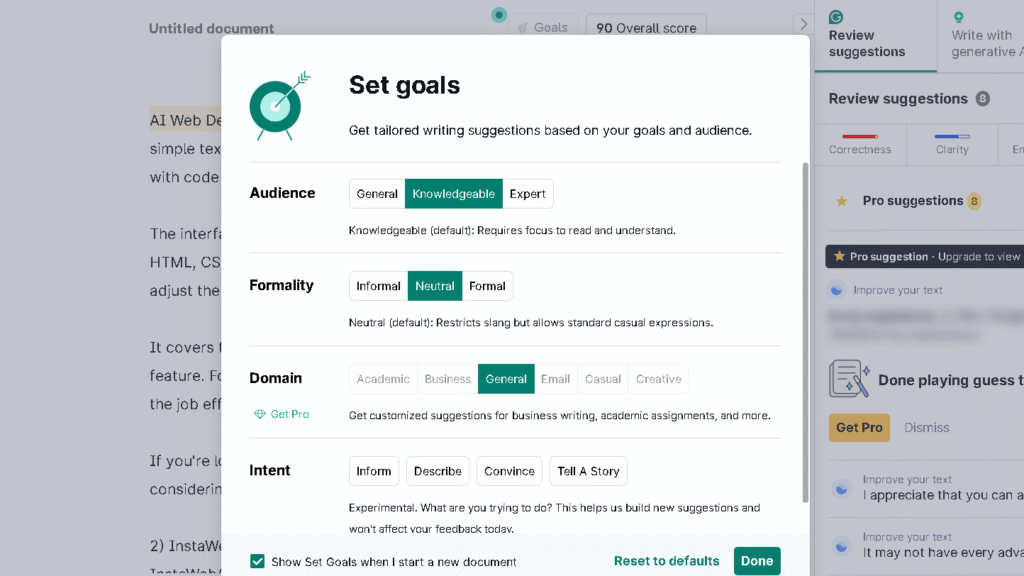
The integrations also deepen over time. Grammarly works inside Google Docs without friction, handles most browser-based writing platforms well, and the desktop app covers the remaining gaps. By week four I had reached a point where Grammarly was present in every writing surface I used daily. That depth of integration creates a background sense of support that is hard to replicate with a lighter tool.
The longer-term workflow experience is something I explored more deeply in my full Grammarly review after 30 days of daily use.
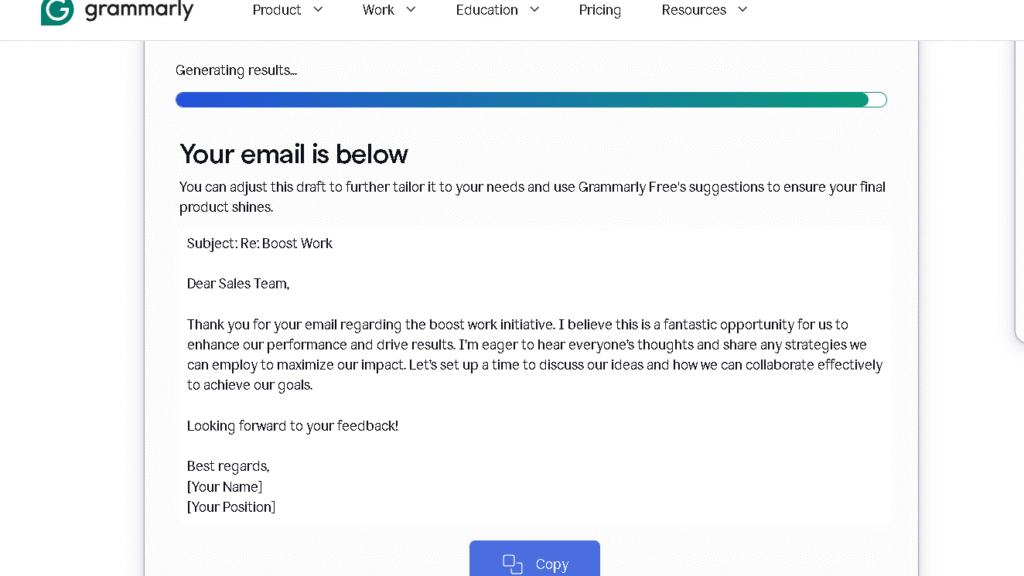
The polish quality on formal writing is also genuinely better. Grammarly’s suggestions on a report or a proposal produce a cleaner result than Ginger’s pass over the same material. If you work in an environment where written communication is scrutinized, that quality gap is worth the price difference.
Where Ginger Still Feels More Human
Ginger’s corrections tend to preserve your voice better in casual writing. The tool is less aggressive about formalization. It does not push you toward a corporate tone as consistently as Grammarly. For bloggers, casual writers, and anyone whose writing has a personal register they want to keep, that restraint is a real advantage.
The sentence rephraser, despite its limitations, produces options that feel less templated than Grammarly’s tone suggestions. The suggestions are shorter. The vocabulary stays closer to the original text. The rewrites feel like a human making a small adjustment rather than a style guide enforcing a standard. That quality is harder to measure but you will notice it in daily use.
For non-professional writing, Ginger often gets out of the way faster. The correction session ends sooner. The document feels done earlier. For writers who find Grammarly’s level of engagement with their text overwhelming, Ginger’s pace is easier to work with.
Does Either Tool Make Writing Sound Robotic?
Both tools can. The risk is higher with Grammarly because the suggestions are more aggressive and the formalization pressure is stronger. I ran a set of 10 casual emails through each tool and applied all suggestions without filtering. The Grammarly versions were cleaner and more formal. They also sounded less like me. Six of the ten felt like they had lost something in the correction process.
The Ginger versions of the same emails stayed closer to the original voice. Three of the ten were genuinely better. The other seven were about the same quality, just tidier. None of them felt like they had been run through a style template.
The robotic quality is not inevitable with either tool. It is a function of how selectively you apply suggestions. Grammarly requires more filtering to stay human. Ginger requires less. The tradeoff is that Grammarly catches more real errors while it is also making more questionable suggestions. You have to build the skill of knowing when to push back.
Ginger vs Grammarly Pricing
| Plan | Ginger | Grammarly |
|---|---|---|
| Free | Yes, basic corrections | Yes, basic corrections |
| Monthly paid | ~$13/month | ~$30/month |
| Annual paid | ~$7/month equivalent | ~$12/month equivalent |
| Business/Team | Available | Available (higher tier) |
| Best free plan for | ESL writers doing light editing | Writers doing occasional polishing |
| Best paid plan for | Budget-focused daily users | Professional and high-volume writers |
The price gap is meaningful. Grammarly’s monthly rate is roughly twice Ginger’s at the individual paid level. On an annual subscription, both tools become more affordable, but Grammarly still costs more.
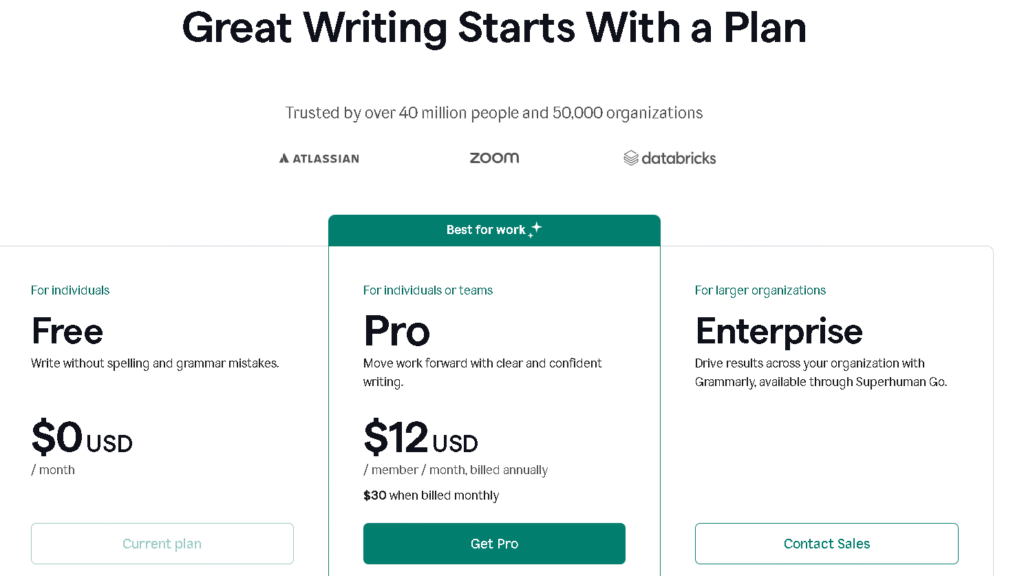
For students and ESL learners who need consistent help but are watching their spending, Ginger’s paid plan is a reasonable call. The correction quality gap is real, but for the kind of writing most students do, Ginger’s accuracy level is adequate. The savings are not.
For professionals whose written communication affects their reputation at work, the extra cost of Grammarly is easy to justify. The quality difference on formal writing is real enough to matter.
Pros and Cons After Long-Term Use
| Ginger | Grammarly | |
|---|---|---|
| Grammar accuracy | Good | Excellent |
| Voice preservation | Better | Moderate |
| ESL learning support | Strong | Moderate |
| Workflow integration | Adequate | Excellent |
| Tone detection | Basic | Strong |
| Correction density | Lower | Higher |
| Formalization pressure | Low | Moderate to high |
| Price | Affordable | Expensive |
| Long-term usefulness | Good for specific users | Broad long-term value |
Who Should Actually Use Ginger?
ESL writers and language learners will get the most from Ginger. The tool was built with that use case in mind, and it shows in how corrections are explained and how the rephraser gives you options rather than a single right answer. Students at all levels who need consistent grammar support without the cost of Grammarly will also find real value here.
Casual writers who find Grammarly’s level of intervention too heavy will feel more at home inside Ginger. The lighter touch is a genuine product decision, not a shortcoming. If you want a tool that cleans up your writing without trying to reshape your voice, Ginger fits that role.
Budget-conscious users who need daily grammar support but cannot justify $30 a month will find the quality difference between Ginger’s paid plan and Grammarly’s paid plan manageable for most everyday writing tasks.
Who Should Use Grammarly Instead?
Professionals who write a high volume of formal communication and need their output to be consistently polished should use Grammarly. The accuracy is better, the integrations are deeper, and the tone handling is more reliable across a broad range of writing types.
Marketers, recruiters, account managers, and anyone whose job involves writing emails, proposals, and documents that other people will judge should have Grammarly. The quality difference on formal writing is not small, and the workflow integration means you do not have to think about running a correction pass. It is always there.
Writers who work across multiple platforms and need consistent support in every writing surface they touch will also find Grammarly’s integration depth worth the price. Ginger does not cover the same range of platforms at the same level.
Best Grammarly and Ginger Alternatives
| Tool | Better for | Worse for |
|---|---|---|
| ProWritingAid | Deep editorial analysis, long-form writing | Quick email correction |
| LanguageTool | Open-source, privacy-focused, multilingual | Polish quality vs Grammarly |
| Hemingway Editor | Readability and sentence clarity | Grammar correction |
| Wordtune | Sentence rewriting and tone shifting | Basic grammar fixes |
| QuillBot | Paraphrasing, academic rewriting | Inline workflow correction |
ProWritingAid is the strongest alternative for long-form writers who find Grammarly too shallow on style and structure. The reports it generates on pacing, overused words, and sentence variety go deeper than anything Grammarly or Ginger produces. The tradeoff is that it is slower and requires more active engagement with its feedback.
LanguageTool is worth considering for privacy-focused users and anyone writing in multiple languages. The correction quality in English is below Grammarly but above Ginger, and the multilingual support is better than both.
Wordtune fills a specific gap neither Ginger nor Grammarly covers well: intelligent sentence rewriting that gives you genuine tonal options. If sentence-level rewriting is your primary use case rather than grammar correction, Wordtune is worth testing before committing to either tool in this comparison.
If you are comparing multiple grammar and AI writing tools beyond these two, this breakdown of the best Grammarly alternatives covers where each platform fits best long-term.
Final Verdict — Which One Holds Up Better Long-Term?
Grammarly holds up better for most users. The accuracy advantage, the workflow depth, and the quality of corrections on professional writing are consistent over time in a way that Ginger’s lighter toolset is not. If writing is a regular part of your work and you want one tool that improves the output, Grammarly earns its cost.
That said, Ginger is not a weak tool. It is a focused one. For ESL learners, students, and casual writers who want grammar support without the formalization pressure of Grammarly, Ginger fits the role well. The price is lower, the interface is simpler, and the voice preservation is better for informal writing.
The real question is not which tool is better in the abstract. It is which problem you are actually trying to solve. Confidence in professional writing points toward Grammarly. Learning-adjacent correction and budget management point toward Ginger. Both tools do what they set out to do. Which one you want depends on what you are actually here for.
FAQ
No. Grammarly catches more mistakes overall, especially in formal and academic writing where context matters. In my testing, Grammarly handled tone, sentence structure, and contextual grammar more reliably. Ginger still works well for basic grammar and punctuation, but the gap becomes noticeable once the writing gets more complex.
It depends on the type of student. Grammarly is stronger for academic writing and polished assignments. Ginger is more useful for ESL students because the explanations and sentence rephraser feel more learning-oriented. Price matters too. Ginger is easier to justify on a tighter budget.
Yes. This is one of Ginger’s strongest areas. The sentence rephraser helps users explore different ways to express the same idea instead of simply correcting mistakes. Over time, that feels more educational than Grammarly’s faster correction-focused approach.
Sometimes. Grammarly pushes toward cleaner and more formal phrasing, which helps in professional writing but can flatten casual or personal writing if you accept every suggestion blindly. Ginger usually preserves the original tone better because it intervenes less aggressively.
Grammarly’s free plan is better for pure grammar correction. Ginger’s free version is more interesting for ESL users who want access to sentence rewriting and learning-focused suggestions. Both free plans are limited, but they target slightly different needs.
For professionals and high-volume writers, yes. The stronger accuracy, integrations, and tone handling make the workflow smoother over time. For students and casual users, Ginger’s lower pricing often feels more reasonable for the level of help most people actually need.