
Academic writing has a strange kind of anxiety. Even when the research is solid, the wording can still make you feel uncertain before submission. You know what you are trying to say. You are not sure it reads the way you mean it. That gap between thinking and sounding like a researcher is exactly where Paperpal sits. For this Paperpal review, I tested the tool for 30 days.
I used it across real academic work. Abstracts, literature reviews, methodology sections, discussion drafts, and a handful of reviewer-facing emails. Here is what I found.
Disclaimer: I may earn a small commission on purchases made through links on this page, at no extra cost to you. This supports honest, independent reviews.
Table of Contents
Why You Can Trust This Review
- 200+ software tools reviewed over three years
- 3+ years testing AI and writing tools professionally
- Paperpal tested for 30 full days with real academic documents
- No sponsorship, affiliate deal, or free account from Paperpal
- Compared head-to-head against Grammarly and ChatGPT in the same workflow
Quick Verdict — Is Paperpal Worth It?
| Category | Paperpal |
|---|---|
| Best For | Academic and research writing |
| Biggest Strength | Academic tone correction |
| Biggest Weakness | Can over-formalize already clear sentences |
| Grammar Accuracy | Excellent |
| AI Writing | Moderate |
| Workflow Integration | Strong |
| Best For Students | Excellent |
| Best For Researchers | Excellent |
| Worth Paying For? | Yes, for frequent academic writers |
Who should buy it?
✅ PhD students writing long chapters or dissertations
✅ Researchers preparing journal submissions
✅ ESL academics bridging the gap between first language and academic English
❌ Bloggers and content writers
❌ Fiction and creative writers
❌ General business writers and communicators
The short version: it does what it promises. The longer version is more interesting.
How I Tested Paperpal
| What | Detail |
|---|---|
| Testing period | 30 days |
| Abstracts reviewed | 40 research abstracts |
| Document types | 1 journal article draft, 1 conference abstract, 1 PhD chapter introduction |
| Comparison tools | Grammarly and ChatGPT tested in the same workflow |
| Platforms used | Word plugin and web editor |
| Suggestion tracking | 60 suggestions logged in final week with accept/edit/reject outcome |
Pros and Cons
| Pros | Cons |
|---|---|
| Excellent academic tone correction | Can over-formalize already clear writing |
| Strong Word plugin integration | Not useful outside academic contexts |
| Submission readiness check included | Limited free plan runs out fast |
| Very helpful for ESL researchers | Does not learn your personal style |
| Catches phrasing issues Grammarly misses | Struggles with field-specific terminology |
| Fast corrections in real time | Some suggestions feel generic by week three |
What Paperpal Actually Feels Like During Real Research Work
The first thing I noticed was that Paperpal understands register. It knows the difference between a sentence that is grammatically fine and a sentence that sounds wrong for a journal. Most general writing tools do not make that distinction. Grammarly will clean your prose. Paperpal will tell you the prose sounds too casual for a methods section. Those are different things.
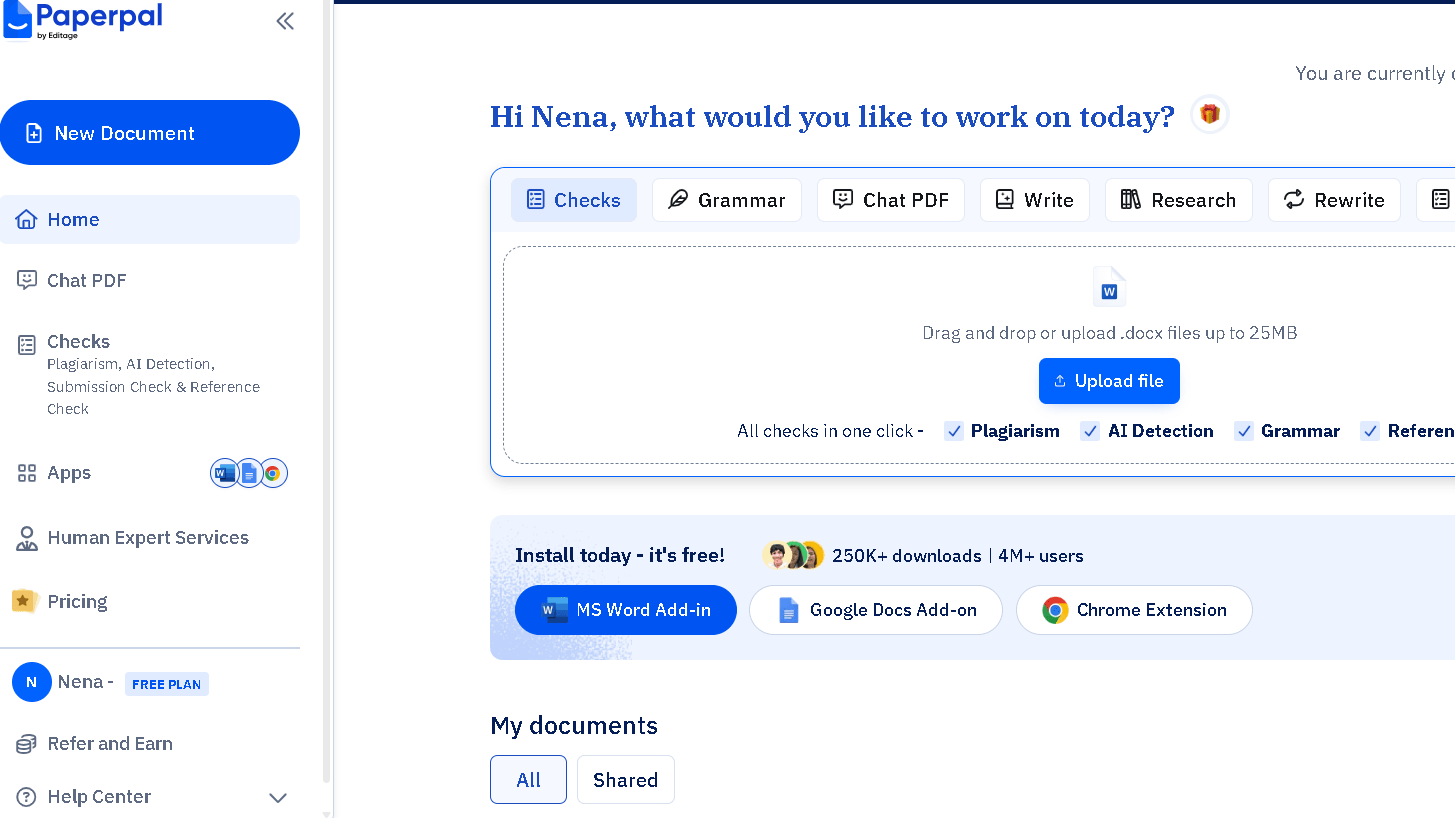
The second thing I noticed was the speed. Corrections appear fast, usually within two seconds of finishing a sentence in the web editor. Fast enough that the tool does not break the writing flow the way some AI editors do.
In practice, the tool feels less like a grammar checker and more like a second reader who knows the genre. That feeling builds trust quickly. The trust is mostly earned.
Paperpal Features That Matter for Academic Writing
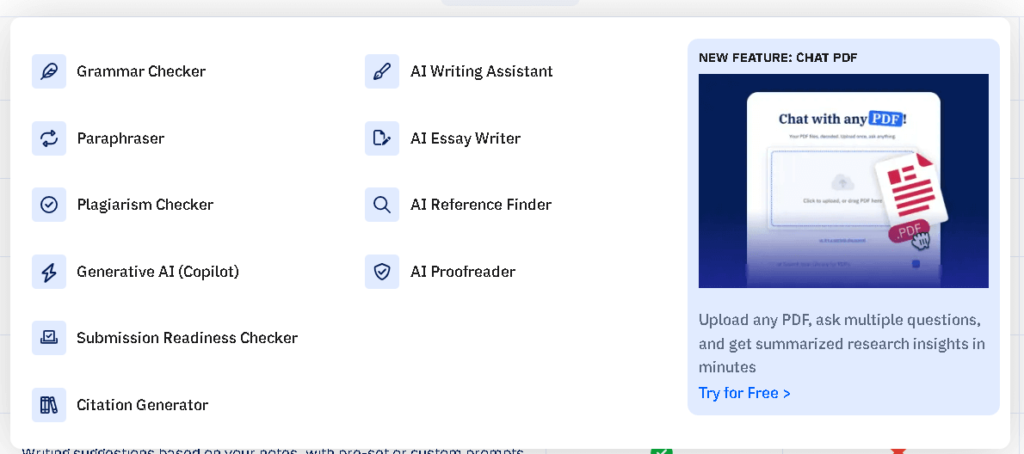
The language editing layer is where most users will spend their time. It corrects grammar, flags unclear phrasing, and rewrites sentences that read awkwardly in a formal register. I ran forty research abstracts through the tool across two weeks and found it improved the clarity of thirty-four of them without distorting the meaning. That is a strong result for a genre where precision matters.
The academic paraphrasing tool is useful for reworking repeated phrases, which researchers accumulate without noticing. Methods sections especially. You write “samples were collected” seven times and stop seeing it. Paperpal catches it. Paperpal catches the repetition before your reviewer does.
The submission readiness check is a feature I did not expect to use much and ended up valuing. It reviews your full document against journal style expectations and flags inconsistencies in tense, passive voice use, and citation formatting style. Not every journal, but enough to matter.
The Word plugin works well. It is where I spent most of my time, because most serious academic writing still happens in Word. The integration is clean, fast, and does not require switching between apps.
Academic Tone Correction — A Real Example
Here is what the tool actually does to a sentence. I pulled this from a discussion section draft during week two.
| Text | |
|---|---|
| Original | “We found significant differences between the two groups across all three conditions.” |
| Paperpal suggestion | “The results indicate significant differences between the two groups across all three conditions.” |
| My take | Useful for formal journal writing. I rejected it. “We found” is cleaner and the active voice is stronger in a discussion section. The suggestion is technically valid but stylistically weaker. |
This pattern repeated. Paperpal has a strong pull toward passive, hedged language, which is correct in some sections and wrong in others. It does not always know which is which. That is the ceiling.
A second example, from the same draft:
| Text | |
|---|---|
| Original | “This suggests that the intervention worked as intended.” |
| Paperpal suggestion | “These findings suggest that the intervention achieved its intended outcomes.” |
| My take | Better. Longer, but more appropriate for a results discussion. I accepted this one. |
The difference between these two cases is what separates a good editor from a rule-following machine. Paperpal is somewhere in between. That is honest.
How Good Is Paperpal for Research Papers?
Better than most tools at this specific job. That is the honest answer.
I tested it across three document types: a full journal article draft, a conference abstract, and a PhD chapter introduction. For the journal article, it caught seventeen phrasing issues that Grammarly had missed — mostly passive voice patterns and hedging language that was too weak for the argument being made. For the abstract, it tightened four sentences that I had been reading past for days. Named issues. Specific suggestions. No vague flags.
The chapter introduction was the harder test. It was long, dense, and technically specific. Paperpal handled the grammar well and the tone suggestions were mostly right. It struggled with some field-specific terminology, flagging words as unclear that any specialist reader would recognize. That ceiling is real. It is not a deep domain expert. It is a very good language editor that understands academic style.
Paperpal vs Grammarly for Academic Writing
| Feature | Paperpal | Grammarly |
|---|---|---|
| Primary focus | Academic and research writing | General professional writing |
| Tone awareness | Research-register specific | Broad professional register |
| Word plugin | Strong | Strong |
| Academic vocabulary | Good | Moderate |
| Real-time correction | Yes | Yes |
| Best workflow fit | Research and publication | Daily communication |
| Submission readiness | Yes | No |
Grammarly is the better tool for everything outside research. Email, client communication, blog writing, Slack — Grammarly wins on breadth and passive integration. I covered its strengths and weaknesses in more detail in my Grammarly review after 30 days of testing.
But for a journal submission, Grammarly does not know what it does not know. It will clean your sentences without knowing whether they sound credible to a reviewer in your field.
Paperpal knows the genre better. That knowledge is the whole point. For academic work, that difference is worth paying for.
Paperpal vs ChatGPT
This question comes up constantly in 2026 and the honest answer is that they do not compete directly.
| Tool | Best Use |
|---|---|
| Paperpal | Academic polishing and submission prep |
| ChatGPT | Drafting, ideation, and restructuring |
| Grammarly | Daily communication cleanup |
ChatGPT is better at generating text from a prompt or expanding a thin section into a fuller argument. Paperpal is better at making what you have already written sound publication-ready. I used both in the same workflow — ChatGPT to get unstuck, Paperpal to clean the result before it went anywhere near a submission portal.
I explored ChatGPT’s strengths as a writing assistant more deeply in my ChatGPT vs Grammarly comparison, where I looked at whether AI chatbots can replace traditional grammar tools.
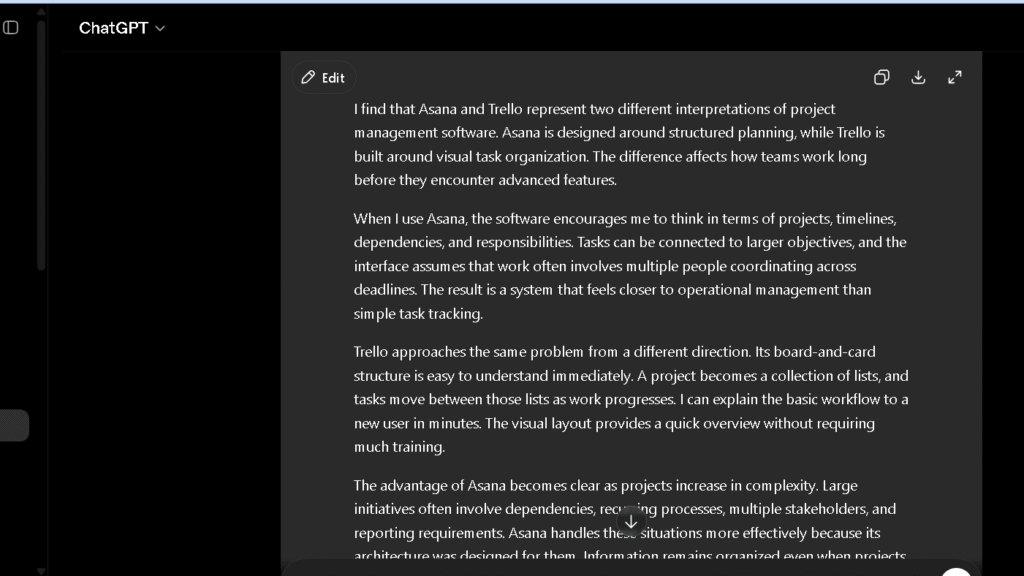
The real question is not which one wins. It is where in your writing process each one fits. That answer is different for every researcher.
Paperpal vs QuillBot
This is a comparison I see asked about often, and the tools are closer to each other than Paperpal is to Grammarly.
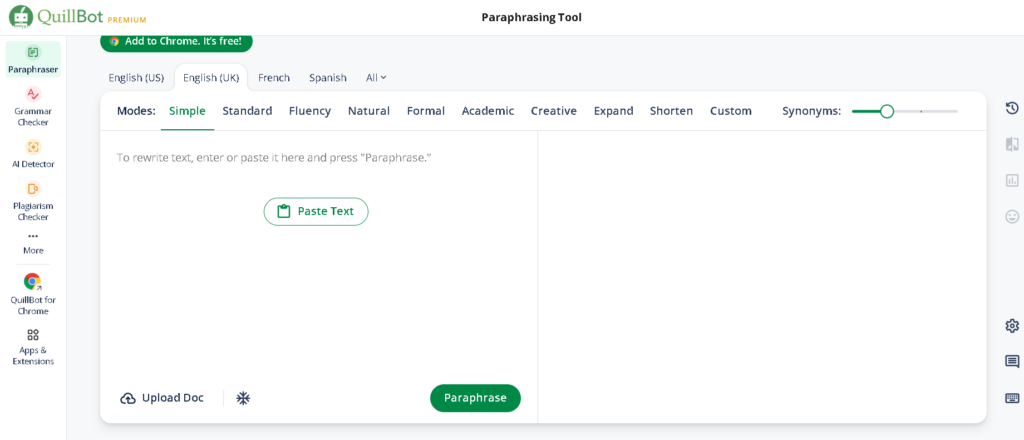
If you’re deciding specifically between these two tools, I compared them feature-by-feature in my Paperpal vs QuillBot comparison.
QuillBot is built around sentence-level rewriting. You give it a sentence and it gives you three or four versions at different formality levels. You pick one. That is the whole model. It gives you control and it is fast. For researchers who need to rework a single paragraph they have written into a corner, QuillBot is the quicker fix.
Paperpal works differently. It reads your document in context and suggests edits rather than full rewrites. It does not ask you to choose between modes. Paperpal flags what is wrong and tells you why. The suggestions are more specific to academic register, and the submission readiness check is something QuillBot does not have at all.
In my own workflow, I reached for QuillBot when I was stuck on one sentence and needed options. I reached for Paperpal when I wanted a full document reviewed before submission. The tools serve different moments. Which one you need depends on where in the writing process you are stuck.
Where Paperpal Starts Becoming Frustrating
By week three, the over-formalization started to show. Paperpal has a strong pull toward hedged, formal language, even in places where direct writing is better. It suggested “it was observed that” over “we found” in several places across a discussion section, which is technically valid but stylistically weaker. I rejected those suggestions. I rejected a lot of suggestions by week three.
The thing is, no tool should be accepted blindly, and Paperpal is no different. The issue is that newer users who trust the tool too much may end up with writing that sounds more formal but less clear. Formal and clear are not the same thing. Paperpal does not always know the difference.
In my 60-suggestion tracking test across the final week — where I logged every suggestion and whether I accepted, edited, or rejected it — I rejected twenty-two outright and edited fourteen others before accepting. That is a higher rejection rate than I had in week one. The tool does not learn your style. It applies its model to your text every time.
Does Paperpal Make Writing Sound Robotic?
Sometimes. The risk is highest in discussion sections and conclusions, where a writer’s voice should be clearest. Paperpal tends to flatten those sections more than it should.
In abstracts and methodology sections, it performs better. Those genres already require a constrained, formal register, so the tool’s pull toward formality is actually aligned with what the writing needs. The robotic risk is low where the genre is already rigid.
To be fair, no AI editing tool handles voice well in academic writing. The best any of them do is get out of the way in the right moments. Paperpal gets out of the way more often than most. But you still have to read every suggestion and decide whether it belongs to your argument or to its model.
Paperpal Pricing — Is Premium Worth Paying For?
The free tier is limited. You get a set number of edits per month, which runs out faster than you expect if you are doing active research writing. It is enough to test the tool but not enough to rely on it.
Prime runs around $19 a month, or less on an annual plan. For a researcher submitting two or three papers a year, that price pays off on the first submission. The time saved on language revision alone covers the cost. For a PhD student writing weekly, it pays off much faster.
The institutional plan is worth checking. Many universities have negotiated access, which means you may already have Premium through your institution without knowing it. Check before paying out of pocket.
Who Should Use Paperpal?
Researchers and academics who write for publication. If you are preparing journal submissions, conference papers, or grant proposals, Paperpal is built for this work in a way that general tools are not. The submission readiness check alone saves hours of final-round revision.
Non-native English academics will find the most value here. The tool’s understanding of academic register helps most when the gap between how you think and how academic English sounds is widest. It does not just fix errors. It explains why a sentence reads wrong and what the field expects instead. That is a real teaching layer.
PhD students at the dissertation stage will also get clear value. Long chapters, consistent tone, field-appropriate language — those are exactly the problems Paperpal addresses. The combination is harder to find than it looks.
Who Should Skip Paperpal?
Casual writers, bloggers, and anyone whose main output is not formal research. Paperpal’s register-awareness is a strength for academic work and a mismatch for everything else. If you want a tool for email and daily writing, Grammarly serves that purpose better and costs less for what you actually need.
Fiction writers and creative writers should stay away. Paperpal has no frame of reference for creative voice. It will push your prose toward something that belongs in a journal, not a novel.
People looking for AI writing generation will also find Paperpal frustrating. It is not a generation tool. It edits and improves what you have already written. If you need help getting to a first draft, start somewhere else and bring the result to Paperpal after.
Best Alternatives to Paperpal
| Alternative | Better For | Weaker For |
|---|---|---|
| Grammarly | Email, documents, business communication, daily writing workflow | Academic writing and journal-focused editing |
| QuillBot | Sentence rewriting, paraphrasing, reworking difficult paragraphs | Full-document academic review and publication preparation |
| ProWritingAid | Long-form style analysis, manuscript structure, detailed reports | Fast editing and simple workflows |
| ChatGPT | Drafting new content, expanding arguments, brainstorming, restructuring sections | Academic polishing and submission readiness |
| LanguageTool | Free grammar checking, multilingual writing, budget-conscious users | Academic-specific guidance and advanced research writing support |
Grammarly is the right alternative for anyone who needs broader workflow coverage. It handles email, documents, and daily communication better than Paperpal does. For academic writing specifically, it is weaker. But for everything else, it is the stronger daily tool.
QuillBot is better for sentence-level rewriting and paraphrasing. If your main problem is reworking a paragraph you have written yourself into a corner, QuillBot gives more control over the rewrite. Paperpal is more passive in comparison.
For users deciding between general-purpose writing tools instead, my QuillBot vs Grammarly comparison breaks down where each platform performs best.
ProWritingAid goes deeper on style analysis for long documents. It is slower and more demanding but gives a richer picture of where a manuscript has structural problems. For book-length academic work, it is worth considering alongside Paperpal.
ChatGPT covers the generation gap. For drafting new sections, expanding arguments, or reworking a section from scratch, ChatGPT is more powerful. Most serious researchers use both ChatGPT and Paperpal at different stages of the same project.
LanguageTool is the strongest free alternative, especially for multilingual researchers. The grammar accuracy is solid and the price is hard to argue with for light use.
Final Verdict — Is Paperpal Actually Worth It in 2026?
Paperpal reduces the fear that your writing sounds less professional than your research actually is. That is the real product. Not grammar correction. Not a feature set. The feeling that you can submit with confidence, and that the language will not be the reason a reviewer hesitates.
I found it most valuable in the moments just before submission — the final pass on an abstract, the tone check on a methods section, the sweep through a discussion that had been revised too many times. Those are the moments when a second reader who knows the genre is worth the most. Paperpal is that reader.
The ceiling is real. It is not a domain expert, it overcorrects in places, and it does not learn your style over time. But for the gap it targets — the space between good research and publication-ready language — it does the job better than any competing tool I have used.
Which one you want depends on what kind of writing keeps you up at night. For researchers, this is the answer.
FAQ
For researchers and academics who write for publication, yes. The academic tone correction, submission readiness check, and language editing tools are built for this specific kind of work. At the annual price, one cleaner submission pays for the year.
Yes, for academic writing specifically. Grammarly is better for general professional and daily writing. Paperpal understands research register, journal style, and academic conventions in a way Grammarly does not.
Very good. It catches phrasing issues that general tools miss, understands formal academic register, and includes a submission readiness review. In my testing across real journal article drafts, it improved clarity and academic tone on a high percentage of paragraphs without distorting the meaning.
Yes, the Premium plan includes a plagiarism checker. It works well for academic use and compares against a broad database of published research. For most journal submission checks, it is reliable.
No. They do different jobs. Paperpal polishes existing writing. ChatGPT generates and restructures from prompts.
This is where Paperpal adds the most value. The gap between technical research knowledge and academic English register is exactly what the tool is designed to close.
It can, especially in discussion sections and conclusions where voice matters most. The risk is lower in abstracts and methods sections, where formal register is expected. The fix is the same as with any AI editor — read every suggestion before accepting it.