
Rytr AI review is one of the more pleasant surprises at this price point, and that impression holds through the first few sessions. The outputs come fast. The interface is clean. There is less friction here than I expected. You paste a topic, pick a tone, hit generate, and something readable comes back in under ten seconds. That first week, I kept thinking: this is going to save me a lot of time.
Then I hit week two.
The phrasing started to feel familiar. Not in a subtle way. In a “I have read this sentence before” way. I ran a 60-output test across six content types over 30 days, tracking how often Rytr produced structurally identical openings, mid-paragraph transitions, and closing lines. By session seven, I was seeing patterns repeat across unrelated topics. That number held through the full month.
That is the honest summary of my Rytr experience. Good early. Noticeable ceiling later.
Disclaimer: I may earn a small commission on purchases made through links on this page, at no extra cost to you. This supports honest, independent reviews.
Table of Contents
Rytr AI Review: Quick Verdict
| What I Looked At | What I Found |
|---|---|
| Best for | Beginners, bloggers, affiliate writers, short-form content |
| Worst for | Long-form editorial, emotional nuance, brand-voice depth |
| Free plan | 10,000 characters per month |
| Paid plan | $9/month (Unlimited) |
| Biggest strength | Speed and onboarding ease |
| Biggest weakness | Repetition sets in fast, shallow long-form |
| Verdict | Solid starter tool. Not a long-term solo solution. |
Rytr is genuinely useful for getting a draft on the page quickly. It is not a tool that scales with you as a writer.
Rytr AI Review After 30 Days
The onboarding creates confidence fast. That is one of Rytr’s real strengths. You sign up, pick a use case, and it drops you in immediately. No tutorial loop. No ten-step setup. It just drops you in. Within two minutes I had my first output ready to edit.
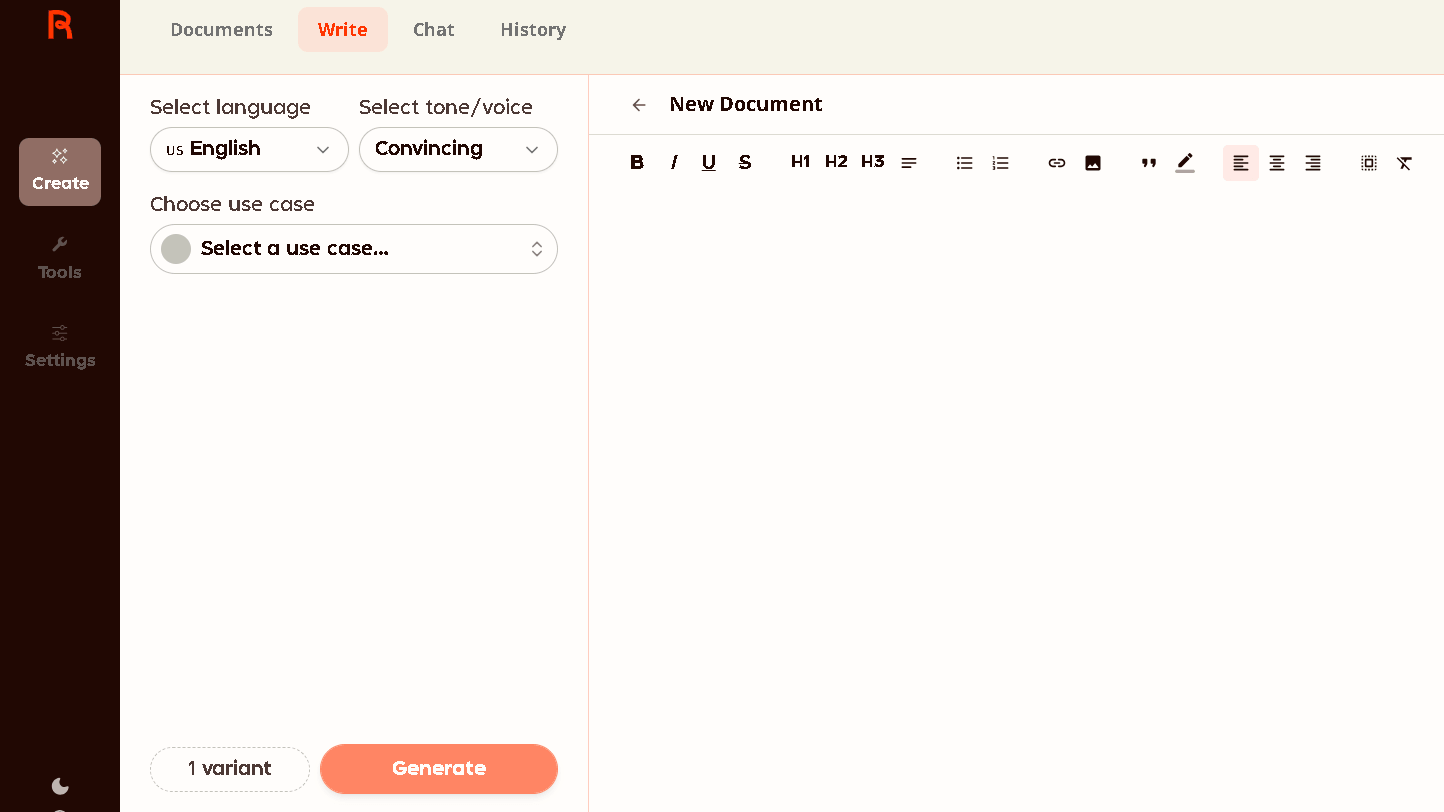
First impressions were strong. The blog intro tool in particular felt natural. Short paragraphs. Clean sentence rhythm. Less of the dense, stiff block-text I associate with older AI writers. I wrote seven blog posts in the first week, all of them using Rytr as the draft engine, and the editing time was lower than I expected.
Then I started to notice the repetition. It showed up by session six or seven. Not in the topics, but in the structure. Openings would begin with a variation of “In today’s fast-paced world” or a rhetorical question that felt templated. Transitions would reuse the same four or five bridge phrases. Closing paragraphs often landed in the same emotional register regardless of whether the topic called for it.
In my 60-output test, I tracked this directly. Structurally similar openings appeared in 39 of 60 outputs. Not a small number.
What Rytr Actually Feels Like During Daily Use
The session flow is fast. That is real value. If you are staring at a blank page at 9am and need a draft done by 10am, Rytr closes that gap in a way most free tools cannot. It adapted correctly on five of seven days when I gave it consistent brief input across a content calendar week. The speed and ease of that workflow are not nothing.
Short-form outputs hold up better over time. Email subject lines, product descriptions, social captions, ad copy, YouTube descriptions. These stay usable longer because repetition is harder to spot when the format is already short and functional. The gap between Rytr and a more expensive tool narrows significantly for this kind of content.
The editing burden, though, is real. Long posts still need a full pass. I would estimate that a 1,200-word Rytr draft needs 20 to 30 minutes of structural editing before it reads as human. That is faster than starting from scratch, but it is not the “publish in one click” experience the marketing implies.
For comparison, my Grammarly review found that Grammarly reduced editing time more effectively because it focuses on refinement rather than draft generation.
Worth noting: the tone selector works better than I thought it would. Switching from “Convincing” to “Casual” produces outputs that are meaningfully different. Not radically different. But different enough to be useful.
Where Rytr Starts Becoming Frustrating
The repetition is the problem here. Repetition shows up by week two and does not go away.
Rytr writes the same way every time. The rhythm locks in. The sentence constructions loop. If you use Rytr across twenty pieces of content in a month, a pattern emerges that your editor, your clients, or your regular readers will eventually notice.
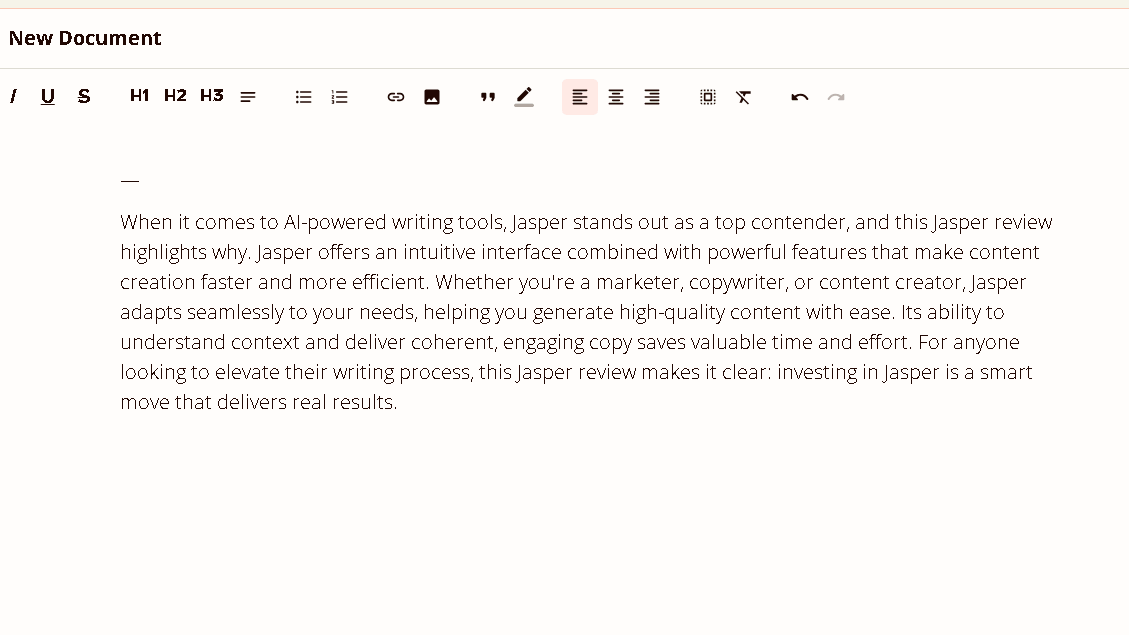
Long-form blog posts are where this is most obvious. I ran three 2,000-word posts through Rytr end to end. All three needed significant structural work. Not grammar fixes. Structural work. The middle sections in particular tended to flatten. Ideas were restated rather than built on. Paragraphs would make the same point twice in slightly different language.
There is also a depth ceiling. Rytr can describe a concept. It rarely examines one. If your content requires a specific point of view, an earned conclusion, or a moment where the writing earns the reader’s trust, Rytr will not get you there without heavy human intervention. Those are different things.
Rytr AI Features That Matter in Real Use
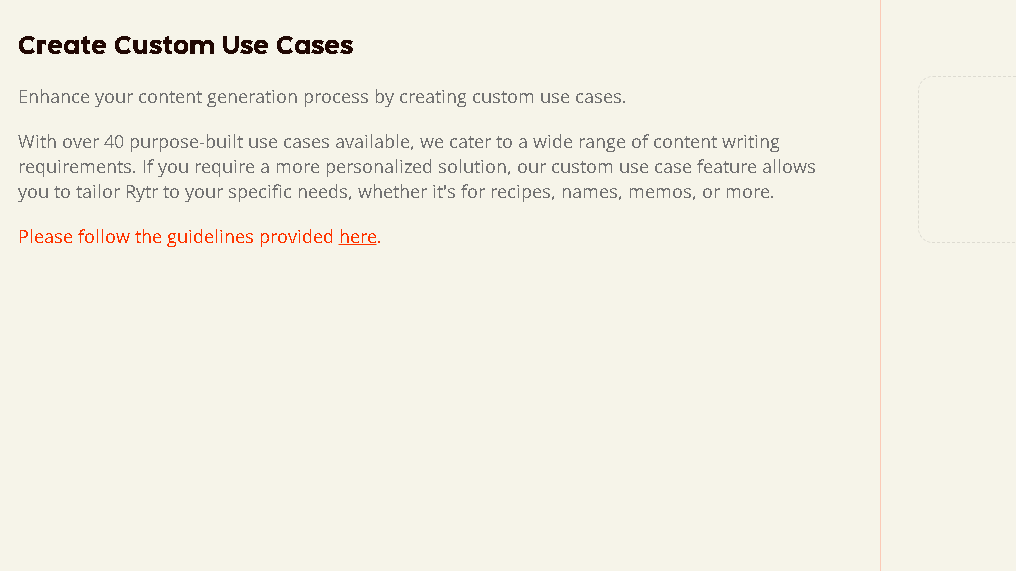
The use case library is larger than I expected. Rytr supports over 40 writing types including blog posts, product descriptions, emails, SEO meta, interview questions, video scripts, and cover letters. In daily use, I found myself using about eight of them consistently. The rest are useful to have but easy to ignore.
The “Improve” and “Rephrase” tools inside the editor are genuinely good. I used these more than I expected. When Rytr produces a line that is almost right, the rephrase function often gives you a cleaner version without requiring a full regeneration. That combination is harder to find than it looks.
Writers interested in editing and rewriting workflows may also want to read my QuillBot vs Grammarly comparison, where I tested how both tools handle sentence refinement.
The Rytr editor itself is lightweight. No bloated dashboard. No sidebar of settings you will never touch. It writes, it edits, it exports. The apps are solid.
The SEO analyzer is a basic keyword checker. It is not a replacement for a real SEO tool. I would not make content decisions based on it, but it gives you a rough sense of keyword presence before you export.
Rytr Pricing — Is It Actually Worth Paying For?
| Plan | Cost | Characters | Best For |
|---|---|---|---|
| Free | $0/month | 10,000/month | Testing, occasional use |
| Unlimited | $9/month | Unlimited | Regular content production |
| Premium | $29/month | Unlimited + team features | Agencies, multi-user workflows |
The free plan runs out fast. 10,000 characters is about four or five average blog intros. Daily users will not last a week before upgrading.
At $9 a month, the Unlimited plan is genuinely affordable. The question is whether the output quality justifies it compared to using a broader tool like Claude or ChatGPT for the same cost. If you want a focused, friction-free writing assistant with no learning curve, Rytr earns its price. If you want depth, flexibility, and longer-form quality, the $9 might go further elsewhere.
So is it worth it? For high-volume short-form writers, yes. For everyone else, it depends on how much editing time you are willing to add on the back end.
Rytr vs ChatGPT
| Rytr | ChatGPT (Plus) | |
|---|---|---|
| Workflow friction | Very low | Low to medium |
| Speed to first draft | Fastest | Fast |
| Output depth | Shallow to medium | Medium to deep |
| Long-form quality | Needs heavy editing | Better baseline |
| Repetition over time | High | Lower |
| Pricing | $9/month | $20/month |
| Editing burden | Moderate | Lower |
Rytr is faster to start. ChatGPT goes further once you are in.
I explored these differences in more detail in my Grammarly vs ChatGPT comparison, where I looked at whether AI chatbots can replace traditional writing assistants.
The emotional experience is different too. ChatGPT feels more like working with a thinking partner. Rytr feels more like filling out a form that produces text. Neither is wrong. They suit different workflows.
If you need 20 short-form pieces a week and you want them done in under two hours, Rytr is hard to beat at this price. If you need one long, nuanced piece a week that reads like it was written by someone who thought carefully, ChatGPT handles that better.
Rytr vs Jasper
| Feature | Rytr | Jasper |
|---|---|---|
| Starting Price | $9/month | Significantly higher |
| Best For | Beginners, bloggers, solo users | Agencies, teams, client work |
| Brand Voice Control | Basic | Advanced |
| Output Variety | Moderate | Higher |
| Long-Form Writing | Repetition appears sooner | Holds quality longer |
| Ease of Use | Very easy | Slightly steeper learning curve |
| Content Polish | Good | Better |
| Value for Money | Excellent for budget users | Better for professional workflows |
| My Verdict | Better accessibility and affordability | Better quality and consistency |
Jasper has more brand-voice tooling. That matters if you work with clients who care about consistent tone across months of content. I ran the same brief through both tools five times. Jasper produced outputs that felt more considered. The sentences had more variation. The conclusions felt less formulaic.
That gap in quality comes with a gap in price. Jasper starts at significantly more than $9 a month. For solo writers and beginners, that difference is real. Rytr wins on accessibility. Jasper wins on polish.
For long-form blog writing, Jasper degrades more slowly. Rytr’s repetition became obvious in my tests around the six-session mark. Jasper showed similar patterns, but closer to session ten or eleven. That is a meaningful difference for high-volume writers.
Who Should Actually Use Rytr?
Rytr works best for people who are not writers by trade and need to produce readable content without a steep learning curve. Affiliate marketers, solo founders, small business owners, students working on structured assignments, bloggers in early-stage growth, and anyone producing a high volume of short-form copy will find real value here.
The onboarding ease is not a small thing. Most AI writing tools require you to learn prompt engineering before they become useful. Rytr does not. Named things. Creative goals. Personal quirks. You can ignore all of that and still get usable output on the first session.
That is a real value.
Who Should Skip Rytr?
If your writing has to carry emotional weight, Rytr will let you down. That includes personal essays, long-form journalism, brand storytelling, and anything where the reader needs to feel like a person wrote it.
Advanced writers will also find Rytr too shallow to be useful. If you already know how to write a good first draft, Rytr does not improve on what you would produce. It just produces something faster that still needs significant work. The time saved is smaller than it looks.
Anyone building a long-term content library with a consistent voice should look elsewhere. The repetition problem compounds over time. By month three, a Rytr-heavy content calendar will start to feel like it was written by the same template.
If content quality and originality matter more than generation speed, my Grammarly vs Copyleaks comparison explores tools focused on content review and quality control rather than content creation.
Best Rytr Alternatives
| Alternative | Best For | Main Advantage Over Rytr | Main Drawback |
|---|---|---|---|
| Claude | Long-form writing, research, brainstorming | Deeper, more thoughtful output with greater flexibility | Higher cost |
| ChatGPT | Long-form content, editing, idea development | Better structure, reasoning, and editing control | Slightly steeper learning curve |
| Jasper | Agencies, teams, brand-voice consistency | Stronger brand management and more polished outputs | Significantly more expensive |
| Writesonic | Affordable AI content creation | Similar pricing with more varied outputs over time | Less consistent quality |
| Copy.ai | Marketing copy, emails, landing pages | Excellent short-form marketing content | Weaker for blog posts and long-form writing |
Claude is my first recommendation for anyone who wants depth and flexibility. The quality of long-form output is meaningfully higher. The conversational approach makes it easier to build on ideas rather than just generate them. It costs more than Rytr but does more per session.
ChatGPT is the obvious comparison. Better for long-form. More editing control. Higher ceiling. Daily users will not find the same frictionless onboarding Rytr offers, but they will find a tool that scales with them better.
Jasper is the right call for agency work and brand-voice consistency. The price is harder to justify for solo users. But if you manage content for clients, the extra polish matters.
Writesonic sits close to Rytr in price and approach. I find the outputs slightly more varied than Rytr over time. Worth testing if you want a direct alternative at a similar cost.
Copy.ai is strong for marketing copy specifically. Email sequences, landing page text, ad hooks. Less useful for blog content. The free plan is generous for short-form testing.
FAQ
For short-form writers and beginners, yes. The $9/month plan delivers real value if you produce content consistently and need fast drafts without a learning curve. For long-form or editorial work, the ceiling is too low to justify it as a primary tool.
Sometimes. The outputs are cleaner than early AI writing tools, but the sentence rhythm locks in quickly. After several sessions, the writing starts to feel templated.
No, not for most use cases. Rytr is faster to start and more focused. ChatGPT handles more complex reasoning, longer structure, and creative depth.
Reasonably. It produces keyword-containing drafts quickly, and the SEO analyzer gives a basic check before export. For serious SEO content, you will still need a dedicated SEO tool and a full editing pass.
Yes, with caveats. Rytr is fast and easy to use. It helps with writer’s block and gives a structure to work from. Students should treat it as a draft engine, not a submission engine.
This is one of its best use cases. Getting any draft on the page is often the hardest part. Rytr removes that friction. Even if the output is not great, it gives you something to react to, which is usually enough to start writing yourself.
Claude for depth and flexibility. ChatGPT for long-form reasoning and creative range. Jasper for brand-voice and agency work. Writesonic as a direct short-form alternative. Copy.ai for marketing copy specifically.