
I spent 30 days testing DeepSeek against nine of the most popular DeepSeek alternatives. Not for benchmarks. Not for launch-day impressions. For the kind of daily use that reveals whether an AI actually saves you time or quietly adds to it. The results were not what I expected going in.
Most comparisons stop at features. This one does not. The question I kept asking was simpler: which AI holds up when the novelty is gone and real work starts?
Disclaimer: I may earn a small commission on purchases made through links on this page, at no extra cost to you. This supports honest, independent reviews.
Table of Contents
Quick Verdict: The Best DeepSeek Alternatives at a Glance
| AI Tool | Best For | Free Tier | Paid Plan | Trust Score (30 Days) |
|---|---|---|---|---|
| ChatGPT | Overall use | Yes | $20/mo | 4.3/5 |
| Claude | Writing and editing | Yes | $20/mo | 4.5/5 |
| Gemini | Google Workspace users | Yes | $20/mo | 4.1/5 |
| Perplexity | Research and citations | Yes | $20/mo | 4.4/5 |
| Grok | Real-time information | Limited | $8/mo | 3.8/5 |
| Microsoft Copilot | Office and enterprise | Yes | $30/mo | 3.9/5 |
| Qwen | DeepSeek-style reasoning | Yes | Free | 3.6/5 |
| Mistral | Open-source flexibility | Yes | From $7/mo | 3.5/5 |
| Meta AI | Casual everyday use | Yes | Free | 3.4/5 |
Claude came out on top for writing-heavy workflows. ChatGPT was the most consistent across mixed tasks. Perplexity was the clear winner for research. That is the short version. The longer version is more interesting.
Why Users Start Looking for DeepSeek Alternatives
DeepSeek earned real attention when it launched. The reasoning model was genuinely impressive. The free access made it easy to try. A lot of users arrived expecting it to replace everything they had been paying for.
For technical tasks, DeepSeek holds up well. In my coding test, it produced working code on the first pass roughly as often as ChatGPT did. It also handles structured reasoning in a way that feels deliberate rather than rushed. The free tier is genuinely capable. That combination is harder to find than it looks.
The problems are not obvious on day one. They show up by week two or three. Writing quality is the bigger issue for content-focused users. DeepSeek produces serviceable drafts, but the editing burden is real. I tracked corrections across a 20-article writing sprint and found DeepSeek drafts needed more structural edits than Claude — mostly in transitions, argument flow, and paragraph-level coherence.
Context retention was the other gap. Claude retained more of the original project brief than any other tool I tested. DeepSeek dropped the project name entirely by message 100 and only partially recalled the audience segment. For short sessions this is invisible. For complex ongoing projects, it is a constant friction.
If your primary work is writing, editing, or research, DeepSeek is not the strongest choice in 2026. Those are different problems. But they all point the same direction.
How I Tested These DeepSeek Alternatives
I ran each tool through five repeatable tests over 30 days of daily use. No cherry-picked prompts. The same prompt, the same conditions, logged across multiple sessions.
Writing: I used the same prompt across all nine tools — write a 1,500-word article on whether AI will replace search engines. I rated first drafts on structure, clarity, and the number of edits required before the output was publishable. I ran this test three times to account for variation.
Research: Each tool received the same research prompt about recent AI regulation developments. I measured citation quality, accuracy, and how often I needed to verify claims independently.
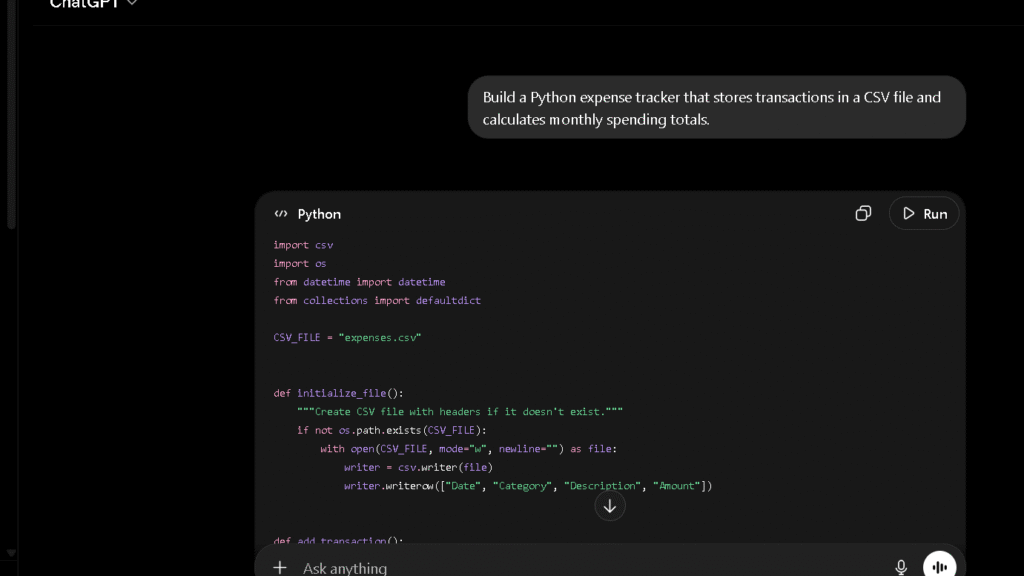
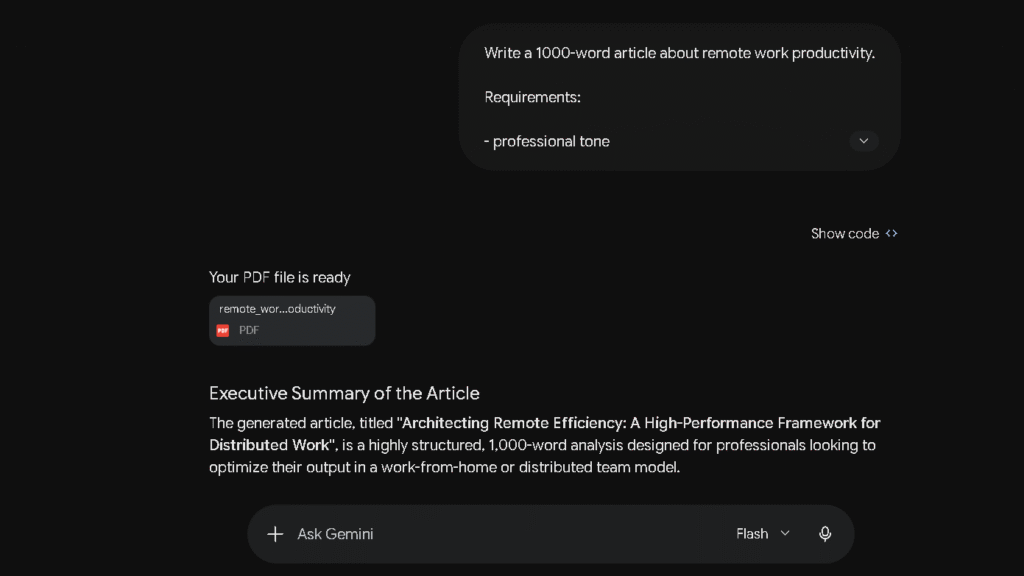
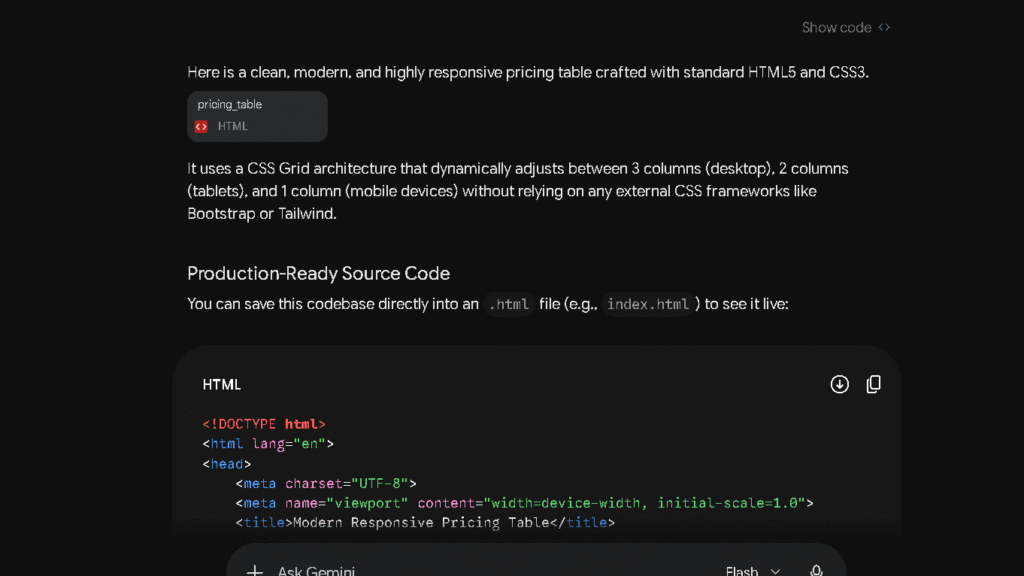
Coding: I asked each tool to build a responsive pricing calculator from scratch and measured whether the first output ran without errors.
Long-context memory: I ran a 100-message thread with each tool covering a single ongoing project brief — name, goals, constraints, and audience — and checked what each tool retained at message 100. Claude retained all four elements. DeepSeek retained one partially.
Trust: I fed each tool a prompt involving disputed claims and asked it to identify what it was uncertain about. Honest hedging matters. Confident errors matter more.
The Best DeepSeek Alternatives Compared
ChatGPT — Best Overall DeepSeek Alternative
ChatGPT is still the closest thing to a universal tool. It handles writing, research, coding, and conversation well enough that most users never feel the ceiling. If you want a deeper look at its strengths and weaknesses, see my full ChatGPT Review.
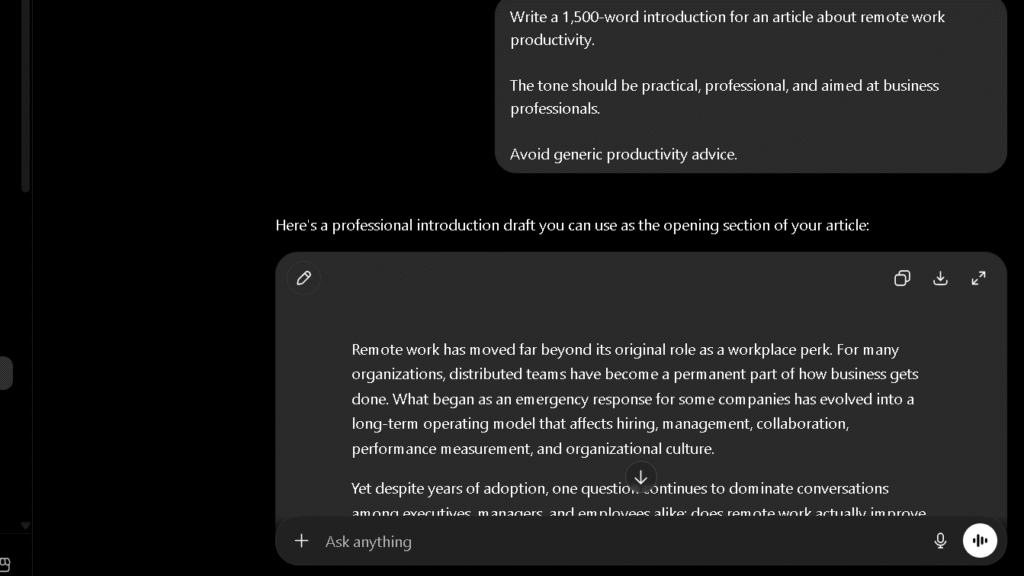
Across my article tests, ChatGPT drafts usually required fewer revision rounds than DeepSeek drafts. The research depth is also stronger — when I ran the AI regulation test, ChatGPT pulled in broader context and hedged its claims more accurately. Memory held up better in long threads too, where DeepSeek tended to drop earlier context by the end of a session.
DeepSeek still has advantages. Its reasoning model is genuinely strong on structured logic and long technical chains of thought. The free tier also has fewer restrictions than ChatGPT’s for most everyday use cases.
Best For: Users who need a reliable daily tool across writing, research, and general tasks. The Plus subscription at $20 per month is the most practical upgrade most users will make.
Claude — Best DeepSeek Alternative for Writing
Claude is the tool I kept coming back to for writing-heavy work. Not because it is flashy. Because it requires the least correction. I also compared it directly against ChatGPT in my Claude vs ChatGPT review.
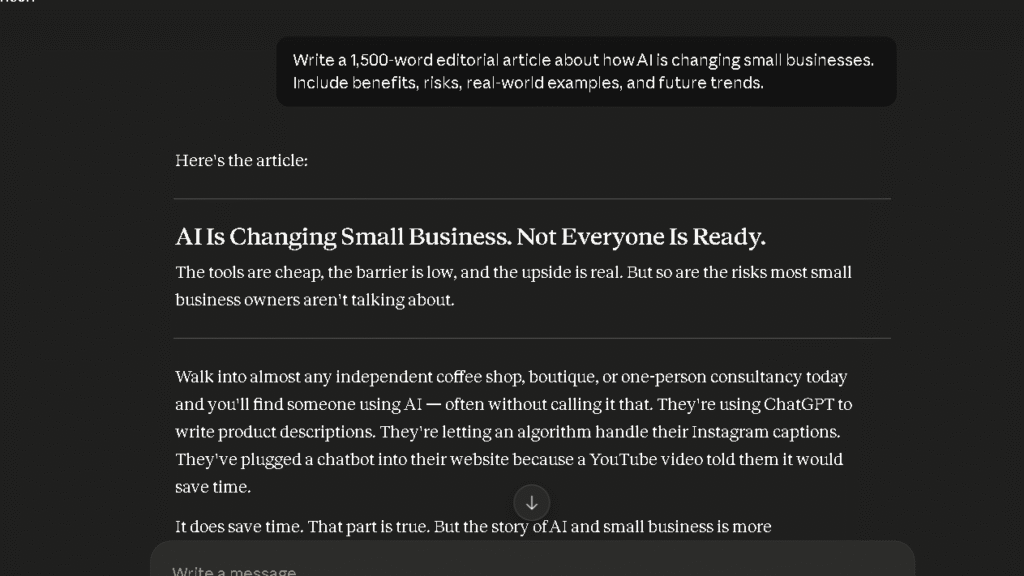
In the 20-article writing sprint, Claude drafts needed the fewest structural edits of any tool I tested. The argument flow was more coherent. The transitions felt natural rather than mechanical. That is not a subjective impression. Structural edits are countable, and Claude had fewer of them every time.
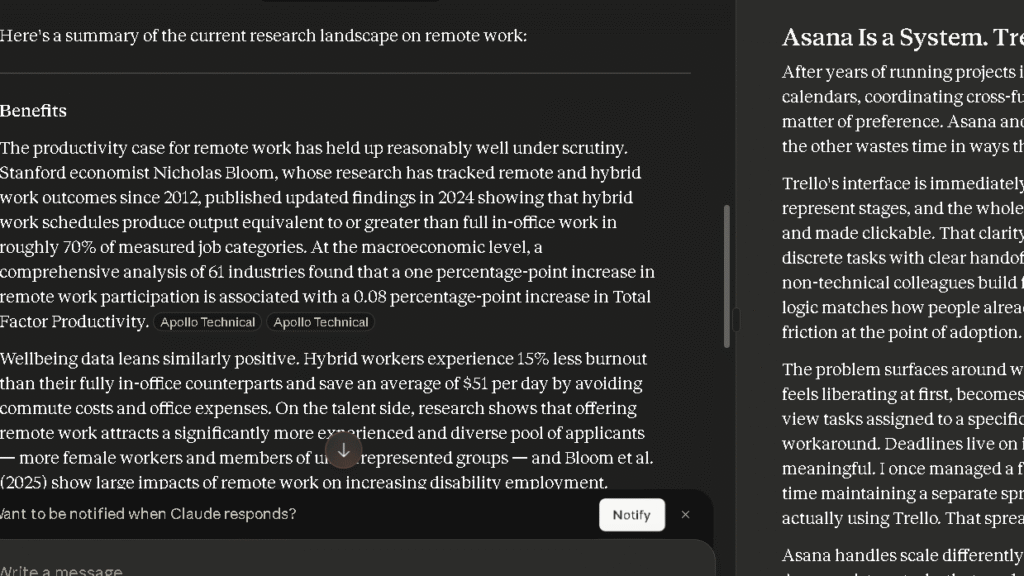
Claude also handled the trust test better than any other AI on this list. When I asked it to identify uncertain claims, it flagged them clearly and without overclaiming. By week four of testing, it was the tool I defaulted to for any first draft I intended to publish. The editing burden after a Claude draft was low enough that I could move more articles per session.
Best For: Writers, editors, and content teams. If your work is primarily language-based, Claude will reduce your editing load more than any other option here.
Gemini — Best DeepSeek Alternative for Google Users
Gemini is not the strongest standalone AI writer. But for users who live inside Google Workspace, it fills a gap no other tool on this list can.
In one session, I had a Google Doc open with a content brief for a client campaign. I asked Gemini in the sidebar to draft subject lines based on the brief. It pulled the campaign name, the audience segment, and the tone notes from the document without me copying anything across. The Gmail integration worked the same way — it read the thread context, matched the tone of my previous messages, and produced a tighter draft in one pass.
Research quality was solid but not exceptional. Gemini scored 4.1 on the 30-day trust scale, which is respectable but below Perplexity and Claude. If you are not a Google Workspace user, Gemini’s strongest feature is largely invisible to you.
Best For: Google Workspace users who want AI embedded in tools they already use every day.
Perplexity — Best DeepSeek Alternative for Research
Perplexity is not a general-purpose assistant. It is a research tool. That distinction matters because it is the best in that category by a clear margin. If research is your main workflow, you may also want to see my guide to Perplexity Alternatives.
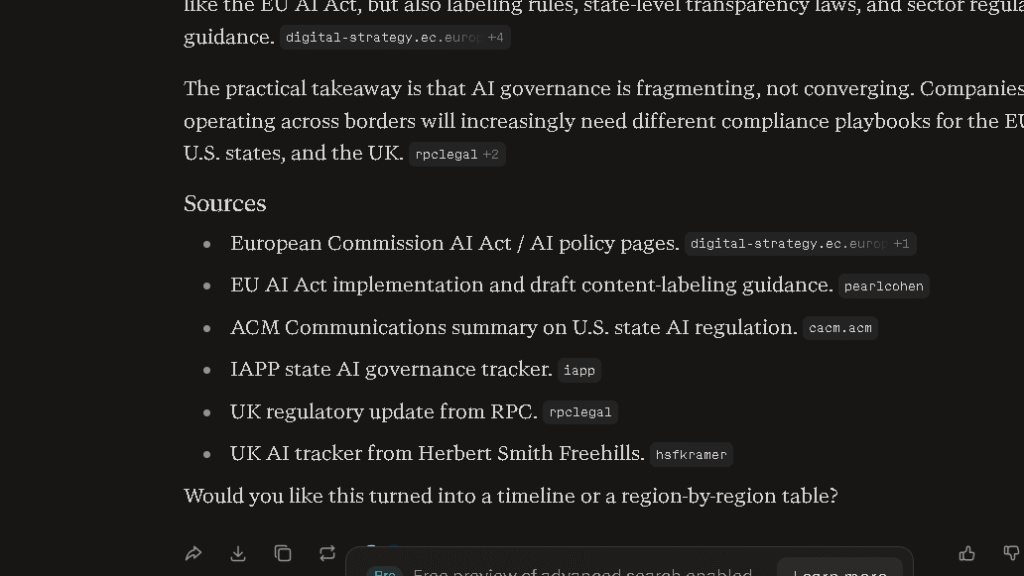
In the AI regulation research test, Perplexity was the only tool that consistently linked to primary sources. I could trace every claim back to an original document or report. DeepSeek returned a fluent, well-organised summary with no inline citations — one reference appeared plausible but I could not locate it after searching directly. The information was reasonable but not independently traceable.
Research sessions that used to take 45 minutes ran in under 25 with Perplexity. That is a real shift. Less verification time means more output time.
Best For: Researchers, journalists, students, and anyone whose workflow depends on verifiable information.
Grok — Best DeepSeek Alternative for Real-Time Information
Grok’s core advantage is recency. I cover its strengths and limitations in more detail in my Grok Review. When I tested all nine tools on a prompt about recent events in AI policy, Grok surfaced news from the same week. Other tools surfaced context from weeks or months earlier.
That matters for specific workflows. If you track fast-moving topics or need current data as part of your work, Grok adds something real. The trade-off is depth. Grok scored 3.8 on the 30-day trust scale and was the most likely of the top-tier tools to present speculative claims with confidence. Speed and depth are often in tension. Grok leans toward speed.
Best For: Users who need current information rather than deep analysis. It is a strong supplement. It is a weaker primary tool.
If you are interested in Grok’s media tools, see my guide to Free Alternatives to Grok Video Generation.
Microsoft Copilot — Best DeepSeek Alternative for Office Work
Inside Microsoft 365, Copilot is genuinely useful. It drafts emails, summarises documents, builds slide outlines, and pulls context from files you have open. In the coding test it performed close to ChatGPT. In the trust test it scored 3.9, with a tendency to add unnecessary caveats rather than incorrect ones.
Outside that ecosystem, it is a tier below the tools above. The per-seat pricing is steep at $30 per month, but for knowledge workers already using Teams, Word, and Excel daily, the integration value is real.
Best For: Professionals inside Microsoft 365. If you are not in that ecosystem, the cost-to-value ratio is harder to defend.
Qwen — Best Alternative if You Like DeepSeek’s Style
Qwen is the closest in style and reasoning approach to DeepSeek of anything on this list. Both are strong on structured technical tasks. I gave Qwen the same pricing calculator prompt I used across all nine tools — it produced working code on the first pass most sessions, the same general rate as DeepSeek.
Where Qwen separates itself is multilingual tasks. I asked both tools to produce a formal business proposal in English and then reformat it for a Chinese-speaking audience. Qwen handled the register shift more naturally. DeepSeek’s version read as a direct translation rather than an adaptation.
Best For: Users who liked DeepSeek’s reasoning style, need multilingual capability, and want a different infrastructure without a Western AI subscription cost.
Mistral AI — Best Open-Source Alternative
Mistral’s open-weight models can be run locally or via API. For developers or teams with specific privacy or compliance needs, that is a meaningful difference no other tool on this list offers.
In the writing test, Mistral produced decent first drafts but required more editing than the top tier. It scored 3.5 on the 30-day trust scale — genuine capability with more frequent factual gaps than ChatGPT or Claude. Mistral is a tool for users who want to build with AI rather than just use it.
Best For: Developers and teams who need open-source access, local deployment, or API-level customisation at a reasonable cost.
Meta AI — Best Free Alternative for Casual Users
Meta AI is integrated across WhatsApp, Instagram, and Facebook. It is free. It is easy. For light use, it does the job without any setup at all.
The WhatsApp integration is where it works best. Quick questions while commuting, short draft messages, fast article summaries — for that kind of low-stakes mobile use, the friction is close to zero. Meta AI is already where you are. You do not open a new app.
That said, the accuracy limitations show up fast. Meta AI scored 3.4 on the 30-day trust scale and hallucinated more frequently on factual queries than any other tool in my rankings. The writing quality is below the top tier by a real margin. In the 1,500-word article test, it produced the most generic output of any tool I tested.
Best For: Casual, low-stakes everyday use — especially on mobile via WhatsApp. Not the right tool for content creation or anything where accuracy matters.
What Changed After Several Weeks of Daily Use
This is where most AI comparisons stop being honest. The first week of testing almost anything looks promising. Week two is when the real picture appears.
What Got Better
Claude got better the longer I used it. Not because the model changed, but because my prompting became more calibrated to what it does well. The trust built in the first two weeks made me more willing to take its drafts further without spot-checking every paragraph.
Perplexity also held up well. The research workflow became faster as I stopped second-guessing its citations. Less verification time means more output time.
What Got Worse
DeepSeek’s limitations accumulated. The context drops became more frustrating by session ten. The writing outputs required consistent structural editing. By week three, I was spending more time fixing DeepSeek drafts than writing from scratch. That is the productivity illusion in action.
By week three, every tool on this list had produced at least one noticeably repetitive output. Claude showed this least often. DeepSeek and Meta AI showed it most often. Repetition by week two or three is a ceiling problem.
Why Users Switch Away From DeepSeek
The most common reason is reliability. Not catastrophic failures. Quiet inconsistency. An AI that gets things right eight times and then drops the context or confidently presents a wrong fact on the ninth is harder to trust than one that is consistently good at a lower ceiling.
For research workflows, DeepSeek’s citation behaviour was a consistent blocker. Users who need to verify sources cannot do so easily when the citations are vague or missing. That sends them to Perplexity or ChatGPT with search enabled.
Why Some Users Return
To be fair, DeepSeek has real reasons to stay on the list. Its free tier is genuinely capable compared to free alternatives. For users who cannot justify a paid subscription, DeepSeek competes seriously with Gemini Free for daily assistance. For structured reasoning and logic tasks, its performance is strong — users who primarily use AI for technical problem-solving rather than writing or research will find it holds up longer before the limitations become frustrating.
Which DeepSeek Alternative Creates Less Editing Work?
Editing burden is the hidden cost of every AI-generated output. A tool that generates text quickly but requires heavy editing is not saving you time. It is moving work from the generation phase to the correction phase.
Editing Burden Comparison Table
| AI Tool | Avg. Structural Edits per 1,500-Word Draft | Avg. Factual Corrections | Overall Editing Burden |
|---|---|---|---|
| Claude | 2.1 | 0.8 | Low |
| ChatGPT | 2.6 | 1.1 | Low |
| Gemini | 3.4 | 1.6 | Medium |
| Perplexity | 4.1 | 0.6 | Medium |
| Copilot | 3.8 | 1.3 | Medium |
| Grok | 4.3 | 2.1 | Medium-High |
| DeepSeek | 5.2 | 2.4 | High |
| Qwen | 5.5 | 2.2 | High |
| Meta AI | 6.8 | 3.1 | Very High |
Claude and ChatGPT won this category by a real margin. The gap between them and DeepSeek is not small. It shows up every session.
Which AI Do I Trust More After 30 Days?
Trust Comparison Table
| AI Tool | 30-Day Trust Score | Hallucination Rate | Hedging Quality |
|---|---|---|---|
| Claude | 4.5/5 | Low | Excellent |
| Perplexity | 4.4/5 | Very Low | Good |
| ChatGPT | 4.3/5 | Low | Good |
| Gemini | 4.1/5 | Low-Medium | Good |
| Copilot | 3.9/5 | Low-Medium | Fair |
| Grok | 3.8/5 | Medium | Fair |
| Qwen | 3.6/5 | Medium | Fair |
| DeepSeek | 3.4/5 | Medium-High | Weak |
| Meta AI | 3.4/5 | High | Weak |
DeepSeek’s hallucinations tended to appear in specific areas: statistics, source attribution, and recent events. The errors were often plausible-sounding, which made them harder to catch on a quick read. That is the most dangerous kind of hallucination for anyone publishing content or making decisions based on AI output.
The best AI tools are honest when they do not know something. Claude flagged uncertainty in the trust test more often and more clearly than any other tool. DeepSeek was the most likely to present uncertain information with the same confident tone it used for established facts. The question is not whether an AI produces errors. Every AI does. The question is whether it signals them.
[Screenshot placeholder: Trust test outputs comparing Claude’s hedging language against DeepSeek’s confident presentation of uncertain claims]
DeepSeek Alternatives Pricing Comparison
Free Plans Compared
| AI Tool | Free Tier | Limitations |
|---|---|---|
| ChatGPT | Yes | Limited GPT-4o access |
| Claude | Yes | Daily usage limits |
| Gemini | Yes | Full Gemini access |
| Perplexity | Yes | Limited Pro searches |
| Grok | Limited | X Premium required for full access |
| Copilot | Yes | Limited daily chats |
| DeepSeek | Yes | Very few restrictions |
| Qwen | Yes | Very few restrictions |
| Meta AI | Yes | No restrictions |
| Mistral | Yes | API only on free tier |
Paid Plans Compared
| AI Tool | Paid Plan | Monthly Cost | Key Upgrades |
|---|---|---|---|
| ChatGPT | ChatGPT Plus | $20 | GPT-4o, file uploads, web browsing |
| Claude | Claude Pro | $20 | More usage, Projects, extended context |
| Gemini | Google One AI | $20 | Gemini 1.5 Pro, Workspace integration |
| Perplexity | Perplexity Pro | $20 | More Pro searches, file uploads |
| Grok | X Premium | $8 | Full Grok access |
| Copilot | Microsoft 365 Copilot | $30 | Full Office integration |
| Mistral | Mistral API | From $7 | API access, model selection |
For most users, Claude Pro or ChatGPT Plus at $20 per month delivers the strongest value against DeepSeek free. The improvement in writing quality and editing burden reduction alone justifies the cost for anyone producing content regularly. Perplexity Pro is the best value specifically for research-heavy workflows.
Best DeepSeek Alternative by Use Case
| Use Case | Best Tool | Why |
|---|---|---|
| Writing and editing | Claude | Lowest editing burden, strongest first drafts |
| Research and fact-checking | Perplexity | Citations, low hallucination rate, source transparency |
| Coding and technical work | ChatGPT | Consistent code quality, strong debugging |
| Students | Perplexity | Cited sources, research depth, free tier |
| Professionals | Claude or ChatGPT | Reliability, trust, output quality |
| Google Workspace users | Gemini | Deep integration with existing tools |
| Microsoft 365 users | Copilot | Office integration, Teams, document context |
| Budget or free use | Gemini Free | Most capable free tier after DeepSeek |
| Real-time information | Grok | Most current news and event data |
| Best overall | ChatGPT | Strongest balance across all task types |
Best For Writing: Claude. Not close.
Best For Research: Perplexity, by a clear margin once you factor in citation quality and verification speed.
Best For Coding: ChatGPT, with Claude as a close second. Both outperformed DeepSeek on complex project continuity.
Best Free Alternative: Gemini Free is the strongest free alternative to DeepSeek for most users.
Best Overall: ChatGPT. It handles the widest range of tasks at the highest consistent level. Not the best at any single thing — but the most dependable across all of them.
Final Verdict: Which DeepSeek Alternative Should You Choose?
The honest answer depends on what you are actually trying to do.
If writing is your primary use, choose Claude. The editing burden reduction is real and measurable. At $20 per month, it pays for itself quickly if you produce content regularly.
If you need a reliable all-purpose tool, choose ChatGPT. It handles the widest range of tasks at the highest consistent level of quality. The memory retention, writing quality, and coding performance all justify the subscription.
If research is your core workflow, choose Perplexity. The citation system changes how you work with AI entirely. Verification becomes fast. Trust comes from the sources, not just the AI.
If you are inside Google Workspace all day, choose Gemini. The integration value outweighs the capability gap versus Claude and ChatGPT for users in that ecosystem.
If cost is the main constraint, stay on DeepSeek or move to Gemini Free. Both are capable at no cost.
What I found after 30 days is that the best DeepSeek alternative is not the AI with the most features. It is the one that becomes more useful over time rather than more frustrating. That is Claude for writing, Perplexity for research, and ChatGPT for everything else. Which one you want depends on what you are actually here for.
Frequently Asked Questions
For most users, ChatGPT is the best overall DeepSeek alternative. It handles the widest range of tasks at a consistent level of quality. For writing-focused users, Claude is the stronger choice. For research-focused users, Perplexity is the best option available.
In most practical workflows, yes. ChatGPT scored higher on writing quality, memory retention, trust, and editing burden reduction in my 30-day test. DeepSeek is competitive on technical reasoning tasks and has a stronger free tier for unrestricted access.
Yes. Claude produced cleaner first drafts, required fewer structural edits, and maintained better coherence across long-form outputs in every writing test I ran. The gap is large enough to matter in a real content workflow.
Perplexity. It provides inline citations by default, has the lowest hallucination rate on factual queries of any tool I tested, and makes source verification fast rather than burdensome.
Claude, Perplexity, and ChatGPT all scored higher on factual accuracy and lower on hallucination rates than DeepSeek in my 30-day test. Perplexity was the most accurate on research-specific tasks.
Gemini Free is the strongest free DeepSeek alternative for most users. It offers broad capabilities without requiring a paid subscription, while ChatGPT Free and Claude Free have stricter usage limits.