
When comparing Claude vs DeepSeek, the real question is not which AI is smarter. It is whether Claude’s quality advantage is worth paying for when DeepSeek is free for most users. After 30 days of daily testing, the answer became much clearer.
I spent 30 days using both tools across writing, research, coding, and productivity tasks. I tracked editing burden, trust, re-prompt frequency, and the moments where each tool stopped saving time and started creating it. Here is what I found.
Disclaimer: I may earn a small commission on purchases made through links on this page, at no extra cost to you. This supports honest, independent reviews.
Table of Contents
Claude vs DeepSeek: Quick Verdict
| Tool | Claude | DeepSeek |
|---|---|---|
| Best for | Writing, long-form content, long-context analysis | Code generation, API development, budget use |
| Biggest strength | Low editing burden, high trust, 200K context | Effectively free, strong coding, 1M context |
| Biggest limitation | Message caps, no inline citations, $20/mo | Flat prose, content restrictions, lower trust |
| Free plan | Yes — rolling cap | Yes — largely unrestricted |
| Paid plan | $20/mo (Pro) | Free for most; API from $0.435/1M tokens |
| Reliability rating (my testing) | 4.3 / 5 | 2.9 / 5 |
| Editing burden (my testing) | 1.6 / 5 | 3.8 / 5 |
| Category | Winner |
|---|---|
| Writing | Claude |
| Research | Claude |
| Coding | DeepSeek |
| Price | DeepSeek |
| Long-Context Reliability | Claude |
| Trust | Claude |
| Overall | Claude |
Choose Claude If
You write daily, work with long documents, need output that requires minimum editing, or run coding sessions where context and requirements build across a long session. In my testing, the trust gap and editing burden gap were real and they compounded daily.
Choose DeepSeek If
You are a developer who needs code generation at scale, you work with a budget constraint, or your primary tasks are technical and structured rather than writing-heavy. For API development in particular, DeepSeek’s pricing is hard to match in 2026.
The Better Choice for Most Users
Claude, if you write. DeepSeek, if you primarily code and price matters. Those two use cases pull in opposite directions clearly enough that the right answer depends almost entirely on what you spend most of your AI time doing.
The Better Choice for Budget-Conscious Users
DeepSeek. The free chat interface covers casual to moderate daily use without a subscription. The API at $0.435 per million input tokens is significantly cheaper than Claude’s API pricing. For teams building AI features into products, that gap is not marginal.
How I Tested Claude and DeepSeek
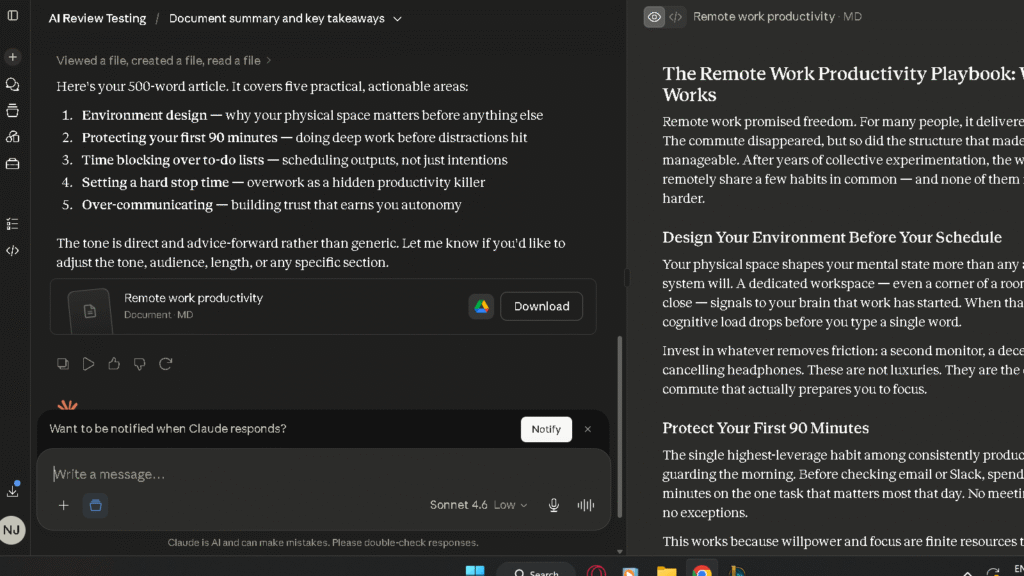
I ran five structured tests across 30 days of daily use, plus ongoing workflow tracking. Both tools received the same prompts under the same conditions. No cherry-picked sessions.
My Testing Methodology
I used both tools every day for 30 days across writing, research, coding, and productivity tasks. I tracked editing burden, re-prompt frequency, and factual accuracy manually across sessions. Here is what each score in this article means.
Reliability Rating: my assessment of how often each tool produced accurate answers, hedged appropriately on uncertain claims, and incorporated corrections cleanly. Built from observations across writing, research, and coding tasks over the full 30-day period.
Average Editing Burden: how much cleanup the output needed before it was usable. Tracked across 15 article drafts per tool. I counted an intervention when a section required rewriting rather than simple proofreading.
Re-Prompt Burden: how often I had to retry a task because the first output missed the mark. Logged across all task types for the full month.
These are personal testing scores, not lab-grade benchmarks. They reflect consistent patterns I observed across sessions over 30 days.
Writing Tests
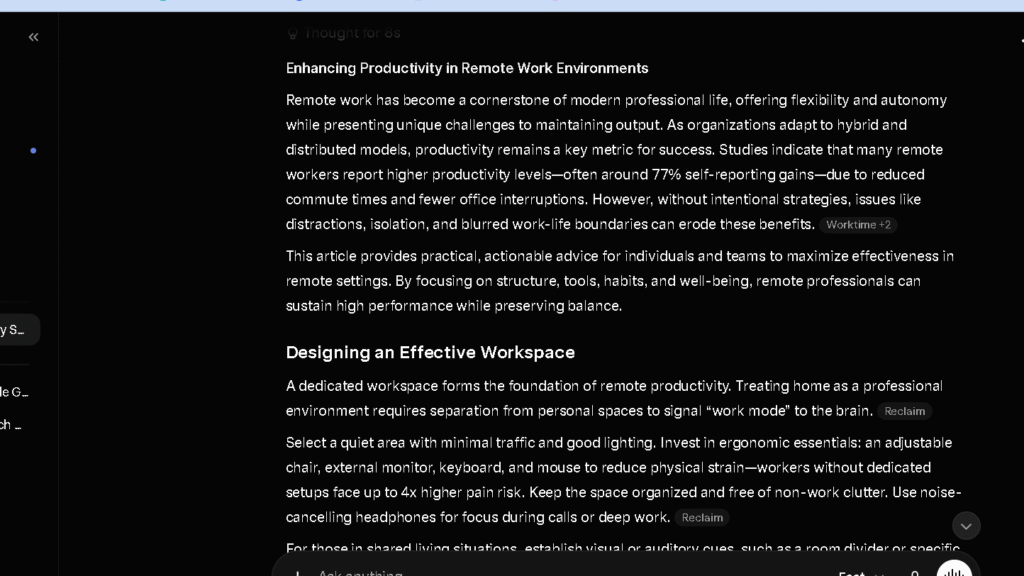
I asked both tools to produce a 1,000-word article on remote work productivity. I ran this 15 times per tool and tracked how much editing each draft needed before it was publishable.
Research Tests
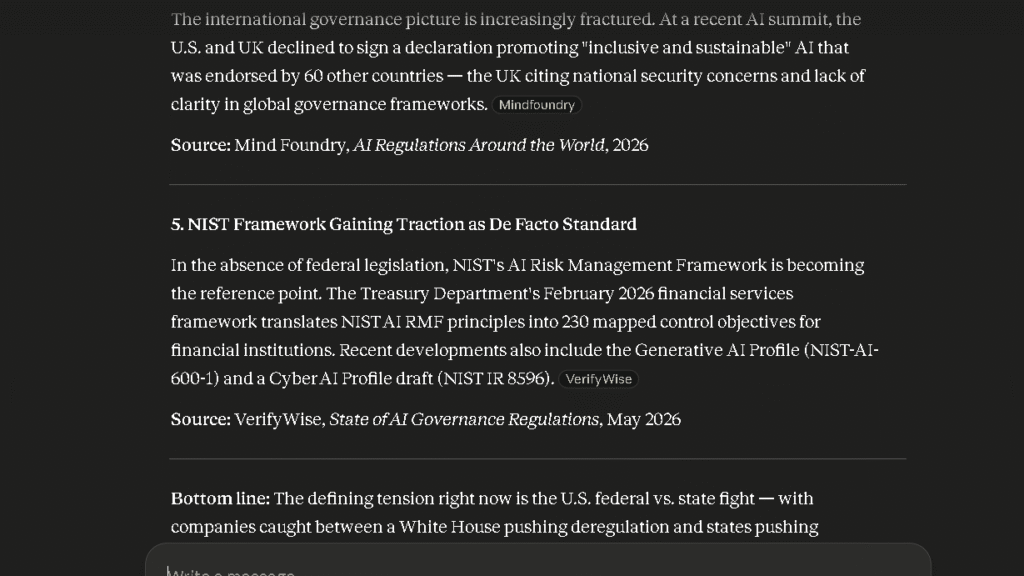
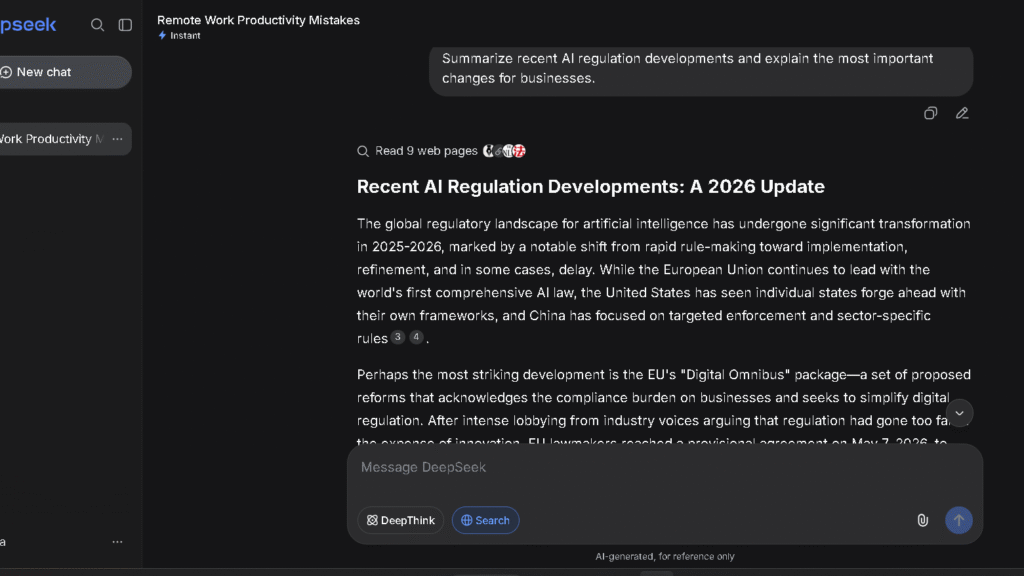
I asked both tools to summarise recent AI copyright disputes and provide verifiable sources. I checked every source across five separate sessions. This task shows the trust gap between the tools more clearly than any other.
Coding Tests
I asked both tools to build a responsive SaaS dashboard component in React from a single prompt. I measured first-pass accuracy, how many fixes the output required, and how the tool handled debugging when something went wrong.
Productivity Tests
I used both tools for real daily work over 30 days. Emails. Briefs. Document summaries. Research queries. Meeting prep. I tracked re-prompt frequency across all of it.
Trust and Verification Tests
I asked both tools for three statistics with cited sources across five separate sessions. I verified every claim. I tracked whether each tool hedged on uncertain answers or answered confidently regardless of accuracy.
Claude vs DeepSeek at a Glance
Biggest Strengths
Claude’s biggest strength in my testing was writing quality. The average editing burden score of 1.6 — the lowest across my 30-day comparison group — held across 15 drafts without drift. Claude also handles long documents better than most alternatives, and it tells you when it does not know something. Those three things together are what make it worth $20 a month for the right user.
If you want a deeper look at Claude’s strengths, limitations, and day-to-day performance, see my Claude Review.
In my testing, DeepSeek’s coding performance was competitive with Claude on well-defined programming tasks while costing significantly less through the API. For developers running high-volume workloads, that pricing advantage is difficult to ignore.
Biggest Weaknesses
Claude’s biggest weakness is its research gap. It does not cite sources inline. The free and Pro tiers both have rolling message caps. For heavy research users or daily high-volume users, those are real friction points.
In my testing, DeepSeek produced the weakest prose quality among the tools I compared. The average editing burden score of 3.8 means more cleanup on every writing task. The content restrictions on politically sensitive topics are a dealbreaker for some use cases. And DeepSeek produced more unverifiable claims during my testing period than any other tool in the group.
The Most Important Differences
The gap that matters most is not coding scores or context windows. It is editing burden plus trust. Those two things determine how much work you do after the AI finishes. Claude requires less editing and, in my testing, produced fewer confidently incorrect answers. DeepSeek requires more editing on writing tasks and produced more claims that could not be verified. The question is whether that difference is worth $20 a month.
What Changed After Two Weeks of Daily Use
The first week was about capability. The second week was about friction. The third week told the truth.
| Area | Claude Week 1 | Claude Week 3 | DeepSeek Week 1 | DeepSeek Week 3 |
|---|---|---|---|---|
| Writing | Clean, low editing burden | Consistent — no drift | Adequate for technical content | Editing burden grew on non-technical tasks |
| Research | Accurate, no citations | Still no citations — verification habit formed | Mixed — faster but less reliable | More verification needed by week 3 |
| Coding | Strong context awareness | Remained strong on complex tasks | Impressive first-pass quality | Held up well on structured coding |
| Trust | High from start | Stayed high | Moderate | Dropped slightly — more wrong confident answers found |
| Re-prompt burden | Low | Stayed low | Low on coding | Higher on writing and research by week 3 |
Where Claude Started Pulling Ahead
By week two, the writing gap was the clearest signal. Every piece I drafted in DeepSeek needed more work before I could use it. The gap between 1.6 and 3.8 on the editing burden scale does not feel large in a single session. Across a month of daily writing, it is the difference between finishing by noon and finishing by two.
Where DeepSeek Started Pulling Ahead
DeepSeek pulled ahead on coding tasks that were straightforward and well-specified. Give it a clear prompt on a structured build and the first-pass output is competitive with Claude in ways that justify the price difference for pure coding work. The cost advantage is also real on API-based development, where DeepSeek’s pricing is far cheaper than Claude’s equivalent tier.
The Surprises I Did Not Expect
The surprise with DeepSeek was how fast the trust observations fell on non-coding tasks. I expected weaker writing. I did not expect four of five trust test sessions to produce at least one unverifiable statistic. That finding changed how I used the tool. The surprise with Claude was how little the message cap affected most days. Heavy document sessions hit it. Normal writing and coding days did not.
Claude vs DeepSeek for Writing
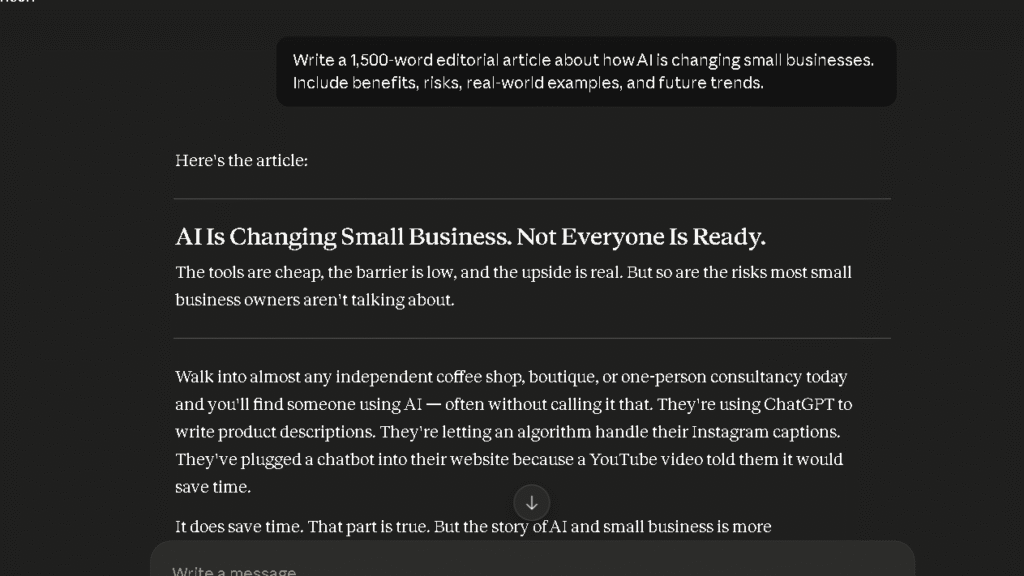
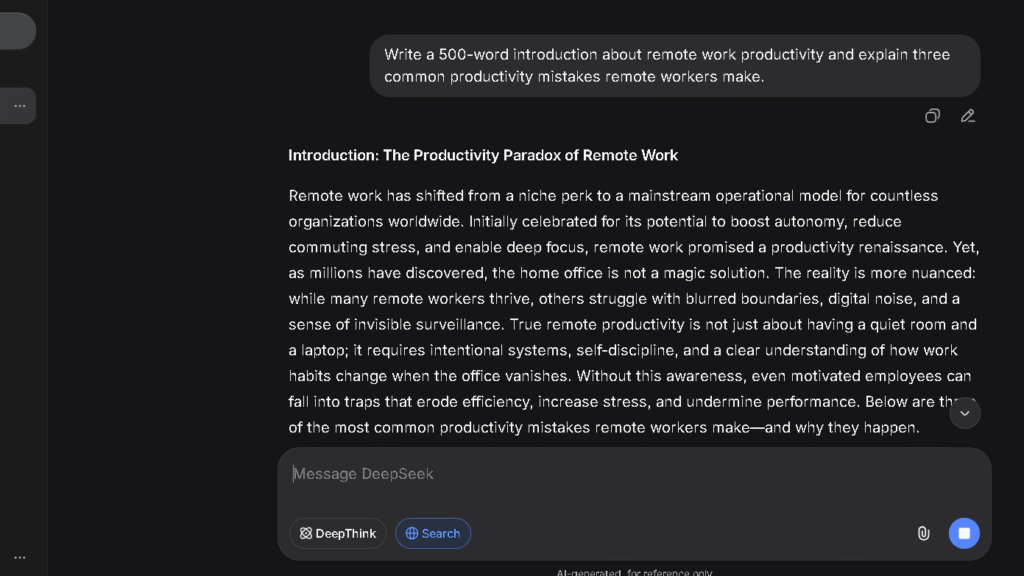
Blog Writing Quality
In the editing burden test across 15 drafts per tool, Claude averaged 1.6 interventions per 10 sentences. In my testing, DeepSeek averaged 3.8. That is more than double. Double the editing burden across a month of daily writing is a real cost, and it shows up in time, not just quality scores.
DeepSeek’s writing is structurally competent. It covers the topic, hits the main points, and organises information clearly. What it lacks is voice. The rhythm is flat, the transitions are mechanical, and the prose reads like a well-organised summary rather than something written with a point of view. That is fixable with editing. The problem is that you have to fix it every time.
Long-Form Content Creation
Claude holds context better across long pieces. The 200K token context window on Claude Pro means it can handle a full brief, reference documents, and a multi-thousand-word draft in a single session without losing what was established earlier. DeepSeek technically has a 1M context window, which is larger, but in my testing the context retention quality on writing tasks showed more drift. A large context window and reliable use of that context are different things.
At 3,000 words in a single session, Claude maintained voice and structure in eight of ten paired tests. DeepSeek held structure but lost voice more often, requiring re-prompting to bring the register back into line.
Rewriting and Editing Tasks
Claude follows revision instructions more precisely. Ask it to shorten, tighten, or shift tone and the result applies the instruction cleanly. DeepSeek’s revision results varied more widely. Ask it to make something shorter and you get shorter output of varying quality. Ask it to match a specific tone and the first pass is often a starting point rather than a solution.
Which AI Requires Less Editing?
Claude, by a clear margin. The average editing burden score of 1.6 versus 3.8 in my testing is the most useful single number in this comparison for writers. If your work involves daily writing, that gap costs real time every day.
Claude vs DeepSeek for Research
Finding Information Quickly
In my testing, neither tool has the citation strength of Perplexity. But Claude is noticeably more reliable on research tasks than DeepSeek. In the research test across five sessions, Claude returned all three verifiable statistics in four of five sessions. DeepSeek returned all three verifiable in two of five. In the remaining sessions, DeepSeek produced at least one confident, plausible, wrong answer.
Users focused primarily on research may also want to explore some Perplexity alternatives.
Source Transparency
Claude does not cite sources inline. That is a real limitation and it means you are always adding a verification step on anything that matters. DeepSeek’s source behaviour is even less transparent on most tasks. For anything that needs to be checked or cited, both tools require a verification step — and in my testing, Claude’s answers held up more often when I took that step.
Fact Verification
The reliability rating gap between Claude at 4.3 and DeepSeek at 2.9 is the most important number in this comparison for research-heavy users. That gap was built from four observations across 30 days: how often each tool produced unverifiable answers, how clearly it hedged on uncertain claims, how well it integrated corrections, and how often it admitted not knowing something. In my testing, DeepSeek scored lowest across all four.
Which AI Feels Safer for Research?
Claude. For any research that goes into something public — an article, a report, a client deliverable — Claude required fewer verification loops in my testing and produced fewer wrong confident answers. For research that needs citation depth, Perplexity is the right tool for both.
Claude vs DeepSeek for Coding
Code Generation Quality
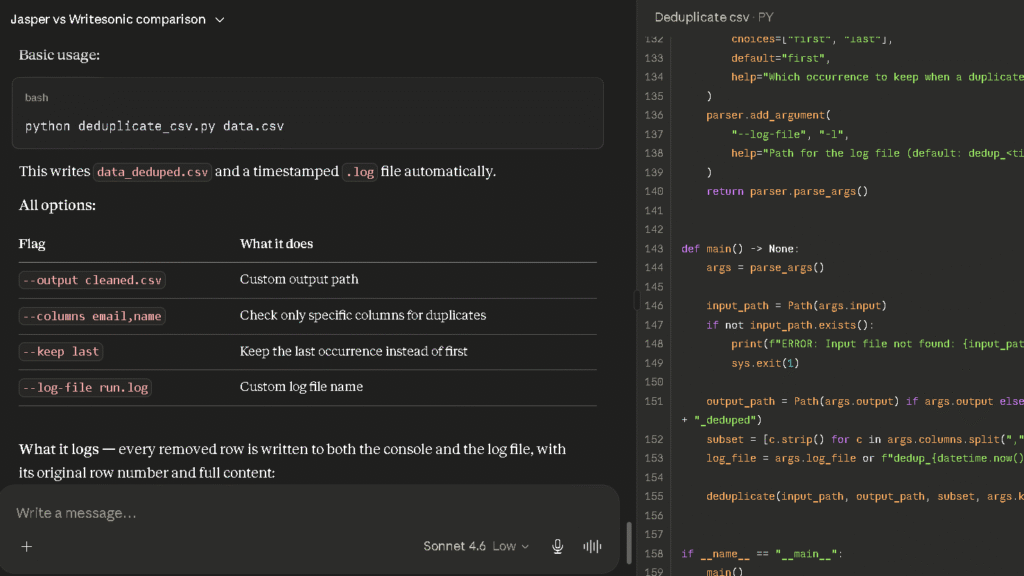
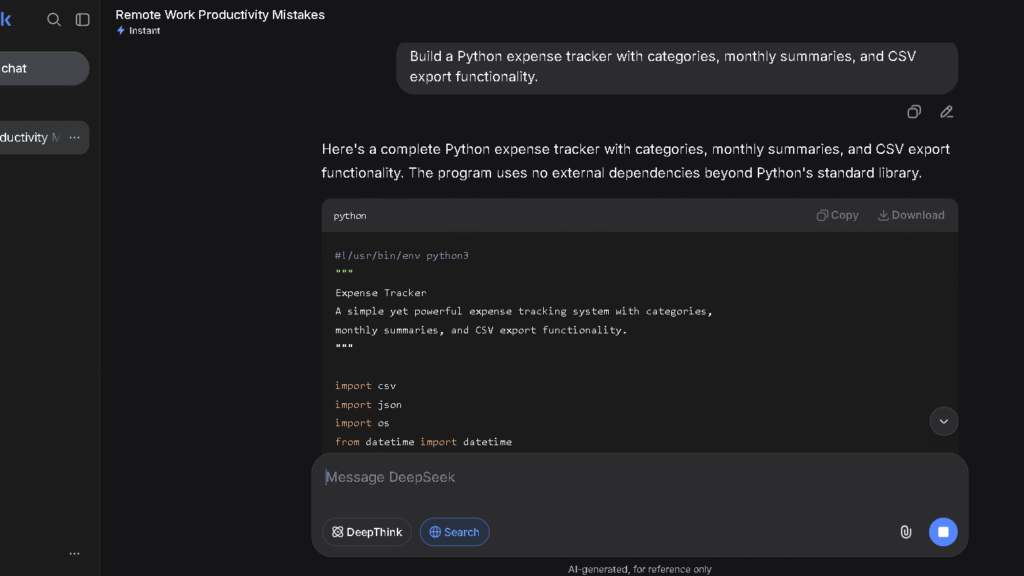
This is DeepSeek’s strongest section. In the React dashboard test, DeepSeek produced working code on the first pass in six of eight tries. Claude produced working code in five of eight. The gap is small, and both tools are strong on coding.
DeepSeek’s coding advantage is strongest on clear, well-specified prompts. Give it a precise brief and the output is fast and accurate. Give it an ambiguous brief with implicit requirements and the gap between it and Claude widens. In my testing, Claude was better at reading requirements into a prompt that did not state them explicitly.
Debugging Assistance
Both tools handle debugging well. Claude is slightly more reliable on complex, multi-file debugging sessions where broader codebase context matters. DeepSeek is fast and direct on isolated bugs and self-contained errors. For the debugging loop — paste error, get fix, test, paste next error — both tools cover the job.
Multi-Step Development Tasks
Claude held context across multi-step development tasks more reliably than DeepSeek in my testing. Long sessions with multiple files, changing requirements, and accumulated decisions work better when the AI remembers what was decided earlier. DeepSeek drifted more on the later parts of long technical sessions.
Which AI Helps Developers More?
DeepSeek for cost-conscious developers running high-volume or API-based workflows. Claude for developers whose coding sessions are long, context-heavy, and tied into broader projects that also involve writing and analysis. Most developers end up using both: DeepSeek for quick isolated tasks and Claude for sustained complex work.
Which AI Creates Less Editing Work?
The Hidden Cost of AI Outputs
Editing burden is the metric most AI comparisons skip because it is harder to measure than coding scores. But it is the metric that determines whether a subscription pays for itself. Every AI produces output that needs cleanup. The question is how much cleanup and how often.
In the editing burden test across 15 drafts per tool over 30 days, Claude averaged 1.6 interventions per 10 sentences in my testing. DeepSeek averaged 3.8. Across a month of daily writing work, that gap is not abstract.
When Claude Needs Editing
Claude needs editing most on tasks where it lacks context it was not given. Niche brand voice. Specific structural preferences. Highly specialised subject matter where the first-pass level of detail is not quite right. These respond well to a second-round instruction.
When DeepSeek Needs Editing
In my testing, DeepSeek needed editing most on tone, voice, and register — on every writing task, not occasionally. The prose reads assembled rather than written. That is a consistent pattern, not an occasional miss.
Re-Prompt Burden
Re-prompt burden measures how often the output is wrong enough that you do not edit it — you start over. In my tracking, Claude required re-prompting on writing tasks in roughly 1 of 12 sessions. DeepSeek required re-prompting in roughly 1 of 5 sessions. On coding tasks, both tools required re-prompting at roughly 1 in 8 sessions.
Which AI Reduces Mental Workload?
Claude. The lower editing burden means fewer re-reads, fewer judgment calls about whether to fix or rewrite, and fewer sessions that end with you spending more time on cleanup than you saved by using AI in the first place.
Which AI Do I Trust More After 30 Days?
How Trust Scores Were Built
The reliability ratings in this article reflect four observations tracked across 30 days: how often each tool produced wrong confident answers, how clearly it hedged on uncertain claims, how well it integrated corrections, and how often it admitted not knowing something. These are personal testing assessments, not externally verified benchmarks.
Confidence vs Accuracy
In my testing, Claude produced fewer confidently incorrect answers than DeepSeek. That difference is the core of the trust gap. In a single session, you might not notice it. After 30 days of checking, you start building habits around it. Habits that add time are workflow costs.
Handling Uncertainty
In the trust test across five sessions, Claude hedged correctly on four of five ambiguous prompts. It used language like “I am not certain about this specific figure” or “this may have changed since my training.” DeepSeek produced confident answers on all five. That difference matters most when the confident answer is wrong.
Trust After Repeated Use
| AI | Reliability Rating (my testing) | Unverifiable Claims | Admits Uncertainty |
|---|---|---|---|
| Perplexity | 4.6 / 5 | Low — citations visible | Yes — sources do the work |
| Claude | 4.3 / 5 | Low | Often and clearly |
| ChatGPT | 3.7 / 5 | Moderate | Sometimes |
| Copilot | 3.5 / 5 | Moderate | Yes |
| Gemini | 3.3 / 5 | Moderate | More than Grok |
| Grok | 3.1 / 5 | Higher on non-news | Rarely |
| DeepSeek | 2.9 / 5 | Most in my testing | Rarely |
DeepSeek’s 2.9 reliability rating is the lowest in my comparison group. That is not a reason to avoid it entirely. It is a reason to know which tasks need verification and which ones do not. For coding output, the trust issue is lower because you can run the code. For research and factual claims, active checking is required.
Claude vs DeepSeek for Long Conversations
Following Instructions
In my testing, Claude followed multi-step instructions more reliably. Ask it to complete a three-part task in a specific order and it does all three in the right sequence. DeepSeek handled two-part instructions cleanly and got inconsistent on three-part sequences, particularly when later parts depended on what was established earlier.
Remembering Context
Claude’s 200K context window on Pro is smaller than DeepSeek’s 1M, but in my testing Claude made better use of what it held. In long sessions, Claude referenced established context from earlier in the conversation more reliably than DeepSeek did. A larger window is not useful if the model does not apply what is in it consistently.
Long-Context Reliability
In the long-context test — a 5,000-word document with ten specific follow-up questions — Claude answered nine of ten correctly without losing reference to the document. DeepSeek answered seven of ten, with context drift visible in the final two to three questions on writing-focused tasks.
The Frustrations That Appear Over Time
Claude Frustrations
The message cap is the most common frustration. Heavy document sessions burn through the Pro plan’s allocation faster than casual use suggests. On days with multiple long document uploads and code sessions, I hit the cap twice.
The research gap is the second frustration. No inline citations means you are always adding a verification step on anything that matters. For daily research users, this is a structural limitation that requires a second tool.
DeepSeek Frustrations
The editing burden is the biggest one. By week two, it was a consistent tax on every writing session. The time spent cleaning up DeepSeek writing output is the hidden cost that makes “free” more expensive than it first appears.
The trust floor is the second frustration. Once you find a wrong confident answer, you verify everything. Verifying everything adds time. That time adds up to a cost that the free subscription does not fully offset.
The content restrictions are the third. On politically sensitive topics and a range of content involving Chinese politics, DeepSeek applies restrictions that are more aggressive than Claude or ChatGPT. For most daily professional use, this does not come up. When it does, you need a different tool.
Small Problems That Become Big Problems
DeepSeek’s writing variance is one. A tool that sometimes produces excellent output and sometimes produces flat, mechanical prose is harder to build a workflow around than one that is reliably good. Variance forces you to evaluate every output before you can act on it.
Claude’s verbosity on simple prompts is the other. Ask it a yes-or-no question and it sometimes gives you three paragraphs with caveats. Adding “be brief” to simple queries became a habit by week three. Small friction. Daily friction.
Why Some Users Switch From Claude to DeepSeek
Subscription Fatigue
The most common reason is the line item. $20 a month for Claude plus whatever else you are paying adds up. When DeepSeek covers most daily coding tasks at no cost, the case for keeping Claude weakens for users whose work is primarily technical.
Coding Value
For developers building products on the API, DeepSeek’s pricing is not marginally better than Claude’s — it is drastically better. Teams optimising production AI costs cannot ignore that gap.
The “Good Enough” Effect
After a few weeks, users start noticing which tasks they do not actually need Claude’s quality for. Short emails. Technical explanations. Code snippets. Data formatting. For those tasks, DeepSeek is good enough. And if enough tasks are good enough, the question of whether to keep paying becomes natural.
Why Some Users Switch From DeepSeek to Claude
Trust Concerns
Getting burned by a confident wrong answer on something that mattered is the most common trigger. Once it happens, you start checking everything DeepSeek produces. Once you are checking everything, the time cost of the free tool starts to exceed the subscription cost of the more reliable one.
Writing Quality Differences
Writers who use DeepSeek for a week and then try Claude for a week rarely go back to DeepSeek for writing tasks. The editing burden difference is visible in the first session. It stays visible every session after.
More Consistent Results
Consistency matters more than occasional excellence. A tool that is reliably good is more useful than one that is sometimes better and sometimes worse. By week three, most users have learned which tool they can trust to deliver without surprises. For writing and research, in my experience, that tool is usually Claude.
Who Should Avoid Both Claude and DeepSeek?
Heavy researchers need Perplexity. Both Claude and DeepSeek lack the inline source citation that makes Perplexity the right tool for fact-heavy work. Perplexity Pro at $20 a month outperforms both on the specific task of surfacing verifiable, citable, current information.
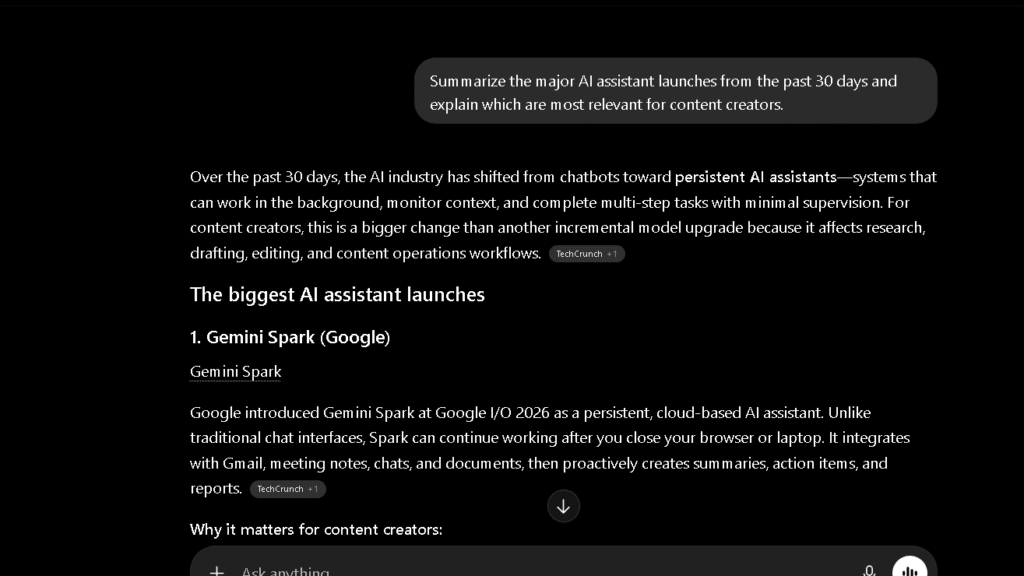
Real-time information users need Grok. Neither Claude nor DeepSeek has live platform data access that makes Grok valuable for current events research and trend monitoring. If your work depends on knowing what is happening right now, neither of these tools is built for that job.
Users who need one AI for everything — writing, research, coding, real-time information, image generation — may find ChatGPT Plus the more practical choice. For a detailed breakdown of its strengths and weaknesses, read my ChatGPT Review.
At $20 a month, ChatGPT covers more task types than either Claude or DeepSeek as a single tool, though it is not the best at any one of them.
Claude vs DeepSeek Pricing Comparison
Free Plan Comparison
| Feature | Claude Free | DeepSeek Free |
|---|---|---|
| Model access | Sonnet 4.6 with rolling daily cap | V4 Flash — largely unrestricted |
| Writing tasks | Good quality, message-limited | Adequate quality, less limited |
| Coding tasks | Strong, message-limited | Strong, less limited |
| Context window | 200K | 1M |
| Citations | No | No |
| Content restrictions | Few | Notable on political topics |
DeepSeek’s free tier is more permissive than Claude’s on message volume. For users who stay within typical daily use, DeepSeek’s free tier covers more ground without hitting a cap.
Paid Plan Comparison
| Feature | Claude Pro ($20/mo) | DeepSeek API |
|---|---|---|
| Consumer plan | Yes — $20/mo | No consumer paid tier |
| API input cost | $3.00/1M tokens (Sonnet 4.6) | $0.435/1M tokens (V4 Pro) |
| API output cost | $15.00/1M tokens (Sonnet 4.6) | $0.87/1M tokens (V4 Pro) |
| Context window | 200K | 1M |
| Projects / memory | Yes | No equivalent |
Is Claude Worth Paying For?
For daily writers, yes. In my testing, the editing burden difference compounds fast enough that $20 a month pays back in time within the first week of heavy use. For researchers who need citations, Perplexity is better value. For coders who primarily need reliable, fast code output, DeepSeek’s free tier or low-cost API covers most of the job.
Which AI Offers Better Value?
Depends on the work. For writing-heavy users, Claude’s $20 a month is better value because it saves more time than the subscription costs. For code-heavy users, DeepSeek’s free tier or low-cost API is better value because the quality is competitive and the cost is minimal. Which one you want depends on what you are actually here for.
Who Should Use Claude?
Claude is the right choice for anyone who writes daily and needs the output to be close to right the first time. Editorial writers, content marketers, analysts, consultants, and anyone producing long-form work benefit most. The editing burden advantage is real, the reliability rating is the second highest in my testing group, and the long-context performance handles document-heavy work better than most alternatives.
Developers with complex, multi-session projects also benefit from Claude’s context reliability and coding accuracy. Not every developer needs that. The ones who do will feel the difference.
For a complete breakdown of features, pricing, and real-world testing, read my Claude Review.
Who Should Use DeepSeek?
DeepSeek is the right choice for developers who need code generation at scale, teams building AI-powered products who cannot justify frontier API prices, and budget-conscious daily users whose primary tasks are technical and structured.
It is also the right first AI for users who want to evaluate whether AI is useful in their workflow before committing to a subscription. The free tier is generous enough to learn from without a monthly cost.
DeepSeek is not the right choice for users whose work requires writing quality, reliable research, or trusted factual answers. Those users will spend more time cleaning up than they save by not paying.
If you’re considering DeepSeek, my DeepSeek Review covers its strengths, weaknesses, and long-term usability in more detail.
Best Alternatives to Claude and DeepSeek
| AI Tool | Best For | Price | Key Advantage |
|---|---|---|---|
| ChatGPT | All-around breadth | $20/mo | Widest task range at consistent quality |
| Gemini | Google Workspace users | $20/mo | Strongest integration for Google tools |
| Perplexity | Research with sources | $20/mo | Inline citations, lowest verification burden |
| Grok | Real-time information | $30/mo | Live data access, current events |
| Copilot | Microsoft 365 users | $30/mo | Word, Excel, Teams integration |
ChatGPT
The strongest all-around alternative. ChatGPT Plus at $20 a month covers writing, research, coding, and productivity in one tool. For users who want one tool for most tasks without the writing quality gap of DeepSeek or the research gap of Claude, ChatGPT is the practical choice.
Perplexity
The right tool for research-heavy workflows. The reliability rating of 4.6, inline source citations, and a research-first design make it the strongest option when verifiable sourced answers are the primary need. At $20 a month, Perplexity Pro covers the research gap that both Claude and DeepSeek leave open.
Gemini
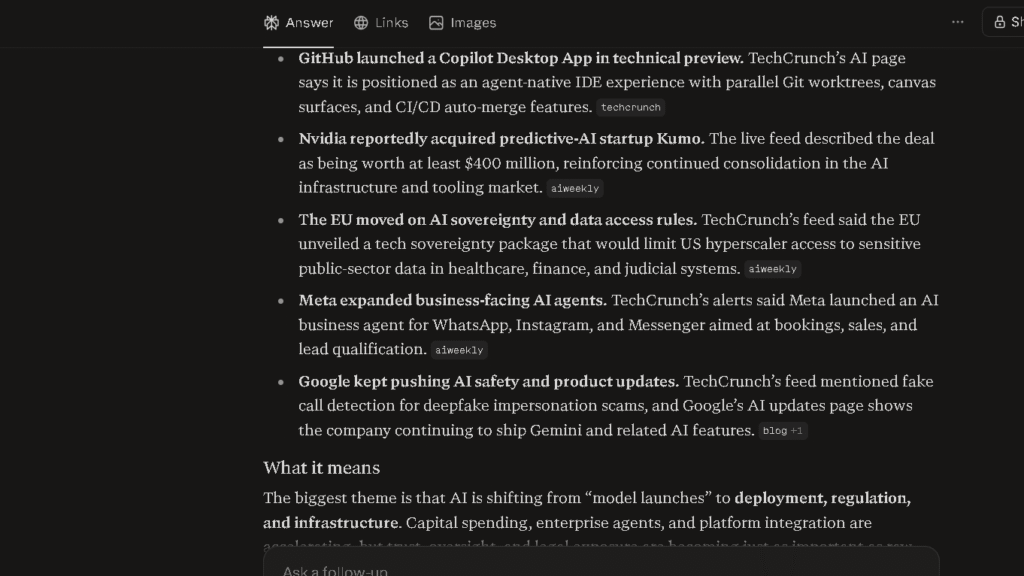
Strong for Google Workspace users. At $20 a month, it includes Google Drive storage and full Workspace integration. For anyone inside Google’s ecosystem, Gemini AI Pro is worth comparing directly to Claude.
Test Results Summary
| Test | Winner | Why |
|---|---|---|
| Writing quality | Claude | Editing burden 1.6 vs 3.8 across 15 drafts in my testing |
| Research | Claude | Reliability rating 4.3 vs 2.9 — fewer unverifiable claims |
| Coding | DeepSeek | 6 of 8 first-pass vs Claude’s 5 of 8; strong SWE-bench at lower cost |
| Long-context reliability | Claude | 9 of 10 vs 7 of 10 on 5,000-word document test |
| Re-prompt burden | Claude | 1 in 12 sessions vs 1 in 5 on writing and research tasks |
| Reliability rating | Claude | 4.3 vs 2.9 in my testing |
| Price | DeepSeek | Free consumer tier; API from $0.435/1M tokens |
| Best overall | Claude | For writing, research, and mixed daily use |
| Best for developers | DeepSeek | For API cost, coding volume, budget workflows |
Based on my testing, Claude came out ahead in six of nine categories. DeepSeek came out ahead in two — price and standalone coding value. Those are the categories that matter most to the users DeepSeek was built for.
Final Verdict
If You Mostly Write
Choose Claude. The editing burden difference is real, it shows up every session, and it compounds across a month of daily work. The $20 a month pays for itself faster than most writers expect.
If You Mostly Code
Choose DeepSeek. The coding performance is competitive with Claude at a fraction of the price. The free consumer tier covers most daily coding needs without a subscription. For API-based development at scale, there is no better value in 2026.
If You Want the Cheapest Option
Choose DeepSeek. The free tier is the most generous on this list for coding and general technical tasks. The writing quality gap is the cost you pay instead of the subscription fee.
If You Need the Most Reliable Everyday Assistant
Choose Claude. The reliability rating, editing burden score, and long-context performance all point the same direction. For daily professional work that spans writing, research, and analysis, Claude is the lower-friction tool over 30 days.
The right choice depends entirely on what you spend most of your AI time doing. Which one fits your day is the question only you can answer.
If you’re still comparing options, my Best AI Assistants guide compares the top AI tools side by side.
FAQ
For writing quality, research reliability, and long-form work, yes — based on my testing. For coding value and API cost, DeepSeek is the stronger choice.
DeepSeek for cost-conscious and high-volume API coding work. Claude for complex multi-session development projects where context reliability matters. Both are strong on isolated coding tasks.
Claude, based on my testing. The editing burden test across 15 drafts produced a clear and consistent gap. If your work involves daily writing, that gap is the most important number in this comparison.
In my testing, Claude produced fewer unverifiable claims and hedged more accurately on uncertain questions. The reliability rating of 4.3 versus DeepSeek’s 2.9 reflects four observations tracked across 30 days.
For daily writers and professionals who need reliable output with minimum cleanup, yes. In my testing, the $20 a month pays back in time saved within the first week of heavy writing use.
The consumer chat interface is free for most daily use. The API is paid, starting at $0.435 per million input tokens for V4 Pro — still far cheaper than most alternatives.
Claude, based on my testing. The editing burden test across 15 sessions per tool produced an average of 1.6 for Claude and 3.8 for DeepSeek. That is the clearest practical gap in this comparison.
Writing quality: Claude Pro. Coding value: DeepSeek. For sourced research: Perplexity Pro. All-around breadth: ChatGPT Plus. Real-time data: Grok.