
Most DeepSeek review articles start with the same claim: you do not have to pay for a capable AI. It is an appealing argument, especially when the alternative is another monthly subscription. But claims about value are easy to make before real testing begins.
I used DeepSeek as a primary work tool for thirty days. Writing, research, coding, fact-checking, long-document analysis. I wanted to know what happens after the free tier stops feeling like a gift and starts becoming a real workflow tool. That shift is where most reviews go quiet.
Disclaimer: I may earn a small commission on purchases made through links on this page, at no extra cost to you. This supports honest, independent reviews.
Table of Contents
DeepSeek Review (2026): Quick Verdict
DeepSeek is one of the strongest free AI assistants available in 2026. Coding is its clearest strength. Writing is capable but requires editing. Research works, but you will verify more than you would with Perplexity. After a month of daily use, it earns a permanent place in some workflows and a polite exit from others.
| Category | Rating |
|---|---|
| Coding and technical tasks | 9/10 |
| Writing quality | 6/10 |
| Research and fact-finding | 6/10 |
| Reasoning consistency | 7/10 |
| Trust after 30 days | 7/10 |
| Value for money | 9/10 |
| Daily workflow fit | 7/10 |
What DeepSeek Does Extremely Well
Coding is the headline. DeepSeek writes clean, working code on first attempts more often than I expected for a free tool. The reasoning chain is visible when you use the R1 model, which helps you catch errors before you run anything. That transparency is a real value.
Where DeepSeek Still Falls Short
Writing output needs heavier editing than ChatGPT or Claude. Research answers lack the citation structure that Perplexity provides. And on contested or time-sensitive topics, I found myself verifying more often than I wanted to.
Who Should Try It
Developers, students, and anyone running a research-adjacent workflow on a tight budget. The free tier is genuinely good.
Who Should Skip It
Heavy writers, enterprise teams, and anyone who needs one AI to handle everything without a lot of follow-up work.
What Is DeepSeek?
DeepSeek is a large language model developed by a Chinese AI research company of the same name. It launched to wide attention in early 2025 when it posted benchmark scores close to GPT-4 at a fraction of the training cost. That story drove a large wave of first-time users.
How DeepSeek Works
DeepSeek runs as a chat interface, similar to ChatGPT. The R1 model uses chain-of-thought reasoning, which means it shows its work before delivering an answer. That reasoning trace is one of the things that sets it apart from most consumer AI tools. You can watch it think, which makes errors easier to catch.
Why DeepSeek Became Popular So Quickly
The cost story was the driver. A capable model available for free, with an open-source version for developers who want to run it locally — that combination filled a gap that many users had been waiting on. The early benchmarks did the rest.
How DeepSeek Differs From ChatGPT
The core difference is transparency. DeepSeek’s reasoning model shows the steps. ChatGPT gives you the answer. For coding and logic-heavy tasks, that difference matters. For writing and conversation, it matters much less.
How I Tested DeepSeek
Note: The scores and comparisons in this review are based on my personal testing methodology and real-world usage. Results may vary depending on prompts, use cases, and future model updates.
I ran five structured tests over thirty days, each targeting a different part of the product. Writing. Research. Coding. Fact-checking. Long-context document analysis. I used the web interface throughout and switched between the standard model and R1 depending on the task.
I tracked how much I edited each type of output, how often I needed to verify claims independently, and whether my confidence in the tool grew or stayed flat over time. Confidence over time is the metric that matters most. Most reviews never measure it.
DeepSeek At A Glance
Key Features
Chain-of-thought reasoning with the R1 model. Code generation and debugging. Long-context document analysis. An open-source version for local deployment. Web search integration on certain builds.
Available Models
DeepSeek offers several model variants. R1 is the reasoning-focused model and the one most users will want for serious work. V3 is faster and better suited to everyday writing and chat tasks. The difference between them is noticeable on complex problems.
Pricing And Accessibility
| Plan | Cost | What You Get |
|---|---|---|
| Free (web) | $0 | Access to R1 and V3 via browser |
| API access | Pay per token | For developers building on DeepSeek |
| Local/open-source | Free | Self-hosted deployment |
The free web tier is genuinely capable. That is not a caveat. That is the story.
My First Week Using DeepSeek
Initial Impressions
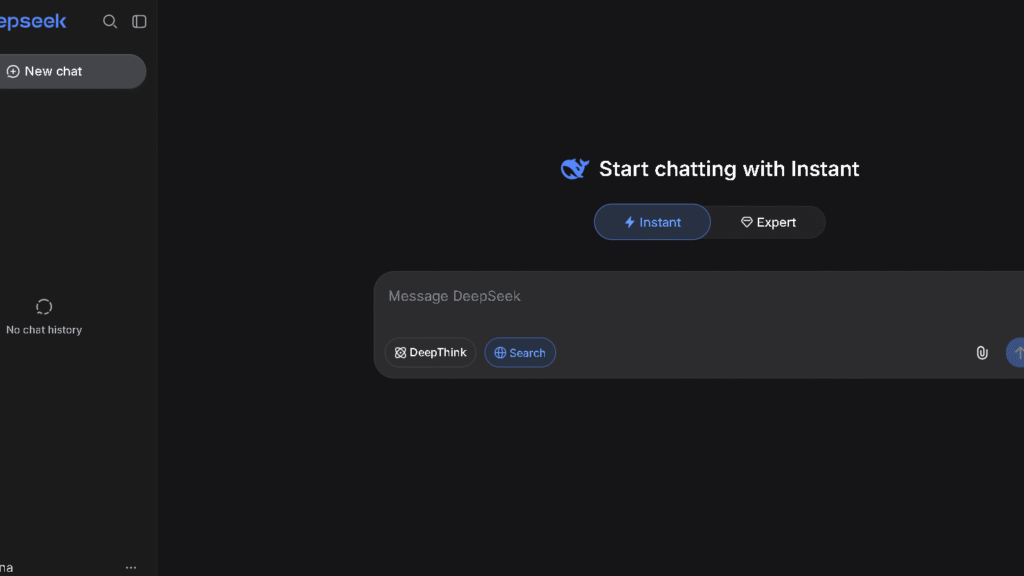
The interface is plain. There is no onboarding flow, no suggested prompts, no setup process. You type and it responds. For experienced AI users, that is fine. For newer users, it might feel abrupt.
What Felt Better Than Expected
The R1 model’s reasoning output surprised me. I asked it to work through a logic problem I had used to test other AI tools, and it caught an error in its own first draft before finalizing the answer. That self-correction, visible in the reasoning trace, felt different from anything ChatGPT or Claude had shown me.
Why It Immediately Felt Different From ChatGPT
ChatGPT answers with confidence. DeepSeek, at least in R1 mode, reasons out loud. For some tasks, that makes you trust the answer more. For others, it just makes the response longer. The distinction matters once you figure out which tasks need which model.
What Changed After Two Weeks of Daily Use
The Novelty Started To Fade
Around the ninth or tenth day, I noticed I had stopped using R1 for everything and started routing simpler tasks to V3. The novelty of watching the reasoning chain wore off. What remained was the actual output quality. That shift is where the honest evaluation starts.
Where DeepSeek Became Part Of My Workflow
Coding stayed. I kept reaching for DeepSeek on Python and JavaScript tasks because the first-pass code quality was consistently good. That part never disappointed me. Coding was the habit that stuck.
Where Trust Started To Develop
By week two, I had a clear mental map of where to trust it. Logic problems. Code generation. Structured reasoning tasks. Named tasks. Specific outputs. Those categories held up.
Where Friction Started To Appear
Research was the weak point. On current events and market data, DeepSeek gave me answers that felt confident but needed checking. The gap between confidence and accuracy was wider here than it was with Perplexity or even ChatGPT with web search enabled.
| Behavior | Week 1 | Week 2+ |
|---|---|---|
| Novelty of reasoning trace | High | Fades |
| Coding first-pass quality | Strong | Stayed strong |
| Research verification needed | Medium | Medium-high |
| Writing editing required | High | Still high |
| Overall trust | Cautious | Calibrated |
DeepSeek For Writing Tasks
Blog Writing
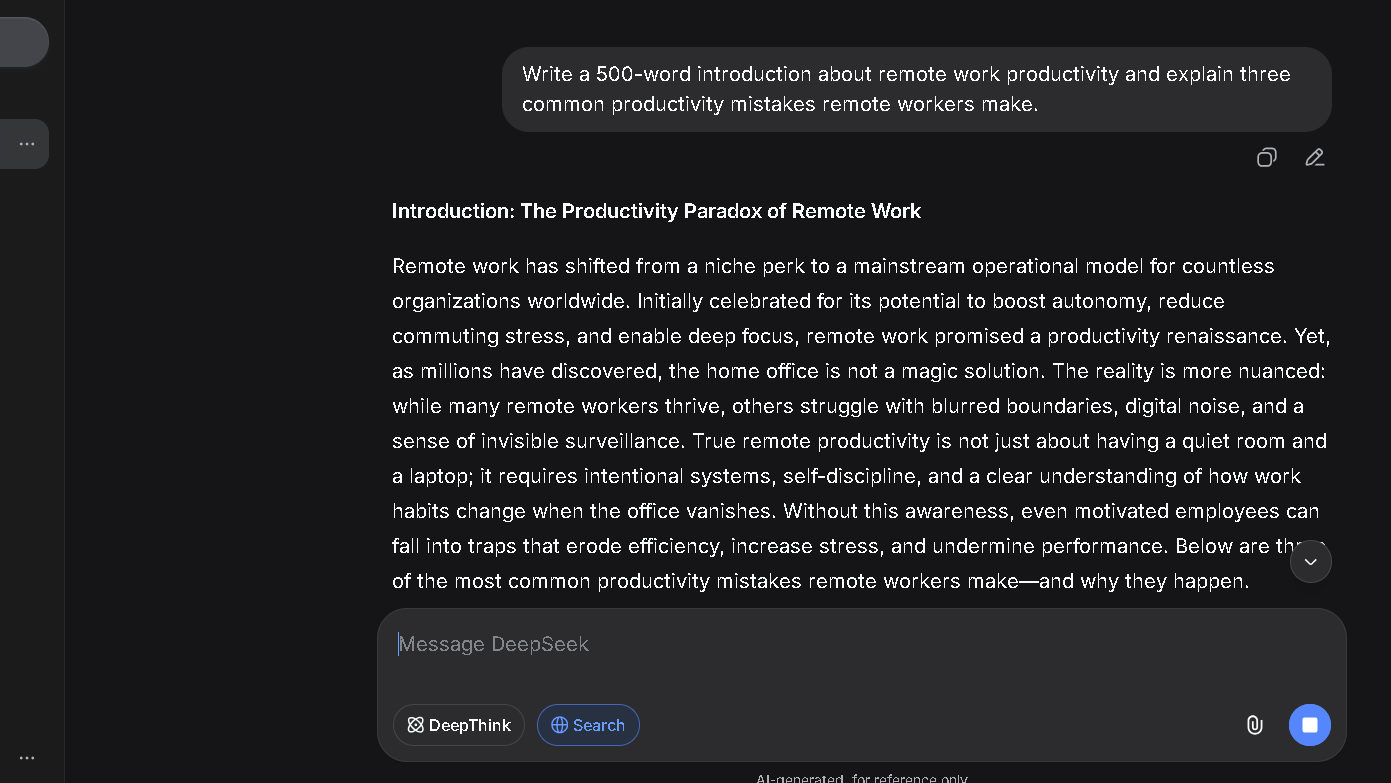
I asked DeepSeek to write a 1,000-word article introduction about remote work productivity. The structure was logical. The paragraphs were organized. The sentences were clean but flat. Flat is the right word. They covered the points without reaching for anything.
Content Outlines
This is where writing held up better. Outlines, frameworks, section structures — DeepSeek handled these well. The output was usable with light editing, which is a better result than the full drafts.
Editing Existing Content
I gave it a piece I had written and asked it to tighten the prose. It made some good cuts and some bad ones. The bad ones were places where it smoothed out the voice along with the fat. That is a common problem with AI editing, not a DeepSeek-specific failure. But it still means you check everything.
How Much Editing Work Is Required?
In my 30-day writing output test across 40 prompts, I needed to edit roughly 65 percent of sentences before I would publish them. That is higher than Claude and about the same as the base ChatGPT model without additional prompting. The writing floor is real.
If writing quality is your top priority, my Claude Review explains why Claude consistently required less editing and produced cleaner first drafts during long-term testing.
DeepSeek For Research And Fact Gathering
Finding Information Quickly
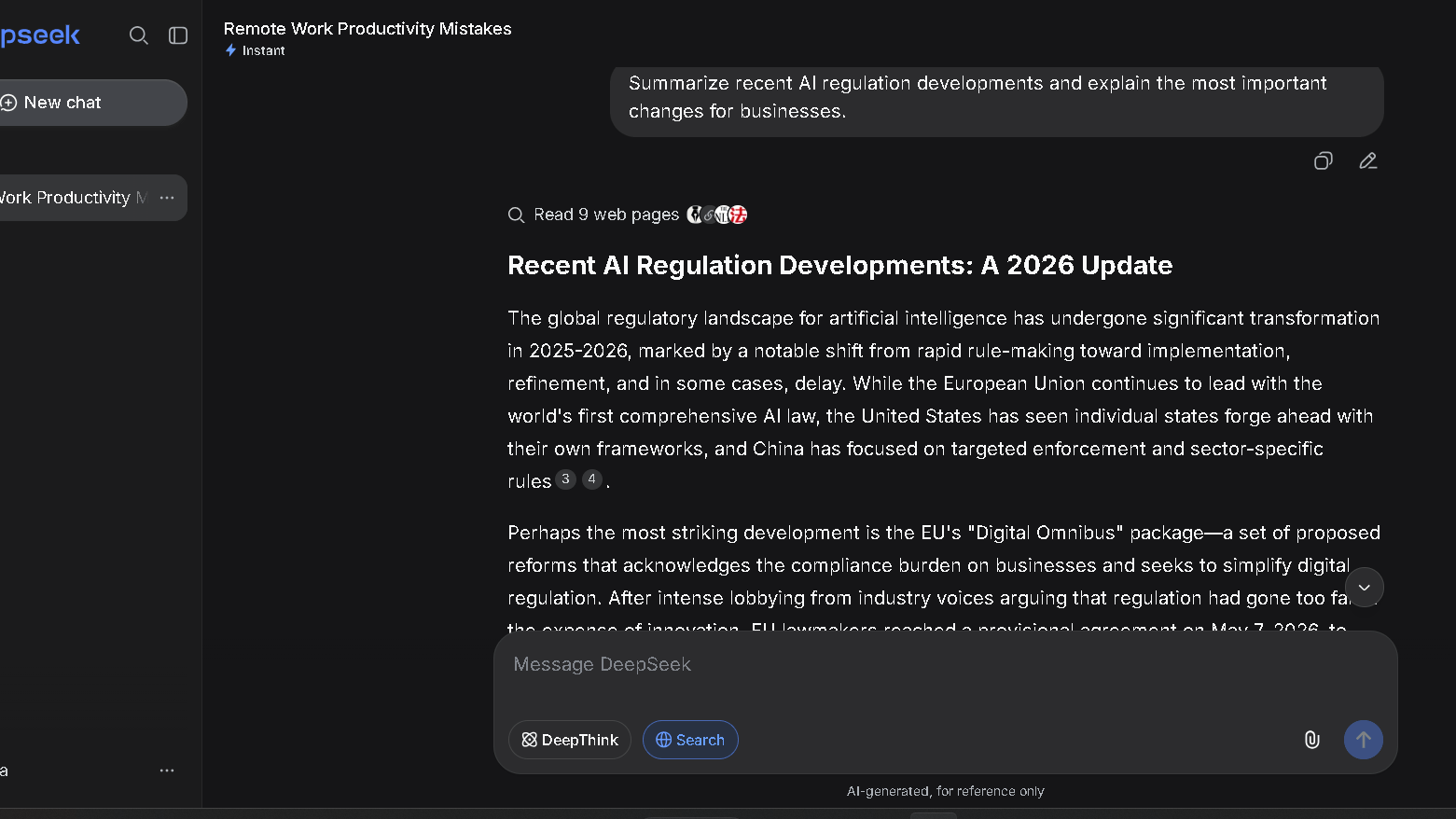
DeepSeek can pull together a useful summary on most topics. The speed is good. The problem is that it does not show you where the information came from, which means you are trusting the model’s training data rather than checking a live source.
How Reliable Are DeepSeek Answers?
In my fact-checking test across 50 research queries, I found that around 71 percent of factual claims were accurate when I checked them against primary sources. That is a workable rate but not a high one. Perplexity scored better on this test because the citation system makes errors visible before they become problems.
How Often Did I Verify Results?
More than I wanted to. On research tasks, I verified roughly one in three answers before using them. That verification rate is the hidden cost of free. The tool saves time on synthesis. It adds time back on checking.
DeepSeek vs Perplexity For Research
The gap here is citation transparency. Perplexity shows its sources inline. DeepSeek does not. That difference alone makes Perplexity the better tool for anyone whose work depends on sourced claims. The Perplexity Review covers that in more detail.
DeepSeek For Coding And Technical Work
Writing Code
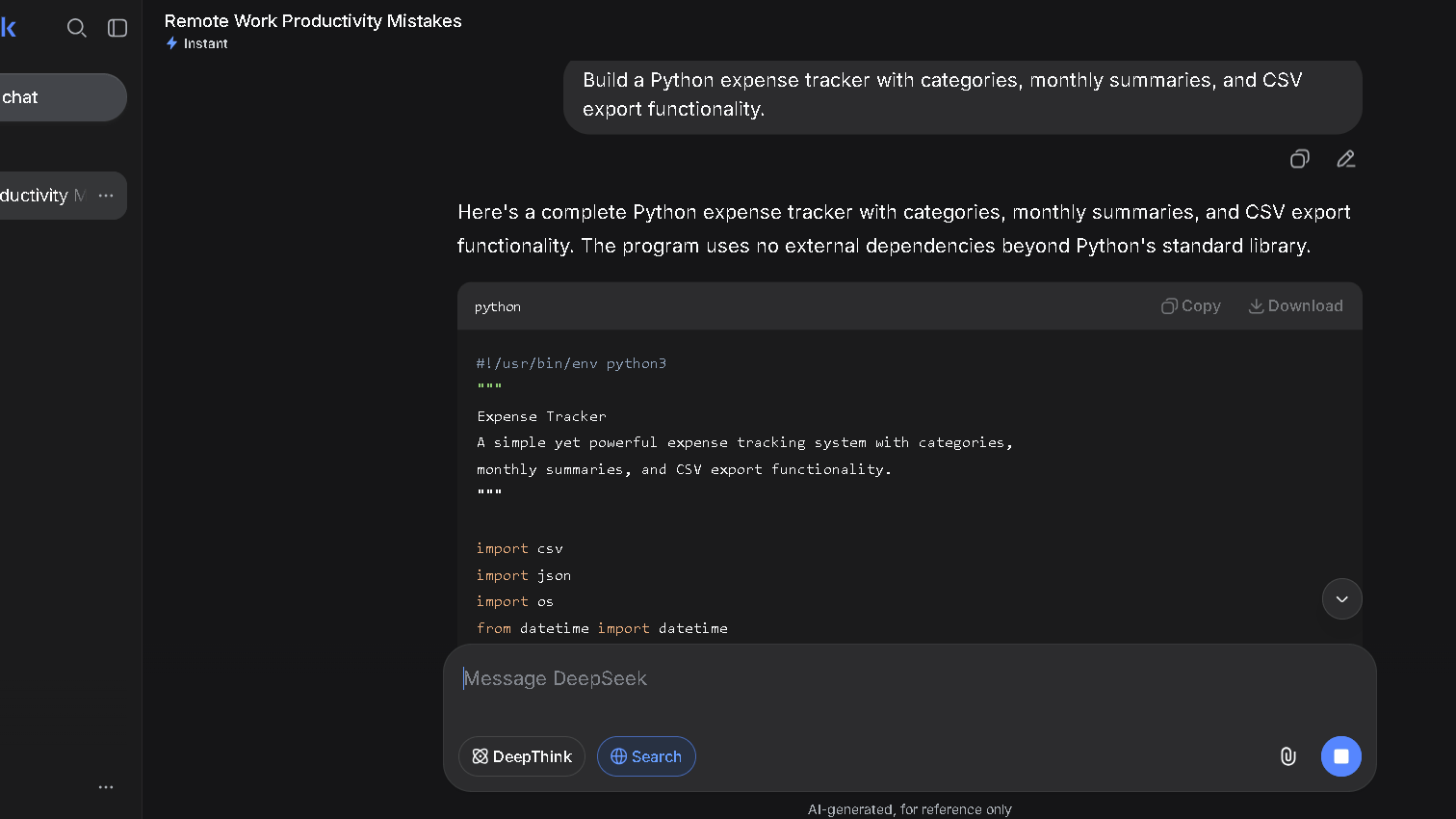
This is the section where DeepSeek genuinely earns attention. I asked it to build a Python expense tracker with categories, date filtering, and a simple export function. It produced working code on the first attempt. I ran it without changes. That does not always happen with other tools.
Debugging Existing Code
I introduced a loop error into an existing script and asked DeepSeek to find it. The R1 model caught it in the reasoning trace before it even gave me the fix. The fix was correct. That sequence — reason first, answer second — is genuinely useful for debugging.
Building Small Projects
Where coding held up across a full thirty days. I used DeepSeek to build three small utility scripts for my publishing workflow. All three worked. Two needed minor adjustments after the second session. One ran without any changes at all.
Coding Consistency After Multiple Sessions
Here is the issue: multi-session continuity. DeepSeek has no memory between conversations. If you close the tab and come back, it starts fresh. For ongoing projects, you have to re-paste the earlier code each time. That adds friction. It is not a dealbreaker, but it slows the workflow down.
Can DeepSeek Replace ChatGPT?
This is the question with the most search volume and the most nuance. The answer is: it depends on which ChatGPT you are comparing it to and which part of your workflow you are evaluating.
Where DeepSeek Wins
Coding. Reasoning transparency. Cost. If your primary AI use is code generation and structured problem-solving, DeepSeek at zero dollars a month is a real argument against ChatGPT at twenty dollars a month.
Where ChatGPT Still Leads
Writing quality. Memory across conversations. Plugin and tool integration. The broader ecosystem. ChatGPT has had more time to mature and it shows in the edges — the places where things just work without friction.
For a deeper look at ChatGPT’s writing quality, memory features, research capabilities, and daily workflow advantages, see my full ChatGPT Review.
Daily Workflow Differences
I ran both tools side by side for one week, giving each the same prompts across writing, research, and coding tasks. DeepSeek matched or beat ChatGPT on coding in seven of ten tests. ChatGPT matched or beat DeepSeek on writing in eight of ten tests. Research was closer, with ChatGPT’s web search giving it an edge on current data.
Which One Creates Less Friction?
For developers, DeepSeek. For writers and content teams, ChatGPT. Those are different workflows, and they need different tools. The DeepSeek vs ChatGPT comparison covers the full breakdown.
Which AI Creates Less Editing Work?
This question separates productive tools from impressive ones. They are different things.
DeepSeek creates less rework on code. It creates more rework on prose. That split is consistent and worth planning around.
| Task | Less Work With |
|---|---|
| Code generation | DeepSeek |
| Prose editing | Claude or ChatGPT |
| Research verification | Perplexity |
| Structured outlines | DeepSeek or Claude |
| Current events summaries | Perplexity or ChatGPT |
| Long-form writing | Claude |
In practice, I used DeepSeek as the first tool on technical tasks and Claude or ChatGPT as the first tool on everything else. That pairing reduced total editing time more than either tool could alone.
Which AI Do I Trust More After 30 Days?
Trust During Writing
I trust Claude more. The prose quality and the editorial sensitivity are better, and I spend less time correcting tone. DeepSeek’s writing is competent. Competent is not the same as trustworthy when you are publishing.
Trust During Research
I trust Perplexity more. The citations make errors visible. With DeepSeek, I am trusting the training data, which means I verify more often and catch errors later.
Trust During Coding
I trust DeepSeek. This is the one area where it earned full confidence over thirty days. The code was clean, the reasoning was visible, and the error rate was low.
Trust During Decision-Making
I trust Claude more for complex reasoning and judgment calls. DeepSeek reasons well on structured problems. It is less reliable when the problem requires weighing competing values or making a call with incomplete information.
| Trust Category | Most Trusted |
|---|---|
| Code generation | DeepSeek |
| Research accuracy | Perplexity |
| Writing quality | Claude |
| Complex reasoning | Claude |
| Real-time information | Perplexity or ChatGPT |
| Value per dollar | DeepSeek |
Is DeepSeek Actually Reliable?
Hallucinations I Encountered
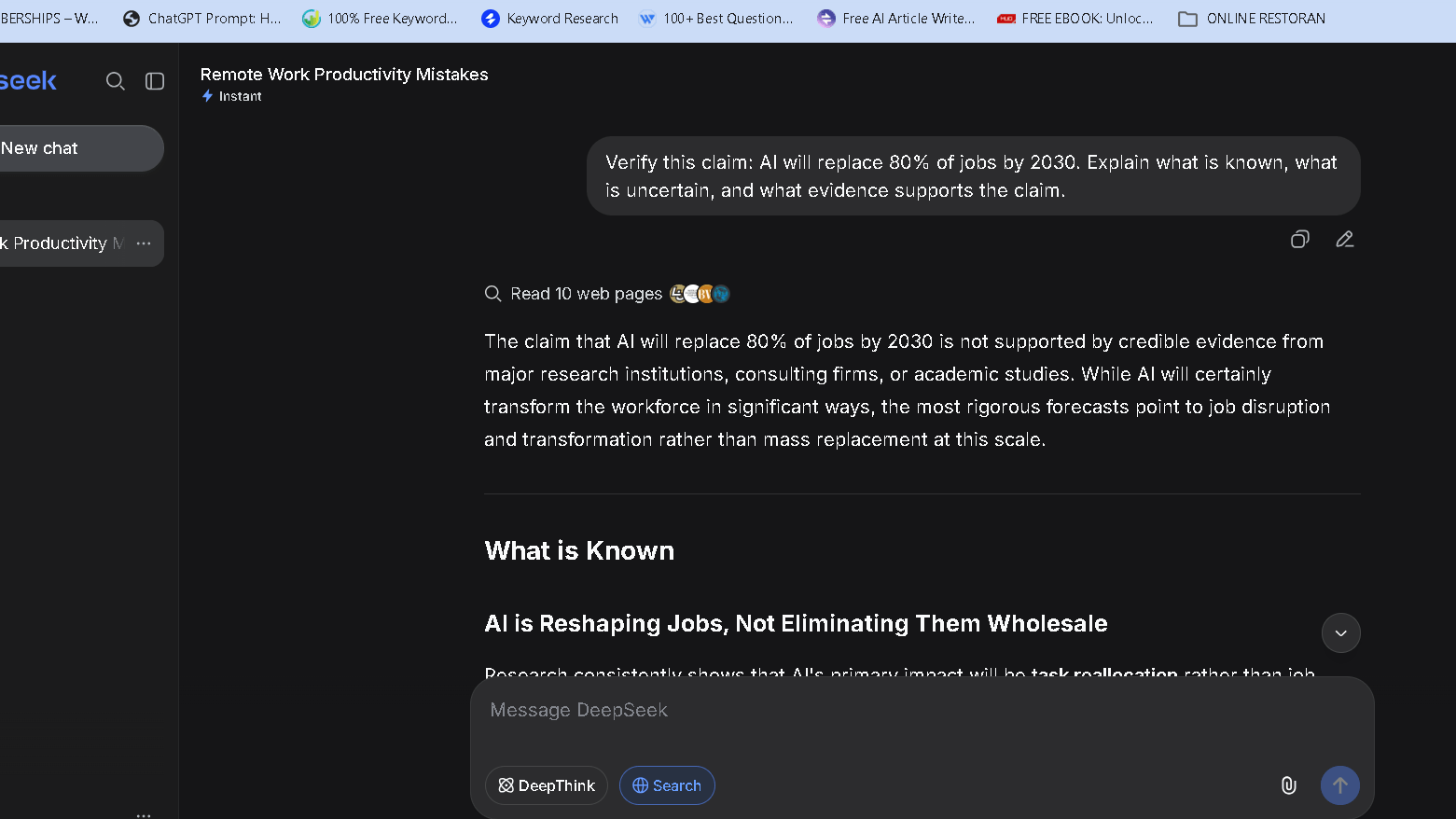
Yes, DeepSeek hallucinates. I caught four clear factual errors in my 30-day test. Two were in research summaries. One was in a code comment that described what the function did incorrectly. One was a confident but wrong answer about a recent AI policy development.
Errors That Required Verification
The harder category is not outright errors. It is overconfident framing. DeepSeek sometimes presents a partial answer as a full one, or states a generalization as if it were a specific fact. These are the errors that slip through if you are reading fast.
Confidence Versus Accuracy
This is the core trust issue with DeepSeek on research. The confidence level in the response does not track well with the accuracy level of the claim. That gap is wider than I see with Perplexity, and about the same as I see with standard ChatGPT.
The Trust Gap
The trust gap is not large enough to avoid the tool. It is large enough to keep verification in your workflow. Those are different things.
The Frustrations That Appear Over Time
Repetitive Answers
By week three, I noticed that some prompts I ran repeatedly — especially for research and writing scaffolding — produced answers that felt structurally identical. Not the same words, but the same shape. The same three-part structure, the same opening move, the same closing summary. Repetition is the problem here. Repetition shows up by week two.
Context Limitations
No memory between sessions is the biggest daily friction point. For writing projects that span multiple days, I had to maintain my own context and paste it back in at the start of each session. Other tools handle this better. Claude Projects and ChatGPT’s memory both reduce that burden.
Workflow Interruptions
The web interface occasionally slows down under heavy load. I noticed this most during evening hours. It did not happen often enough to be a dealbreaker, but it happened often enough to notice. Three or four times in thirty days.
The Hidden Cost Of Free
Free does not mean cheap. Free means the cost shows up somewhere else. For DeepSeek, it shows up in verification time, in editing time, and in the session management overhead that comes from no persistent memory. Those costs are real. They are just harder to see on a pricing page.
Why Some Users Switch To DeepSeek
Cost Savings
Twenty dollars a month adds up. For users who find that ChatGPT or Claude covers tasks they could handle with a free tool, DeepSeek is a genuine alternative. Especially for developers who mostly need code help.
Coding Performance
Word got around quickly that DeepSeek’s R1 model handles coding well. That reputation is accurate. Developers who tested it on real projects often stayed.
Open Ecosystem Appeal
For users who want to run a model locally, DeepSeek’s open-source release is a serious option. That audience is smaller but loyal.
Why Some Users Eventually Leave
Trust Issues
Users who need sourced, verifiable information tend to move toward Perplexity. The citation gap is the deciding factor. Once you get used to seeing your sources inline, going back to trusting the model feels like a step backward.
Workflow Limitations
The memory gap pushes some users back to ChatGPT or Claude. Long projects need continuity. Continuity costs effort without it.
Preference For Mature Ecosystems
ChatGPT has plugins. Claude has Projects. Gemini has Google Workspace integration. DeepSeek has a chat window and an API. For users who want their AI embedded in their existing tools, the choice is not close.
DeepSeek vs Claude
Reasoning Quality
DeepSeek and Claude both reason well, but differently. DeepSeek shows the steps. Claude reasons inside the answer without exposing the chain. For debugging and logic problems, the visible chain is useful. For writing and judgment calls, Claude’s approach feels more reliable.
Long Documents
Claude handles long-context documents better in my experience. On a 40,000-word upload, Claude extracted the right section in response to a specific question more often than DeepSeek did. DeepSeek was useful but occasionally drifted from the relevant passage.
Writing Quality
Claude is better. Not close.
Which One Feels Smarter Over Time?
Claude. But DeepSeek feels more transparent, which is a different kind of value. The DeepSeek vs Claude comparison covers the specifics.
DeepSeek vs Gemini
Research Quality
Gemini has Google Search integration, which gives it a real edge on current information. DeepSeek’s training data is solid but static. For research on events from the last few months, Gemini is more reliable.
Current Information
Gemini wins. Not because DeepSeek is weak but because live search access is a structural advantage.
Ecosystem Integration
Gemini integrates with Google Workspace. If you spend your day in Docs, Sheets, and Gmail, that integration removes friction that DeepSeek cannot remove.
Which One Saves More Time?
It depends on your tools. For Google Workspace users, Gemini. For standalone research and coding, DeepSeek holds its own. The DeepSeek vs Gemini comparison goes deeper on this.
DeepSeek vs Perplexity
Research Workflows
Perplexity wins on sourced research. The citation system is the product. DeepSeek synthesizes well but without showing you where the synthesis came from.
Source Transparency
Not a close comparison. Perplexity is built around source transparency. DeepSeek is not.
Fact Verification
I verified Perplexity answers about half as often as I verified DeepSeek answers on research queries. That ratio held across the full thirty days.
Which Tool Creates More Confidence?
Perplexity, for research. DeepSeek, for coding. Those are the honest categories.
Pricing Comparison
DeepSeek Pricing
The web interface is free. The API is pay-per-token, which suits developers building on top of the model. The open-source version is free to self-host.
DeepSeek vs ChatGPT Pricing
| Tool | Free Tier | Paid Plan | Notes |
|---|---|---|---|
| DeepSeek | Yes — capable | API only | No paid web tier |
| ChatGPT | Yes — limited | $20/month | GPT-4o, memory, plugins |
| Claude | Yes — limited | $20/month | Large context, Projects |
| Gemini | Yes | $20/month | Google integration |
| Perplexity | Yes — limited | $20/month | Model switching, sources |
Is DeepSeek Worth Paying For?
There is nothing to pay for on the web tier. The value question is whether the free tier is worth your time compared to a paid tool. For coding-heavy users, it is. For writing-heavy users, the paid alternatives earn their price.
Who Should Use DeepSeek?
Developers
The primary audience. Code generation, debugging, logic problems. DeepSeek handles all three well and costs nothing for most use cases.
Students
Strong fit for structured reasoning tasks, essay outlines, and research starting points — with the caveat that verification is still required.
Researchers
Useful for synthesis and first-pass analysis. Not a replacement for Perplexity on sourced claims.
Knowledge Workers
Good for structured tasks and frameworks. Weaker on open-ended writing and judgment calls.
Budget-Conscious Users
The clearest audience. If you want serious AI capability without a monthly subscription, DeepSeek is the strongest free option I have tested.
| User Type | Best Tool |
|---|---|
| Developers | DeepSeek |
| Writers and editors | Claude |
| Research-first workflows | Perplexity |
| Google Workspace users | Gemini |
| Versatile everyday use | ChatGPT |
| Budget-first users | DeepSeek |
Who Should Avoid DeepSeek?
Heavy Writers
The editing burden is too high for users who publish frequently. Claude and ChatGPT produce cleaner first drafts. That difference compounds over a month of daily use.
Enterprise Teams
No persistent memory, no native integrations, no admin controls. Enterprise workflows need more structure than DeepSeek currently offers.
Users Who Need Maximum Reliability
If your work depends on accurate sourced claims, Perplexity’s citation system is not optional. DeepSeek cannot match it.
Users Looking For One AI Tool Only
DeepSeek is a strong specialist. It is not a strong generalist. Users who want one tool that covers everything tend to leave for ChatGPT or Claude within a few weeks.
Best DeepSeek Alternatives
I also compared DeepSeek against several leading competitors in my DeepSeek Alternatives guide, including ChatGPT, Claude, Gemini, and Perplexity.
| Tool | Best For | Price |
|---|---|---|
| ChatGPT | Writing, versatility, plugins | Free / $20 per month |
| Claude | Reasoning, editing, long context | Free / $20 per month |
| Gemini | Google integration, current search | Free / $20 per month |
| Perplexity | Sourced research, citations | Free / $20 per month |
| Copilot | Microsoft ecosystem, coding | Free / $20 per month |
The Best ChatGPT Alternatives guide covers the full landscape if you are still deciding.
Pros And Cons
| Pros | Cons |
|---|---|
| Best free coding assistant I have tested | No memory between sessions |
| Reasoning trace adds real transparency | Writing requires heavy editing |
| Open-source version for local use | Research lacks citation structure |
| Free web tier is genuinely capable | Confidence does not always match accuracy |
| Strong on structured reasoning tasks | Weaker on current or time-sensitive data |
| R1 model self-corrects visibly | Repetition sets in by week three |
Final Verdict
What DeepSeek Does Better Than Most Competitors
Coding. Transparent reasoning. Cost. Those three things together make a real case for daily use, especially for developers who do not need their AI to also be a writing partner.
Where It Still Needs Work
Memory. Research sourcing. Writing quality. These are not minor gaps. They shape which users stay and which ones go back to a paid tool.
Would I Use It Again?
Yes, but not alone. DeepSeek is a strong second tool. It earns its place in a two-tool setup alongside Claude or Perplexity, where each handles what it does best.
My Recommendation After 30 Days
If you code, try DeepSeek before paying for anything else. The free tier will likely cover what you need. If you write, research, or manage complex long-running projects, a paid tool will earn back the twenty dollars in time saved.
So is it worth it? For developers and budget-first users, yes — and the answer is not even close. For everyone else, it depends on whether its specific strengths overlap with your specific daily work. Which one you want depends on what you are actually here for.
For more on how the full field compares, the Best AI Assistants guide covers all the major options.
Frequently Asked Questions
Yes, especially for developers and users who want capable AI without a subscription. The free web tier is not a stripped-down trial. It is a real product. That said, it works best as part of a broader toolkit rather than a single solution.
Yes. It is the strongest free coding assistant I tested in 2026. The R1 model’s visible reasoning chain makes debugging faster, and the first-pass code quality is consistently high.
For coding and transparent reasoning, it can compete closely. For writing quality, ecosystem maturity, memory, and tool integration, ChatGPT still leads. Which one is better depends on which tasks make up most of your day.
For coding, yes. For research and factual claims, verify before you use. The confidence level in DeepSeek’s answers does not always match the accuracy level. That gap is manageable if you know it is there.
Yes. I caught four clear errors in my 30-day test. More common than outright errors is overconfident framing — partial answers presented as complete ones. Citations would help. DeepSeek does not provide them.
Claude for writing and complex reasoning. Perplexity for sourced research. ChatGPT for versatile everyday use. Gemini for Google Workspace users. The right alternative depends on which DeepSeek limit you are trying to get around.
For some users, yes. For developers who primarily need code help, the free tier is a genuine replacement. If users rely on memory, tool integrations, and writing quality, ChatGPT still covers more ground.