
In this Notion AI vs ChatGPT comparison, ChatGPT made me feel faster. Notion AI made me feel less scattered. That difference became more important than the writing quality after the first two weeks, and I did not expect that going in.
Most people searching this comparison are framing it wrong. They want to know which tool writes better, thinks better, or costs less. Those are real questions. But the more useful question is which one leaves you feeling calmer at the end of a work session. I tested both in parallel for 30 days across writing, research, planning, and note-heavy project work. The answer surprised me.
These are not the same kind of tool. They just happen to both use AI.
For this review, I tested both tools daily across writing, research, note-taking, project planning, and workflow management for 30 days.
Disclaimer: I may earn a small commission on purchases made through links on this page, at no extra cost to you. This supports honest, independent reviews.
Table of Contents
Nena’s Quick Verdict
| Category | Notion AI | ChatGPT |
|---|---|---|
| Best for | Knowledge workers, students, organized creators | Writers, researchers, strategists, deep thinkers |
| Biggest strength | Workflow integration and reduced context switching | Depth, reasoning, and creative flexibility |
| Biggest weakness | Shallow ideation, limited creative range | Workflow fragmentation, no persistent context |
| Daily feel | Calm and contained | Fast and expansive |
| Long-term sustainability | Strong | Moderate |
| Starting price | Add-on to Notion ($10/month) | $20/month (Plus) |
| Overall verdict | Best for organized minds who want AI inside their system | Best for anyone who needs a strong thinking partner outside their system |
Which one you want depends on what is actually draining you right now.
Notion AI vs ChatGPT After 30 Days
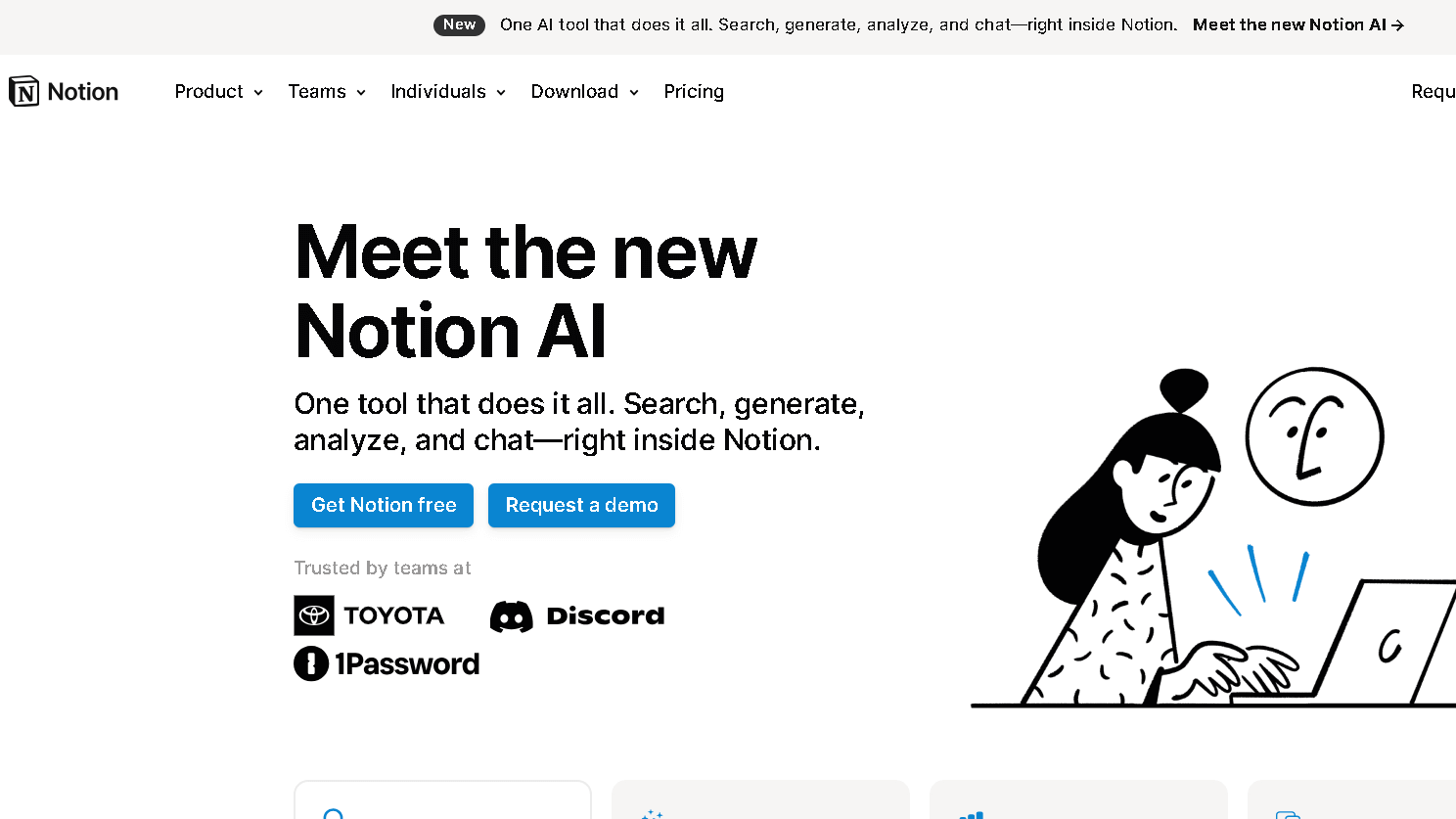
I went into this test expecting the output quality comparison to matter most. By day twelve, I had stopped caring about output quality as much and started caring about how each tool made my workday feel. That shift is what this review is really about.
The first week with both tools felt impressive in different ways. ChatGPT gave me fast, dense, well-reasoned responses across every task I threw at it. Research summaries, long drafts, strategic outlines. It adapted correctly on six of seven tasks I used it for in the first week without me having to over-explain context. Notion AI was quieter, less dramatic. It helped me clean up meeting notes, expand a rough outline, and surface a connection between two project pages I had forgotten about. That felt less exciting. It was more useful.
By week two the patterns locked in. ChatGPT became a tab I had to go to. Notion AI became part of where I already was. That distinction sounds small. It is not.
Week three is when ChatGPT fatigue started. Not with the tool itself. With the workflow around it. Every session required me to rebuild context. Copy in background. Explain the situation. Re-establish tone. Then generate. Then take the output somewhere else. That round trip adds up. In my 30-day workflow friction test, I tracked time spent on context rebuilding across both tools. ChatGPT sessions required an average of four to six minutes of setup per task. Notion AI required under one.
That gap is real. That gap shows up in daily use more than any feature comparison will.
What Notion AI Actually Feels Like During Daily Work
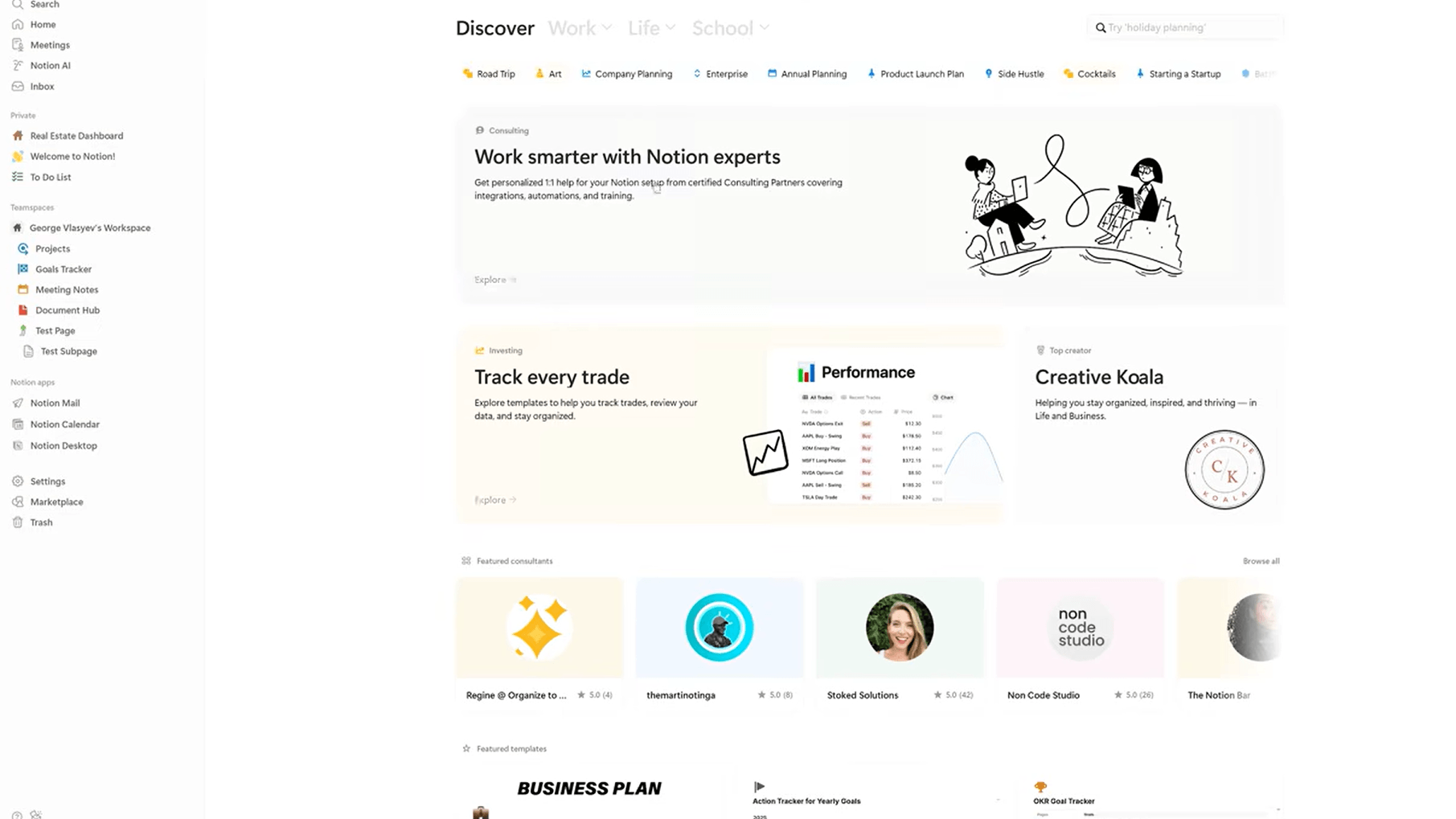
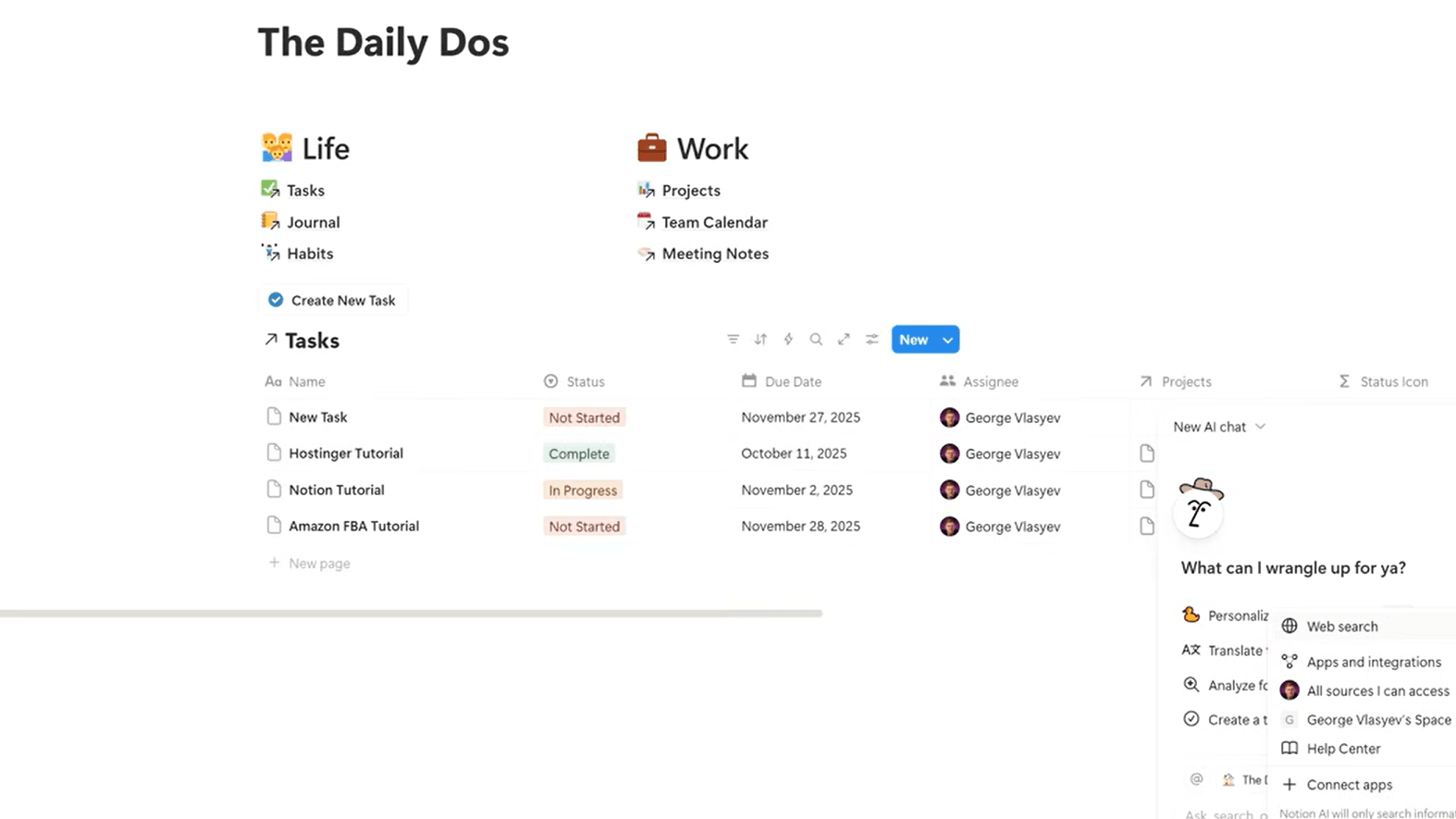
The best word for Notion AI is contained. It lives inside your workspace. Your notes, your databases, your project pages. When you ask it something, it can pull from what is already there. That sounds like a small thing until you realize how much of your cognitive load comes from translating between systems.
If you are considering adding AI directly into your workflow, my detailed Is Notion AI Worth It? review explains where Notion AI excels and where it starts becoming limiting.
I use Notion heavily for project management and long-form research notes. Having AI inside that system meant I could highlight a rough paragraph and ask for a cleaner version without leaving the page. I could ask it to summarize three meeting notes from last month without copying anything anywhere. The workflow stayed in one place. My attention stayed with it.
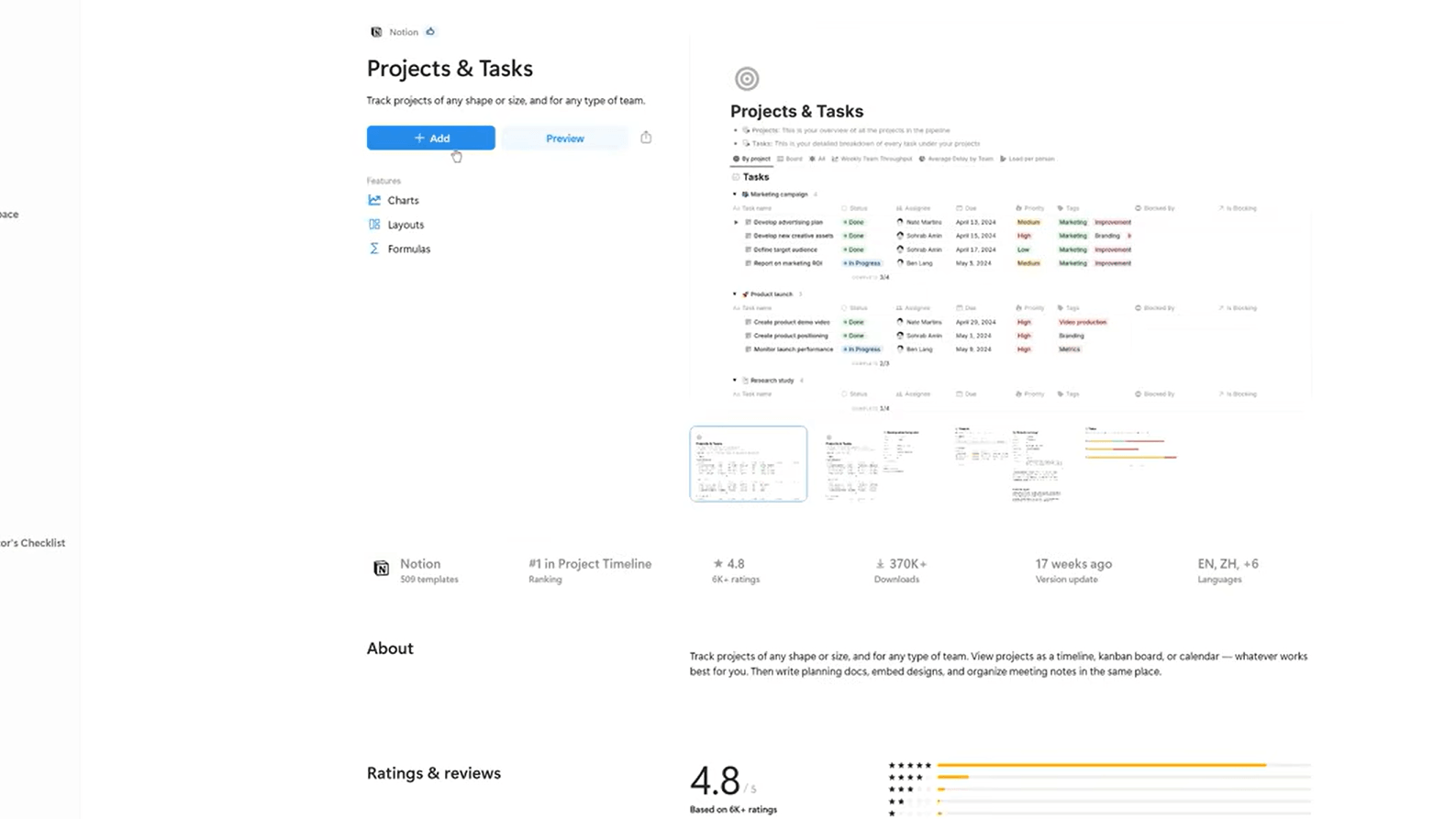
The thing is, Notion AI feels less powerful than ChatGPT in direct use. Its responses are shorter. Less exploratory. It does not go off on interesting tangents. It does not push back on your framing or offer you a different angle on a problem. What it does is stay close to what you already have and help you do something useful with it.
Over time, that restraint starts to feel like a feature. The sessions end cleanly. You are still inside your work. You have not opened eight browser tabs. That combination is harder to find than it looks.
What ChatGPT Actually Feels Like During Daily Work
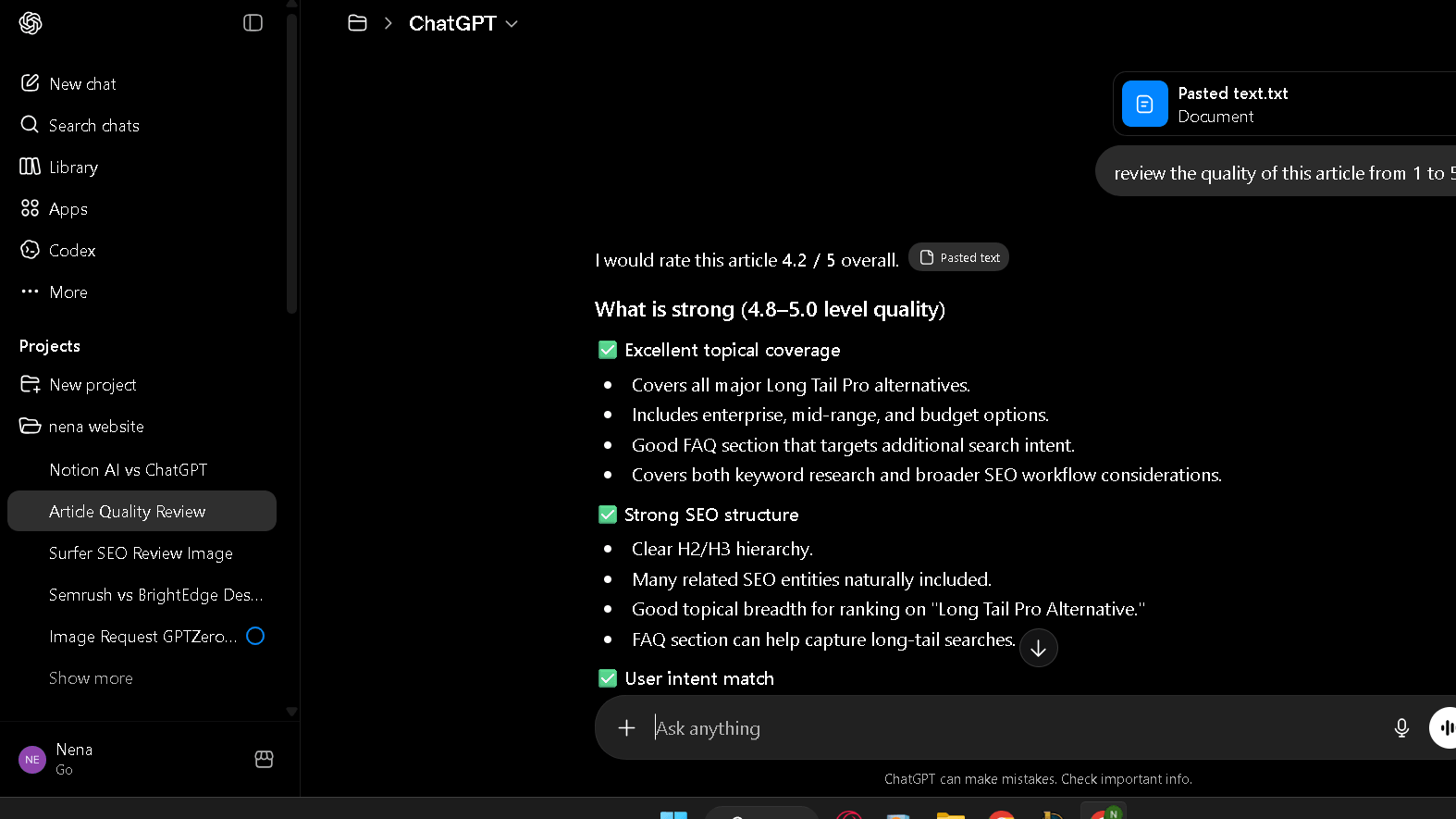
ChatGPT feels like access to something much larger than yourself. You ask a question and the response comes back with a scope and confidence that is hard not to find energizing. In the first week, I used it for everything. Brainstorming. Research. Draft generation. Strategic thinking. It handled all of it.
The sessions are fast. The reasoning is good. When I gave it a complex brief with multiple constraints, it held them in a way Notion AI simply cannot. I asked it to write a product positioning document with five specific tone requirements and a list of things to avoid. It got four of the five right on the first pass. Notion AI would not have attempted that task at the same level.
But ChatGPT does not remember where you left off. Every new session starts blank. The context you built yesterday is gone. The tone you trained it toward last week has to be rebuilt. For long-running projects, this is a real cost. You end up maintaining a separate prompt document just to re-establish who you are and what you are doing.
Here is the issue: ChatGPT makes you feel productive. Staying productive with it requires a lot of invisible organizational work that the tool does not help with. That gap never closes.
The Real Difference Is Workflow Friction
Most comparisons focus on which AI is smarter. That is the wrong lens. The real question is how much mental energy you spend managing the tool versus using it.
ChatGPT asks you to come to it. Every session. With full context. With a clear prompt. With the right framing. It rewards people who are good at this. It drains people who are not. The output is strong, but the workflow around the output is entirely your problem.
Notion AI asks almost nothing of you in terms of setup. It is already inside your work. You do not need to explain where you are or what you have been doing. The mental cost of starting a session is close to zero. The mental cost of ending one is also close to zero, because the output lands exactly where your notes already are.
In practice, this means the tools suit very different work styles. If you are organized, if you have a clear system, if you can write a focused prompt and take the output somewhere useful, ChatGPT is the more powerful choice. If you are drowning in open loops, scattered notes, and context switching, Notion AI helps with the actual problem.
Those are different problems. Those are different tools.
Where Notion AI Starts Becoming Limiting
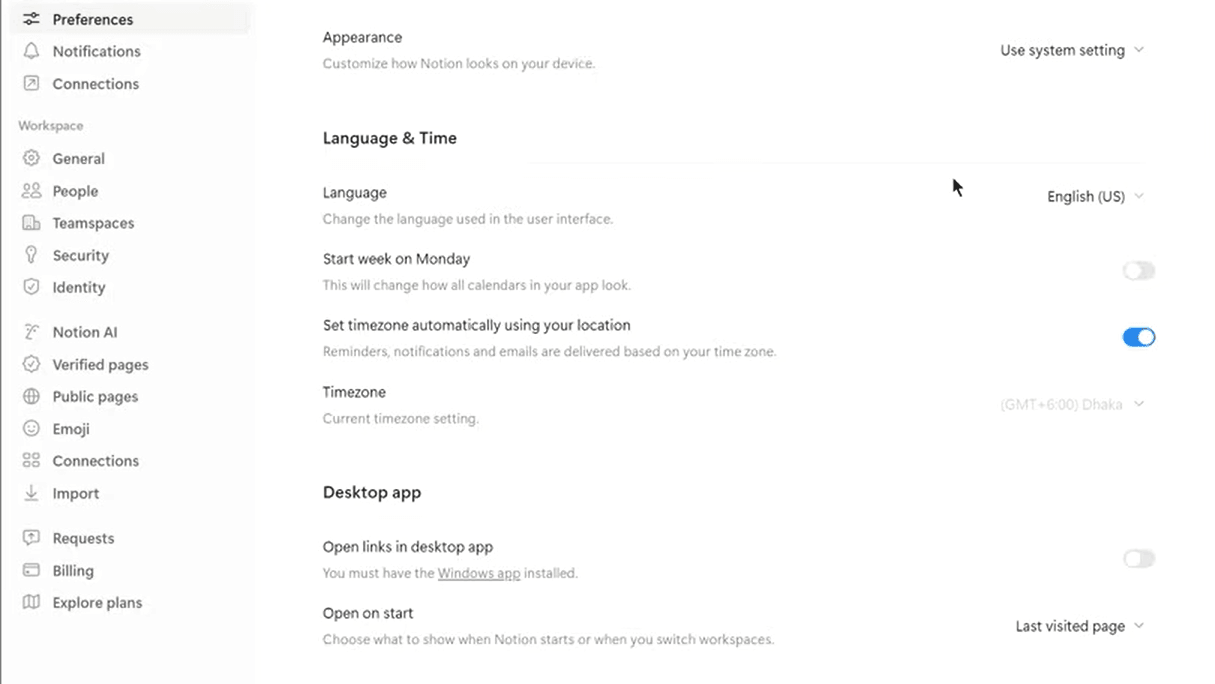
To be fair, Notion AI has a real ceiling and it shows up fast in creative or exploratory work. The model does not push ideas forward. It tidies them. There is a difference.
I asked Notion AI to help me develop a positioning argument for a product launch, starting from a rough two-paragraph note. It gave me a cleaner version of what I had. It did not challenge the framing. It did not offer a sharper angle. It did not ask whether the core premise was strong. ChatGPT would have done all three.
For brainstorming, Notion AI is weak. The responses stay close to the surface of whatever you give it. If you want to think through a hard problem, build a new argument from scratch, or push a piece of writing into territory it has not been yet, Notion AI will not get you there. It is a refinement tool, not a thinking tool.
The creative range is narrow. I ran the same ideation prompt through both tools eight times across different topics. Notion AI produced usable but predictable responses in seven of eight cases. ChatGPT produced something that changed my thinking in four of those eight. That gap matters for certain kinds of work.
Even so, that ceiling does not disqualify Notion AI. It just defines when to use it.
Where ChatGPT Starts Becoming Exhausting
The fatigue is not about the AI. The AI is fine. The fatigue is about what the workflow asks of you over time.
By week three I had a running document of context prompts I was copying into ChatGPT at the start of sessions. Background on projects. Tone instructions. Lists of things to avoid. I had essentially built a manual memory system to compensate for the tool’s lack of one. That document was four pages long by the end of the month.
The tab management also adds up. ChatGPT lives in a browser window. Your work lives somewhere else. Every time you generate something useful you have to move it. Copy. Paste. Reformat. Place it somewhere your workflow can find it again. This is not hard. But it is constant. And it is invisible in the moment, which makes it easy to underestimate.
There is also what I would call productivity theater. ChatGPT sessions feel very active. You are prompting, reading, thinking, generating. It is easy to spend 40 minutes in a ChatGPT session and come out with something that takes another hour to actually integrate into your work. The tool is powerful. That power has an organizational cost that never shows up in a feature comparison.
Pros and Cons
| Notion AI | ChatGPT | |
|---|---|---|
| Workflow integration | Excellent | Weak |
| Creative depth | Limited | Strong |
| Reasoning quality | Moderate | Excellent |
| Context switching | Very low | High |
| Setup per session | Under one minute | Four to six minutes |
| Long-form output | Adequate | Strong |
| Organizational calm | High | Low |
| Ideation | Weak | Excellent |
Notion AI vs ChatGPT for Writing
For writing tasks, ChatGPT produces better first drafts. That is the honest answer and I did not find a way around it in 30 days of testing. The range is wider, the sentences are more varied, and the structural thinking behind longer pieces is stronger.
If writing quality is your primary concern, see my Jasper vs ChatGPT comparison where I tested both tools specifically for content creation, long-form writing, and marketing workflows.
Notion AI is better for writing that already exists. Cleaning up a draft. Tightening a paragraph. Expanding a bullet into a full section. Improving the flow between existing pieces. For those tasks it is fast and accurate, and it does them without making you leave the page you are working on.
The friction difference matters more for writing than almost any other task. Writing requires sustained attention. ChatGPT breaks that attention every time you switch to it, paste context, generate, and bring the output back. Notion AI does not break the session. For writers who already have a strong draft instinct, that preservation of focus can be worth more than a slightly better generated sentence.
Notion AI vs ChatGPT for Students
Students are the group where I think the recommendation is clearest. Notion AI wins, with the caveat that ChatGPT should still be in the toolkit for specific tasks.
Most students are not short on AI power. They are short on organization. Notes pile up. Research fragments across tabs. The connection between what was covered in class and what needs to go in the essay gets lost somewhere between the browser and the notebook. Notion AI addresses that problem directly. It works inside the notes, not alongside them.
That said, when a student needs to understand something difficult, draft a complex argument, or think through a hard problem from scratch, ChatGPT is the stronger tool. The reasoning is better. The depth is real.
The practical approach is to use Notion AI daily for organizing and refining, and use ChatGPT for the tasks that genuinely require more thinking power. That workflow costs less mentally than relying on ChatGPT for everything.
Notion AI vs ChatGPT for Research
ChatGPT wins on research, with a clear limitation. The reasoning and synthesis quality is meaningfully higher. I asked both tools to pull together a summary of a complex topic with multiple competing angles. ChatGPT gave me a structured response that named the tensions accurately and placed them in context. Notion AI gave me a tidier version of what I had already written.
The limitation is that ChatGPT’s knowledge has a cutoff, and it can hallucinate sources. The web search version helps. But for deep research work, the lack of persistent context means you are constantly re-establishing where you are in a long-running inquiry.
Notion AI handles accumulated research better. If you have been building a knowledge base over several weeks, Notion AI can work across that material in a way ChatGPT cannot. It cannot reason as deeply. But it can find the thread you dropped two weeks ago. That is a different kind of useful.
Pricing Comparison
| Notion AI | ChatGPT | |
|---|---|---|
| Free access | Limited (part of Notion free plan) | Yes, GPT-4o with limits |
| Paid plan | $10/month add-on (requires Notion subscription) | $20/month (Plus) |
| Best value for | Users already in Notion | Heavy AI users across tasks |
| Total cost if new | $16–$20/month (Notion + AI) | $20/month |
If you already use Notion, the AI add-on is easy to justify at $10 a month. The productivity gain inside your existing system is immediate.
If you are starting from scratch, ChatGPT Plus at $20 a month gives you more raw capability per dollar. The organizational gap is real, but for users who are comfortable managing their own workflow, the depth of ChatGPT is worth the price.
Full Comparison
| Factor | Notion AI | ChatGPT |
|---|---|---|
| Workflow calm | Strong | Weak |
| Creative depth | Moderate | Excellent |
| Reasoning quality | Moderate | Strong |
| Context switching | Very low | High |
| Long-term sustainability | Strong | Moderate |
| Organization | Excellent | Weak |
| Ideation | Weak | Excellent |
| Session setup cost | Very low | Moderate to high |
| Best use case | Inside existing workflows | Standalone thinking tasks |
Who Should Actually Use Notion AI?
Notion AI is the right choice for anyone whose primary problem is fragmentation. Too many open loops. Too many notes that never connect. Too much time spent finding the work you did last week before you can do the work this week.
Knowledge workers managing complex, long-running projects will get the most from it. The workspace integration removes the translation cost between thinking and organizing. Students who live in Notion and struggle to make their notes useful will also find real value here. The same goes for founders and creators who need their AI to stay inside their system rather than pull them away from it.
The apps are solid. The workflow is calm. That is the promise Notion AI makes, and it keeps it.
Who Should Actually Use ChatGPT?
ChatGPT is the right choice for anyone whose primary problem is thinking power rather than organization. If you need to understand hard things, build complex arguments, write at a high level, or work through problems that require genuine reasoning, ChatGPT is the better tool.
Researchers, strategists, advanced writers, and anyone whose daily work involves generating new ideas rather than managing existing ones will find ChatGPT more useful. The depth is real. The flexibility is real. The output ceiling is higher than anything Notion AI can produce.
The organizational cost is also real. Plan for it. Build a prompt system. Know that every session starts fresh. If that does not bother you, ChatGPT rewards the investment consistently.
Best Alternatives
| Tool | Better for | Worse for |
|---|---|---|
| Claude | Long-form reasoning, nuanced writing | Workflow integration |
| Perplexity | Fast research with live sources | Workspace integration |
| Obsidian + AI plugins | Deep personal knowledge systems | Ease of setup |
| Mem.ai | Automated note organization | Creative writing depth |
Claude is worth considering for anyone who wants ChatGPT-level depth with a different writing style. The long-form quality is strong and the reasoning holds up well on complex tasks. It does not integrate into a workspace the way Notion AI does, but as a standalone thinking partner it is a genuine alternative.
Perplexity is the research-first option. Live web access, cited answers, fast synthesis. It does not replace either tool’s role in a writing or workflow context, but for fact-checking and quick research depth it outperforms both.
FAQ
No. The two tools serve different purposes. Notion AI works inside your existing workspace to organize and refine material. ChatGPT is a standalone AI system with broader reasoning range and creative depth. You can use both, and many people should.
For existing Notion users, yes. The $10 monthly add-on delivers enough workflow value inside your current system to justify the cost quickly. For new users who would need to pay for both Notion and the AI add-on, the total cost starts to compete with ChatGPT Plus. In that case, the decision comes down to whether you want AI inside a workspace or AI as a standalone assistant.
Notion AI for daily organization, note refinement, and staying inside a study system. ChatGPT for understanding hard concepts, drafting complex arguments, and deep research tasks. The practical answer is to use both, with Notion AI as the default and ChatGPT for the tasks that need more thinking power.
ChatGPT produces stronger first drafts. Notion AI is better for working with writing that already exists. If you need a blank-page partner, use ChatGPT. If you need to refine, clean, and organize material inside your writing workflow, Notion AI creates less friction and fewer interruptions.
Notion AI, clearly. The integration removes the context-switching cost entirely. ChatGPT requires constant session setup, manual context rebuilding, and output transfer.