
You are looking for an all-in-one AI application? Finding a better alternative to 1min.ai is usually the first step.
If you’re looking for free alternatives or are looking to purchase a paid-for website, this post will provide the most practical 1min.ai alternatives. The aim? Help you select the best AI application that is compatible with your needs and budget for example, the dynamic AI solution such as 1min.ai.
Certain people require specific AI tools to accomplish specific tasks. Others require access to models with advanced capabilities such as Gemini for more intricate tasks.
If you’re looking for a dependable and cost-effective 1min.ai option, then you’ll have to look into platforms that offer multiple functions, and without the expense of upfront fees. There’s a lot to be found in the field of AI platforms, in fact.
We’ll examine how various applications handle visuals, writing chat, as well as automation. We’ll discuss which compromises are important most to smaller projects and larger teams.
From simple editors to creative suites and sophisticated chat platforms This guide will provide you with an opportunity to compare features and costs quickly with tools for editing images.
Table of Contents
Alternative to 1min.ai Quick Comparison Table
| Tool | Primary Focus | Best For | Pricing |
| KoalaWriter | SEO Content | Bloggers & Niche Sites | Paid |
| Simplified | All-in-one Marketing | Small Teams & Creators | Free & Paid |
| Canva | Visual Design | Graphics & Social Media | Free & Paid |
| Claude | Reasoning & Writing | Complex Tasks | Free & Paid |
| MS Copilot | Productivity | Microsoft 365 Users | Free & Paid |
| Poe | Multi-model Hub | Comparing AI Models | Free & Paid |
| TESS AI | Visual Marketing | Non-designers | Free & Paid |
| Multichat AI | Power Chatting | Privacy & Custom Keys | Free & Paid |
| Multi AI Chat | Team Productivity | Business Workflows | Free & Paid |
| AI4Chat | Unified Multi-modal | Creative Professionals | Free & Paid |
| Jasper | Brand Marketing | Enterprise Teams | Paid |
| Writesonic | SEO & Ads | Marketers | Free & Paid |
| Runway | AI Video | Filmmakers & Creators | Free & Paid |
| Descript | Audio & Video Editing | Podcasters | Free & Paid |
| TinyWow | File Utilities | Quick Digital Fixes | Free |
1) KoalaWriter
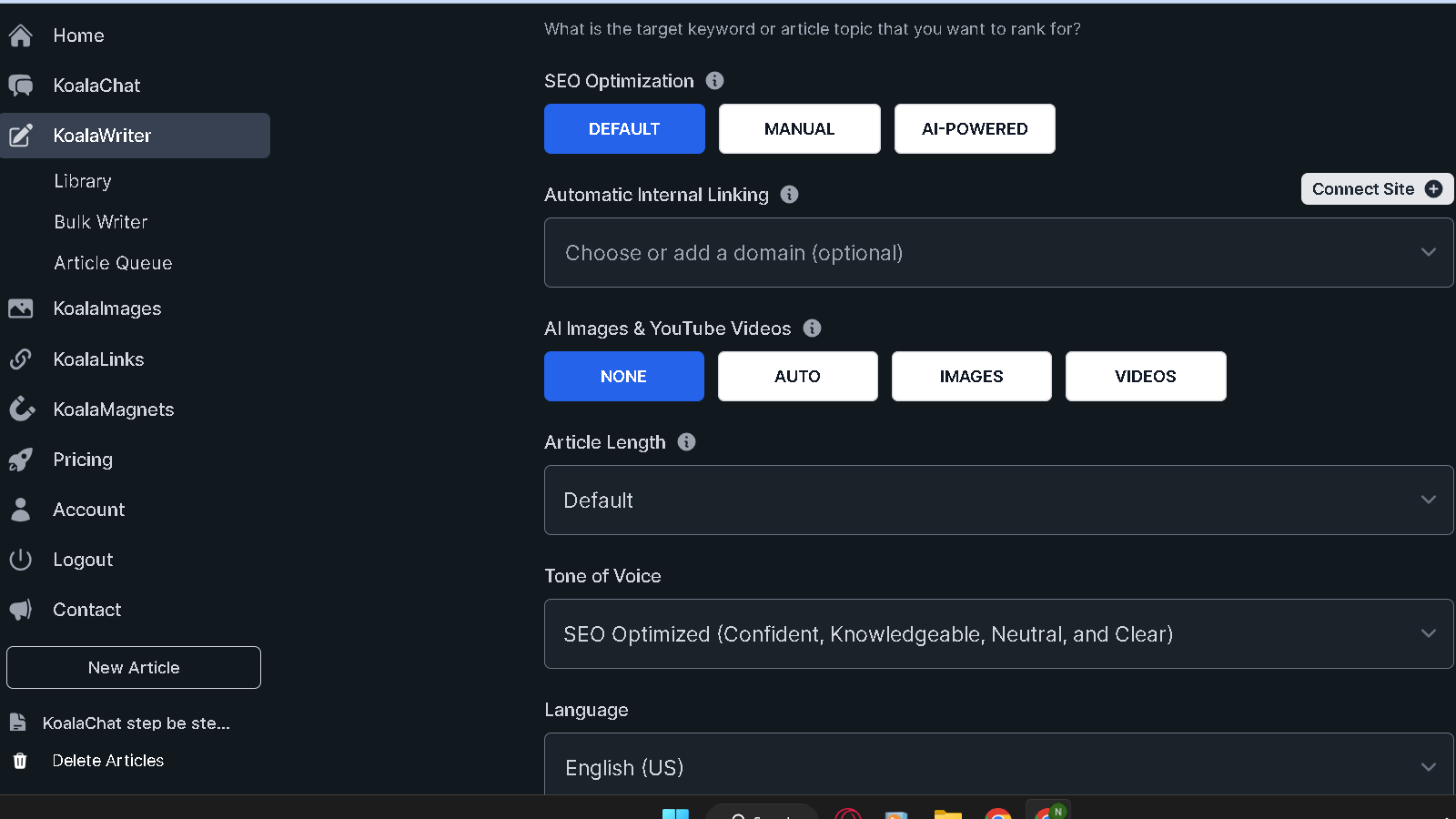
Koala Writer is designed specifically for niche website and blogger owners who have to pump out SEO-optimized, high-quality content in a hurry, based on authentic user reviews. It employs sophisticated AI to produce detailed outline as well as full-length articles which makes it a top choice for anyone who is trying to get organic traffic.
Key Features
- SEO-focused outline generation and article writing using contemporary AI features.
- Tools to create longer-form content fast can incorporate one-click features to simplify the writing process.
- Automated writing for Blog posts as well as metadata.
Pros and Cons
- Pro program provides exceptional features to increase the efficiency of. Simple interface for rapid content creation.
- Pro Affordable starting points for users who are not a team.
- Cons: The lack of reviews by users could cause it to be difficult determine the effectiveness of the software. No advanced agency tools for reporting.
- Pro: Limited deep on-page SEO analysis.
Pricing Options
KoalaWriter has monthly tiered subscriptions that are based on word count limits. It also offers an upscaling option for content creation which makes it an easy selection for different features of the product.
2) Alternative to 1min.ai Simplified
Simplified is a complete marketing platform that makes use of a variety of AI technology to boost your marketing campaigns. It combines AI writing video editing, graphic design as well as social media management into an integrated workspace.
It’s especially useful for creators with small teams who wish to simplify the process of creating content without having to manage multiple applications or committing to several subscriptions due to its specific tools.
Key Features
- The integration of video, design, and writing tools expand AI’s capabilities. AI platform.
- Brand kits that are collaborative with shared content.
Pros and Cons
- Pro A complete AI platform results in less tool switching.
- Pro The free plan will cover the basic needs of creativity.
- Con: High-volume users might encounter AI credits to be limiting.
Pricing Options
Simplified is a free version, and tiers of paid for more advanced features and greater export limits.
3) Canva
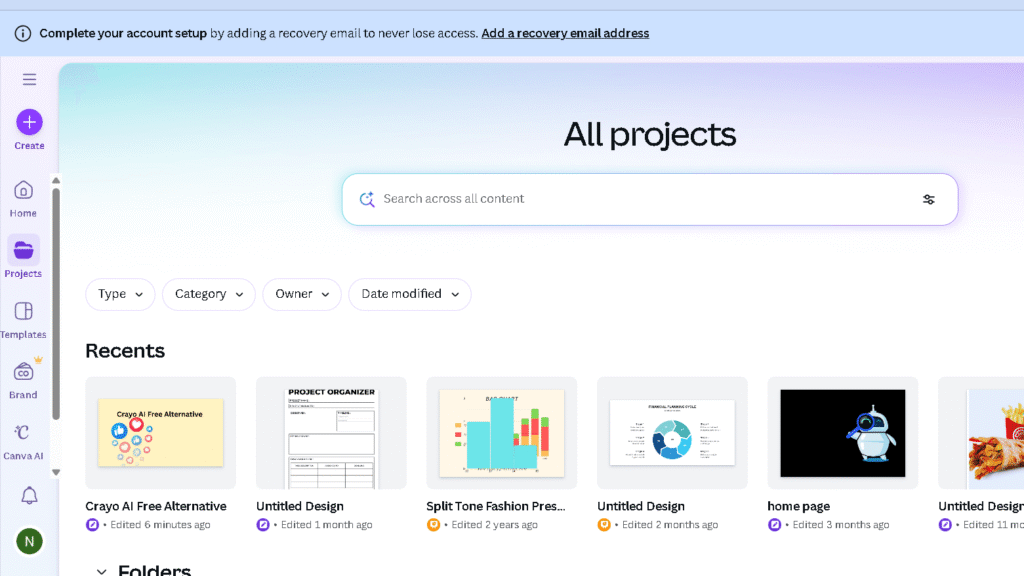
Canva began as an application for graphic design, but it’s now a complete creative suite that is powered with “Magic Studio” AI features. Users of all levels can design polished graphics presentation, slideshows, and social media content effortlessly.
The drag-and-drop interface as well as the huge template library makes Canva an essential tool for many.
Key Features
- Drag-and-drop editor for images as well as social posts It makes it simple for developers to design content.
- Text suggestions and layout suggestions powered by AI.
Pros and Cons
- Pro The massive template as well as the stock library of assets.
- Pro Team collaboration in real-time runs smoothly.
- Cons: AI video editing is still quite limited.
Pricing Options
Canva provides a free plan, as well as premium Pro and Team options.
4) Claude
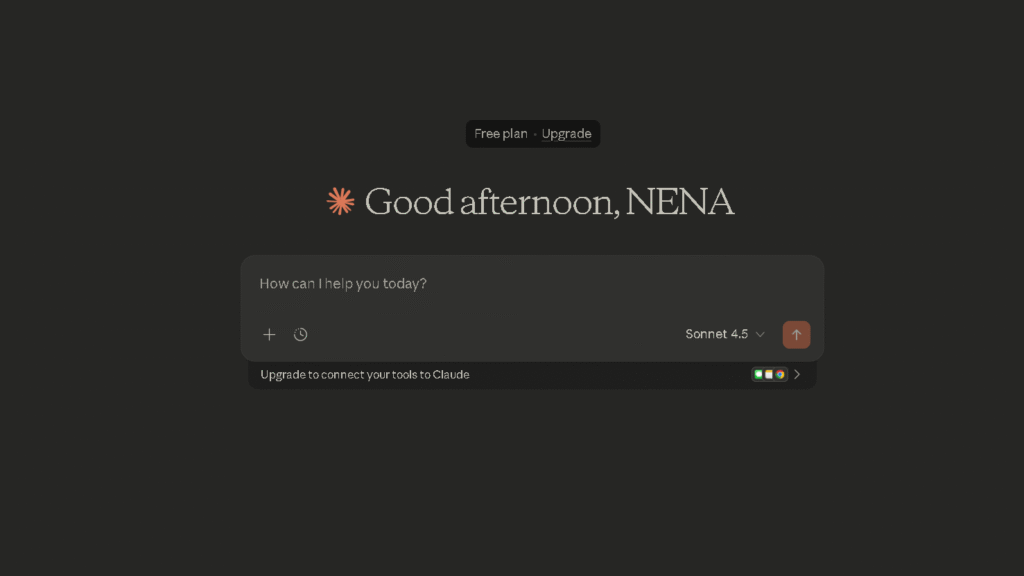
Anthropic created Claude for use as a sophisticated AI assistant that has powerful reasoning capabilities and a strong emphasis on safety. It is able to handle huge documents, intricate copywriting, and a variety of complex conversations.
The huge context window allows it to handle tasks that require a thorough comprehension of texts that are long using natural processing of languages, which is like how 1min.ai can provide advanced capabilities.
Key Features
- Created by Anthropic with security and reliable thinking in mind this AI platform provides a safe environment.
- Large context windows for sophisticated analysis is vital to leverage AI across a variety of applications.
- Innovative reasoning and security-focused solutions are the main features that distinguish solutions from 1min.ai.
Pros and Cons
- Pro Fantastic for content with long forms and sophisticated editing.
- Pro: Keeps context over long conversations.
- Contra: Costs rise quickly when you use a high volume API or high-end use.
Pricing Options
Claude provides the free tier, as well as the option of a Pro subscription for more frequent use.
5) Microsoft Copilot
Microsoft Copilot integrates large languages models within Microsoft 365. Microsoft 365 suite–Word, Excel, PowerPoint, the usual common suspects. Copilot functions as an AI assistant, assisting you to compose emails, summarize meetings, and analyse information in the tools that you already utilize.
This increase in productivity is particularly beneficial to office workers.
Key Features
- Native connection to Microsoft 365 apps.
- Summary of meetings and automated analysis of data provide useful insights to your projects, making sure that you are able to act effectively on the information you gather.
Pros and Cons
- Pro Highly efficient Office 365 users, especially when coupled with an image generator.
- Pro Secure and private for enterprises.
- Pro: Not much use outside of the Microsoft ecosystem.
Pricing Options
Copilot is available as a free trial however, you’ll need to sign up to access features that are business-level.
6) Alternative to 1min.ai Poe
Poe created by Quora is a hub on which users can interact with many top AI models in one place. It’s great for comparing the responses from engines such as ChatGPT, Claude, and Gemini. This is a good option if you’re looking to explore.
Key Features
- One interface for testing multiple AI models.
- Comparing model responses side-by-side.
Pros and Cons
- Professional: Quick access to engines such as ChatGPT, Gemini, and Claude.
- Pro It is not a technical set-up required to switch models.
- Pro: User interface is basic and is lacking in the ability to create new tools.
Pricing Options
Poe offers a free version and the option of paying to premium versions.
7) TESS AI
TESS AI is focused on creativity through visuals and marketing automation. It has powerful tools to AI image creation and editing. These tools are frequently compared to Midjourney.
The ease of use is a great option for professionals in marketing who require professional-looking images fast.
Key Features
- AI images and edits, similar to Midjourney.
- Support for Stable Diffusion models for custom visuals.
- Templates for social ads that are marketing-ready.
Pros and Cons
- Pro Simple for anyone who is not a designer to make use of.
- Pro: Fast processing for visual assets.
- Cons: Less customization than professional design suites.
Pricing Options
TESS AI comes with both paid and free plans, based on output resolution and the amount of usage.
8) Multichat AI
Multichat AI is a tool for those who wish to enhance AI interaction as effective as they can by querying several models simultaneously, which includes options such as GPT. If you have to cross-reference data or search for the most precise response between a number of language models, Multichat AI is the option.
You also have your privacy in check.
Key Features
- Search for multiple LLMs simultaneously similar to 1min.ai.
- Bring-Your-Own-Key (BYOK) privacy support.
Pros and Cons
- Pro: Side-by-side model accuracy comparison.
- Pros: A greater control on privacy concerns and API charges is vital for developers to manage sensitive data.
- Pro: The technical interface may be a challenge for new users, particularly those who are not familiar with text prompts that are advanced and GPS functions.
Pricing Options
Multichat AI offers free and paid tiers, based on features and access to models.
9) Multi AI Chat
Multi AI Chat lets teams collaborate and improve productivity by centralizedizing AI resources within a shared workspace. It connects users to the most efficient models, and allows teams to create prompts and outputs in a seamless manner.
This is an excellent option for companies looking to incorporate AI workflows.
Key Features
- Collaboration workspaces shared by teams and collaborative tools increase productivity and aid in the sharing of information across various AI projects.
- Intelligent query routing to the most effective algorithm, which may include options such as 1min.ai that allows users to effectively access the most current AI solutions.
Pros and Cons
- Pro centralizes outputs, prompts, and other information for groups.
- Pro It supports APIs and local integration of files.
- Contra: Advanced features need plans for enterprise.
Pricing Options
Multi AI Chat is available with a free plan and paid plans that allow for more use, which makes it a powerful rival to 1min.ai.
10) AI4Chat
AI4Chat is a platform that integrates providing text, image video, music, and text generation. It combines top models such as Gemini and ChatGPT in a single monthly subscription that keeps things easy and affordable for professionals who are creative.
Key Features
- Access to all-inclusive video, text, images and tools for music.
- Centralized rapid management and billing.
Pros and Cons
- Pro: Combines multiple subscriptions–models like Gemini included.
- Pro The ability to predict costs of multimodal tasks.
- Con: Free plan quotas can feel tight.
Pricing Options
AI4Chat offers free and paid plans that offer higher quotas and access to premium models that makes it adaptable to diverse user requirements.
11) Alternative to 1min.ai Jasper
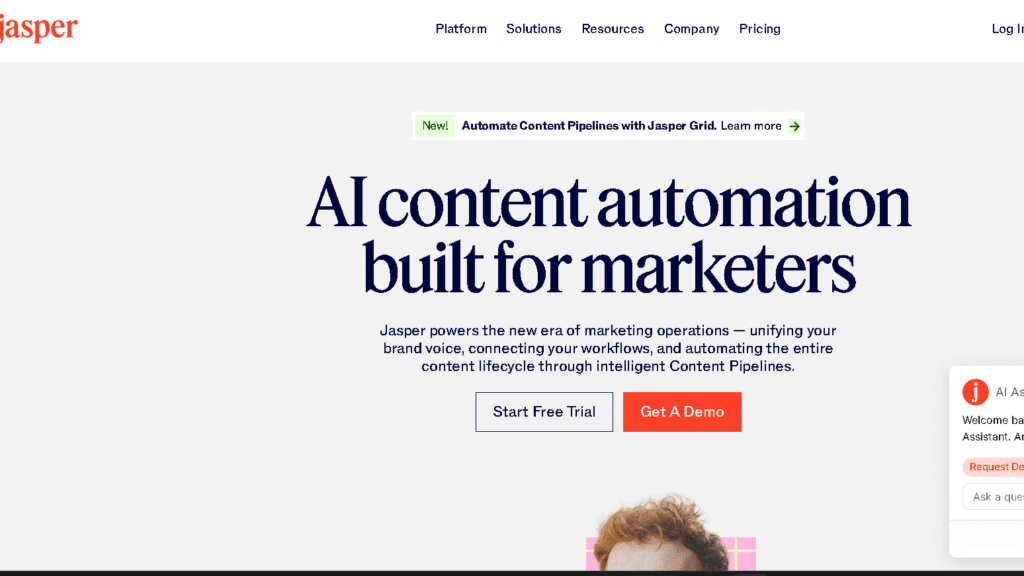
Jasper is a top AI content platform that was designed specifically for marketing professionals in the enterprise. It is focused on consistency of brand using integrated brand kits as well as collaboration tools.
Jasper is particularly adept when it comes to creating effective, long-form marketing material that is in line with the company’s tone across all the various channels of digital.
Key Features
- Long-form content for enterprise-level marketing.
- Brand Kit features constant messages.
Pros and Cons
- Pro Excellent for maintaining the same voice of your brand.
- Pro Tools for collaboration in large teams.
- Cons: Higher price than the majority of AI alternatives.
Pricing Options
Jasper utilizes monthly or annual subscriptions that have different levels of seat.
12) Writesonic
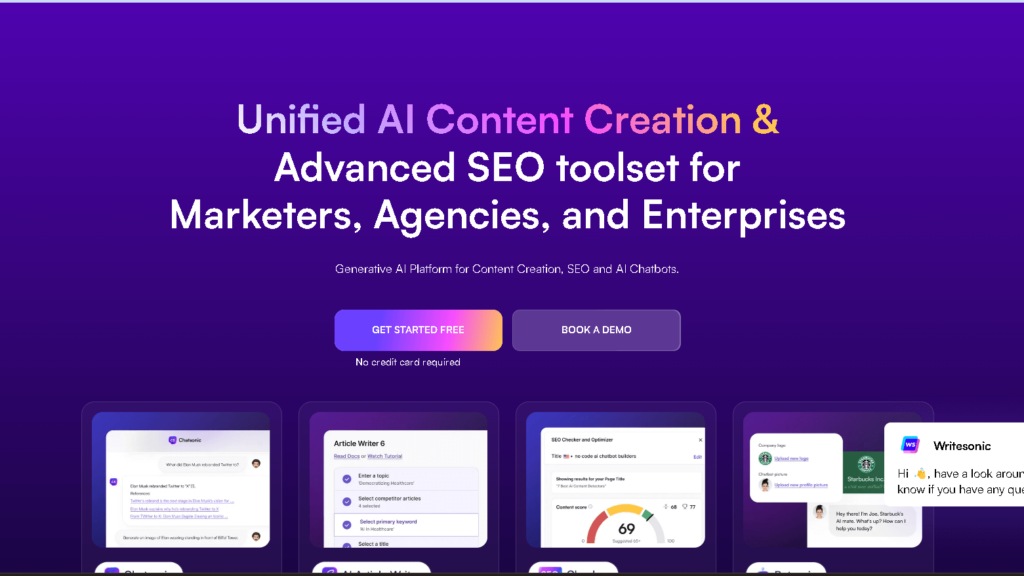
Writesonic is a well-known AI writing tool that focuses on creating SEO-friendly content for blogs, advertisements, and landing pages. The real-time data fetching feature ensures that information is current and accurate.
Templates that are specially designed to help marketers create top-quality content quickly.
Key Features
- Creates text for websites and articles with lots of power.
- Pulls in real-time data, so info stays fresh.
Pros and Cons
- Pro Fast content production to help you stay in a hurry.
- Pro The interface is warm and welcoming particularly for marketers who are getting started.
- Cons: Long projects can consume credits quite quickly.
Pricing Options
Writesonic allows you to try the program for free, and then move to tiered plans based on words.
13) Runway
Runway is on the forefront of AI video production. It offers creators and filmmakers access to a range of tools that are professional in creating video using texts, adding editing to footage and automating difficult tasks like background removal.
It is truly pushing the limits of what is possible with digital visual storytelling.
Key Features
- AI-powered tools for video creation and editing offer real-world applications for creators of content.
- Advanced motion tracking, as well as background removal.
Pros and Cons
- Pro These effects on the visual are of the highest quality for creatives in particular when they use advanced tools to enhance images.
- Cons: Beginners might find the learning curve to be quite challenging.
Pricing Options
The basic plan is free. plan, and you can upgrade to premium subscriptions that unlock higher resolutions and additional export options.
14) Descript
Descript alters the way creators edit video and audio by letting users work with an interface that is text-based. It can automatically transcribe your media and editing is like editing a document in Word.
With features such as AI voice cloning and auto removal of filler words, the podcasters aren’t able to avoid it.
Key Features
- Whisper’s audio transcription technology from a trusted company is enhanced with built-in features that ensure speed and accuracy.
- Edit videos and podcasts with just text, which makes it an ideal solution for today’s creators of content.
- Text-to-speech applications for creating authentic voiceovers right out of your own script.
Pros and Cons
- Pro transcriptions are returned quick and amazingly precise.
- Pro makes complicated video editing seem easy.
- Cons: The desktop app will consume the resources of your computer.
Pricing Options
Descript offers a no-cost tier and monthly plans for when you’re looking for more transcription hours.
15) Alternative to 1min.ai TinyWow
TinyWow provides a vast array of tools that are free and user-friendly to solve the everyday problems with files. If you require the conversion of PDF files, AI typing, or fast image editing the application is all about quick solutions with no sign-up needed.
If you’re ever in need of instant digital solutions without the stress, this site is an absolute lifesaver.
Key Features
- A huge library of tools for free for processing and conversion of files.
- Simple AI options to write and upscaling images by eliminating backgrounds.
Pros and Cons
- Pro The majority of basic jobs don’t require registration.
- Pro It is extremely useful for rapid, one-off changes to files.
- Pro: Frequent captchas can be a bit annoying and cause a slowdown in the case of the AI platform.
Pricing Options
You can access almost everything for free, however there’s a premium option for those who want to eliminate advertisements and captchas.
Understanding 1min.ai and Its Use Cases
1min.ai brings a range of AI tools and features all in one place. It’s designed for those who wish to make content including images, automated processes, and more quick, using tools that are specialized to maximize effectiveness.
Platforms like this are in the process of testing AI agents that take on multi-step tasks.
Primary Features of 1min.ai
1min.ai offers a broad toolkit to aid in content and media creation. There are AI models for images, text, and video, all in one place.
It is able to handle both long-form material as well as quick summary. You can switch between models such as ChatGPT Llama, ChatGPT, Claude and Gemini without having to leave the interface.
Whisper is included too for a crisp audio transcription. It comes with templates for social, marketing and SEO-friendly text.
It’s a challenge to find a single solution that can cover all of this particularly when you consider other competitors such as 1min.ai. Plans for team and business plans include shared workspaces, credits pooled and API access to automations.
Pricing is usually associated with the use of high-credit bundles or lifetime deals for freelancers as well as small teams are likely to appreciate to reduce costs per task.
Common Challenges Faced by Users
Some users have mentioned a few issues. The quality of output can fluctuate significantly between different activities, which means that you frequently require tweaking the prompts or modify results manually.
This can reduce the amount of time you can save, particularly with brand-intensive or complicated projects. These could be reduced by using chatbots for quick responses. It can be difficult to understand credit systems and it’s sometimes unclear what models are available for each cost, especially in comparison to the best 1min.ai products.
Integration is a different issue. There aren’t enough native connections to CMS as well as design and development tools which means you’ll need to take additional steps. A few users have also mentioned problems with reliability as well as slow customer support particularly in the case of high volumes of traffic.
Factors to Consider When Choosing an Alternative to 1min.ai
Select the best option depending on what you require: your budget, the must-have options, along with how it is compatible with your existing applications, particularly when you are considering specific tools to meet your particular needs. Concentrate on the pricing, integrations, and the specific tasks you need the tool to perform.
Budget Considerations: Free vs Paid Tools
Free plans are great to test or for light work. They do not allow for things like length of videos and export quality templates, and AI credits.
If you’re searching for a cost-free 1min.ai alternative certain platforms allow you to play with premium models such as Gemini with a few limitations.
Find out how many monthly use you can get, if there are any watermarks, and if the most important features are behind paywalls. This includes features like voice-overs or multi-scene editing.
Paid plans can increase your capabilities and speed up processing and let you access advanced templates and voices. Make sure you compare monthly and annual costs, and be aware of hidden fees like team seats cloud storage access to APIs, all that.
Mid-tier plans that include collaboration and branding controls are ideal for smaller teams, and encourage more effective communication and better coding methods. Big businesses should search for discount on volume, SLAs, and dedicated support.
Try a trial before committing to the long-term.
Integrations and Workflow Compatibility
The decision to choose the best AI alternative is often a matter of to the way it fits within your workflow, and how seamlessly it integrates with existing tools. An efficient integration means less manual effort and fewer downloads clogging your desktop. This is the hallmark of the top software that generates AI tools such as 1min.ai.
Make sure you have native connections Make sure you have native connections to Google Drive, Dropbox, Slack and your CMS. Find out if you can directly publish on YouTube, TikTok, or your website, and make sure it’s compatible with standard formats like WAV, MP4 or SRT for seamless sharing of content.
If you are in need of automated processes, API access is a essential. Do you want batch processing to generate images? Consider Zapier integration that lets you connect multiple apps, and increase the power of platforms such as 1min.ai.
Double-check the options for REST API rates, options, and the way authentication functions. Features for teams like shared libraries and role permissions could make a an enormous difference, too.
The bottom line is that The tool should make life easier, not require additional steps.
Frequently Asked Questions
This section addresses real practical issues regarding both paid and free 1min.ai alternatives, practical SEO strategies for websites and retailers, as well as where you can learn about advanced SEO with a small budget. You’ll find steps and tools you can apply immediately.
What are the free tools that exist to help with an AI-based analysis of SEO?
Google Search Console gives you statistics on performance and index coverage free.Google Analytics (GA4) analyzes user behaviour and converts without costing any cent.
Other great free alternatives: Ubersuggest’s no-cost tier for keyword suggestions, as well as AnswerThePublic’s question-based keyword prompts.
Simple and Canva assist with images and content even if you choose to stick with the free plan, which makes it accessible to everyone.
How can I boost my site’s SEO without paid service?
Begin with the basics: quick loading pages, mobile-friendly design and structured data, in the event that it’s appropriate.
Make use of Search Console to spot crawl mistakes, and then fix broken links or 404s.
Conduct keyword research using free tools. Then, you can alter your headings, and meta descriptions to keep up with the most recent trends in a variety of AI applications.
Create helpful blog posts and pages for products that address what users are looking for. You can also connect related pages internally in the same way as the top 1min.ai strategies suggest.
What are the most effective ways to optimize e-commerce websites organically?
Utilize specific search terms models, search terms, and information in the product’s titles and descriptions.
Write your own unique product description. Don’t duplicate what the manufacturer provides you, or else you’ll be faced with issues with thin content.
Maintain your categories in order and keep clean URLs so your site’s structure is clear.
Add schemas for products (price reviews, availability, price) and load fast-loading images loaded with detailed alt texts.