
Most website owners know AI visibility matters now.
Very few know where to start. They read about GEO and AI citations and AI Overviews and end up with a list of things to check but no clear way to actually check them. That gap is what I built the NenaWow AI Visibility Toolkit to close.
Instead of one oversized grader that spits out a number, I built six focused tools. Each one solves one specific problem. Together they cover the full picture — from whether AI crawlers can even reach your site, through to whether your content gives them something worth citing.
Everything is free. No signup. No paywall.
Table of Contents
What Is the AI Visibility Toolkit?
The AI Visibility Toolkit is a set of six free tools that check every layer of AI visibility for your website — technical access, structured data, content quality, and AI file compliance.
It is built for bloggers, SEO professionals, content creators, marketers, and small business owners. You do not need a developer. You do not need an expensive subscription. Just enter a URL and get a specific, actionable result in under a minute.
Every tool follows the same philosophy: tell you what is wrong, explain why it matters, and give you a concrete fix with a time estimate. Not vague advice. A real next step.
Why I Built Six Specialized Tools Instead of One
A single score is easy to build and hard to use.
If a tool tells you your AI visibility score is 64, what do you do with that? You do not know whether the problem is technical, structural, or content-related. You do not know whether fixing it takes five minutes or five hours. Where to start?
Six focused tools fix that problem. Each one covers one layer of AI visibility and explains exactly what it found. When a check fails, you see why it matters and what to do about it. When a check passes, you move on. The workflow becomes clear because each tool has a clear scope.
Technical signals, content signals, and AI accessibility are different problems that need different checks. Mixing them into one score makes the result less useful, not more. That is the decision I kept coming back to when designing the toolkit. Depth on one problem beats breadth across all of them.
How the Toolkit Works
The six tools are designed to be used in order. Each one builds on the previous.
Start with the AI Visibility Checker for a complete overview. Then use the robots.txt Checker to confirm AI crawlers can access your site. Move to the Schema Checker to validate your structured data. Run the Content Citability Grader on your most important articles. Use the llms.txt Generator to create your AI accessibility file. Finish with the llms.txt Validator to confirm the file is live and correctly set up.
You can use any tool on its own. But running them in sequence gives you the clearest picture of where your site stands and what to fix first.
AI Visibility Toolkit at a Glance
| Tool | Time | Best For |
|---|---|---|
| AI Visibility Checker | 60 sec | Complete audit |
| Robots.txt Checker | 30 sec | Crawl access |
| Schema Checker | 30 sec | Structured data |
| Content Citability | 1 min | AI citations |
| llms.txt Generator | 2 min | Create file |
| Validator | 30 sec | Verify file |
Recommended AI Visibility Workflow
Tool 1 — Free AI Visibility Checker
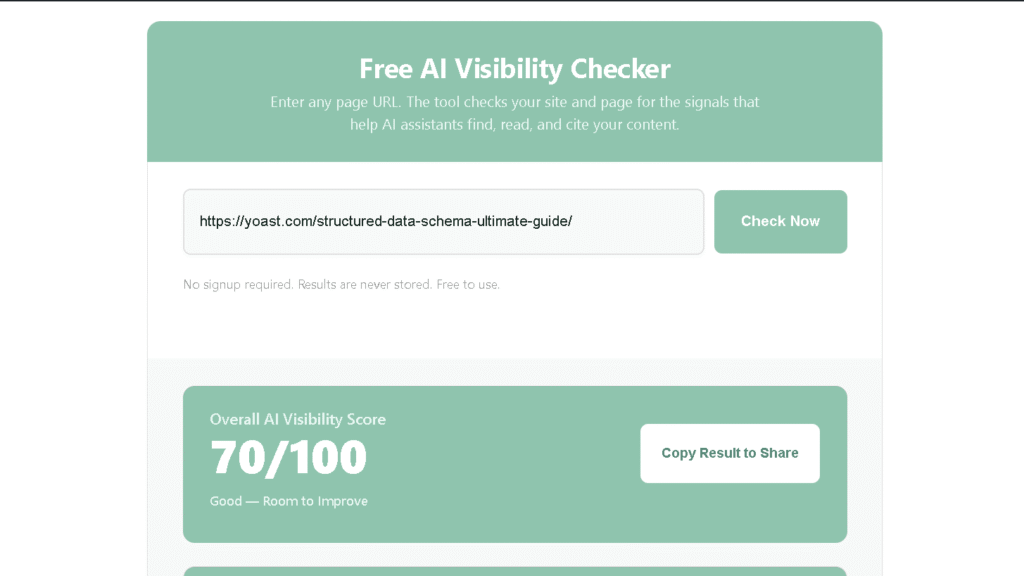
The AI Visibility Checker is the right place to start. It is the most complete free AI visibility audit available and the tool I would run on any site before doing anything else.
It checks ten signals across two categories. Website health covers robots.txt crawler access, XML sitemap, llms.txt file, and Organization schema. Page health covers title tag, meta description, heading structure, FAQ schema, Article schema, and content depth. Every check returns a pass, warning, or fail — with a specific explanation and fix for anything that does not pass.
The results include an overall score out of 100, a section score for website health and page health, a prioritized Next Steps card showing what to fix first, and individual check cards with difficulty ratings and time estimates.
Who should use it: everyone. When to use it: always start here. It takes under 60 seconds and tells you exactly where to focus next.
Tool 2 — AI robots.txt Checker
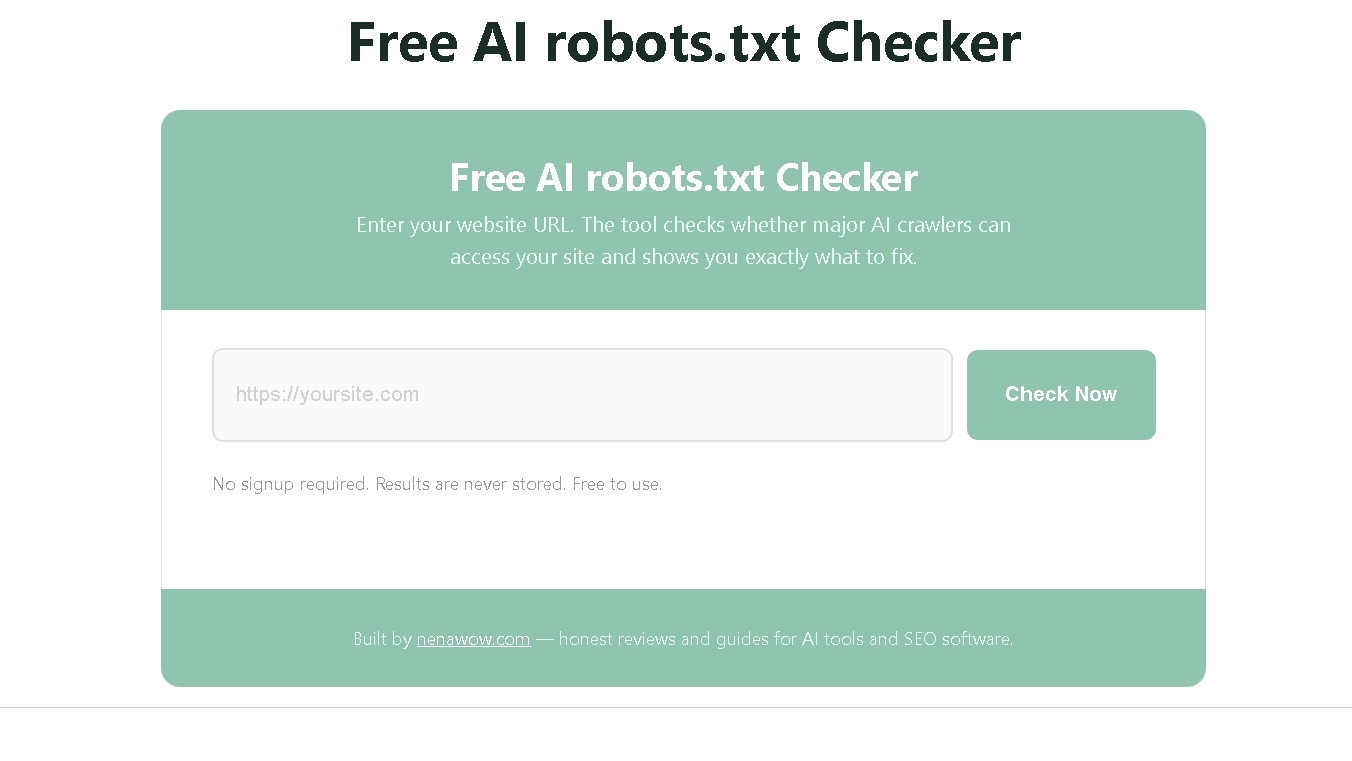
The robots.txt Checker answers one question: can AI systems actually reach your site?
It checks seven major AI crawlers — GPTBot, ClaudeBot, PerplexityBot, Google-Extended, OAI-SearchBot, CCBot, and the Anthropic training bot. For each one it tells you whether access is allowed or blocked, and it shows you the actual robots.txt content with blocked rules highlighted in red so you can see exactly what to change.
The score is weighted by crawler importance. Google-Extended carries more weight than CCBot because Gemini citations matter more to most site owners right now. If a high-value crawler is blocked, that shows up clearly in both the score and the recommendations.
Who should use it: anyone managing a website. When to use it: before spending time optimizing content. There is no point improving a page that AI crawlers cannot reach.
Tool 3 — Schema Checker
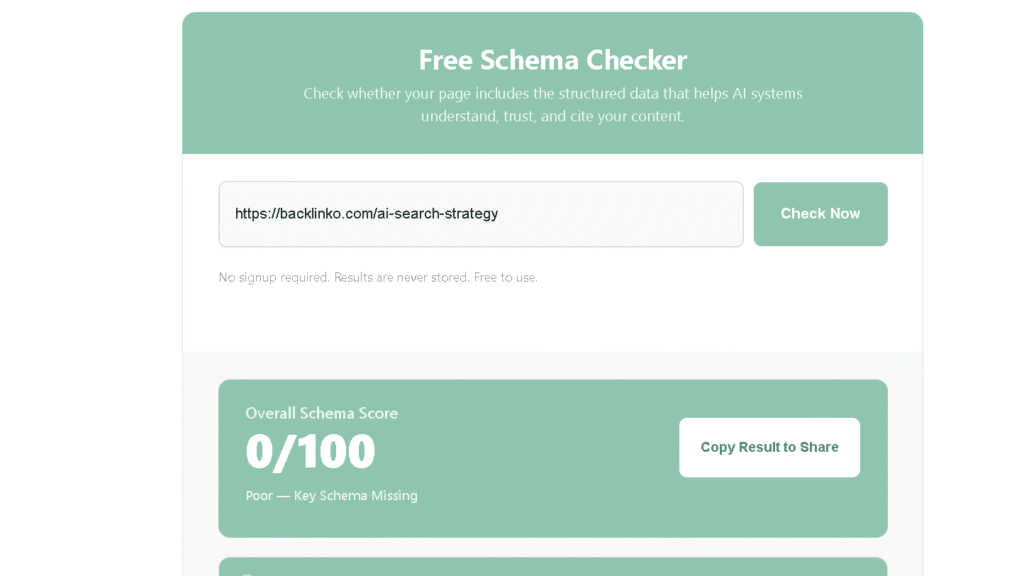
The Schema Checker validates the structured data on your page — not just whether it exists, but whether it is complete enough to be useful.
It checks six schema types: Article or BlogPosting, FAQPage, Organization, WebSite, Person, and BreadcrumbList. For each type it returns one of three statuses. Complete means the schema is present and all key fields are filled. Basic means the schema exists but is missing required fields — and the tool tells you exactly which field is absent. Missing means no schema of that type was found.
Every missing or incomplete schema type comes with a ready-to-copy JSON-LD code snippet. You paste it into your site and you are done. No need to write schema from scratch or understand the spec in detail.
If your page has all six schema types complete, the tool shows a positive result. Good schema is worth recognizing.
Who should use it: publishers, bloggers, and SEO teams. When to use it: after confirming crawler access, before evaluating content quality.
Tool 4 — Content Citability Grader
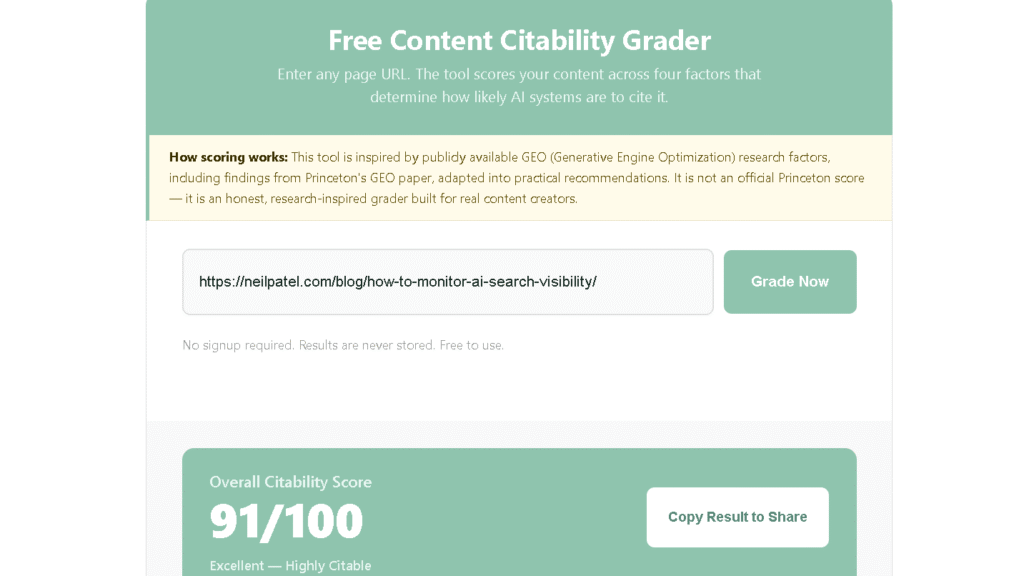
This is the most original tool in the set and the one I am most proud of. It is also the one that took the most thought to build correctly.
The Content Citability Grader scores your content across four dimensions drawn from GEO research factors, including findings from Princeton’s published research on Generative Engine Optimization. The four dimensions are Evidence, Structure, Authority, and AI Readability — each worth 25 points for a total score out of 100.
Evidence checks for statistics, research references, external source links, direct quotes, and concrete examples. Structure checks for heading hierarchy, definitions, lists, FAQ sections, and section balance. Authority checks for named authorship, first-person testing language, specific methodology references, original insights, and balanced tone. AI Readability checks for paragraph length, question-answer formatting, named entities, consistent terminology, and logical flow.
The results include the overall score, a Top 3 Opportunities card showing the highest-impact improvements ranked by point gain, a plain-language summary of your page’s strengths and gaps, and a two-column breakdown of why AI may cite this page versus why it may skip it.
I ran this tool on twenty of my own articles during development. The scores matched my honest assessment of each article’s quality in eighteen of the twenty cases. That gave me confidence the detection logic was working.
Who should use it: content creators, writers, editors, and publishers. When to use it: before publishing important articles, and when reviewing existing content for AI citation potential.
Tool 5 — llms.txt Generator
The llms.txt Generator creates a ready-to-upload llms.txt file from your site details in about two minutes.
You fill in your site name, URL, a one-sentence description, your author name, your content topics, and your crawling preferences. The tool generates a clean, correctly formatted llms.txt file that you download and upload to your site root so it is accessible at yoursite.com/llms.txt.
I want to be direct about something because most llms.txt content is not. Current evidence shows near-zero direct correlation between having an llms.txt file and increased AI citations. The standard is new and most AI systems do not actively read it yet. I include an honest note at the top of the tool explaining this rather than overstating the impact.
That said, the file takes five minutes to create and costs nothing. As the standard matures, having one in place is a low-risk, low-effort move. Create it. Just do not expect it to be the thing that transforms your citation rate.
Who should use it: website owners interested in AI accessibility. When to use it: after the technical setup is complete.
Tool 6 — llms.txt Validator
The llms.txt Validator checks whether your llms.txt file is live, readable, and correctly filled out.
It fetches your file from yoursite.com/llms.txt and runs eight quality checks: site title present, description present, URL declared, author field included, permissions section present, topics listed, key pages referenced, and clean encoding with no non-printable characters.
Each check returns a pass or fail. Fails come with a specific fix. The overall score out of 8 tells you how complete your file is. If the file is not found at all, the tool shows a clear not-found state and links directly to the Generator so you can create one.
Who should use it: anyone who has installed or is planning to install an llms.txt file. When to use it: immediately after installation to confirm everything is live and correct.
Which Tool Should You Start With?
| Your goal | Tool to use |
|---|---|
| Complete AI visibility audit | AI Visibility Checker |
| Check if AI crawlers can access your site | robots.txt Checker |
| Validate your structured data | Schema Checker |
| Improve content for AI citations | Content Citability Grader |
| Create an llms.txt file | llms.txt Generator |
| Verify your llms.txt is live and complete | llms.txt Validator |
If you are not sure where to start, use the AI Visibility Checker first. It covers the widest range of signals and its Next Steps card will point you toward whichever focused tool is most useful for your specific situation.
Recommended Workflow
This is the order I follow when auditing any site for AI visibility.
Step 1 — Run the AI Visibility Checker first. It surfaces every gap at once, so you are not fixing things in the wrong order.
Step 2 — Run the robots.txt Checker before touching content. A blocked crawler makes every content fix downstream pointless.
Step 3 — Run the Schema Checker on your top pages. This is the fastest win on the list, since most fixes are a five-minute code paste.
Step 4 — Run the Content Citability Grader on your key articles. This is the slow one. Budget real time here, not a quick pass.
Step 5 — Generate your llms.txt file. Low effort, low current impact, but worth having in place either way.
Step 6 — Validate the file once it is live. Confirms the whole chain actually worked, not just that you did the steps.
Go back to the AI Visibility Checker after making changes to see how your score has moved. The improvement is usually visible within a few days once changes are indexed.
What Makes These Tools Different
The honest answer is that most AI visibility tools I tested before building these fell into the same pattern. They gave you a score, flagged some issues, and left you to figure out the rest yourself.
These tools follow a different approach. Every failed check explains why it matters — not just that something is missing, but what the practical consequence is for AI visibility. Every recommendation includes a difficulty rating and a time estimate so you know what you are committing to before you start. What about the score? Every score is calculated using publicly documented logic so you understand how it works.
The Content Citability Grader is research-inspired rather than invented. The llms.txt tools are honest about current evidence rather than overselling impact. The robots.txt Checker explains weighted scoring rather than treating all crawlers as equal.
No signup. No paywall or exaggerated claims. That combination is harder to find than it should be.
What’s Next for the Toolkit
The tools are version one. Scoring will improve as real usage data comes in and reveals which checks are weighted too heavily or too lightly.
The Content Citability Grader detection patterns work well across most content types but can produce false positives on pages with unusual formatting. Improving the pattern matching for statistics and named entities is the next development priority.
Longer term, the plan is a full AI visibility monitoring dashboard that tracks citation rates across ChatGPT, Claude, Perplexity, and Google AI Overviews over time — with alerts when mentions change and trend graphs to show progress. That is a bigger project that requires a real backend and API costs. It comes after the free tools have built enough traffic and user feedback to justify the investment.
For now the toolkit does what it was designed to do. Six honest, practical, free tools that give website owners a complete picture of where they stand with AI systems — and a clear path to getting better.
Start Improving Your AI Visibility
The best place to start is the AI Visibility Checker. It runs in under 60 seconds on any public URL and gives you a baseline score, a prioritized list of issues, and a clear sense of which focused tool to use next.
All six tools are available at the AI Visibility Toolkit hub. No signup required. Results are never stored.
Nena’s Quick Verdict
When I started building these tools, I thought I was creating a few useful utilities.
By the time I finished, I realized they worked best as one connected system. AI visibility is not one setting you enable — it is a combination of technical accessibility, content quality, and clear structure. Each tool handles one layer. Together they give you the full picture.
The thing that surprised me most was how rarely websites were strong across all six areas. Most had two or three covered and gaps everywhere else. The ones that performed best in AI response testing were consistently good rather than perfect in any single area.
That is the pattern worth chasing. Not a perfect score on one check. Solid signals across all six.
Frequently Asked Questions
What is an AI visibility toolkit?
An AI visibility toolkit is a set of tools that check the signals influencing how AI systems discover, understand, and cite your website. The NenaWow AI Visibility Toolkit covers six areas: crawler access, schema markup, content citability, llms.txt, technical accessibility, and overall AI visibility scoring.
What are AI visibility tools?
AI visibility tools check specific signals that affect how AI systems treat your website. They identify gaps in technical setup, content structure, and AI accessibility — and explain what to fix and why. The NenaWow toolkit includes six free tools, each focused on one layer of AI visibility.
Which AI visibility tool should I use first?
Start with the AI Visibility Checker. It covers the widest range of signals and its Next Steps card will point you toward whichever specialized tool addresses your biggest gap. If you already know crawler access is your main issue, go directly to the robots.txt Checker. If content quality is the priority, go to the Content Citability Grader.
Are these AI visibility tools free?
Yes. All six tools are completely free with no signup required. They run in the browser using a Cloudflare Worker proxy. No backend, no database, no stored results.
What does an AI Visibility Checker do?
The AI Visibility Checker audits your site and page across ten signals and returns a score out of 100. It checks website health signals like robots.txt access, sitemap, and Organization schema, and page health signals like title, meta description, headings, FAQ schema, Article schema, and content depth. Each failed check comes with a specific recommendation and time estimate.
What is a Content Citability Grader?
A Content Citability Grader evaluates how likely your content is to be cited by AI systems. The NenaWow Content Citability Grader scores your content across four dimensions — Evidence, Structure, Authority, and AI Readability — each worth 25 points. It is inspired by publicly available GEO research factors including findings from Princeton’s research on Generative Engine Optimization.
Why do I need a Schema Checker?
Schema markup tells AI systems what your content is, who wrote it, and how it is structured. Without it, AI systems have to guess. The Schema Checker tells you not just whether schema exists on your page but whether it is complete — because incomplete schema provides far less value than complete schema with all required fields filled.
What is llms.txt used for?
llms.txt is a plain text file placed at your domain root that describes your site to AI systems and declares your permissions for how they can use your content. Current evidence shows near-zero direct impact on citation rates, but it takes five minutes to create and positions you for future changes as the standard matures.
Do these tools guarantee AI citations?
No. No tool can guarantee AI citations because citation depends on the specific prompt, the model version, and factors outside your control. These tools improve the signals that make citation more likely. That is a realistic goal. Guaranteed outcomes are not something any honest tool should promise.
How do I improve my website’s AI visibility?
Start by checking that AI crawlers can access your site. Then verify your schema markup is complete. Check your most important pages with the Content Citability Grader and address the Top 3 Opportunities it identifies. Add a sitemap if you do not have one. Create and install an llms.txt file. Work through those steps in order and you will cover all six layers of AI visibility.