

You want a tool that writes, cites, and reshapes your work without getting in your way. This article helps you find practical Jenni AI alternative, so you can pick something that fits your writing style, budget, and workflow.
Let’s look at options for research help, grammar checks, content generation, and even visual planning.
I’ll highlight key features to compare and give you some straightforward steps to choose what actually works for your projects.
Jenni AI Alternative Quick Overview
Here’s a quick overview table summarizing each tool at a glance:
| Tool | Primary Use Case | Key Strengths | Best For | Potential Drawbacks |
|---|---|---|---|---|
| KoalaWriter | General writing & editing | Simple setup, AI prompts, tone/structure control, easy export | Essays, reports, everyday writing tasks | Fewer advanced research or marketing features |
| Merlin AI | Research + writing assistant | Browser extension, multiple AI models, YouTube/PDF summarization, context awareness | Multitasking across research, writing, and browsing | Privacy concerns, feature limits by plan |
| Yomu AI | Academic & research writing | Structured argument building, source discovery, citation management | Researchers, academic papers | Less suited for casual or marketing writing |
| Scribbr | Academic proofreading & citations | Human editors, plagiarism detection, trusted citations | Students needing high-stakes academic review | Paid per service, not AI-driven drafting |
| Mapify | Visual organization & learning | Converts text into mind maps, great for brainstorming | Visual thinkers, planners, presentations | Not a traditional writing tool |
| Writesonic | Marketing & SEO content | Templates, keyword targeting, fast drafts | Ads, blogs, landing pages | Credit-based pricing can add up |
| Copy.ai | Short-form marketing copy | Fast output, templates, idea generation | Marketers, social posts, emails | Limited for long-form or research writing |
| Jasper AI | Team-based marketing content | Workflows, integrations, brand consistency | Large teams, content-heavy marketing | Can feel complex or overwhelming |
| Grammarly | Grammar & clarity editing | Real-time corrections, tone checks, cross-platform | Polishing any type of writing | Limited content generation |
| QuillBot | Paraphrasing & rewriting | Multiple rewrite modes, grammar & citation tools | Editing, paraphrasing, clarity improvement | Not a full content generator |
1) KoalaWriter
Regardless of what you are writing, from essays to reports to more average length pieces, KoalaWriter allows you to write and edit text quickly.
You don’t have to mess around with loads of setup steps.
It has basic forms and AI prompts to help jumpstart your writing.
You remain in control of tone and structure but it will suggest rewrites, and how to keep going.
Exporting drafts or even pasting into your editor is easy enough.
Which makes it really easy to not get caught up from idea to file to final file.
Among more simple writing tools, it’s also worth considering if you need to be able to do everyday things at your writing desk, like using a word processor.
2) Merlin AI
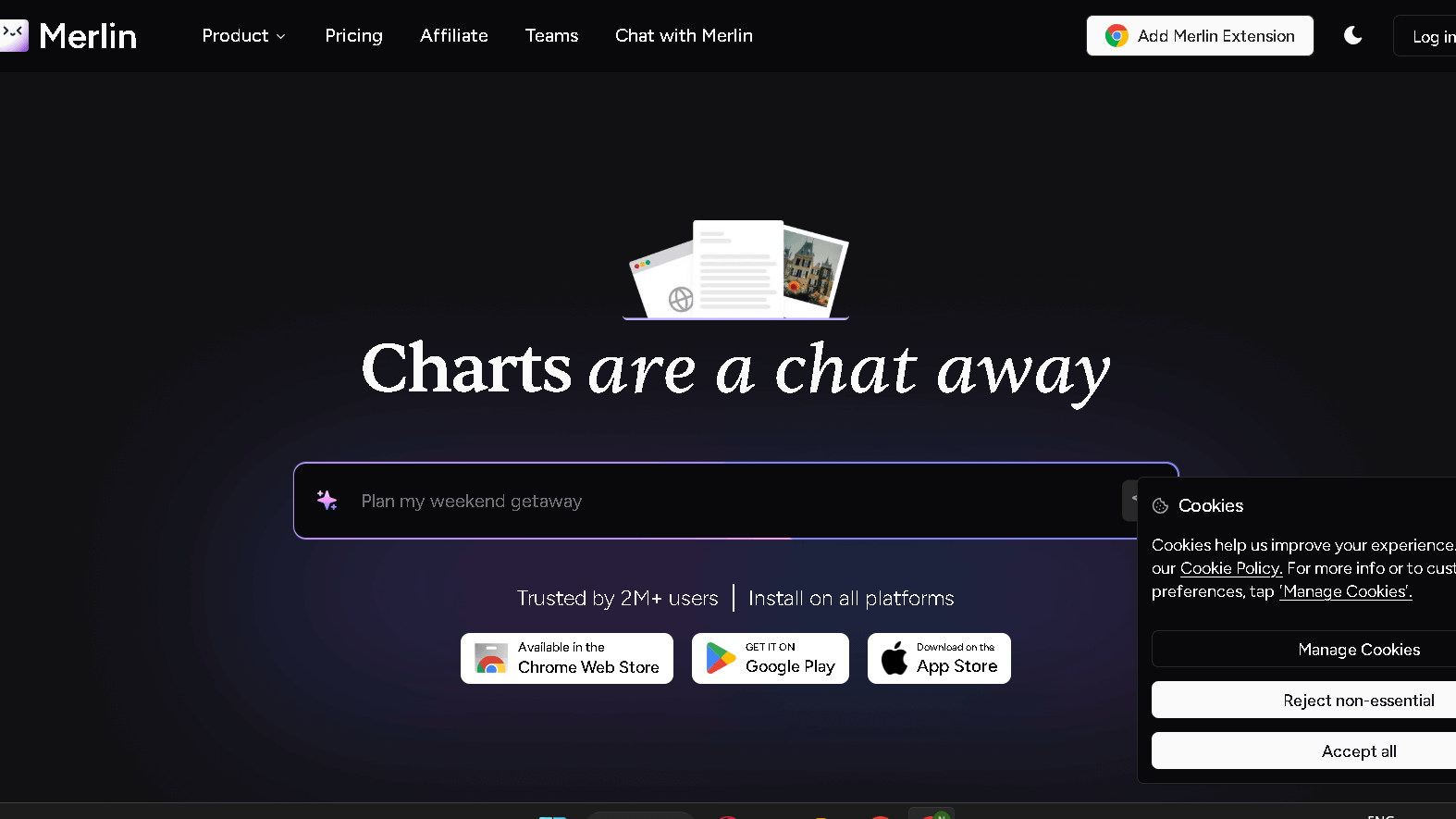
Next Jenni AI alternative is Merlin AI.
They have built ChatGPT and Claude models that are accessible through a browser extension or web app called Merlin AI.
It will generate text, extract abstracts, and even grab answers as you read.
The model that executes your prompts is one that you select, based on whether you care most about speed, cost, or quality.
Merlin can also “summarize YouTube videos and extract important points and information from the embedded web pages and PDFs” .
Merlin will keep context for you as you toggle between research, writing or social media. It integrates with your search and doc workflows, keeping you focused.
Beware of privacy and plan restrictions as features and model access vary per subscription level.
Give it a try with a couple of real tasks and see if it actually suits your workflow before you decide.
3) Yomu AI
Yomu AI is designed for research and academic writing.
It allows you to more easily find and wrangle sources to make arguments more rapidly and keep citations sorted.
You obtain a tool to build arguments with structure and decomposed prompts from complex topics.
These tools guide you through the process of working in small organized sections and not feeling as though you are overwhelmed.
Drafting is integrated with source discovery through its Sourcely engine, which finds useful papers and extracts them.
That is a great time savings when you need to provide evidence for your claims.
The interface is uncluttered and seems designed for research.
Yomu AI really embraces the more rigorous sourcing and clearer argument structure if those are the things you care about.
4) Jenni AI Alternative-Scribbr
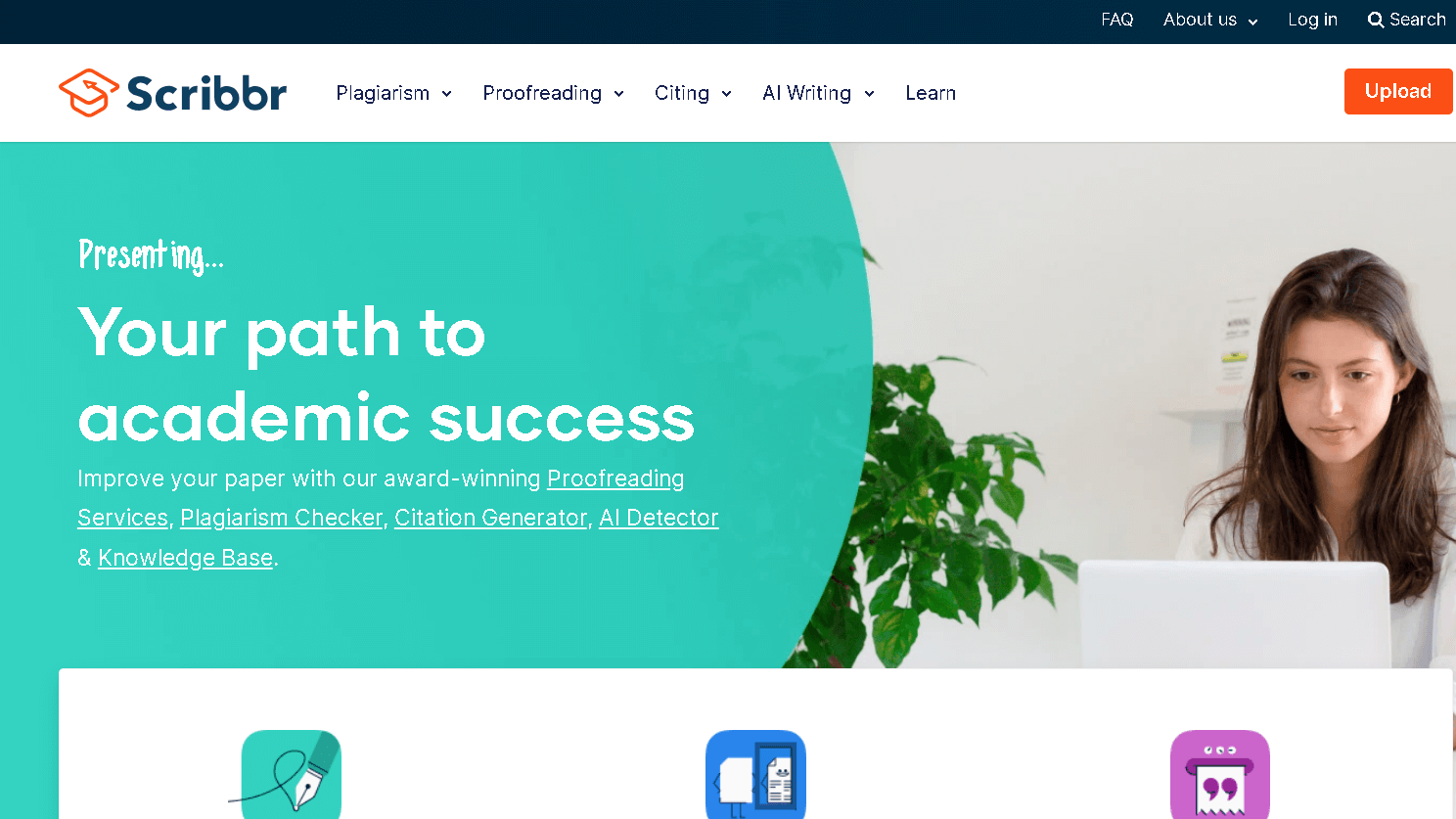
Scribbr is all about academic proofreading and citation help you can trust.
You submit your draft, and real live editors work on grammar, clarity and structure to help your paper.
Use a citation tool to help make sure your references –Al’s , MLA or whatever – don’t get squirrely.
Scribbr also uses a large database to check for plagiarism, which will be useful in catching unattributed material before you submit.
It is priced as individual services: you pay for when you need to have editing, citation checks, plagiarism reports etc.
In the end, if what you are searching for is real human feedback isn’t just AI suggestions Scribbr is a good option.
To read more about Scribbr’s services or features, you can visit their overview page.
5) Mapify
Mapify translates text, articles or notes into mind maps.
Just paste in a document or a link and it will plot your ideas in branches where you’ll be able to intuit relational patterns.
You decide how specific you want to be- blow a node up into subheadings or boil a lengthy block of text down to a couple of important considerations.
Mapify is a wonderful learning, planning, or presentation tool, and its capacity for facilitating and accelerating brainstorming also has the benefit of highlighting your weaknesses.
For those looking for a visual tool to manage complex information, Mapify combines AI summarization with mind-mapping.
The process to edit, export, and share your maps isn’t cumbersome.
6) Jenni AI Alternative Writesonic

Writesonic provides an ad, blog post, email and landing page generator .
Everything else is fast because you just pick templates and tweak outputs.
It is primarily concerned with writing that is SEO friendly and has functions for keyword targeting and writing to beneffit readability.
The drafts can be exported to a favorite editor for the final polish.
Pricing is on credits so be mindful if you write extensively.
If that’s a concern, look for alternatives that have flat plans, or different limits.
Check out a compilation of Writesonic alternatives to help determine where it stands in the landscape of AI writers and perhaps find a better fit for your style.
7) Copy.ai
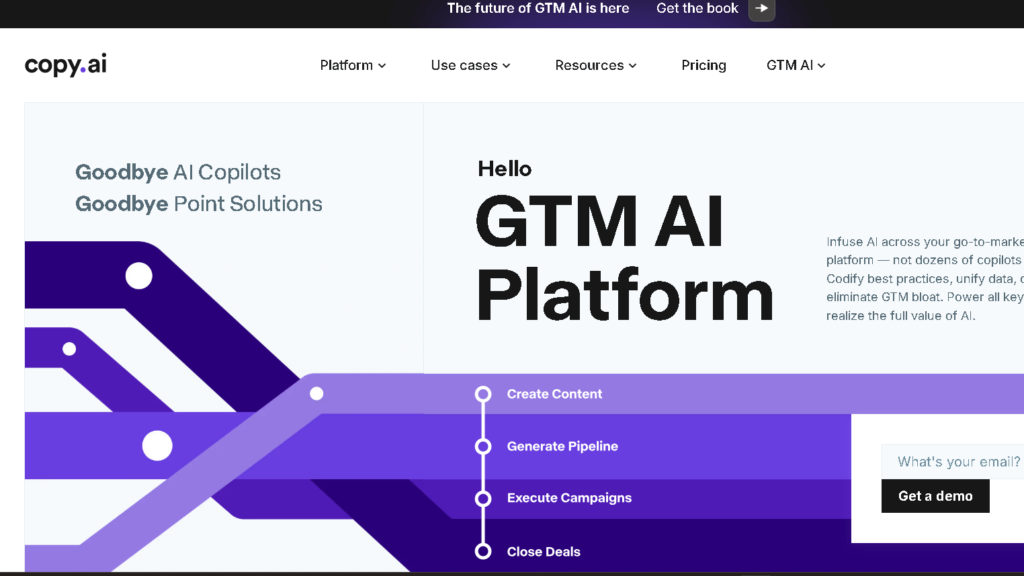
Use Copy.ai to write blog posts, emails, social captions, and short form fast.
That’s because its output is human readable and easily refined or repurposed by time-strapped writers and marketers.
It guides you in combining the different templates and tones so you can keep the style and length under your control.
It includes tools for brainstorming ideas and outlines – which can be a life saver when you’re stuck.
Copy.ai churns out these very quickly and you can select the best lines that you can then mold as you need.
If you want an alternative to Jenni AI more centered on marketing and short-form copy, you may want to give Copy.ai a try.
8) Jasper AI
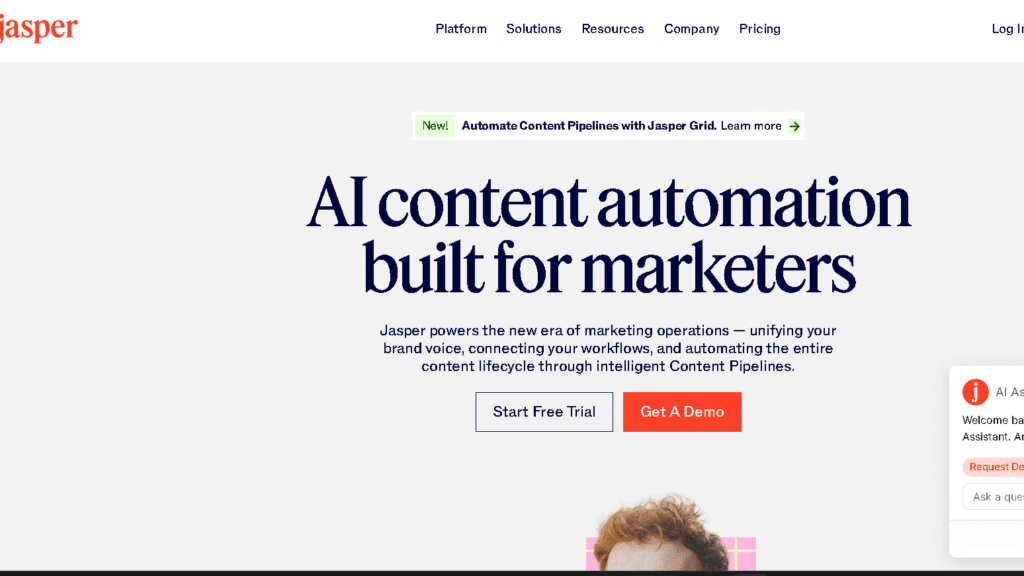
Jasper AI allows you to quickly generate marketing copy, blog posts, and social content .
You choose the templates and direct it with brief prompts to set the tone and structure.
It includes workflow tools and integrations with content platforms, as well, which are helpful if you have a large team or require a consistent output.
Others feel that the interface is awesome, but “overwhelming” or “a lot to take in for new users”.
If you want something simpler that is just a research tool Jasper may seem like overkill.
Try to compare Jasper with some others to see if its characteristics and marketing orientation actually match your work.
9) Grammarly
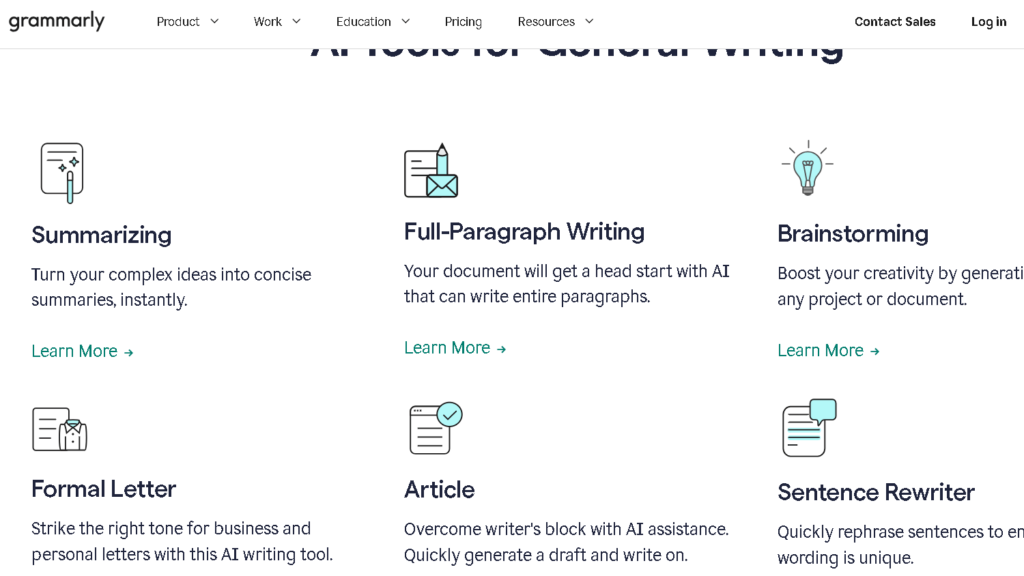
Grammarly quickly and efficiently identifies known grammar, spelling and punctuation errors.
It points out mistakes, providing brief explanations, so you kind of learn as you go.
It is also an indication of tone and clarity of writing.
Casual word making is available in casual mode and there is an option to see possible rewrites of awkward sentences .
Grammarly functions on web browsers, word processors, and mobile applications, and it continually synchronizes suggestions.
Their paid plan includes advanced tone checks, conciseness tips, and a plagiarism detector for source checks.
10) Jenni AI Alternative QuillBot
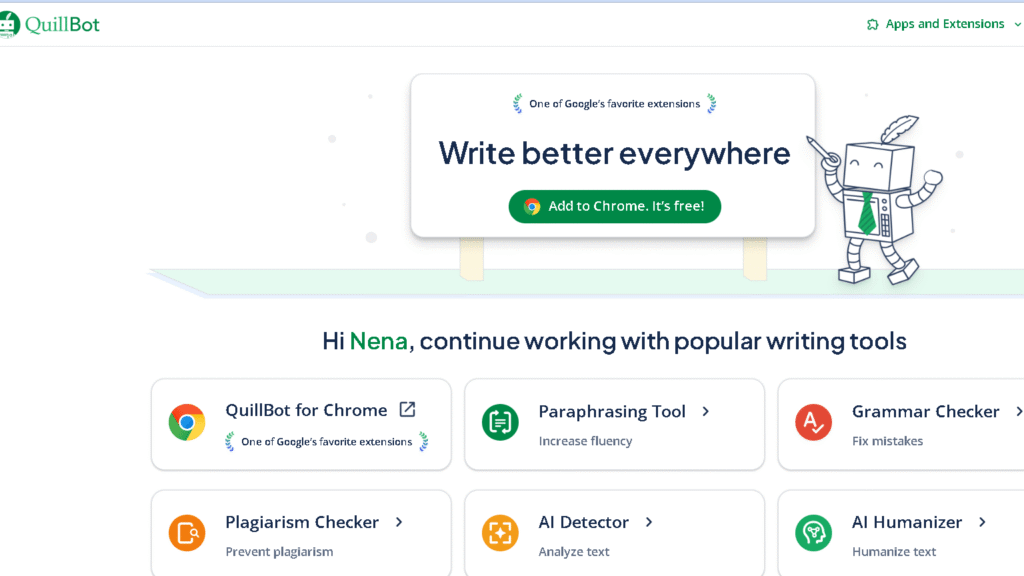
The last Jenni AI alternative is QuillBot.
QuillBot helps you rewrite sentences and fix your writing quickly.
A useful feature of this tool is that you can choose different modes of paraphrase if you want to alter the tone or clarity without having to retranslate everything yourself.
It includes a grammar checker and also a citation generator should you need it for academic purposes.
These utilities will help you edit faster and give you cleaner drafts.
QuillBot excels in making the wording clearer or in quickly paraphrasing.
If you are interested in citations and re-writing it plays well with research tools .
QuillBot is more limited in its capabilities than one of the complete writing assistants, should heavy content generation be your need.
But, as a tool to work from for paraphrasing and cleaning up, it is very customizable and easy to use.
Key Features to Consider in a Jenni AI Alternative
Pick a tool that helps you write faster, checks for originality, handles your content types, and fits with your apps and team.
Look for clear controls for tone, citation, export, and collaboration.
Writing Assistance Capabilities
You want AI that writes good drafts and helps with your editing.
Expect paragraph and sentence level rewriting, context aware autocomplete, and tone presets.
It is useful if you can lock sections, set target word counts, and create templates for abstracts or emails.
Look to see if the AI provides explanations of its suggestions- tools that tell you why a correction is important help you learn and remain in control.
If you use large files, or have unreliable internet, speed and offline can be an issue.
Be sure that it provides in-text citation capability and exports “clean” drafts to Word, google docs, or LaTeX without screwing up your formatting.
Content Originality and Plagiarism Detection
Basically you don’t want to be accidentally plagiarizing.
Select software that integrates plagiarism checks comparing to both online and academic sources, displaying matches and links, letting you correct or cite.
Other tools warn of paraphrase risk and propose rewrites in wording that sounds like it is from a quote you have left space for the attribution.
In-app link inserts and report download options are good for records and submissions.
Be sure their database is live and ask them which sources they look in.
If you must adhere to their compliance make sure the tool meets within your privacy standards… them storing your proprietary text.
Supported Content Types
Make sure it deals with the formats you use the most.
For research papers you do want structured academic sections, biblipgraphies, and LaTeX export.
Copywriters in marketing should look for headline generators, SEO keyword assistance, and meta description templates .
For mixed workflows you will find support for plain text, DOCX, Google Docs, PDF, and Markdown.
Outputs that are more niche, such as slide decks, snippets of code, data tables etc. away all matter.
Try it out with your actual documents to verify that it does indeed keep footnotes, equations, and citation links.
Integration and Collaboration Tools
Whatever you decide, make sure it fits into your apps and team habits.
Be sure to check for compatibility with Google Docs, Word, citation managers, and LMS platforms .
API access is a plus for customized automations.
Shared spaces, version history, comments and role-based access helps to enable collaborative work.
Some capabilities like export/import options SSO support and audit logs can be important if you are in regulated environments .
Drafts can be pushed to your publishing queue further with some user cloud storage and productivity tools.
How to Choose the Best Jenni AI Alternative
Consider what writing tasks you engage in most, your budget, and the usability of the tool and support for it.
Match features, cost, and support to your working day and your deadlines.
Feel free to experiment with a few quite before settling – often the “best” fit is what feels best in practice.
Assessing Your Content Creation Needs
Begin by listing the kind of things you do produce – research notes, essays, blog posts, sketch notes from a book, outlines, citations or something else.
Determine if the alternative is able to generate organized outines, grow bullet points, or spew academic-style summaries.
As a paper writer, be closely attentive to how it manages and places citations.
Some also auto-format your references, but with others you are on your own to figure out how to do it.
Consider how much control you desire in terms of tone and style.
Customizable options such as level of creativity, length limitations or a library of templates can allow you to adjust the output.
Test it on something concrete- like turning a 200-word sketch into a 700-word draft. Do this for what you get – and do this to determine how far you have to edit.
If you’re concerned about plagiarism checks, source attribution, or content filtering you should choose a tool that displays citations or links to such checking services.
Short on time?
Also do check the speed of the same.
Budget and Pricing Models
Do a comparison between monthly plans and pay as you go.
If you are using it very frequently, then the monthly subscriptions are cheaper per use, but if you just want it for some occasional stuff you write then you might want to consider the credits or token packs .
Be aware of overage fees, usage caps, and monthly word or generation limits.
Verify what you are actually unlocking at each pricing tier.
Others reserve their best models, plagiarism tools or even the team features for the more expensive plans.
If you are a student or teacher, find discounts – you would be surprised at what is out there.
There are also hidden costs to be aware of – such as API access, additional credits for very large docs, and commission fees for quicker processing.
Always verify.
Get a free trial or a nice free-tier to be able to try the basics yourselves.
Think of the trial as processing through your normal workflow and determining how much you would in fact blow.
If you require collaboration then compare team seat prices and version control.
Sometimes, that kind of things piles up quickly.
User Experience and Support
Just open the interface and pokes around. Is the editor clean? How apparent are these templates?
Are you able to import/export your files in the file formats that you work in?
A no-clutter editor can save you time and stop you from making mistakes.
If you spend time in other apps, check if they have a browser extension, or an integration with Google Docs.
Take a look at the help options.
Fast email support, live chat, or an excellent knowledge base replete with guides and video tutorials can help tremendously.
Community forums and frequent product updates are important if you rely on new features or bug fixes.
Remember to look for learning and customization features.
The good ones will allow you to save your own prompts, build up your own style guides, and organize your project folders.
The extras are where this thing can really help you keep your voice within… and speed up editing.
Frequently Asked Questions
Here’s a quick dive into common questions about AI writing tools for students and researchers.
What are the best alternatives to Jenni AI for academic writing assistance?
If you want the structure in drafts, and help with citation, try KoalaWriter.
Yomu AI and Scribbr cater to an academic audience, rhetoric, such as reckless plagiarism checks, and reminders to cite papers are presented.
Merlin AI offers you abridged summaries and research prompts that are useful for literature reviews.
Mapify can aid you in the planning process, with a visual outline of your essay. Before even beginning a draft most students find it really valuable.
Can students find free AI-based writing tools similar to Jenni AI?
Definitely. Some tools have free tiers that cover basic writing and research.
KoalaWriter and Merlin AI often let you generate drafts and summaries at no cost.
Free plans usually come with limits—maybe fewer daily uses or reduced citation checks.
Pairing a free AI tool with manual editing can help you meet academic standards.
How does Paperpal‘s functionality compare to Jenni AI for enhancing writing tasks?
Ideally suited for use by researchers, Paperpal makes grammar, clarity edits, and academic phrasing suggestions. Often, it provides in-line recommendations for sentence structure and conclusion that cuts .
Jenni AI is more about creating ideas for and drafts in all types of genres. If all you need is fine-tuning and citation corrections, Paperpal tends to provide more focused editing support.
What distinguishes Jenni AI from other AI platforms like ChatGPT?
Jenni AI is all about structured documents and academic workflows.
It often bakes in citation tools and templates for essays and papers.
ChatGPT is more of a generalist—conversational prompts, creative writing, you name it.
You can ask ChatGPT for research help, but you’ll have to handle citations and formatting on your own.
Are there any AI writing aids tailored specifically for use in educational settings?
Yes. Scribbr offers academic proofreading and plagiarism checks for class assignments.
Mapify has visual planning tools that teachers and students use to organize projects.
Some platforms include classroom features like shared workspaces or instructor review. Always check for education pricing and controls before you jump in for class use.
Which AI tools offer capabilities for managing and analyzing PDF documents effectively?
Yomu AI is a tool that allows you to view, search, and summarize PDFs for rapid review. Merlin AI will extract the text and main points from the documents you upload, to help to make your research a little less painful.
Scribbr and KoalaWriter can extract references from PDF documents, though there are limitations depending on the plan you are using. If you work with a lot of PDFs, you may want to first establish whether a tool obviously supports pdf import, searching, and summarization .


