

Looking for a fast, free way to turn messy notes into clear study tools? AI helpers can save you loads of time if you find the right fit. Here, you can check some Turbolearn AI Alternatives.
This article points you to reliable, no-cost alternatives to TurboLearn AI so you can pick tools that actually match your study style and privacy needs.
You’ll get a rundown of options for summaries, flashcards, diagrams, and spaced repetition. I’ll toss in some tips on features and privacy quirks to look out for too.
The next sections break down tools like Okti, Notion AI, Quizlet AI, Anki, and a few others. Hopefully, you’ll spot something that clicks for your learning habits.
1) Okti AI Study Assistant
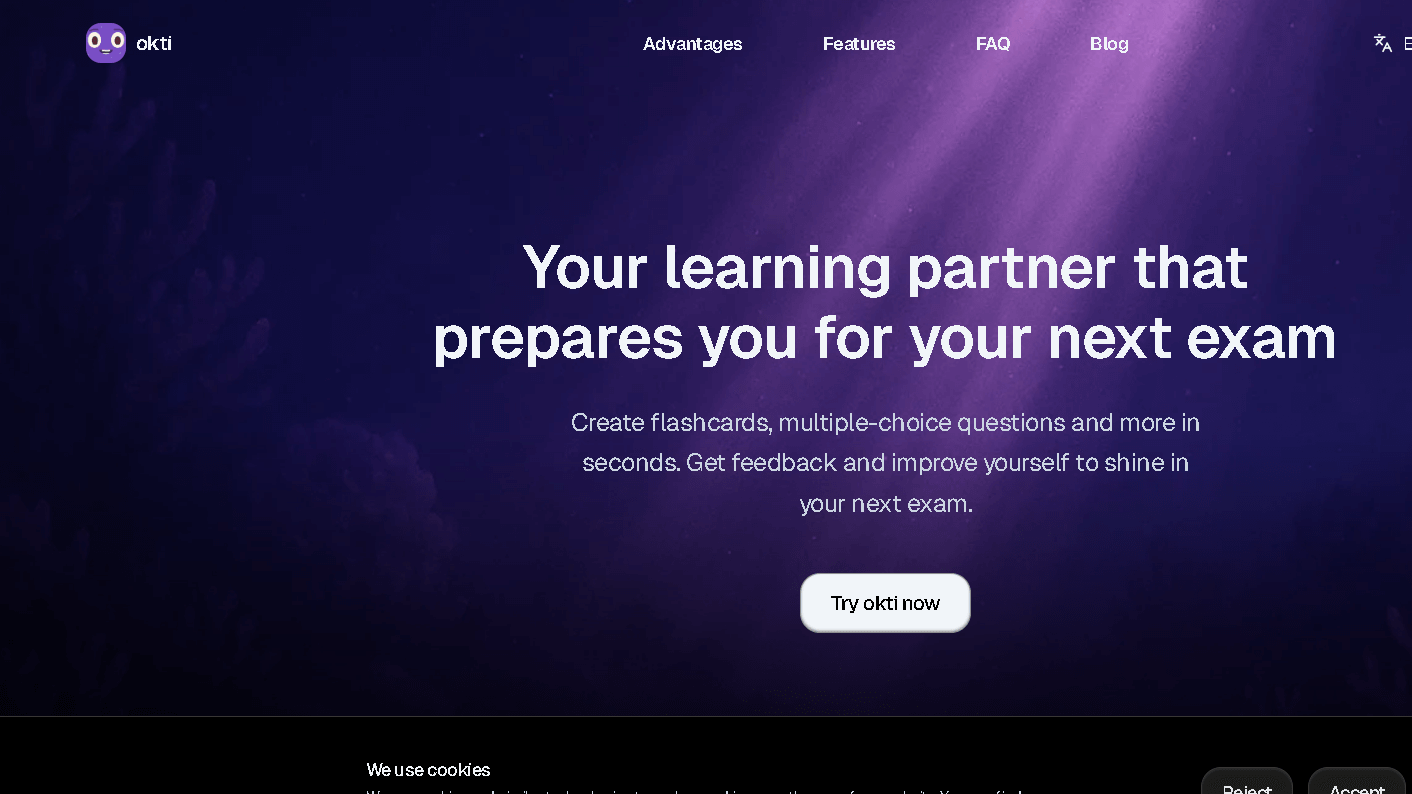
Okti lets you convert notes, articles, and slides into easily readable study materials in minutes. You can create summaries, flashcards, and quizzes from files or links on the web as well – which is pretty cool.
The interface remains straightforward so you are not wasting your time trying to figure it out. It accepts PDFs, webpages, and pasted text so, again, you’re not restricted by format.
You choose the level of output detail and tone, quick review, or deep dive. Okti will also help you to stay organized in topics and decks, thank goodness if like me you are disorganized.
2) Notion AI
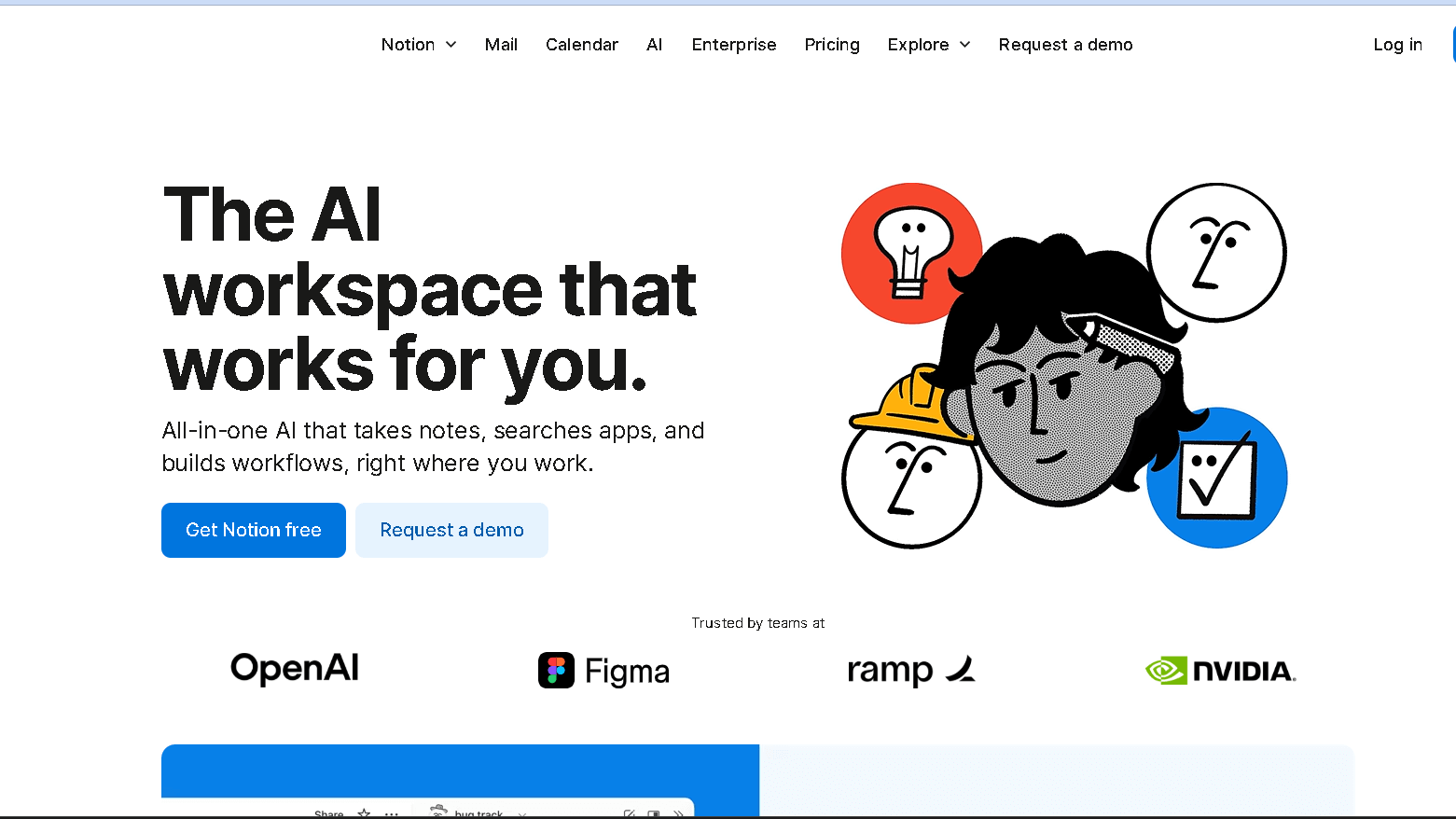
By using Notion AI, your notes can be summarized briefly through study questions, or even a draft of a short essay . Since it resides within Notion, all your writing, notes, and tasks remain in one neat location.
Flashcards, text simplification, and idea expansion are a click away and you have a free trail. It’s particularly effective for short, clear prompts – you won’t get magic if you make a vague offer.
The edits are all in your power to accept, tweak, or ignore as you see fit. That way you are actually learning from the AI output rather than just mindlessly copying .
3) Turbolearn AI Alternative-StudyFetch
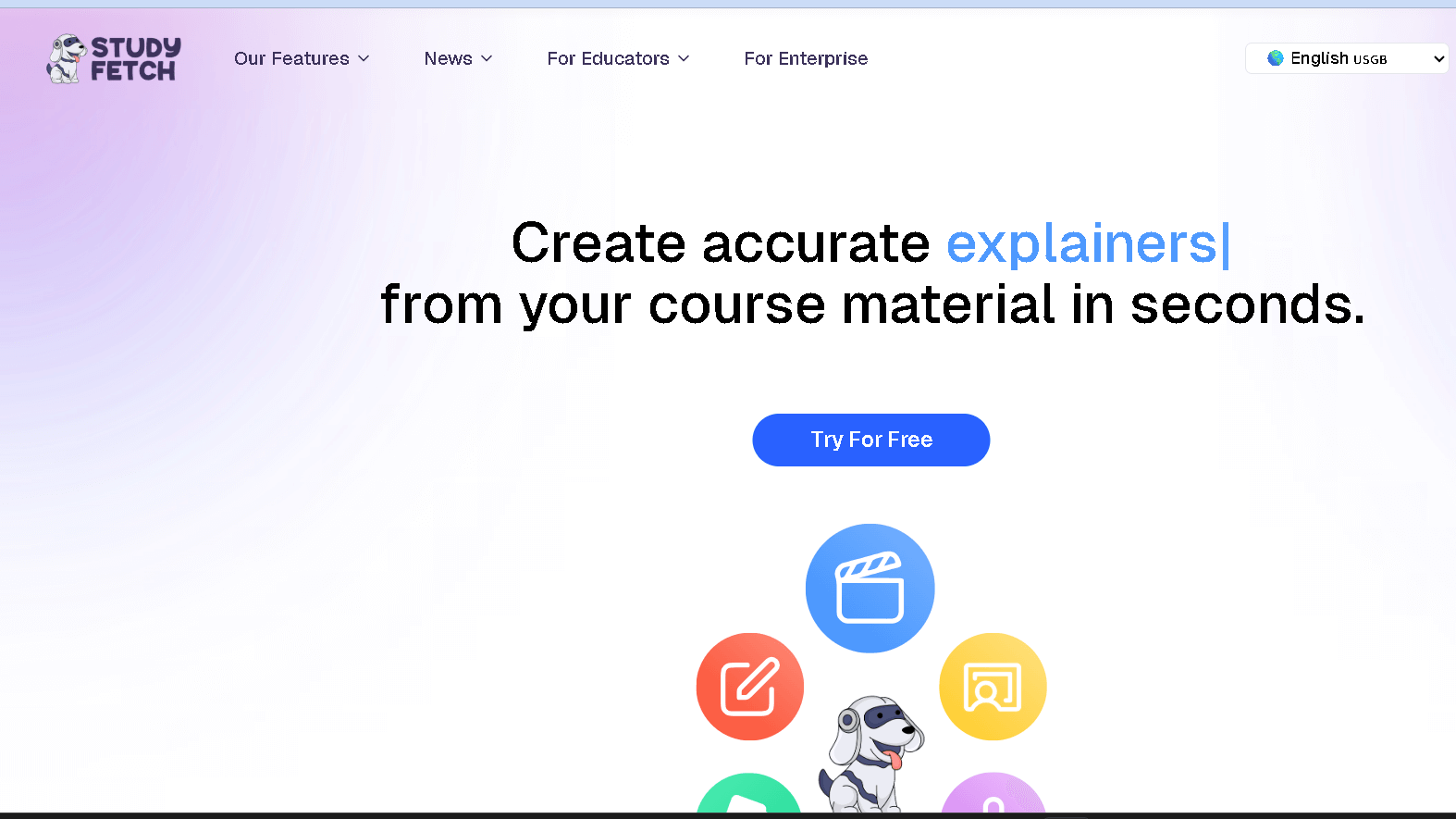
StudyFetch allows you to input notes, articles, and textbook chapters in order to streamline and synthesize them into summaries and key points. Just paste, or upload the text and it will bring out main ideas for you – more reading accomplished in less time.
You determine the length and commitment of the piece. Ask for bullet points, a short paragraph or even exam-style questions if that’s your thing.
It’s a user-friendly interface, and you can get going without a manual. It’s a good complement to flashcard apps if you’re interested in transforming your summaries into review-cards.
4) Quizlet AI
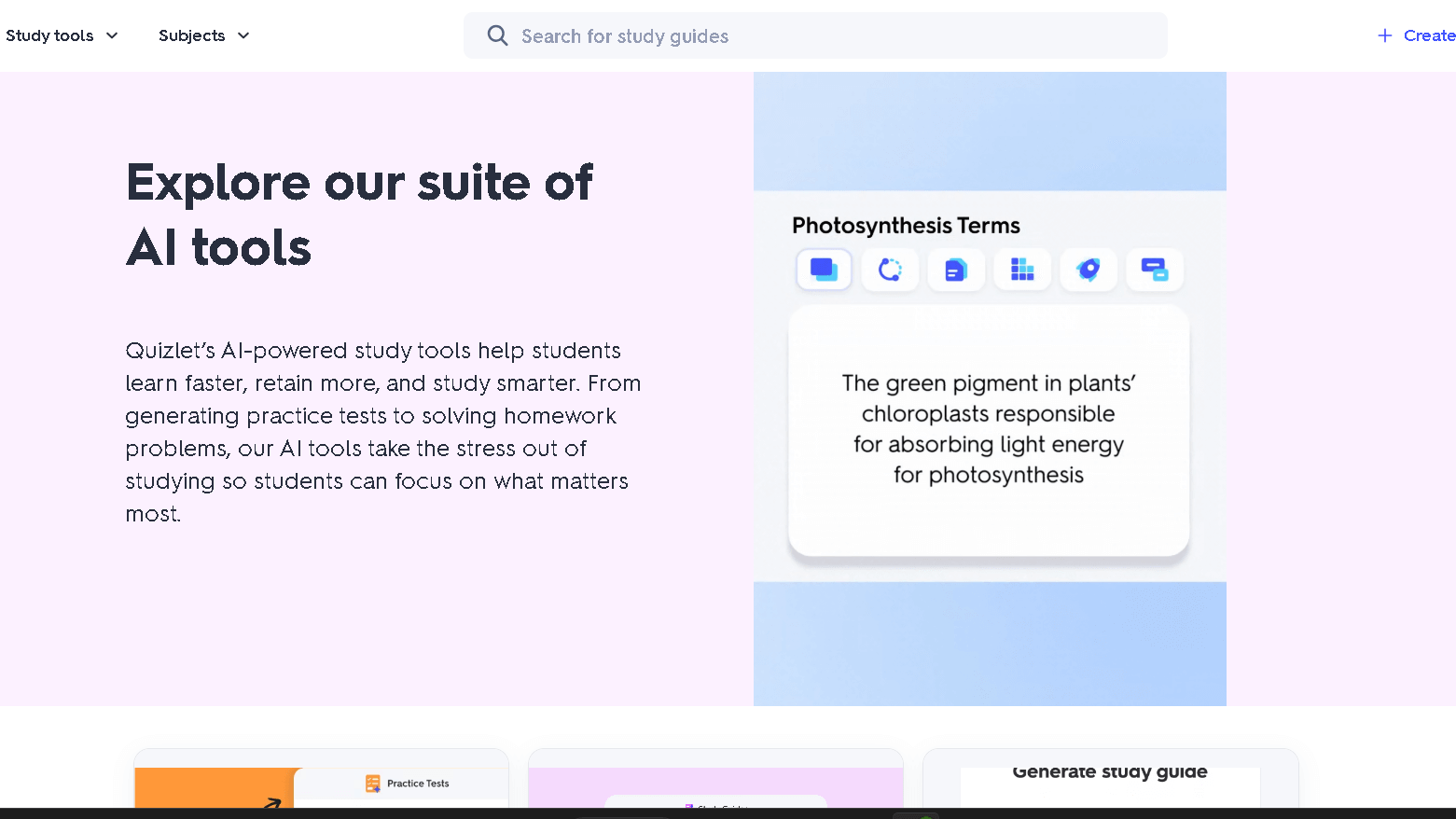
Quizlet AI will automatically convert your notes into flashcards and practice tests in seconds. There are also automated cards and quizzes you can create about all of the keywords, definitions, and concepts.
The site features study modes of flashcards, learn, and test. They also follow your mistakes so you spend more time on your weak spots – fairly smart.
Quizlet AI is image and diagram friendly so you can study from images as well as text. Form study groups, or purchase in a class set to share with classmates / friends.
Their free plan provides you with some of the fundamental AI capabilities, but advanced offers and specific content types are limited.
5) Coggle AI
You can create mindmaps in the turn of an idea with Coggle AI. Drag branches, incorporate images, and let the AI develop points or generate summaries from a central idea.
You manage placement and linking so your notes remain easy to scan. The AI accelerates brainstorming but you control what is plotted on the map.
Coggle offers basic mind-mapping and some AI in their free plan. Paid tiers handle if you require larger maps or additional export options.
It’s fantastic for breaking down difficult concepts into simpler components. I would use it for outlines, some planning or perhaps as a quick revision pad.
6) Mem.ai
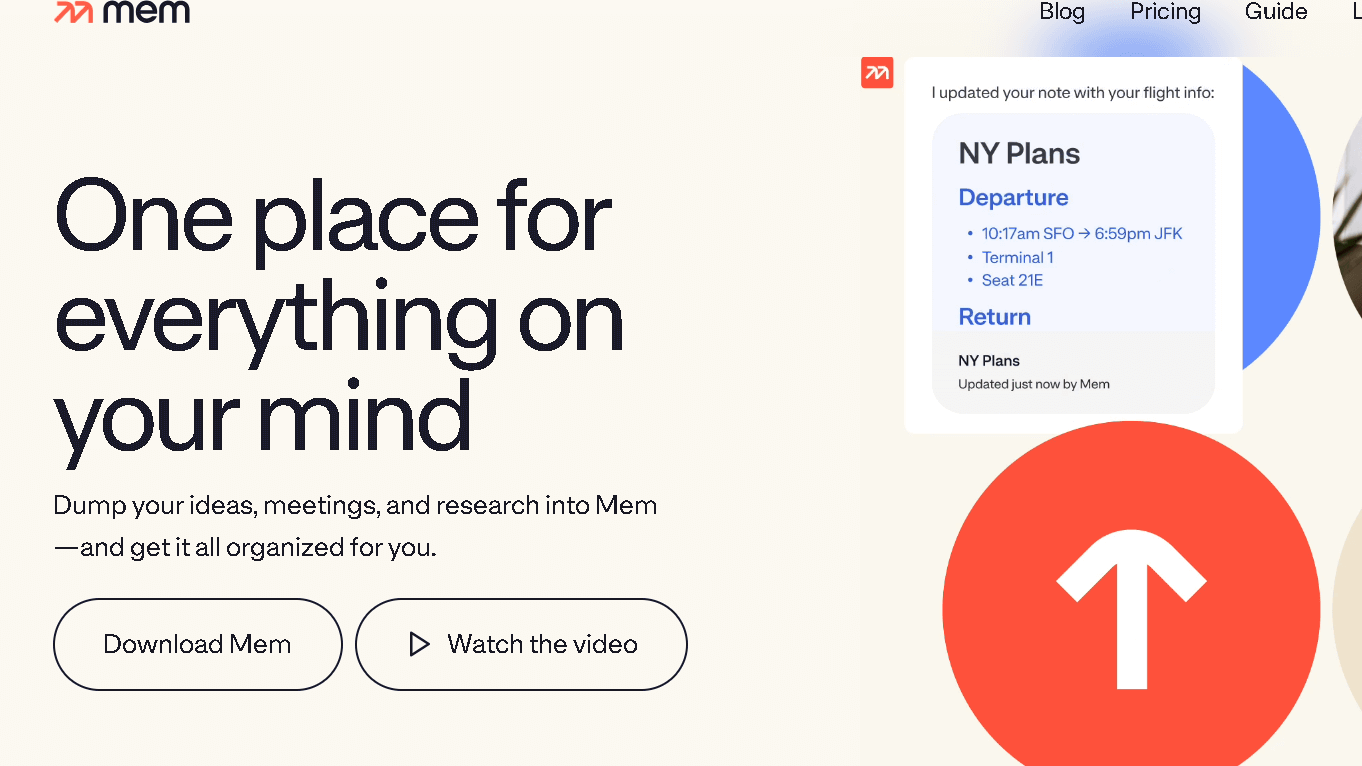
Mem.ai allows you to easily record notes, ideas and study materials. It also tags and searches your stuff with the smartest of them so you can actually find things later.
It provides AI summaries and recall prompts to help turn notes into content ready for studying. These features are time-saving, but you will also want to double check the AI’s work.
In the free tier you get some note taking features, search, and some AI help. $ sign plans get you more integrations and larger AI limits if you require them.
Consider syncing Mem.ai with your calendar or paperwork apps to compile study materials and deadlines in one place. That way the relevant notes are available to review as needed.
7) Flashcard Machine
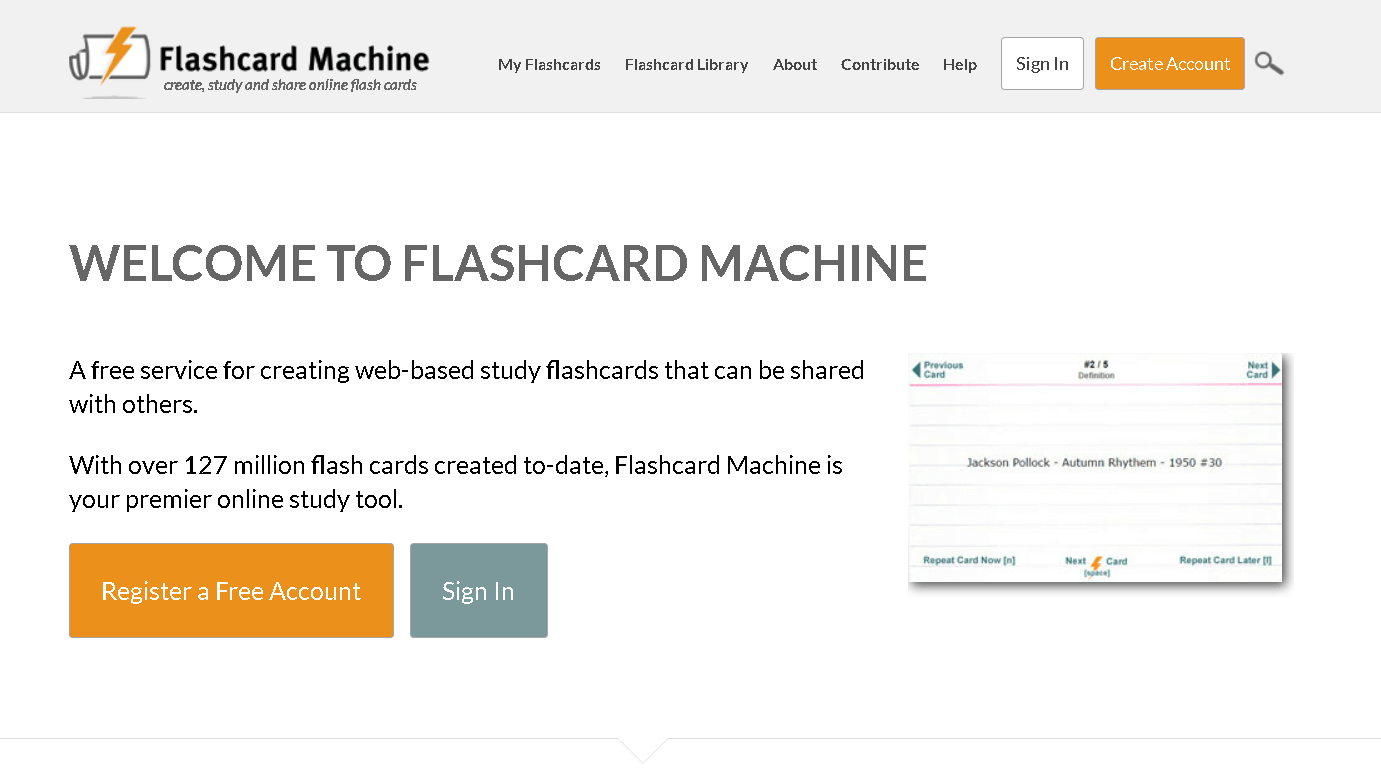
Flashcard Machine is a no-brainer create and review electronic flashcards. You can also add your own text, images and audio to each card for more informative study sessions.
Look up shared sets contributed by other users if you don’t want to do the work from scratch. Decks can be kept private or shared with classmates – you are in control of your privacy.
It is browser-based and mobile friendly with responsive pages. Nothing super exciting as far as AI generation, but it’s a reliable no-frills flashcard tool and is generally suited to most study styles.
If you like to study in a group, encourage others to use or modify decks. This is nice for cooperative work or for reviewing as a class.
8) GoConqr AI
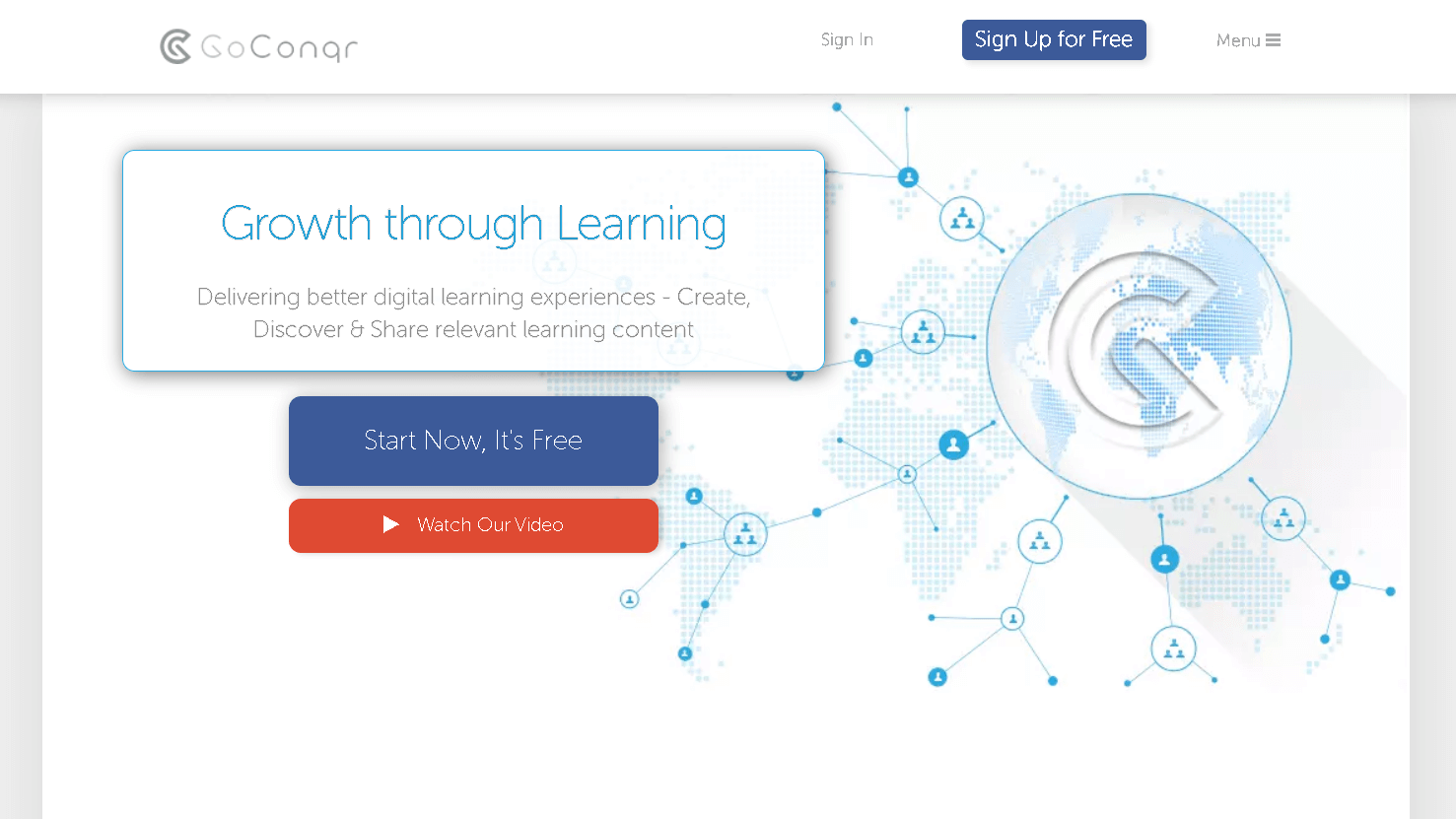
Use your notes to also create mind maps, quizzes and flashcards via GoConqr AI. Paste in text or type directly and the AI will provide layouts and questions sets based on the text you provide.
You control the degree to which the AI transforms your text. Modify your flashcards, modify the difficulty of your quizzes, or edit your mind-maps to your liking.
The basic plan is free with basic functionality good for light use. If you need more, they offer paid plans with more storage and options.
It is a helpful technique to convert lengthier notes into brief items for review. Revision becomes quicker, and you can keep your study materials organized.
9) RemNote
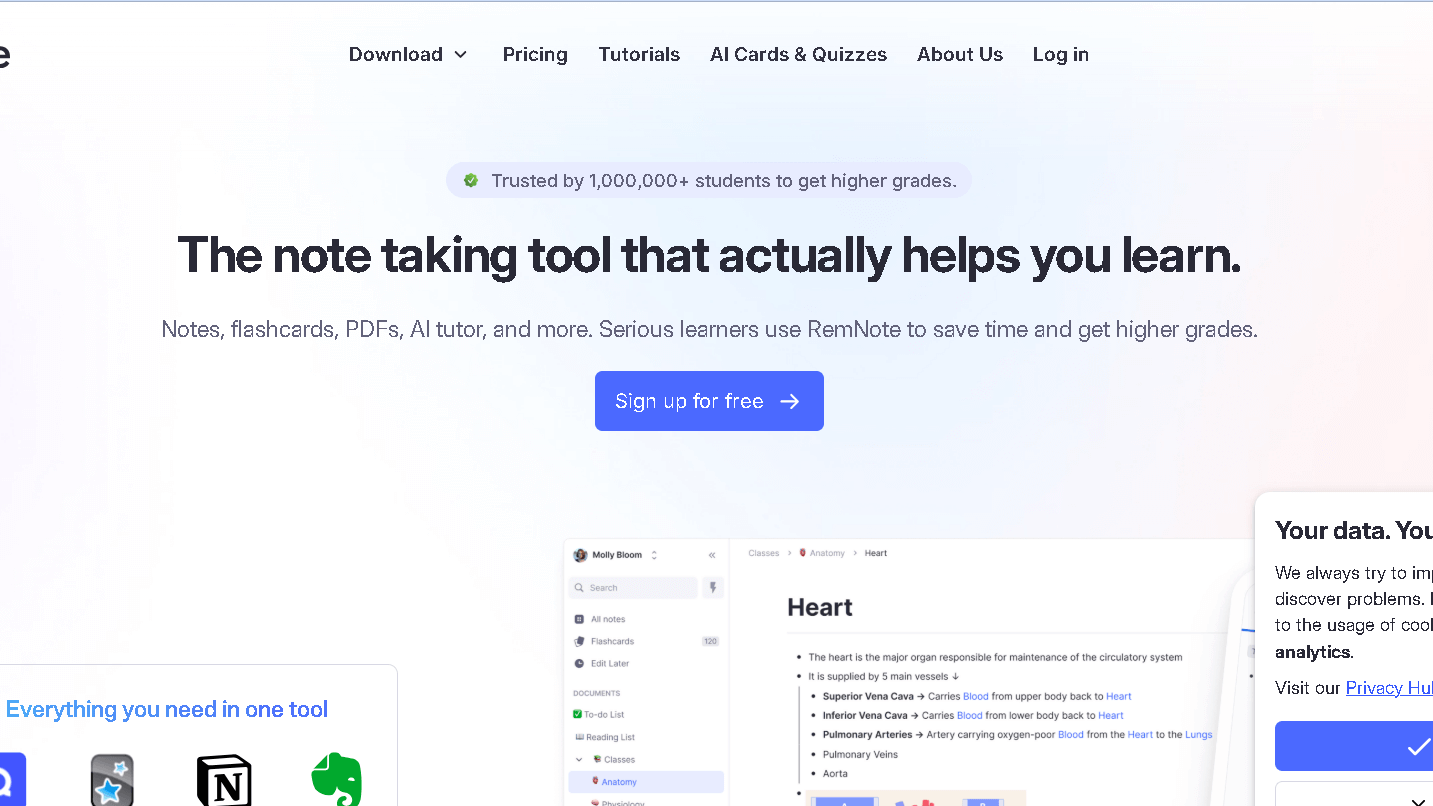
RemNote allows you to take more structured notes and turn them into flashcards . It cross-references ideas with backlinks, and employs spaced repetition to refresh your memory.
The free version includes basic spaced-repetition, printed flashcard creation and hierarchical structure in a note. It is a good option if all you wish is one application for learning and long-term memory and you don’t have the money to pay it all in the beginning.
RemNote also has support for templates, backlinks, and custom tags to keep things neat. You can also make the knowledge into flashcards for active recall – very useful for exams or developing a personal knowledge base.
If you require those more advanced features such as priority queues, or synced PDFs there are paid levels available. But, many students have found even free versions to be more than sufficient to assist in retention and accelerate the revision process.
10) Turbolearn AI Alternative-Anki
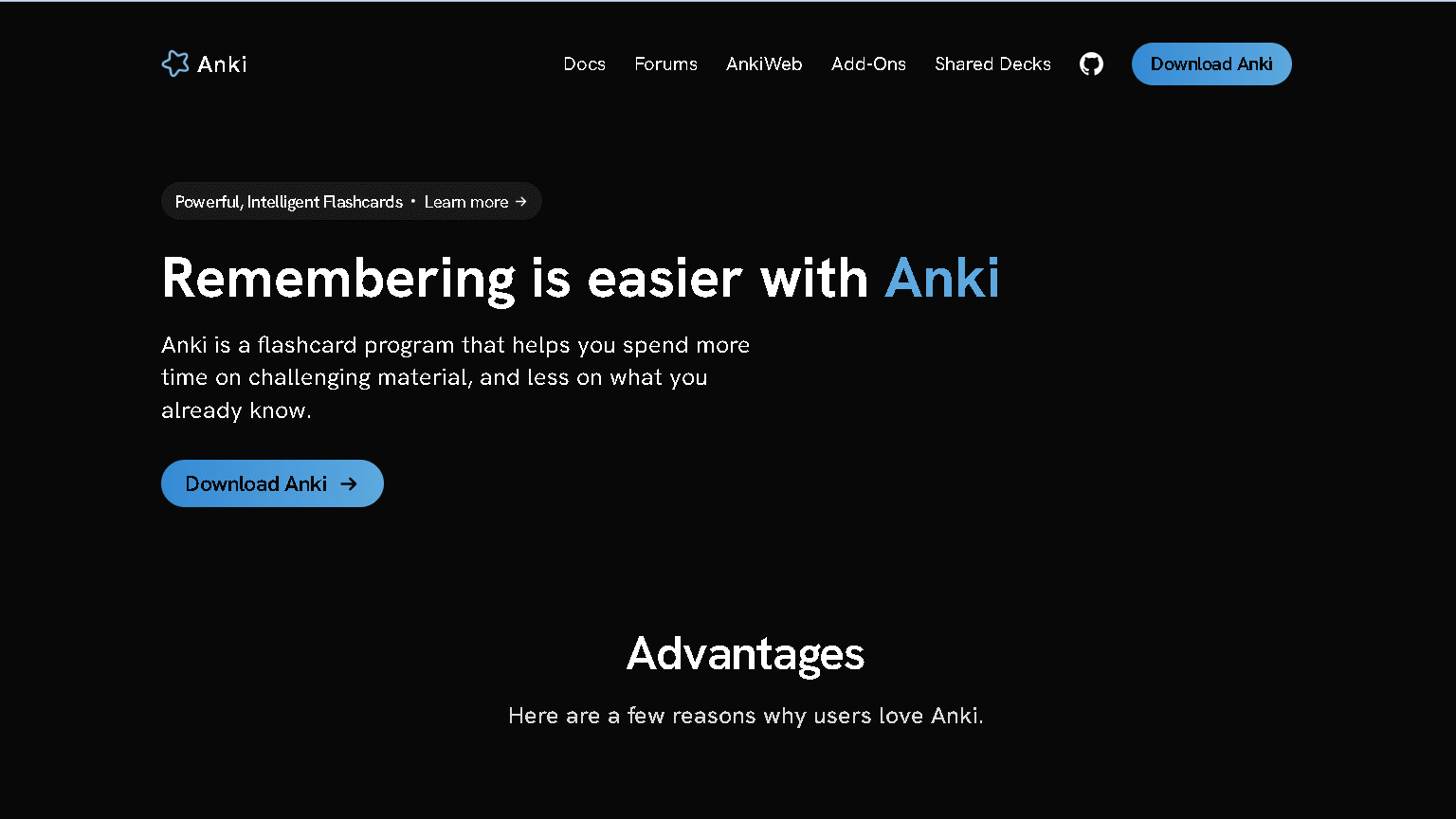
Anki uses spaced repetition flashcards to help you learn. Users can create their own or download public decks made by others.
You have control over card content, format, and review settings. This just makes Anki incredibly versatile for whatever, vocab, facts, formulas, you are trying to learn.
You can use the core app on the desktop and on Andriods for free so you don’t have to feel like you are forced to get a subscription. The iOS app does cost but syncing across devices is still optional and straightforward.
Anki is highly customizable with add-ons that provide card styling, image occlusion, stats etc. If you are fan of DIY experience and you are interested in memory science then Anki is definitely a good choice.
Key Features to Consider in Free Turbolearn AI Alternatives
Seek tools that in practice provide you with correct synopses, study guides and that don’t clutter up your workflow. Just give it a try and see how well it “gets” your notes, how easy it is to use on a daily basis, and how it fits with your other apps.
Performance and Learning Accuracy
Choose concise models that can make good summaries and flashcards from your notes. Put them to the test yourself with a couple of class notes – will they preserve crucial information, dates, formulas, or vocab?
For me, when I care about something being accurate , I’m interested in seeing the use of equations , code, or domain specific language for example. Be aware of hallucinations – AI can hallucinate. Choose ones with source text or editing capabilities prior to saving.
Speed can be problematic. A few have free plans that will make your study feel slow or that will queue up tasks when the site is busy.
User Interface and Accessibility
You don’t want to waste your time, so choose the blend with good interface, simple to use. The editor must allow you to paste, upload PDFs, or even highlight text without having to go hunting through menus.
Easier one-click creating flashcards or summary features are a time saver. If you study while on the move, examine mobile and browser support. Keyboard shortcuts and also dark mode for long sessions.
If you do require text-to-speech, or larger or high contrast fonts, these are significant options. Often times free plans relegate the fancy UI stuff to the paid version – just be sure the basics are all there.
Integration With Other Tools
Find tools but look for ones that can export to the apps you already employ to study or store information. Seek direct sync or easy export to Google Drive, Notion, Anki, or your LMS.
CSV or Markdown export means it’s easy to take your notes with you if you ever decide to use some other app. API access, as well as browser extensions for quickly grabbing text from web pages and PDFs.
Note the restrictions the free plan places on integrations.
Often there is a maximum number of connected accounts, or maximum number of automations.
Limitations and Privacy Implications
The alternative to that is a free version that has stripped down features, has usage limits and gathers some personal information in order to be able to function. You could end up hitting to daily caps, getting lower quality outputs, or you could just run into data-sharing policies you’re not wild about.
Common Restrictions in Free Versions
Free plans often have a daily usage maximum. These could be in the form of limits on summaries, flashcards, tutor sessions.
Speed and quality of the models can decrease, with results adopting lower or older models. Feature locks also apply – for instance exporting notes, advanced formatting and Google Drive integration may require a certain plan.
The ads and upgrading reminders get sort of in the way of what you are trying to do. You also miss out on the customization: a personalized study plan, the ability to schedule spaced-repetition, and multi-file uploading is often reserved for paying users.
Data Security and User Privacy
Free tools may charge you by using your data to train models or in some other revenue-generating way. They could record your keystrokes, the times and dates you use it, and the type of device you are on.
Examine the privacy policies for what they do with your data – do they train models, do they share with third parties. Ensure there are explicit policies on what to retain and delete. Some services will keep your content indefinitely unless you request it to be deleted.
Some are also deidentifying data, but the techniques vary and sometimes you can still be identified. Security and safety features are not all created equally- look for HTTPS, encrypted files, and two factor authentication.
When uploading homework, photo ID, or sensitive notes, consider free tools to be less secure than enterprise level and paid for web platforms.
Frequently Asked Questions
Here are some quick answers about free tools, trial options, and community picks. You’ll find steps to try each tool and what to expect from the free versions.
What are the best free alternatives to TurboLearn AI?
Okti AI Study Assistant gives you AI flashcards and quizzes with a student-friendly interface. Notion AI adds summarization and note generation inside a workspace you control.
StudyFetch generates practice questions and summaries from text inputs. Quizlet AI provides AI-powered flashcards and test modes similar to TurboLearn. Coggle AI creates quick concept maps you can use as study outlines.
Does AI Blaze offer similar features to TurboLearn AI at no cost?
AI Blaze appears in comparison articles, but it’s not the same as TurboLearn.
How can I access a free trial of a learning platform similar to TurboLearn AI?
Head over to the vendor’s website and poke around for buttons like “Free trial,” “Try free,” or maybe “Student plan.” Notion AI usually throws in time-limited trials or a surprisingly generous free tier right inside Notion’s workspace.
Okti and StudyFetch? They tend to hand out free basic tiers, and you don’t even have to mess with credit card signups. Just don’t forget to skim the trial terms on the product page before you hand over any payment info—it’s easy to miss the fine print.
Are there any free educational AI tools with no usage limits?
Honestly, most AI study tools slap some kind of limit on their free tiers—either on queries or certain features. Quizlet AI and Coggle AI do give you some handy features for free, but they keep the fancier stuff behind paid plans.
It’s smart to double-check each platform’s pricing or FAQ page, since limits and academic discounts change all the time. Sometimes you’ll get lucky, but total freebies are pretty rare.
Is there a comparable AI learning platform to TurboLearn AI that doesn’t require a login?
Platforms that skip login entirely? That’s a tough find, since most want to save your progress somewhere. Still, a few sites let you mess around in guest mode, maybe for quick summaries or single-use flashcards.
If you care about staying offline or anonymous, you could export tools from Coggle AI or whip up one-off quizzes on StudyFetch—sometimes you don’t need a full account for the basics. It’s not perfect, but it works in a pinch.
What platforms similar to TurboLearn AI are recommended by the Reddit community?
Reddit threads usually mention Quizlet AI for flashcards. Notion AI comes up a lot for handling notes and workflows.
People in the community also talk about Okti AI Study Assistant and StudyFetch, especially for generating questions. It’s worth digging into comparison posts and user reviews to get a feel for how these tools actually work for students.


