


Do you search for the TopView AI alternative?
You want a tool that makes fast, polished video ads and social clips—without getting bogged down in clunky editing. I’ll walk you through some strong alternatives to TopView AI so you can find something that fits your workflow and budget. You’ll see which tools give you better control, higher quality, or just smarter integrations for ad and content creation.
I’ll cover well-known options like Synthesia and Runway ML, plus newer ones like DupDub, DeepBrain AI, and VEED. I’ll point out key features and the real upsides each offers. The idea is to help you match a tool to your needs and hopefully dodge some costly trial-and-error.
TopView AI Alternative- Quick Overview Table
| Tool | Best For | Key Strength | Starting Price | Free Trial |
|---|---|---|---|---|
| Synthesia | Corporate training & multilingual content | Realistic AI avatars in 120+ languages | ~$30/month | ✓ |
| Runway ML | Creative video & image generation | All-in-one AI studio with pro-grade tools | ~$12/month | ✓ |
| DupDub | Fast automated dubbing | Quick lip-sync & multi-language voiceover | ~$11/month | ✓ |
| DeepBrain AI | Talking-head videos from text | Lifelike avatars with natural speech | ~$30/month | ✓ |
| VEED | Quick edits & social clips | Simple interface with auto-subtitles | Free tier available | ✓ |
| HeyGen | Presenter videos at scale | Fast script-to-avatar conversion | ~$24/month | ✓ |
| D-ID | Personalized video messages | Photo-to-talking-head animation | ~$5.9/month | ✓ |
| Pictory | Blog-to-video conversion | Auto-transforms long content into shorts | ~$19/month | ✓ |
| Lumen5 | Social media content | Drag-and-drop with auto scene creation | Free tier available | ✓ |
| Invideo | Template-driven marketing videos | Huge template library & stock media | Free tier available | ✓ |
1) Synthesia
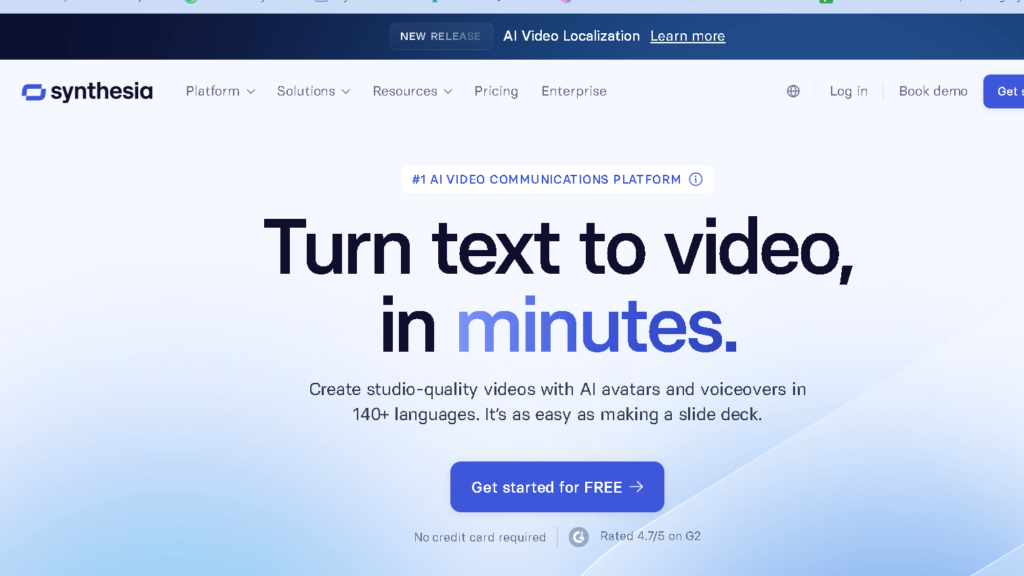
When I need professional AI presenter videos in a hurry, I turn to Synthesia. It creates real human avatars and supports a bunch of languages, so I can reach global teams without actors.
I can quickly convert scripts into videos using the editor, which is relatively easy to use. I like to use collaboration tools for reviewing and revision of the group projects.
The rendering of the longer videos is a bit slow, and some avatar customization is limited. But for training or corporate content I am a firm believer in its authenticity and reliability.
If you need a quick rundown of Synthesia’s relative status against other TopView AI competitors, Product Hunt has it.
Check out Synthesia’s Product Hunt page for user reviews and community feedback
2) Runway ML

When I need a fast, all-in-one AI studio for video and image work, I use Runway ML. It’s got tools for creating, editing, animating media, and I can switch between them all in one place.
I like the creative controls and team features. They were able to make changes to my style, resolution, and content while working together.
Runway ML is particularly helpful for quick experiments and more polished projects. I get what I want: professional quality options; no big production crew required if I want results in cinema.
Browse the Runway ML showcase for creative inspiration and real-world examples.
Read verified user experiences on Runway ML’s G2 review page.
3) DupDub

Next TopView AI alternative is DupDub. DupDub is my go-to for automated, fast dubbing on short videos. It converts text to speech and matches the lip movements which saves me a lot of editing time.
I like to have multiple voices and languages available. That’s great for other audiences with no voice actors.
The middle of my workflow is usually importing a script and ending with a synchronized audio track. It is a simple interface, and I can make small adjustments and change timing when necessary.
If you prefer more creative control, DupDub might be a bit more limited than full editors. Yet it’s strong enough for marketing clips, social posts and quick translations.
Compare pricing and read ratings on DupDub’s G2 profile.
4) DeepBrain AI

I can make realistic talking-head videos out of text with DeepBrain AI in no time. Its avatars are realistic and its voice is natural, making it ideal for tutorials, announcements or customer messages.
I use the template tools and simple editor to cut down on editing. Avatar quality depends on your plan, so I select features according to the output I need.
Pricing and business terms can be confusing, especially if you want custom avatars or even better voices. Alternatives to TopView.ai can be found at
This DeepBrain ai review offers more information.
Find enterprise reviews on DeepBrain AI’s TrustRadius page.
5) VEED
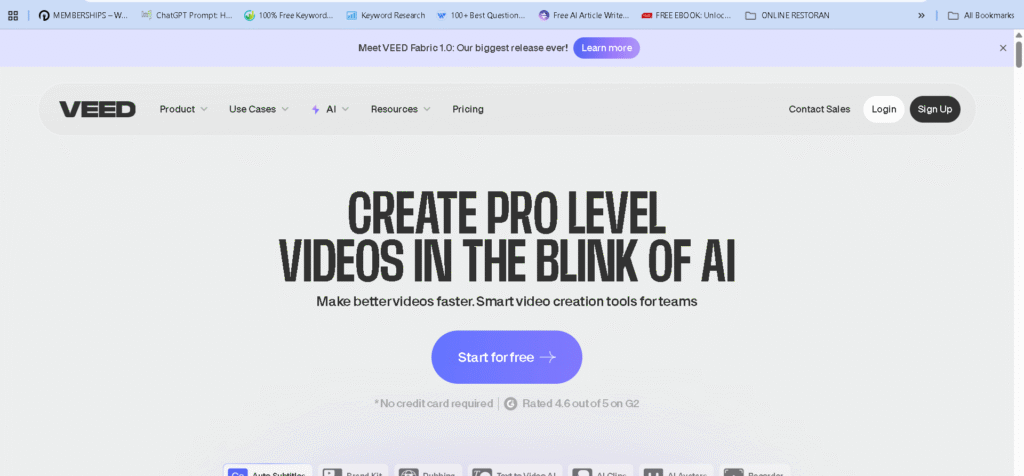
When I want quick edits and very intuitive AI tools I use VEED. This is a clean, easy to use interface so I can cut clips, add captions, and export quickly for the most editors.
VEED’s automated subtitles are good enough for quick drafts. I also like the stock media and templates, because they are not resourced to dig.
If I need more advanced generative features, I’ll pair VEED with something else. It’s great for social clips and marketing videos but not really for serious film.
This VEED review contains information about VEED.
6) HeyGen Video Agent

HeyGen Video Agent is great for making real talking avatars in short time. It has great facial motion and clear words—in case I need a human-like presenter but can’t afford actors.
The script-to-video and template features are very simple; I copy and paste, choose an avatar, and get a final clip in minutes.
I prefer to control my voice and my timing and the platform supports multiple languages. That’s useful for global campaigns and quick localization.
It depends on plan and pricing, so I always check minutes and avatars before diving in. HeyGen Video Agent is a good bet for teams who want professional, avatar-led videos with minimal fuss.
7) D-ID

D-ID is especially helpful when I need real talking-heads from photos and scripts. I don’t hire real people for quick projects as they do the facial animation and lip-sync look pretty natural.
Personalization tools are also a plus for one to one video messaging. They’re good for tiny campaigns but they can add up when the volume increases.
The avatar and voice selection is fine and it supports several languages which is good for regional content.
I compare D-ID to TopView and Synthesia if I want more editing features or with different prices. I look at roundups on D-ID and other AI video tools for a close look.
8) Pictory

Pictory is an excellent way to quickly turn long articles or webinars into short videos. It writes key words, matches stock images, and adds captions—perfect for social sharing.
The editor is a quick way to get an appealing clip when I need one. It does not replace professional editors for fine-tuning, but it saves time on the laborious work of drafting early drafts.
Pictory shines when I have clear scripts or transcripts ready. That keeps the video clear and readable.
When I am looking for alternatives I compare voice options, template variety, and export quality so that I can choose the correct tool for each job.
9) Lumen5

Lumen5 is my go-to solution for turning blog posts and scripts into short videos on the fly. It saves me a ton of time with the drag and drop editor, an auto scene editor, and the media library with clips and images.
The AI-aided text-to-video flow is also great for quick promotional or explainer notes. It isn’t a fit for complex projects, but it works well for social posts and quick explanations.
See community feedback on Lumen5’s Product Hunt page.
10) Invideo

I use invideo when I need quick, template based video edits. Because there are so many ready made templates and I use a drag and drop editor to create projects, I can do much more quickly.
I use Invideo for short marketing clips and social posts because of stock media and text animation. Editing is always quick, so I can concentrate on message and timing rather than getting lost in technical stuff.
I’ll look elsewhere for more advanced AI or cinematic generation.
Read verified reviews on InVideo’s Capterra.
Key Features to Consider in a TopView ai Alternative
I value good, measureable outputs and smooth connections of tools. You can choose features that give you testing on creative effectiveness, track ads spend and link your video tools to your ad stack.
Data Analytics and Reporting Capabilities
I want dashboards with video-level metrics of view rate, click-through, watch time, and conversion lift. Raw CSV export and API access are crucial when I perform A/B tests or send results to a BI tool.
Good tools include time-series charts and cohort views so I can spot creative decay or audience changes. I like p-values or significance indicators when compare variants because I don’t want to eyeball charts if I can’t.
At least I would like conversion tracking associated with ad IDs, UTM parsing, and cost-per-action breakdowns. Further reporting includes the predicted ROI per creative and automated cutdown or variant test suggestions. This way I can take data-driven calls without waiting.
Integration With Other Marketing Tools
I want native connectors to Facebook, Google Ads, TikTok, and LinkedIn for uploading ads directly and synchronizing performance. Uploading CSV manually takes time, so I look for sites that have OAuth links and syncs.
I need integrations to CRM and analytics platforms such as HubSpot, Salesforce or Google Analytics so that I can integrate creative data with customer journeys and LTV.
I also want workflow hooks: webhooks, Zapier, or a public API to automate creative pushes after approval. If templates are supported I would like them to accept dynamic fields from my product feed or ad copy database. This saves on manual edits and maintains consistency in campaigns.
Benefits of Using Alternative Solutions
Here’s what you actually get from switching: lower per-video cost, more predictable scaling, faster support, and more control over templates and branding.
Cost Efficiency and Scalability
I always look at pricing models for savings. Many other solutions are priced per seat, per video, or with tiered subscriptions. Using a plan with bulk video credits or pay-as-you-go pricing will cut your cost per ad by 30-70% compared to the high flat rates for high platform prices, especially if you are doing big ads.
Cloud rendering and batch processing have allowed me to take a bunch of clips and get outputs in minutes. That saves the editor hours and takes less manual labor.
Here’s a quick checklist when comparing vendors:
- Billing type: per video, per minute, or subscription.
- Bulk discounts: credits or enterprise plans.
- Render speed: time per video for batch jobs.
- Integration: connects to ad platforms or analytics for automated scaling.
Support and Customization Options
I like fast, direct support and ability to modify outputs. Alternatives often have account managers, SLAs, or Slack channels for urgent fixes —those handy when an ad needs to change within the hour.
Customization can range from simple templated edits to detailed control over cuts, captions, and audio. I always test if a tool lets me:
- Upload brand fonts and color palettes.
- Edit scene timing, transitions, and voiceovers.
- Export platform-optimized formats (like 9:16 for Reels, 1:1 for feeds).
I prefer vendors that let me export raw projects or integrate with editors like Premiere or RunwayML. That way, I keep creative freedom while letting AI speed things up.
Frequently Asked Questions
I focus on practical comparisons and real features so you can pick tools that match your workflow. I list specific platforms, pricing cues, and feature gaps to help with quick decisions.
What are the best free alternatives to Topview AI for video analytics?
Consider Free-tier applications such as Runway ML and VEED, which offer simple video processing. Runway ML has free credits for model testing and simple object or scene detection, while VEED has basic analytics, captions, and simple exports on its free plan.
Which AI platforms similar to Topview offer live streaming analysis?
Runway ML supports real-time model inference for live video processing in limited setups. Some folks pair Runway with streaming tools for on-the-fly detection. VEED focuses more on post-stream editing than live analysis.
Can Quso AI be considered a suitable replacement for Topview AI in terms of features?
Quso AI isn’t one of the most popular solutions I covered and I can’t tell if it has as much analytics and production capabilities as it does. Tested programs such as Runway ML and Synthesia are better for those using deep scene analytics, multi-camera workflows, or enterprise dashboards.
How does Creatify AI compare with Topview AI for content creators?
Creatify AI focuses more on content generation and creative templates. It doesn’t really dive into broad analytics or monitoring the way Topview AI does.
If you’re after slick AI-generated videos, Synthesia and DupDub are honestly better picks. Their avatar and localization features outshine what Creatify brings to the table.
Are there any AI services like Vidnoz AI that provide enhanced video insights?
Absolutely. Runway ML and VEED give you more complex data. You will find objects, captions, and some basic metrics reports. But if you want serious enterprise-level analytics, you will want platforms designed for that. Generally, topview-level depth doesn’t come up in the mainstream tools but it comes up with niche analytics vendors.
What are users saying about Muk-ai as an alternative to Topview AI on platforms like Reddit?
Reddit threads are kind of a squabbling mess. Some find Muk-ai so easy to setup. Others argue that it just doesn’t deliver in advanced analytics or reliability.
Community members tend to take Muk-ai for quick experiments. If you have something to make, then they tend to refer to Runway ML or Synthesia.


