


Are you searching for a Clearview AI alternative? There’s a huge need for software with similar features, which could be better suited to specific needs or privacy issues.
Digging into other options helps me see what’s out there and how each one stacks up. It’s always good to know you’ve got choices, whether it’s for business, security, or law enforcement.
Quick Glance
| Platform | Primary Use Case | Key Strengths | Privacy / Ethics Focus | Ideal For |
|---|---|---|---|---|
| Security Center Omnicast | Video surveillance & monitoring | Real-time alerts, large camera network support | Strong access controls & footage | Large-scale security and surveillance operations |
| LexisNexis eCitation | Law enforcement mobility | Mobile facial recognition, e-citations | High data security standards | Police departments & traffic enforcement |
| InTime | Security-focused facial recognition | High accuracy, easy to use, privacy-first approach | Ethical data use emphasized | Organizations concerned with compliance & privacy |
| Clarifai | Image & video AI analysis | Custom AI models, versatile use cases | Strong data protection policies | Businesses needing visual AI |
| Trueface | Secure identity & object | Spoof detection | Balanced security & privacy | Enterprises needing customizable deployments |
| AnyVision | Public safety & surveillance | Real-time recognition in crowds, strong algorithms | Transparency & regulatory compliance | Airports, transit systems, smart cities |
| FaceFirst | Law enforcement & enterprise security | Real-time alerts, controlled image | No public image scraping | Stadiums, airports, retail, police |
| Amazon Rekognition | Cloud-based facial & object recognition | Scalable, multi-feature AI, AWS integration | Enterprise-grade security tools | Developers & cloud-native businesses |
| Microsoft Azure Face | Identity verification & authentication | Emotion detection, age estimation | Ongoing bias reduction & compliance | Businesses already using Azure |
| Kairos | Biometric authentication & analytics | Emotion, age, gender detection | Privacy-friendly, non-law enforcement focus | Onboarding, fraud prevention, UX analytics |
The right Clearview AI alternative depends on whether your priority is law enforcement, enterprise security, privacy compliance, or scalable cloud integration.
1) Security Center Omnicast
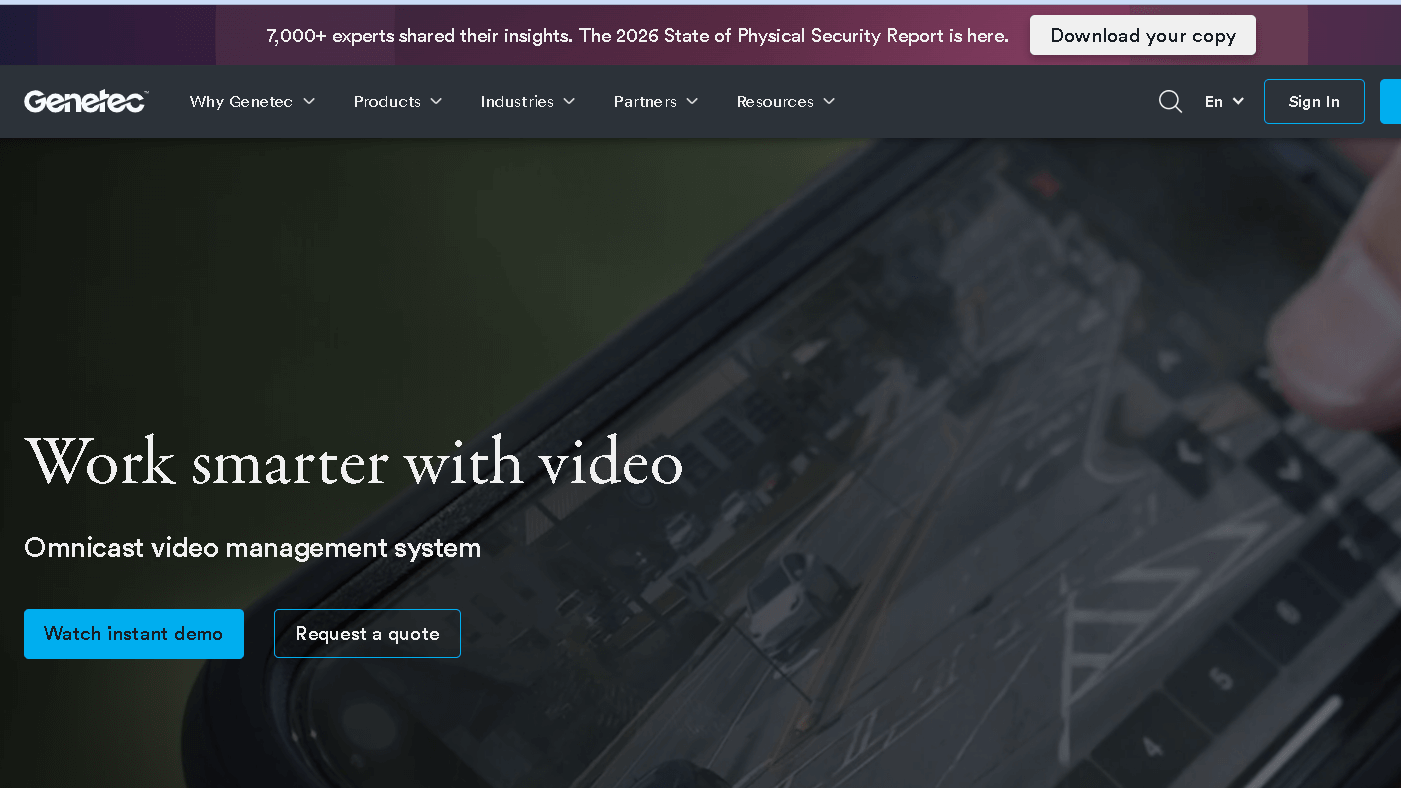
Security Center Omnicast stands out as a viable option to Clearview AI particularly when you’re interested in video surveillance. It’s designed to help users control and monitor the video feeds without a lot of trouble.
The platform lets you connect with numerous security and cameras which makes it ideal for large surveillance systems. Alerts in real-time and comprehensive reports are a an integral part of improving your awareness of the situation.
Privacy is a concern as well, and Omnicast offers a variety of options regarding who is able to access the footage and how it’s kept. It’s an excellent option if want to be cautious when it comes to security technology.
If you’re looking for something that can balance video monitoring and data security, Omnicast deserves a look. The Omnicast website provides a comprehensive comparison to Clearview AI and others for those who are interested.
2) LexisNexis eCitation
LexisNexis eCitation is a second powerful Clearview AI alternative, especially for law police. It allows the ability to recognize faces on mobile devices, electronic citations and accident reporting. These features allow reporting to be faster and less likely to make mistakes.
The system assists officers in submitting electronic citations, reducing on paper work and errors. This is huge in terms of efficiency.
eCitation is compatible with mobile data terminals which means officers can get instant information while they are working. It’s useful for enhancing the speed of response and understanding of the situation.
LexisNexis places a great deal of attention on accuracy and security, with the goal to reduce administrative tasks to a drain on time.
3)Clearview AI alternative InTime
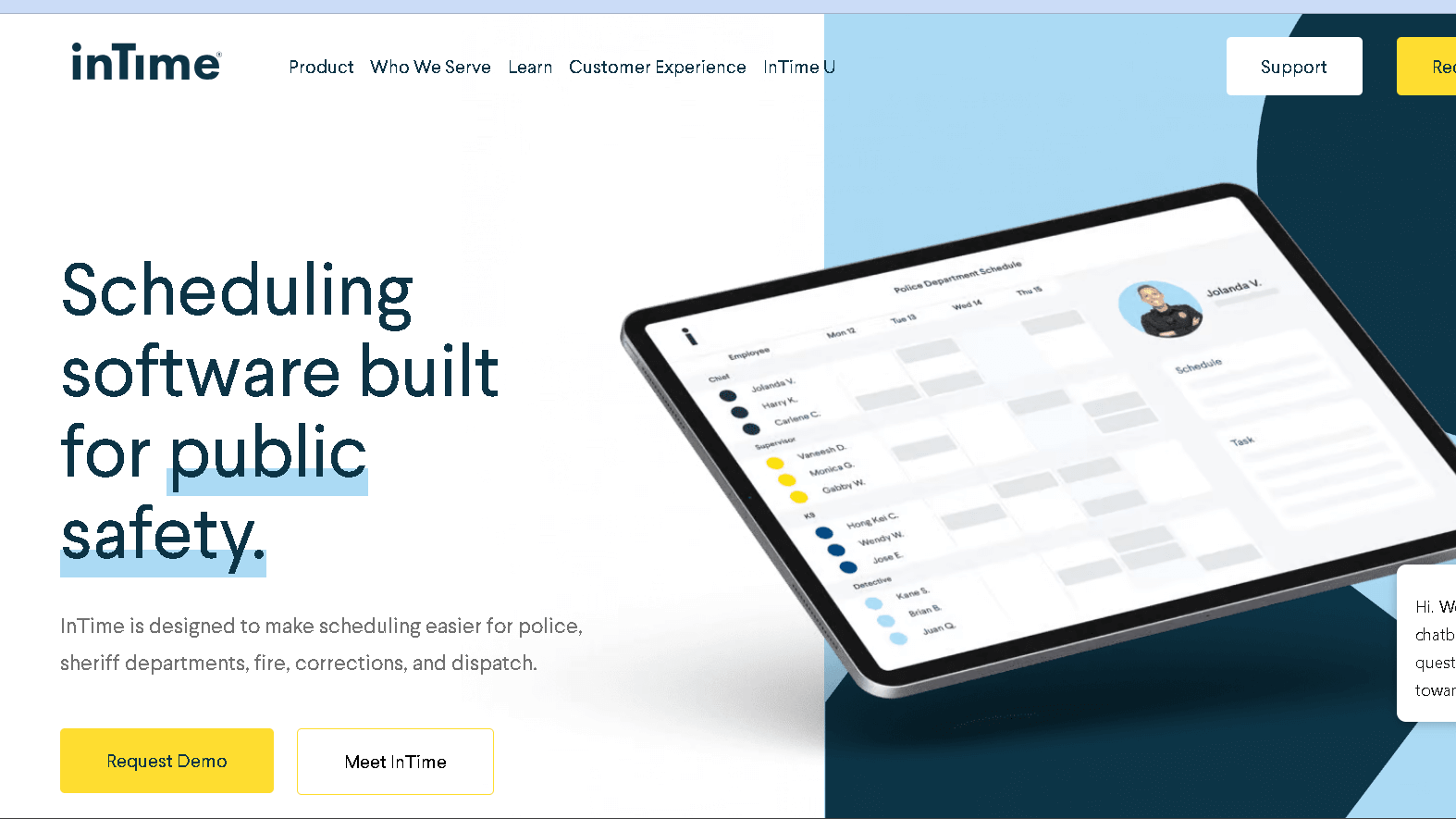
InTime is a dependable option for Clearview AI, especially for security-oriented organizations. It provides excellent facial recognition, while paying particular focus on privacy concerns.
The platform earns marks for accuracy and user-friendliness It works in various environments. I love that it is user-friendly, but not sacrificing efficiency.
InTime has less controversy as Clearview AI because it stresses the ethical use of data and protection. It’s an advantage for anyone concerned about privacy or legal issues.
4) Clarifai
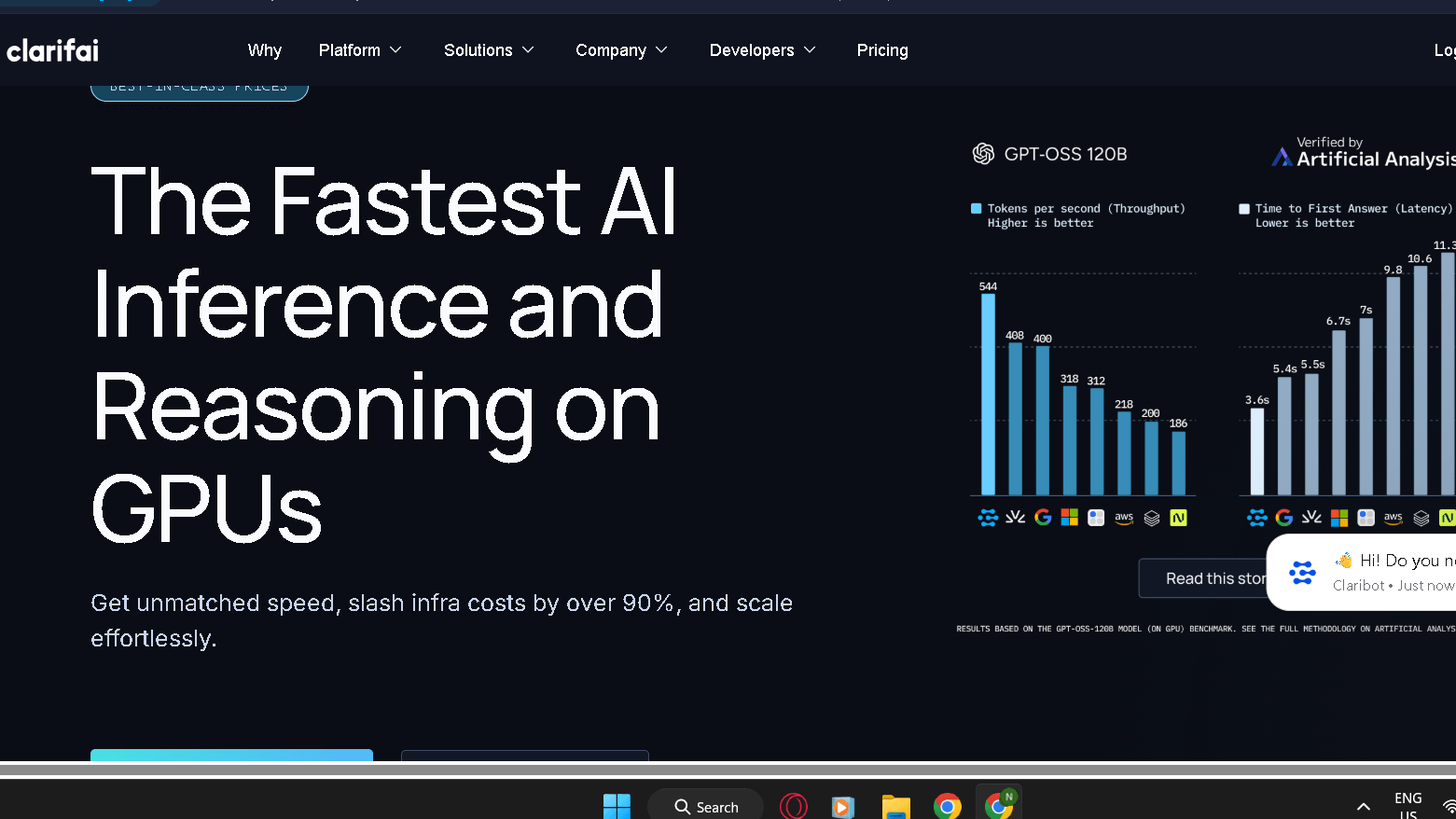
Clarifai is a viable alternative to facial recognition as well as image analysis. It makes use of AI to assist businesses in understanding videos and images with precision.
The platform allows you to create custom models, which means it’s very adaptable for various sectors. I like the fact that Clarifai can be used for everything from security to retail.
Data security and privacy are of paramount importance as well. Clarifai’s intuitive user interface makes managing your data easier even for those who aren’t highly technical.
It’s not the best solution for every scenario however, Clarifai provides reliable visual AI solutions that are compatible with several Clearview AI features. For more details, search for Clarifai review and competitors..
5) Trueface
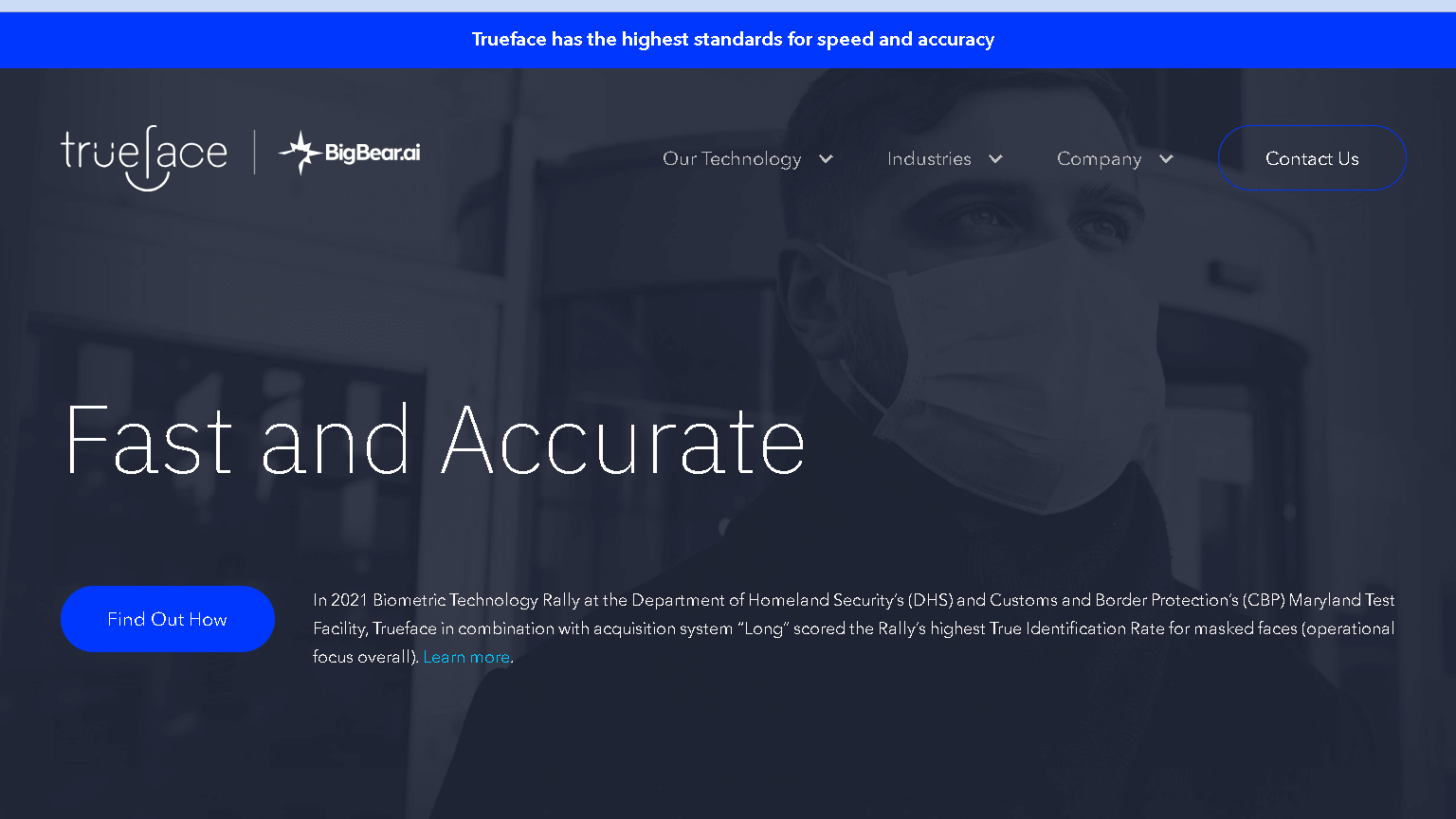
Trueface is a different option. It can perform facial recognition and object detection and the ability to mitigate spoofs, which makes it suitable for more secure environments.
You can use Trueface in a variety of ways, including using their SDKs to build custom designs or choose cloud or on-premise options. This is useful if you need choices.
The technology is tuned to real-world situations, and aims at accuracy but not compromising security and privacy. This balance is crucial to me when I’m choosing tools.
Trueface belongs to BigBear.ai A company with an impressive AI as well as data security expertise. This affiliation increases my confidence in their support for the long-term.
6) AnyVision
AnyVision is a great alternative to Clearview AI. It’s made to protect and monitor with a focus on safety and keeping privacy in mind.
The platform makes use of sophisticated algorithms to detect individuals in real-time, even when there is a lot of light or a crowded area. This is a huge benefit for areas such as airports and public transportation.
What catches my attention is the commitment of AnyVision to responsible use. They are focused on transparency and adherence to the laws governing data protection, which may ease some privacy concerns.
Integration with security systems in place is easy, which makes upgrades less of a hassle. If you’re looking to know what AnyVision, BriefCam, and Clearview AI compare, this chart can be helpful.
7) Clearview AI alternative FaceFirst
FaceFirst is a great option if you’re in search of an Clearview AI alternative. It’s specifically designed for law enforcement and business security that is accurate in facial recognition as well as real-time alarms.
FaceFirst is unique because it focuses on privacy and ethics of use. In contrast to Clearview AI, it avoids scraping public images and rely on databases that are controlled that can help with privacy concerns.
It works with various platforms and can be integrated with existing security systems. I’ve seen it perform well in stadiums, airports and in retail stores where speedy identification is essential.
Prices and features are based on scale and personalization However, it’s a an extremely competitive. If you’re looking at face recognition applications, the FaceFirst options should be considered alongside Clearview AI.
There are many additional comparisons and user reviews on sites that directly compete FaceFirst against Clearview AI.
8) Amazon Rekognition
Amazon Rekognition is a strong alternative for facial recognition and it’s a part of AWS and therefore the integration with other cloud-based tools is simple.
The software provides the areas of face detection analysis, face detection and comparison. In addition, it also detects objects and texts. This is more than facial recognition. It adds value.
I prefer the pay-as you-go pricing, which means you won’t be forced to pay a large initial bill. But be aware that the charges can be high with frequent usage.
Amazon invests in privacy and security, providing tools to help you manage and protect your information. This is crucial for applications that are sensitive.
For more in-depth comparisons between Clearview AI and others, take a look at the following Amazon Rekognition vs. Clearview AI comparison.
9) Microsoft Azure Face
Microsoft Azure Face is another reliable alternative. It allows the ability to use facial detection and verification as well as authentication as part of the overall Azure platform, making the integration process a breeze.
The API offers features such as face grouping, emotional recognition, and age estimation. It’s ideal for companies that require a scalable and secure face recognition.
Microsoft constantly updates its models to increase accuracy and decrease bias, which I like. Pricing is pay-per-use, so it’s suitable for large and small projects.
If you’re looking to validate identities or create identification systems for your customers, Azure Face is worth taking a glance at. To learn more about alternatives, check out the Microsoft Azure Face API alternative discussion.
10)Clearview AI alternative Kairos
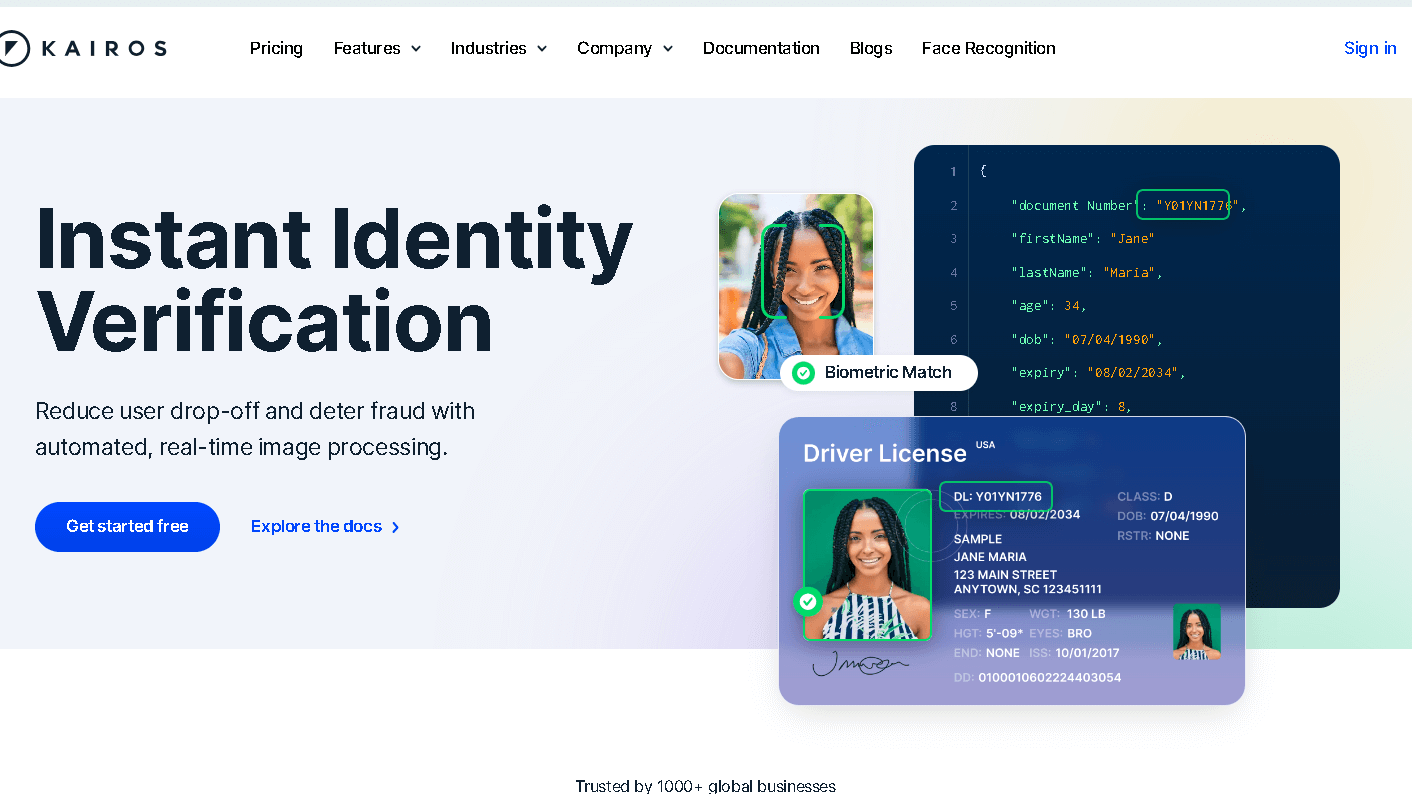
Kairos is a solid contender to consider if you’re looking for a different option for Clearview AI. Kairos makes use of AI to recognize facial expressions, emotions, gender, age, and gender detection. It’s therefore beneficial beyond ID checks.
Kairos insists on biometric authentication and identity verification. It’s beneficial for companies looking to reduce the risk of fraud and speed up onboarding.
In contrast to Clearview AI, Kairos leans towards user and business security and not law enforcement. I like the fact that it is able to balance accuracy with privacy, which means fewer ethical issues for most businesses.
For more information, visit Kairos’s alternative options and online comparisons.
Key Features to Compare in Clearview AI Alternatives
When selecting the right facial recognition software, I pay attention to the things that are crucial: usability, security, and reliability. The way software handles personal information, as well as its accuracy and how it integrates into existing technology configurations, is on my list of priorities.
Data Privacy and Compliance
Security of data is always my main worry. I scrutinize the way companies store, collect, and process facial photos. Secure encryption and strong access controls are a must to protect sensitive information.
I also take a look at whether the solution is in line with the laws of the GDPR or CCPA. Businesses that clearly state their privacy policies and demand user consent earn marks from me.
Transparency regarding the source of data and the use of data is an important issue. I avoid tools that scrape images and use them without permission. It’s not worth the risk.
Accuracy and Performance Benchmarks
The accuracy of my calculations is crucial to me. I would like to see verified figures for performance, such as false positive rates, match speed, and so on. A high level of accuracy reduces time and eliminates difficulties in the field.
I also look at the way in which the system handles difficult scenarios like odd lighting or faces that are not fully visible. Some platforms offer independent results from tests or feedback from users that help me assess the real-world performance of the system.
Speed is also important. Speedy processing results in better workflows and faster decisions. I’ll analyze before-and-after scenarios if there’s data from the official sources available.
Integration and API Support
Integration that is easy to integrate can make a difference. Platforms with robust API support allow users to integrate facial recognition technology with other applications.
Good documentation and development tools help me save time and allow me to create features that meet specific needs. The compatibility with most operating systems as well as cloud services ensures that things are flexible and helps avoid vendor lock-in.
I constantly look for well-documented, flexible integration options that fit my current configuration and anything I may need in the future.
For more information on Clearview AI alternatives, check out the Top Ten Clearview AI Alternatives.
Challenges and Considerations When Switching Solutions
Moving between Clearview AI and switching to the different facial recognition program isn’t easy. It is important to consider if your current systems can work with the latest software as well as take a closer review of the cost and licensing. These two factors can affect how easy the switchover process is and the implications for your daily operations.
Transitioning Existing Systems
Making the switch to brand new facial recognition software means that I need to ensure it is compatible in conjunction with my tools that I currently employ. This could include databases or security systems, as well as the law enforcement tools.
If the software I’m installing does not work with my current configuration, I’m likely to encounter delays or more work. It’s a pain no one would like to deal with.
Data migration is a different problem. I must safely transfer large amounts of facial images into the system and ensure privacy.
This process usually requires IT support as well as some cautious planning. This is not something I’d like to rush through.
The training of staff members on the latest solution is essential. Each product has unique glitches and workflows.
If I do not attend regular training, my team may be slower or make more mistakes. This isn’t worth taking the risk.
Cost and Licensing Factors
If I am looking at other alternatives for Clearview AI pricing models, they remain on my radar. Some competitors make use of subscriptions, pay-per-use, or tiered plans for service, and they can be a real challenge to change my budget.
The terms of licensing are also important. Some companies limit how many users I can have or the amount of data I can handle.
Some may limit the way or location I can make use of the software, particularly to assist law enforcement. It could be a big deal dependent on my needs.
I am always looking for a clear explanation of fees. Nothing is more frustrating than the surprise of cost for services or features I thought were covered.
| Key Cost Considerations | Notes |
|---|---|
| Subscription vs. One-time | Choose what fits ongoing budgets |
| User Licenses | Count how many people need access |
| Data Limits | Check if data size affects pricing |
| Support and Updates | Often cost extra but are necessary |


